Convert email, phone, chat, social media, and web requests into tickets and keep them organized.
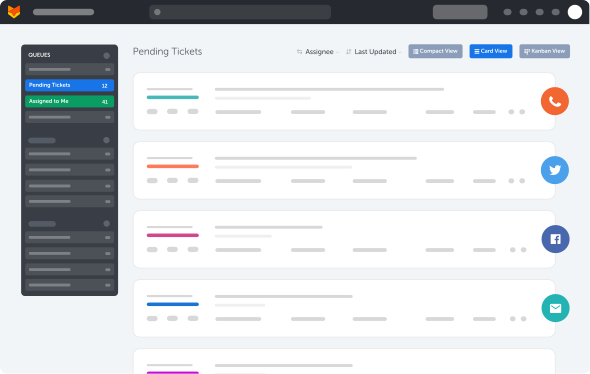
Don’t let customer emails slip through! Point your support email address into HappyFox’s support ticket system to have all incoming emails converted to actionable tickets.
Learn MoreVoice
Speak with your customers right from your Help Desk! All calls, transcripts, and recordings will take the form of a newly created ticket within HappyFox.
Learn MoreSocial Media
Want to track, prioritize, and follow-up on social media requests from one place? HappyFox lets you keep an eye on social media mentions and messages from Facebook and Twitter.
Learn MoreLive Chat
Add a chat plugin to your support center or your website by integrating with HappyFox Chat or other supported live chat widgets. Record all customer conversations as Help Desk tickets.
Learn MoreSelf Service
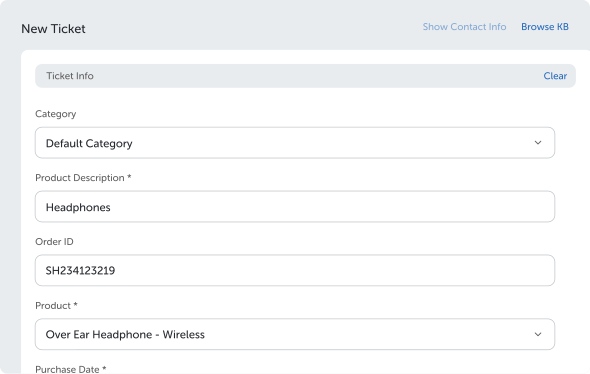
Help end users resolve issues on their own. Manage knowledge base articles and FAQs in various languages and intelligently deflect ticket creation. Build customizable new ticket forms to gather incoming service requests.
Learn MoreInternal Communication
Using Slack or Microsoft Teams to manage internal support? Enable users to create tickets and receive notifications in business communication platforms through powerful integrations.
Learn More


A ticketing system built on best practices and rated as the best Help Desk software by multiple independent industry sources.
Ticket Categories
Classify your inbound tickets into predefined categories like products, sales, support, etc., and see your omnichannel requests flow into the right ticket categories of your support ticket system.
Learn MorePrivate Notes for Collaboration
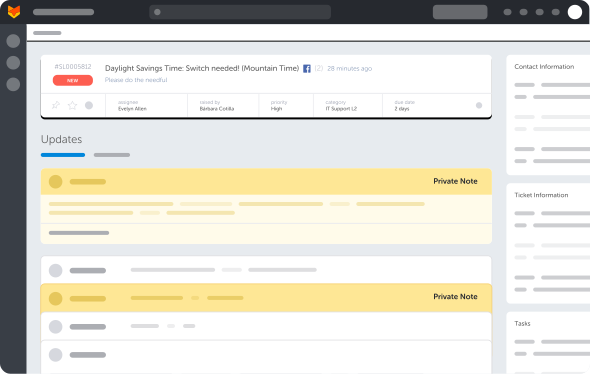
Solving a customer’s ticket often requires internal discussion with subject matter experts. Use private notes to alert your team and discuss tickets confidentially.
Learn MoreTicket Templates
You can use ticket templates to pre-fill ticket properties including custom fields. By creating multiple templates, you can simplify ticket creation for recurring issues.
Learn MoreTicket Actions
When your customers’ issues are complex, managing multiple tickets around them can be perplexing. With HappyFox, you can clone, relate, merge, or split tickets to manage complex issues & requests.
Learn MoreCanned Responses
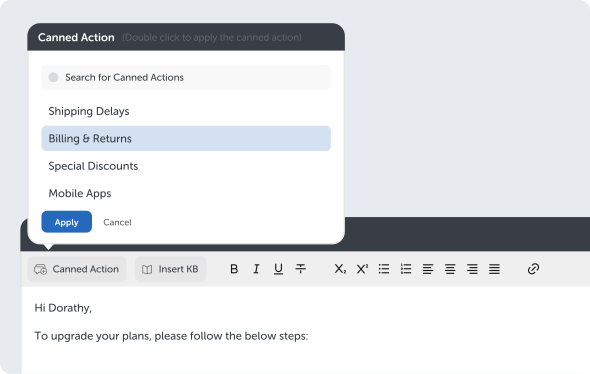
Common questions from cropping up again and again? With Canned Actions, your agents can create a predefined set of reply templates that they can send out with a single click.
Learn MoreTask Management
Break down complex tickets into constituent tasks. Create and manage all the tasks involved in resolving a ticket, inside the tickets page.
Learn MoreView a detailed comparison of HappyFox’s pricing plans
A ticketing system built on best practices and rated as the best Help Desk software by multiple independent industry sources.
Internal Knowledge Base
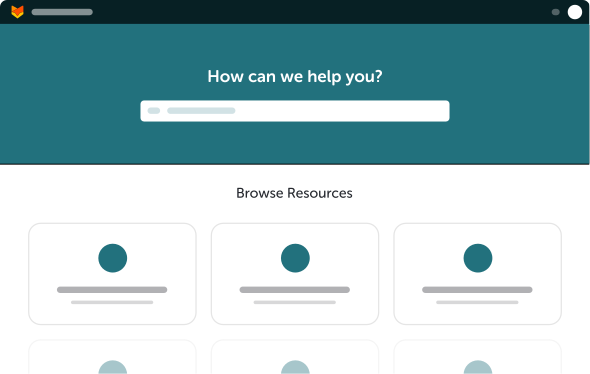
Create Knowledge base articles and FAQs for your agents or select customers. Share knowledge seamlessly and ensure rapid training.
Learn MoreExternal Knowledge Base
Create Knowledge base articles and FAQs for the general public. Enable your customers to help themselves!
Learn MoreMultilingual Knowledge Base
Create knowledge articles in multiple languages to onboard a global team effectively and enable them to create their own content that addresses common customer issues in their own language.
Learn MoreNo-code Support Portal builder
Build your own, SEO optimized, mobile responsive support portal so that it adheres to the look and feel of your brand!
Learn MoreContact Portal
Build a completely customizable contact portal for your customers where they can log in and track their tickets.
Learn MoreAI-powered Chatbots
Leverage Chatbots to enhance your support and help customers get real-time answers from your knowledge base content any time they want.
Learn More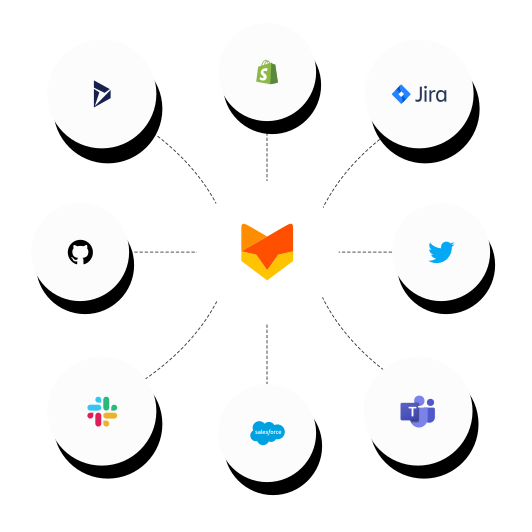
Integrate HappyFox with CRM, online stores, call centers or project management tools. Bring information from other SaaS products into HappyFox and get more context.
Visit App Marketplace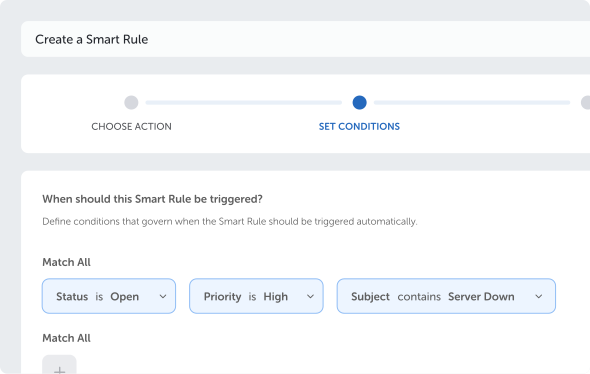
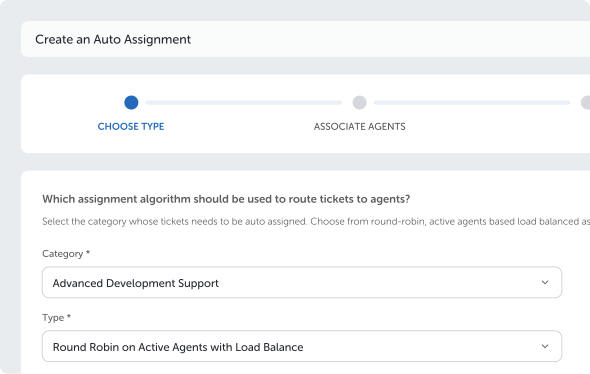
Automate each step of your support team’s everyday workflows with HappyFox’s powerful automation suite.
Smart Rules
Define your own trigger conditions and automate everyday actions in your Help Desk and ensure so no change or event is missed.
Learn MoreAuto Assignment
Reduce the time spent assigning tickets and use intelligently routing algorithms to assign tickets to the right agent.
Learn MoreService Level Agreements (SLA)
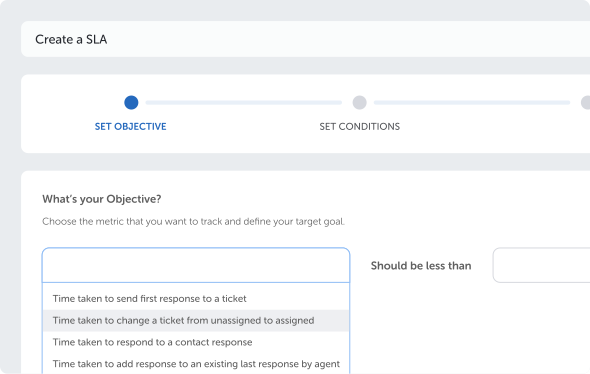
Improve productivity of your support team by automating escalations and ticket reassignment based on your SLA, number of responses, etc.
Learn MoreTicket Notifications
Get notified about everything happening on your Help Desk with Email, Slack or Microsoft Teams notification templates, wherever you go.
Learn More
Perform Cross-Platform Automation with HappyFox Workflows
Implement better business processes and improve organization-wide productivity.
Learn MoreMake data-driven decisions using insights you can gather from HappyFox’s modular, real-time reports.
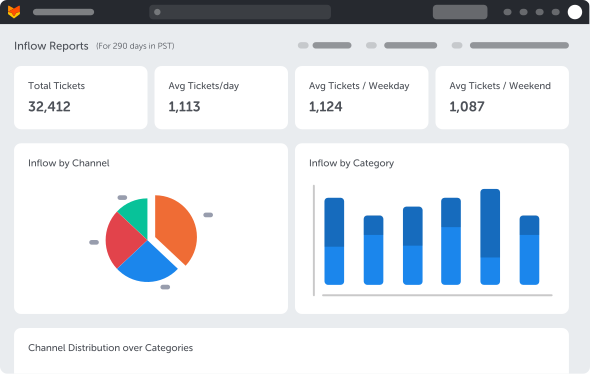
Inflow Report
Monitor Ticket Inflow, observe trends & optimize support strategy. Identify peak hours and tweak agent availability.
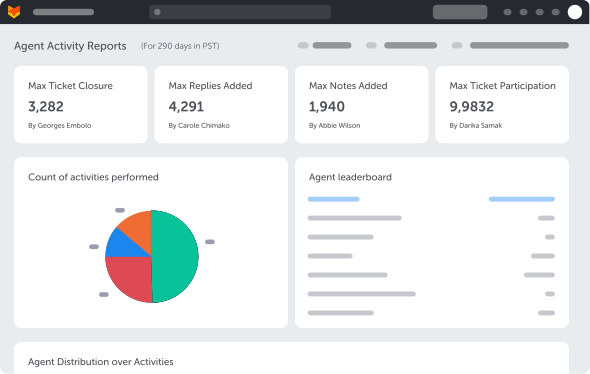
Learn MoreAgent Activity Report
Identify top performers and agents who need more training and build agent leaderboards for various ticket related activities
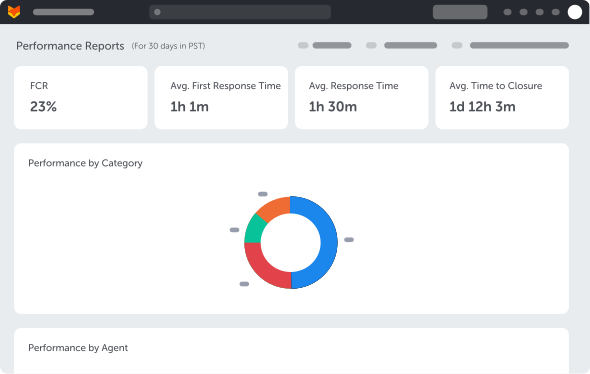
Learn MorePerformance Report
Measure first contact resolution(FCR), response times & closure times. Monitor your agents’ performance and identify areas of improvement.
Learn MoreCustom Fields Report
Gather insights from your Ticket Classifications and Contact Segregations. View distribution of custom field values across tickets or contacts.
Learn MoreDistribution Report
View distribution of tickets across Status, Priority, Category, Assignee. View the trend of tickets across time.
Learn MoreSatisfaction Survey Report
Observe and improve your customer satisfaction (CSAT) Score. Identify your happy and unhappy customers.
Learn MoreCustomer Reports
Visualize the Ticket Volume, No. of replies, SLA breaches, and more against each contact.
Learn MoreAutomation Reports
Track your automation gains and analyze time-saved through workflow automation. Monitor configured Smart Rules and their execution trends.
Learn More
Fine-tune your CX Ops with HappyFox Business Intelligence software
Gain deeper visibility into customer interactions and craft your own reports.
Learn More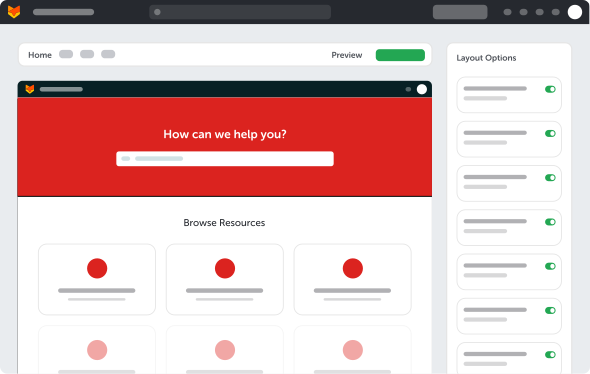
Create your own custom fields, streamline workflows & personalize the customer experience.
Custom Roles and Permissions
Let the roles assigned to your support agents take precedence in deciding who gets access to data and who is allowed to take critical actions.
Learn MoreMulti-Brand Help Desk
Create customized knowledge bases for each brand or product, have a separate new ticket form and customer portal so that your support is personalized, unique, and simple.
Learn MoreWork Schedules
Does your support team work in different shifts? If yes, work schedules can help you clearly define the work timings of your support team and that ensure the volume of work is completed in the most efficient way possible.
Learn MoreCustom Fields
Go beyond the basic form and collect additional contacts, ticket-specific information, etc. using custom fields to resolve support queries in the shortest possible time.
Learn MoreCustom Queues
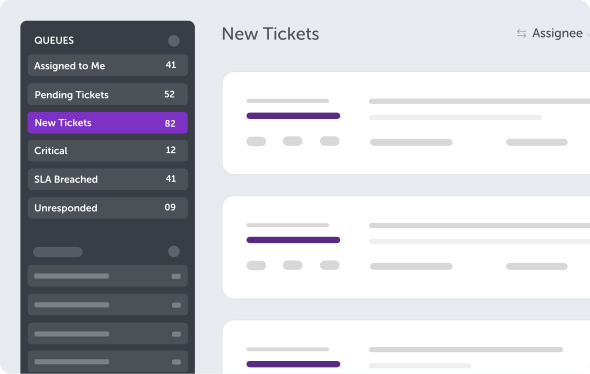
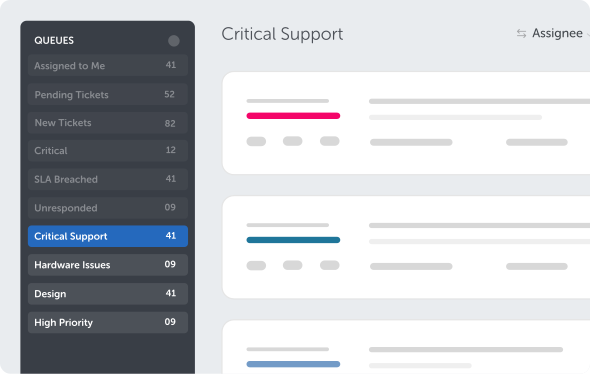
Customize your personal workflow while resolving customer queries. Create a personalized queue to display tickets in the preferred order, say, from multiple categories, statuses, and ownership.
Learn MoreEnsure configuration, maintenance and governance experience for administrators is seamless with HappyFox Help Desk.
DOWNLOAD THE APP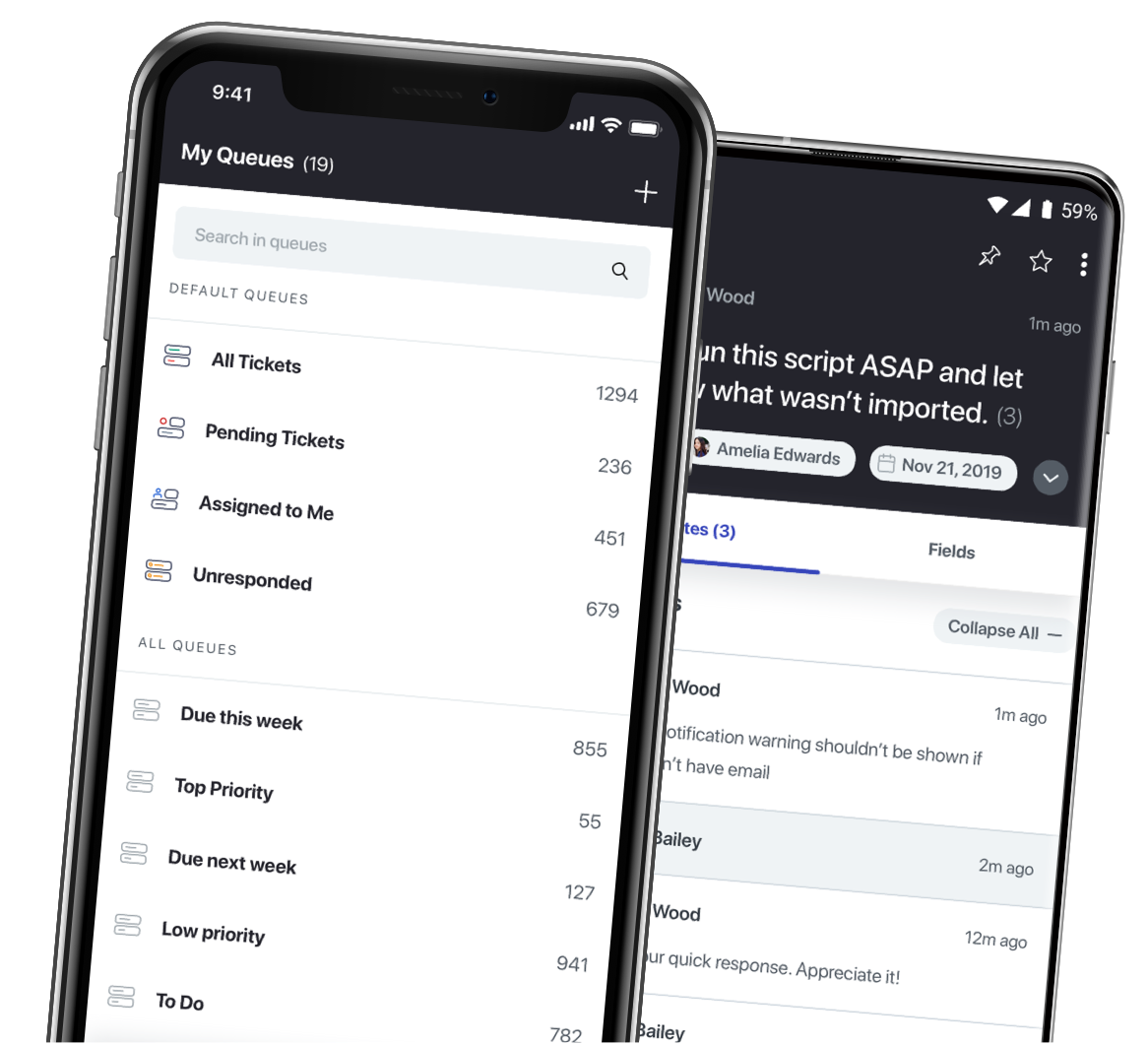
Ensure configuration, maintenance and governance experience for administrators is seamless with HappyFox Help Desk.
Audit Logs
Keep track of Help Desk change management using Audit Logs. Be Compliant with standards and ensure agent accountability.
Learn MoreAsset Management
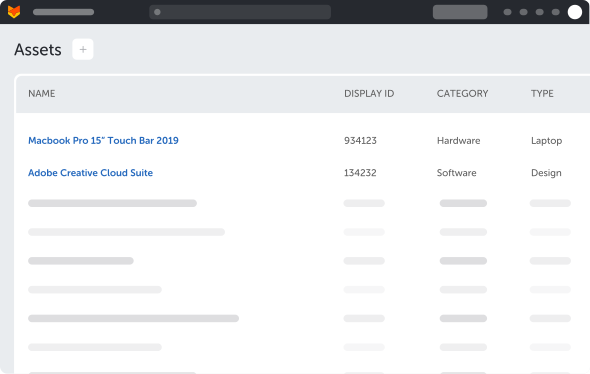
Transform your Help Desk into an IT service desk. Enable your IT team to track and manage all your hardware and software assets in one place.
Learn MoreContact Management
Maintain a live repository of customer profiles. Use custom fields to add additional information or add them to groups to segregate them!
Learn MoreAutomatic Ticket Deletion/Redaction
Ensure industry compliances and enhanced data privacy by configuring rules that will automatically delete or redact customer data from Help Desk.
Learn More
My staff are no longer daunted by customer communication!

Get all the advantages of a cloud-based platform. HappyFox offers unparalleled, enterprise-grade security with advanced functionality.
Data Security
HappyFox is committed to providing robust security for all its customers and their data stored across all its products & services.
Learn MoreIP Restrictions
HappyFox allows you to whitelist the IP addresses from which agents can access their agent portal
Learn MoreCustom SSL certificates
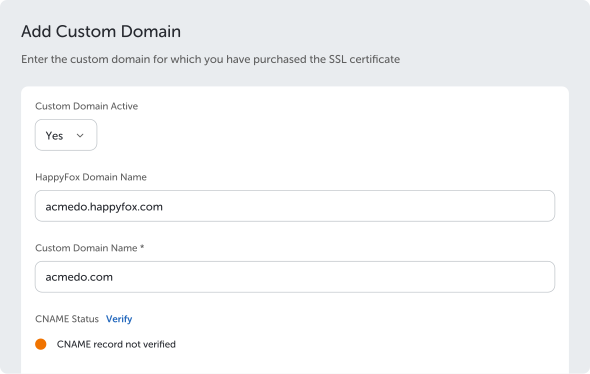
Encrypt your communication between web browsers and web servers. All HappyFox accounts come with an in-built SSL customization module.
Learn MoreSingle-Sign-On options
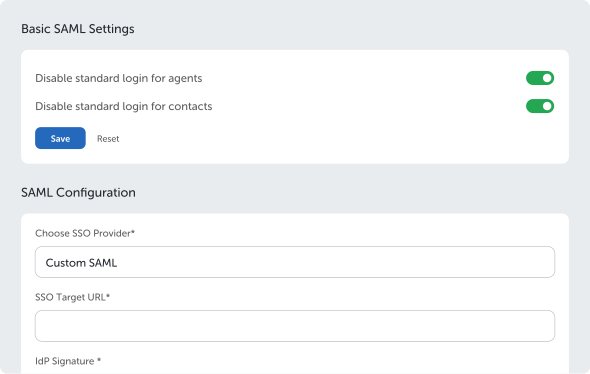
Set up a single sign-on (SSO) script to authenticate agents and customers on your HappyFox account by letting them use their existing credentials.
Learn MoreTwo Factor Authentication
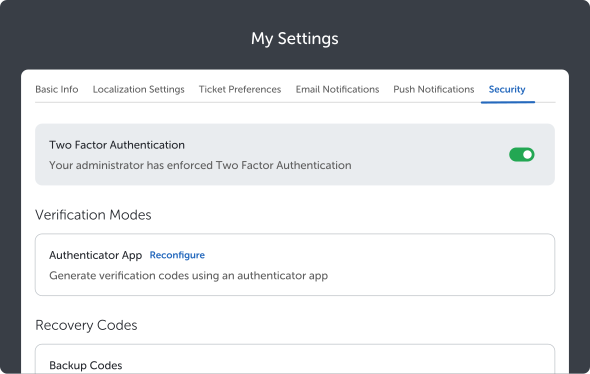
Significantly decrease the risk of unauthorized access and system breaches by incorporating an additional layer of security using Two Factor Authentication (2FA).
Learn MoreSession-based Security
Automatically log out when an agent leaves the computer unattended while still logged in.
Learn MoreLooking to onboard your agents or setting up HappyFox Help Desk for the first time? Leverage these tools to get started quickly!
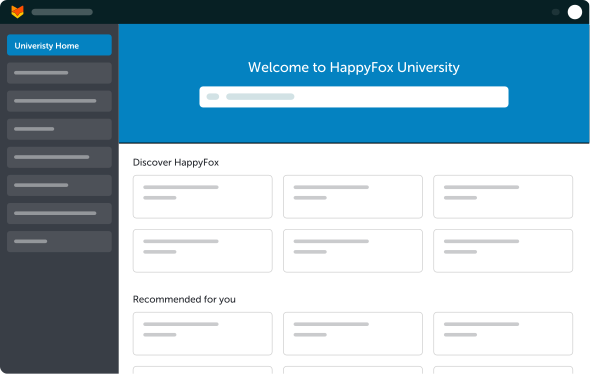
HappyFox University
New agents can now kickstart their HappyFox journey using HappyFox University – a cool new in-app learning module that allows agents to be on-boarded at their own pace
Learn MoreSupport Center
Need to deep-dive into a HappyFox feature? Explore our exhaustive knowledge base to get instant help.
Learn MoreWebinars
Discover educational webinars hosted by the HappyFox team on popular customer service topics and HappyFox features.
Learn MoreE-books and Guides
Use guides, e-books, videos, and more to help with your quest of providing exceptional customer service.
Learn MoreBlogs
Get the latest HappyFox news, tips on how to use HappyFox features, customer service methodologies, and more with the articles on our blog.
Learn MoreCustomer Success Manager
Stuck with setting up an intricate customer support workflow? Book a 30-minute session with your customer success manager to clarify doubts or best practices.
Learn MoreTalk to a Help Desk Specialist. Get a one-on-one demo, that’s quick and focused on your business needs.