
Suggest prompts on Home
Generate AI-suggested prompts by category or from your own description, then track individual suggestions or all at once.
Your prompt list defines which buyer questions AEO monitors. Build it around your buyers’ needs, then compare brand visibility, recommendations, and first-mention position across AI engines.
Search by keyword, filter by brand, competitor, visibility range, or buyer journey stage, and switch between list and buyer journey views. Your sort order stays the same.
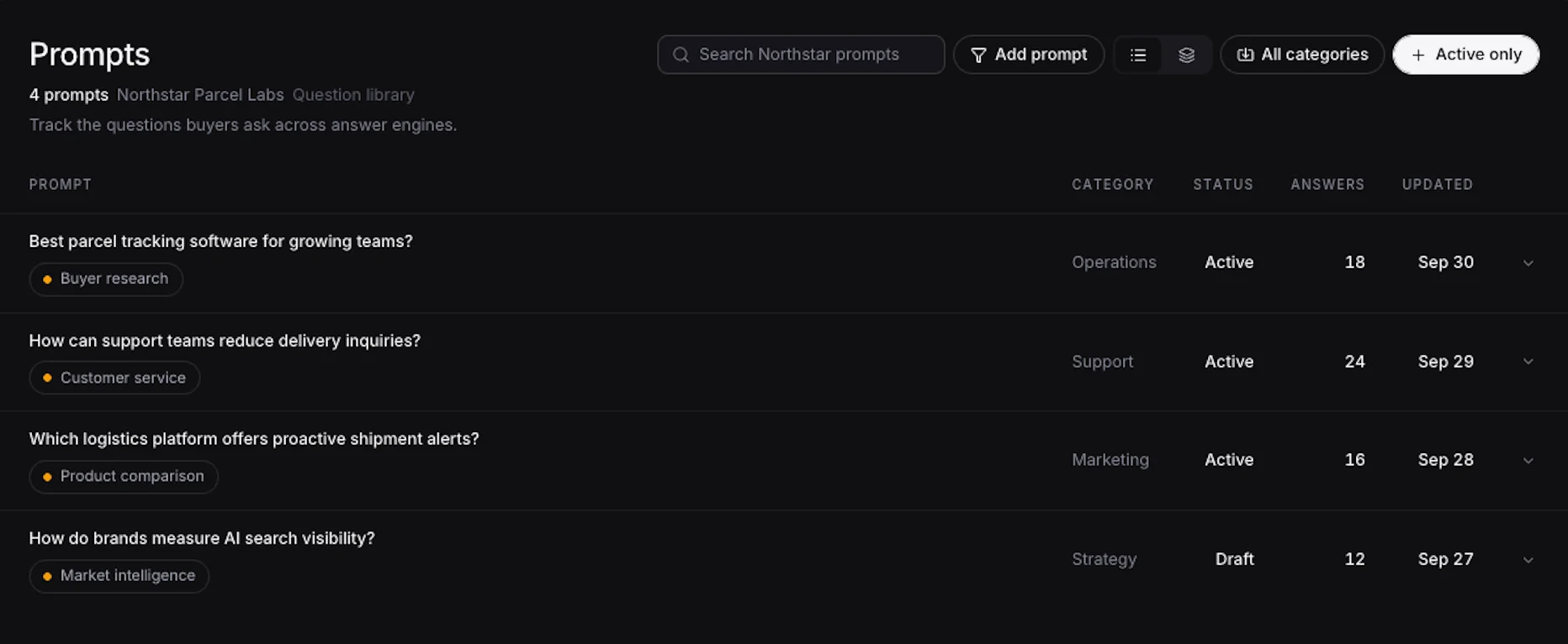
Generate AI-suggested prompts by category or from your own description, then track individual suggestions or all at once.
Create one prompt with Suggest prompts or Write a prompt from Prompts > Add prompt.
Import prompts from a CSV with a column named text, one question per row, and up to 100 prompts per file. Buyer journey stages are assigned automatically.
Open a prompt from Prompts or Rankings to read captured answers, brand mentions, citations, and available search queries. A connected assistant can retrieve provider-reported search evidence when available.
Send a prompt’s AEO context with Copy instructions or Download Markdown. A usable assistant connection retrieves the latest data; otherwise, the instructions include the selected scan’s available answers and evidence.
Follow the investigation workflowSort by Visibility, Recommendation Rate, or Best Position to surface strong prompts or those that need attention.
Use the overview to compare share of voice, visibility by engine, and competitor visibility.

Tracked prompts are the questions and phrases AEO monitors across AI engines to measure your visibility.
Use Suggest prompts on Home, add a single prompt from the Prompts page, or import prompts from a CSV file. For suggestions, select a category or describe your buyers, use cases, or competitors. Buyer journey stages are assigned automatically.
Compare Visibility, Recommendation Rate, and Best Position for each tracked prompt. Search by keyword or filter by buyer journey stage, then sort the results to find questions with weak performance or gaps in coverage.
List view shows all tracked prompts in a flat table for side-by-side metric comparison. Buyer journey view groups prompts by funnel stage to assess coverage and performance across the journey.
After prompts are added, they appear in the Prompts list and AEO normally queues collection right away. A paid weekly scan that is about to run can include them too.
From Prompts or Rankings, select the prompt text, then select an engine above the answer. The panel shows the captured response, rank or Not mentioned when analysis is complete, and an Analysis section for coverage, sentiment, recommendation, competitors, and search queries when available.
Open the prompt and select Investigate prompt in the analysis panel. Use Copy instructions or Download Markdown, then send the instructions to your assistant. With a usable connection, the assistant retrieves the latest AEO data. Otherwise, the instructions include the selected scan’s available answers and supporting evidence. Use the Investigate prompt guide for the full workflow, and check the assistant’s explanations against the captured answers.