Support Manager
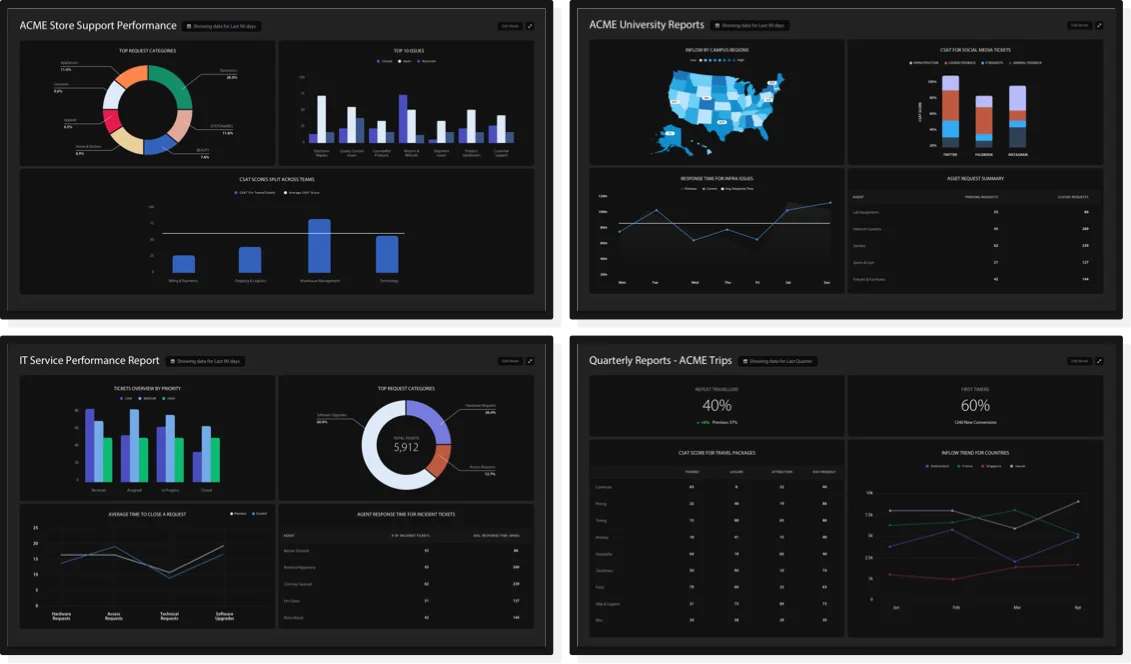
Reveal team performance, SLA compliance, and bottlenecks with real-time dashboards.

 Business Intelligence
Trusted by Industry-Leading Companies




Reveal team performance, SLA compliance, and bottlenecks with real-time dashboards.
Understand personal performance, ticket trends, and opportunities to improve.

Keep leadership informed with executive visualizations and scheduled reports.

Analyze resolution times, response metrics, and workload distribution in depth.

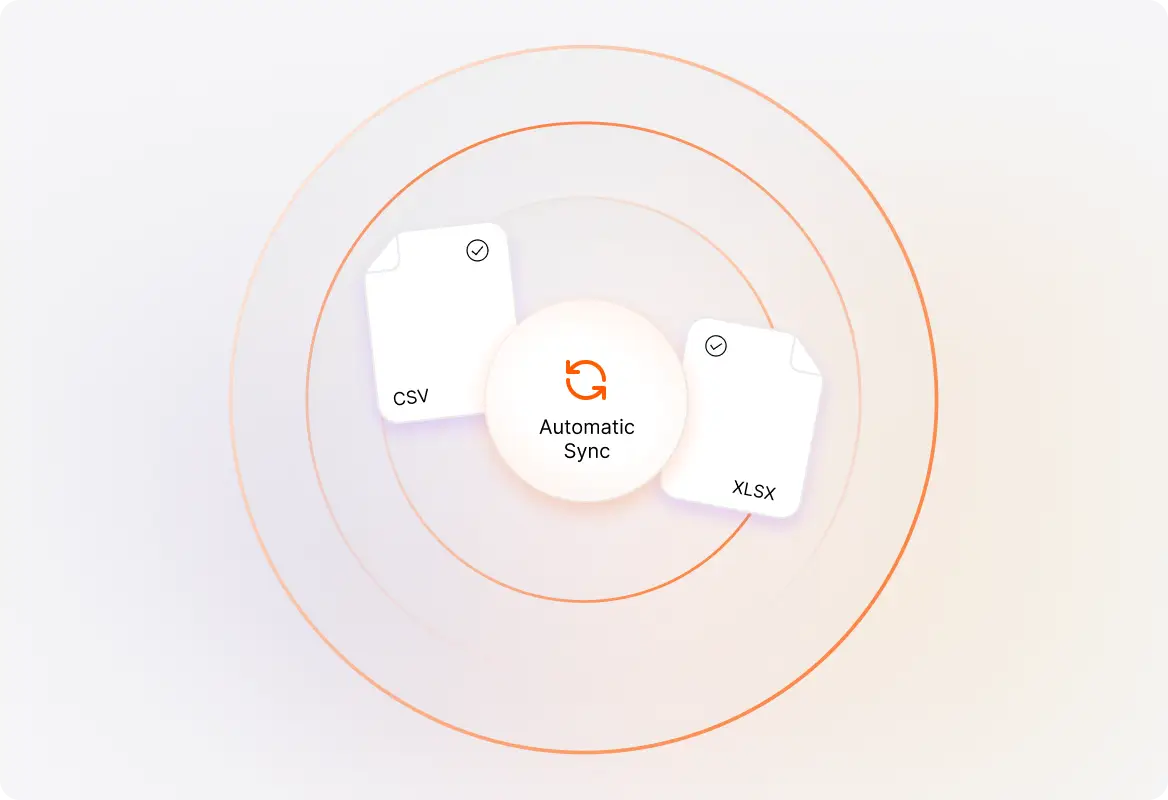
Connect Help Desk data and begin building visualizations without complex setup.
Create reports and dashboards around your team’s support KPIs and goals.
See ticket volume, agent performance, and customer interactions in one place.

Compare ticket volume, agent performance, and other support categories.
Track ticket inflow, resolution times, and service metrics over time.
Compare ticket trends, SLA performance, and workloads across teams.
See ticket distribution by category, priority, status, or channel.
Cross-tabulate Help Desk data to uncover multi-dimensional patterns.
Highlight response time, resolution rate, backlog, and other KPIs.
Add context and guidance so every dashboard is self-explanatory.
Sort, inspect, and download the detailed data behind visualizations.
Getting started is simple. Once you have your HappyFox BI account, your Help Desk data is automatically available through the Tickets Dataset. Choose the appropriate dataset and start building visualizations immediately.
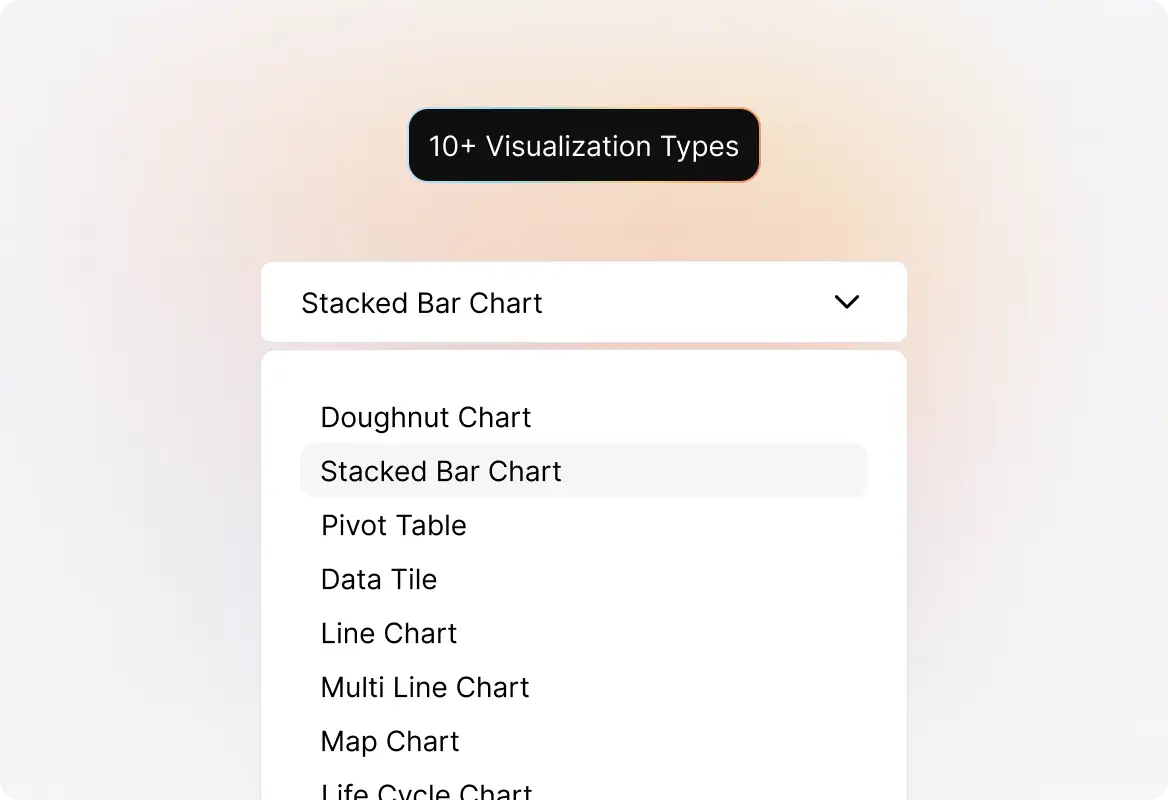
HappyFox BI offers bar charts, line charts, area charts, multi-line and multi-area charts, doughnut charts, pivot tables, data tiles, text tiles, and tables—giving you complete flexibility to visualize your data.
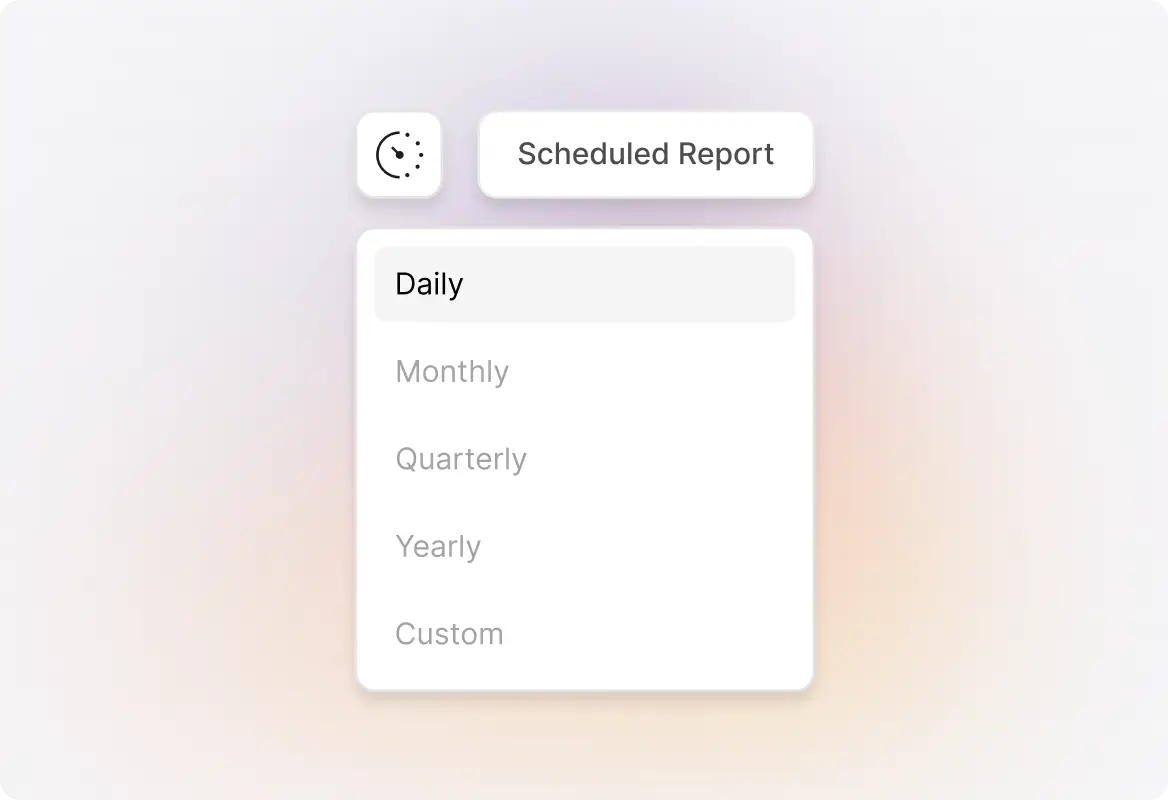
Yes! Set up report subscriptions to automatically deliver reports to stakeholders via email on a daily, weekly, or monthly schedule.
Use the period comparison feature to compare this week vs. last week, this month vs. last month, or any custom date ranges to track your team’s progress.
Yes, you can invite clients to your HappyFox BI account with limited access to view specific reports and dashboards.
HappyFox BI integrates with Aircall, Wrike, and Salesforce. You can also import your own custom datasets to create a unified view of all your support data.