Chief Revenue Officer
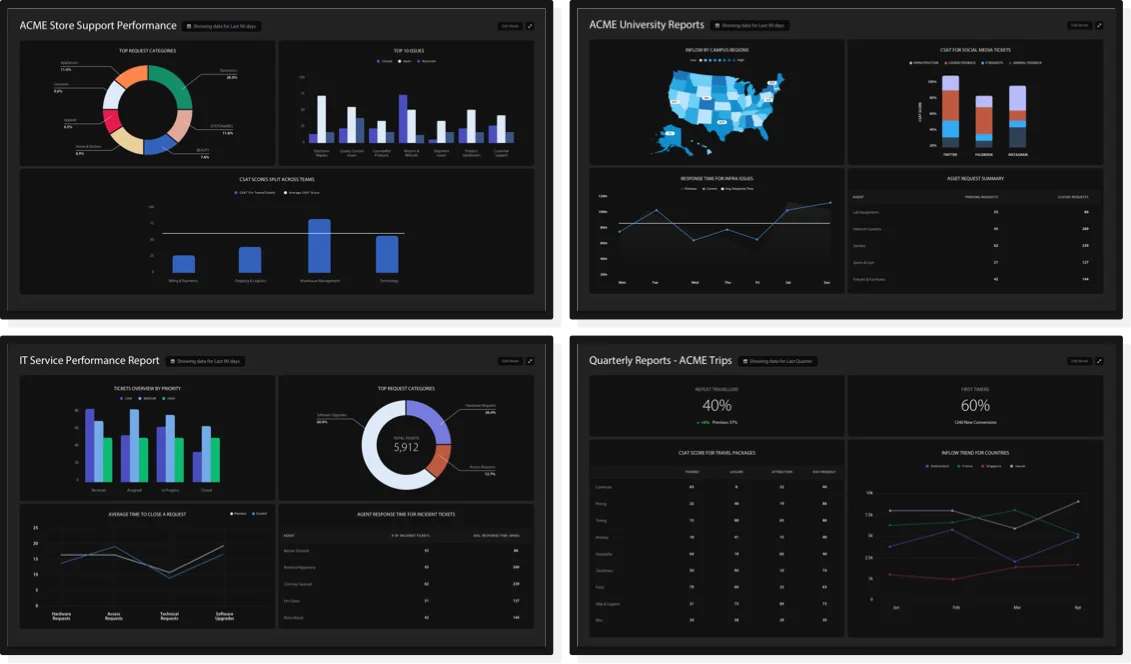
See pipeline health, revenue forecasts, and team performance without manual data pulls.

 Business Intelligence
Trusted by Industry-Leading Companies




See pipeline health, revenue forecasts, and team performance without manual data pulls.
Track conversion rates, deal velocity, and operational efficiency across the revenue stack.

Monitor sales performance, quota attainment, and process bottlenecks with automated reports.

Build dashboards without complex SOQL queries and connect securely through OAuth.

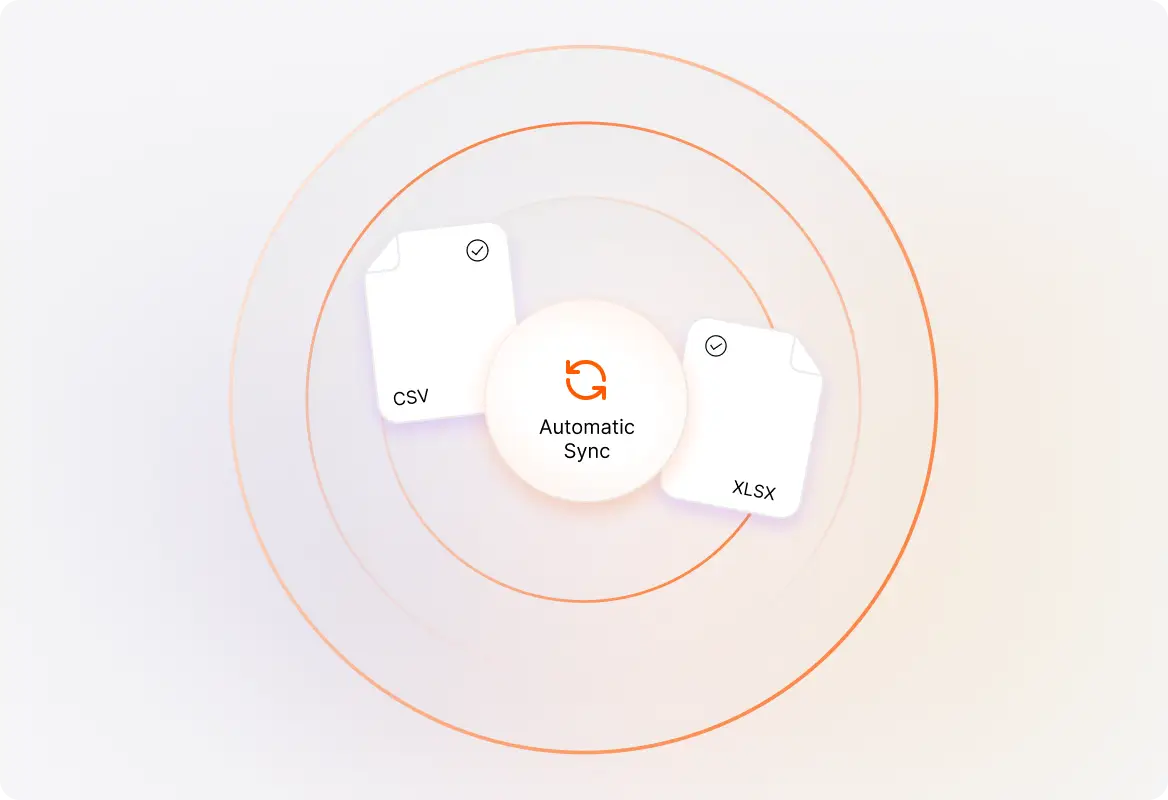
Connect Salesforce data and begin building visualizations without complex data engineering.
Create reports and dashboards around your team’s revenue KPIs and business goals.
See deal flow, sales performance, and revenue trends across your organization.

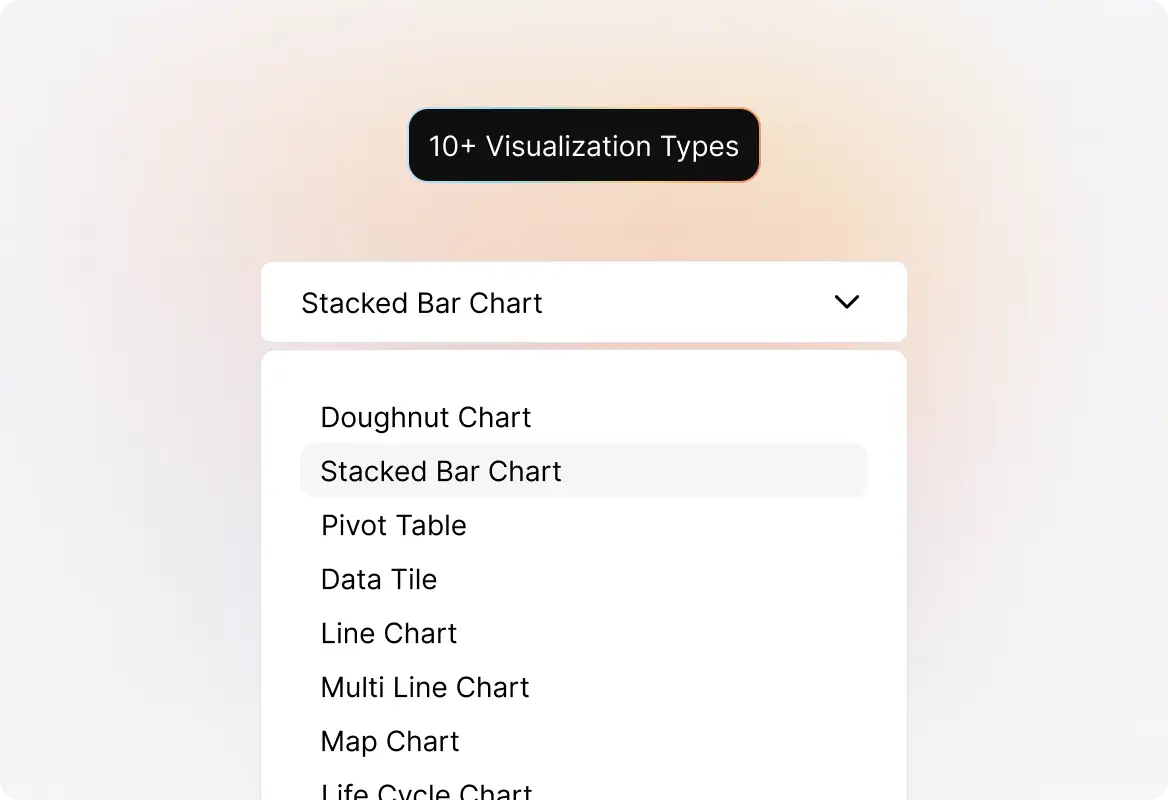
Compare deal counts, representative performance, and other categories.
Track pipeline growth, win rates, and revenue metrics over time.
Compare deal volume, conversion rates, sales activity, and other data series.
See deal distribution by stage, source, or representative.
Cross-tabulate Salesforce data to uncover multi-dimensional patterns.
Highlight pipeline value, win rate, average deal size, and other KPIs.
Add explanatory notes and context to make reports self-documenting.
Sort, inspect, and download the detailed data behind visualizations.
Log in to your HappyFox BI account, click the HappyFox BI Logo icon on the top bar, and select “Salesforce” under Apps. You’ll need to create a Connected App in Salesforce, copy the Callback URL from HappyFox BI, and then paste your Consumer Key and Consumer Secret back into HappyFox BI. Allow 2–10 minutes for the connection to establish.
You’ll need the ability to create a “New Connected App” in Salesforce Setup. The OAuth scope needs to be configured appropriately. Check with your Salesforce administrator if you’re unsure about your access level.
Yes. The integration uses OAuth 2.0 authentication, meaning HappyFox BI never stores your Salesforce password. You authorize access through Salesforce’s secure authentication flow.
HappyFox BI offers bar charts, line charts, area charts, multi-line and multi-area charts, doughnut charts, pivot tables, data tiles, text tiles, and tables—giving you complete flexibility to visualize your CRM data.
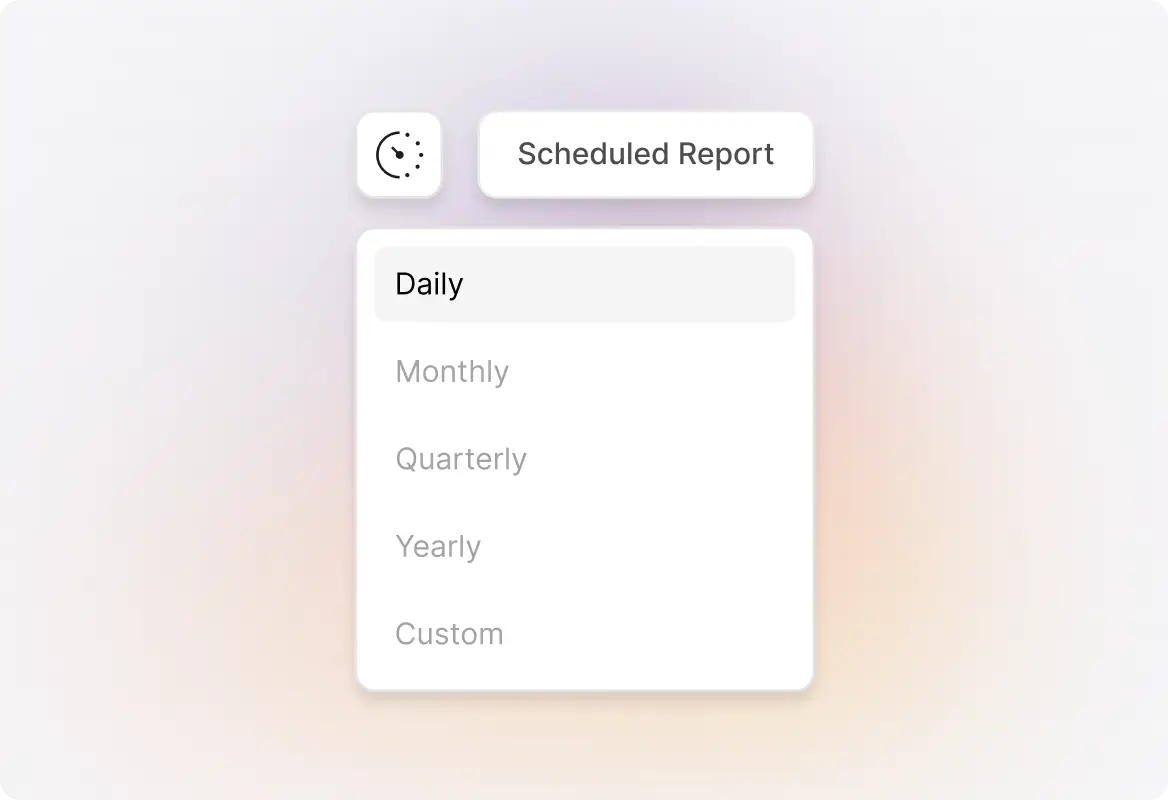
Yes! Set up report subscriptions to automatically deliver reports to stakeholders via email on a daily, weekly, or monthly schedule.
HappyFox BI integrates with HappyFox Help Desk, Wrike, and Aircall. You can also import your own custom datasets to create a unified view of all your business data.