One migration owner
Work with a dedicated HappyFox specialist who coordinates your data, setup, testing, and cutover.
 Help Desk
Work with a dedicated HappyFox specialist who coordinates your data, setup, testing, and cutover.
Included with any annual Help Desk subscription. No additional HappyFox migration service, tool, or per-record fees.
Administrator and agent training, handover documentation, and 30 days of migration stabilization are included.
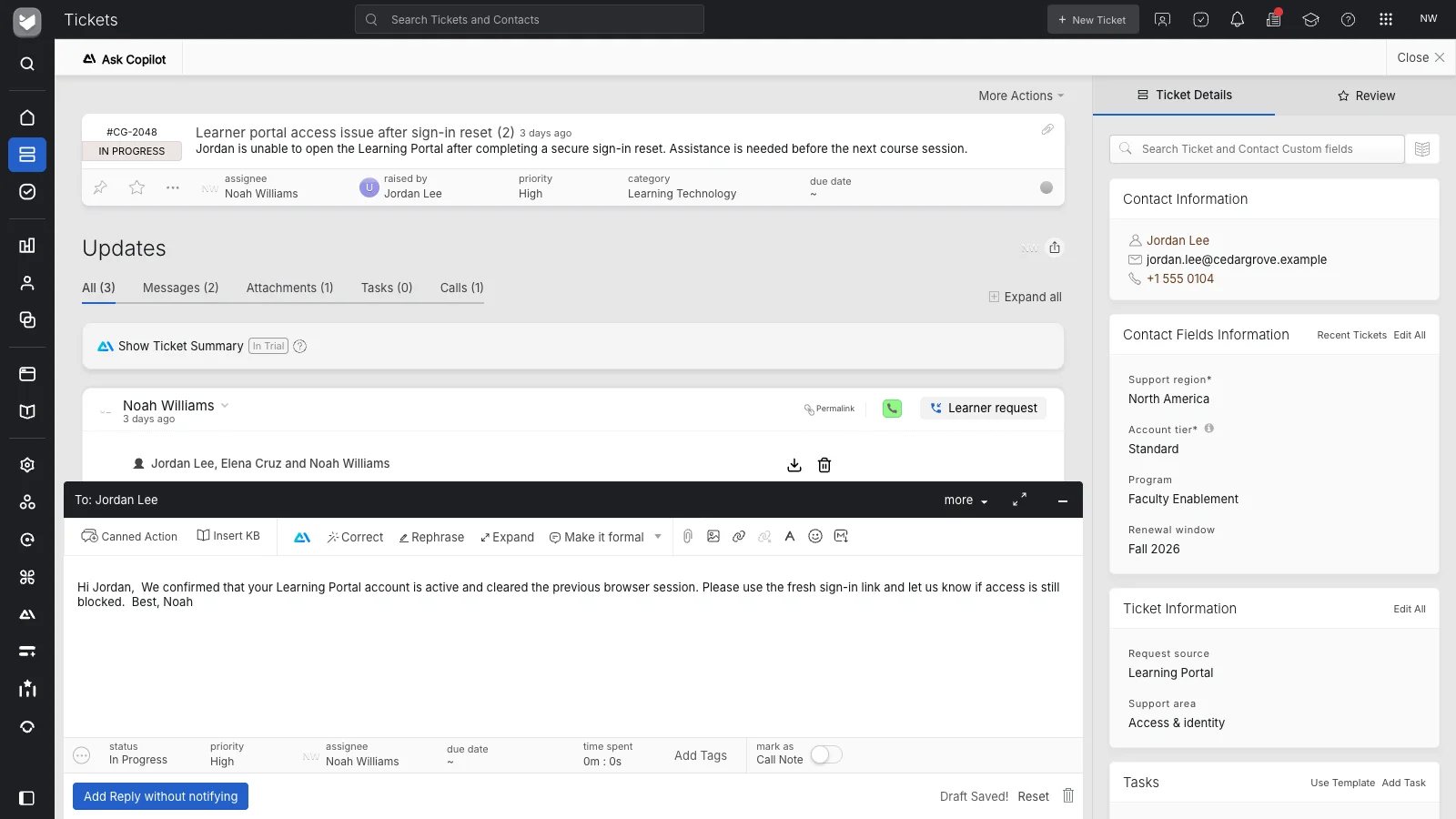
We map supported, exportable tickets, conversation history, attachments, contacts, companies, tags, and custom fields. We migrate from any help desk and also import support data supplied as CSV files.
We recreate routing rules, macros, SLAs, business hours, queues, permissions, and email-channel configuration using HappyFox capabilities, and reconnect supported native integrations.
We run a test migration, reconcile records, and check representative conversations, attachments, and workflows with your team before sign-off. At cutover, we perform a final incremental sync for supported records created or updated during the transition.
We train your administrators and agents and provide handover documentation. For 30 days after launch, we help resolve migration-related issues and make necessary corrections at no additional charge.
Yes. It’s included with every annual HappyFox Help Desk subscription. That’s the only requirement—there’s no minimum agent count, required Enterprise plan, or extra migration package.
Yes. We can help you move from any help desk. Zendesk, Freshdesk, Help Scout, Intercom, Front, Zoho Desk, Kayako, and Gorgias are our most common starting points.
Yes. If your support data is in CSV files, we can import it into HappyFox. Our team maps the fields and validates the imported records. This is included with your annual subscription’s migration service.
We migrate exportable, supported tickets, conversation history, attachments, contacts, companies, tags, and custom fields. We recreate your knowledge articles and configure workflows using HappyFox capabilities. The data we can transfer depends on what your existing system makes available for export.
No. There are no additional HappyFox migration service, migration-tool, or per-record fees. Custom application development and charges from your existing provider are outside the migration service.
Timing depends on your current system, data volume, and workflow complexity. Your migration owner coordinates testing, validation, and cutover with your team. We check representative records and workflows together before you sign off.
Your team receives administrator and agent training, plus handover documentation. We stay with you for 30 days after launch to help resolve migration-related issues and make necessary corrections at no additional charge.
Yes. Use the demo form to request a 14-day free trial of HappyFox Help Desk. When you choose an annual subscription, white-glove migration is included.