Conversational Ticketing That Meets IT Teams Where They Work
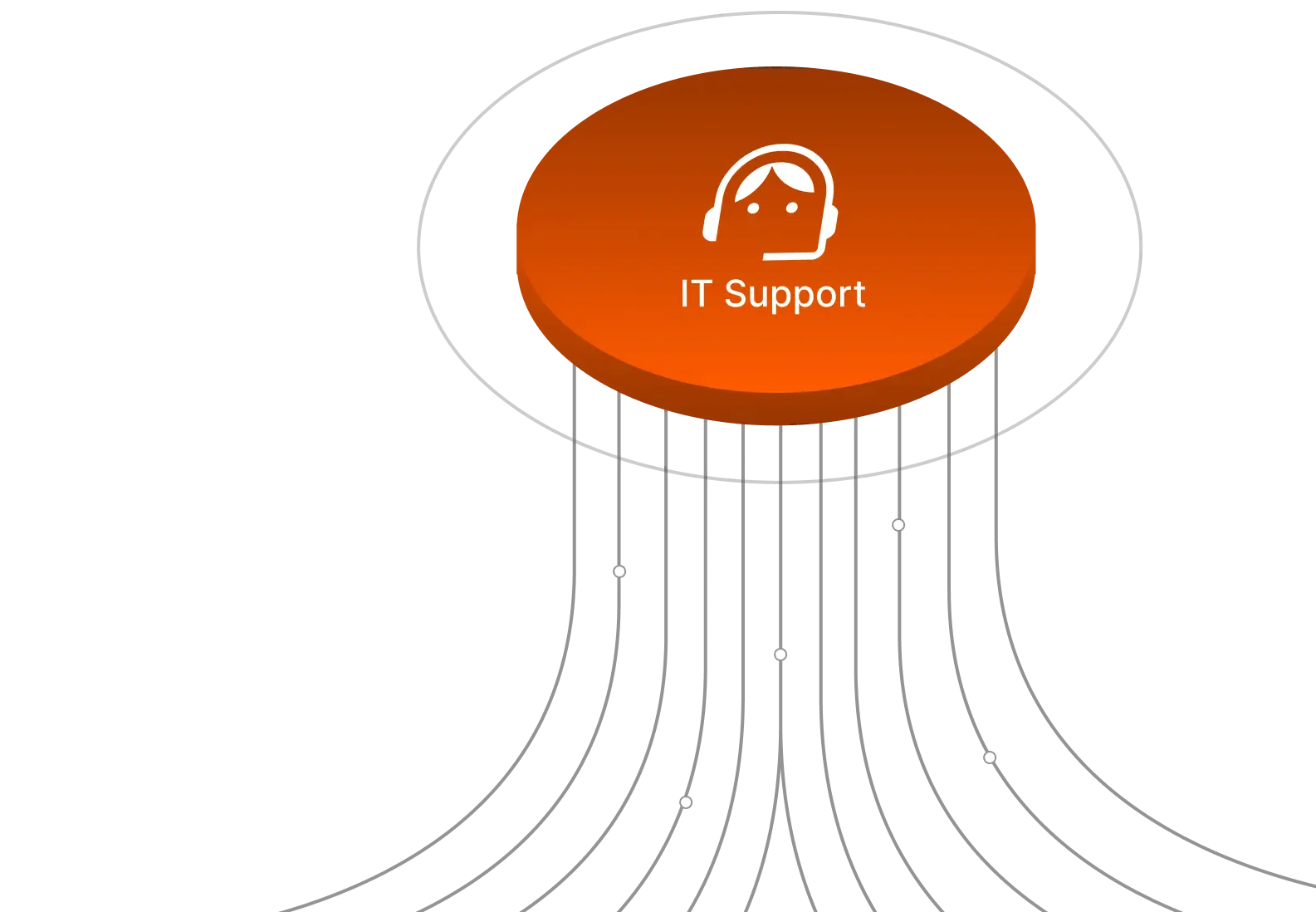
Assist AI brings IT support directly into Slack and Microsoft Teams—so employees get instant answers without leaving their workflow, and your team escapes the ticket avalanche.
Trusted by Industry-Leading Companies
darwinbox Dartmouth Planned Parenthood_Customer Logo Pinewood School_Customer Logo loanlogics Medipulse North Country Healthcare_Customer Logo Improved Racing_Customer Logo Slam_Customer Logo Sonny's BBQ_Customer Logo Minnnetronix_Customer Logo renoworks_Customer Logo darwinbox Dartmouth Planned Parenthood_Customer Logo Pinewood School_Customer Logo loanlogics Medipulse North Country Healthcare_Customer Logo Improved Racing_Customer Logo Slam_Customer Logo Sonny's BBQ_Customer Logo Minnnetronix_Customer Logo renoworks_Customer Logo darwinbox Dartmouth Planned Parenthood_Customer Logo Pinewood School_Customer Logo loanlogics Medipulse North Country Healthcare_Customer Logo Improved Racing_Customer Logo Slam_Customer Logo Sonny's BBQ_Customer Logo Minnnetronix_Customer Logo renoworks_Customer Logo

Faster Resolutions, Fewer Escalations, Higher Productivity

Assist AI helps IT teams work smarter with conversational support, automation, and AI-driven self-service.

45%

Fewer Tickets

IT teams focus on strategic work, not answering repetitive employee questions.

15+

Hours Saved Per Week

Support agents get back valuable time to focus on work that adds value.

240%

Return on Investment

Reduce support costs significantly while improving employee experience and operational efficiency.

Assist AI: Built for IT Service Teams Like Yours

Managing IT support shouldn't feel like putting out fires all day. Assist AI brings order to your support requests through natural conversations, automates repetitive tasks, and ensures service requests move smoothly.
Password Resets
Access Requests
Software Provisioning
VPN Troubleshooting
Hardware Issues
Onboarding Support
Policy Questions
System Status Updates
Account Unlocks
IT Self-Service
Remote Support
SSO Access

Transform IT Support with Conversational Intelligence

Give employees instant answers in the tools they already use. Assist AI understands context, resolves requests automatically, and seamlessly escalates when human expertise is needed.

Native Slack & Teams Integration

Support Where Work Happens

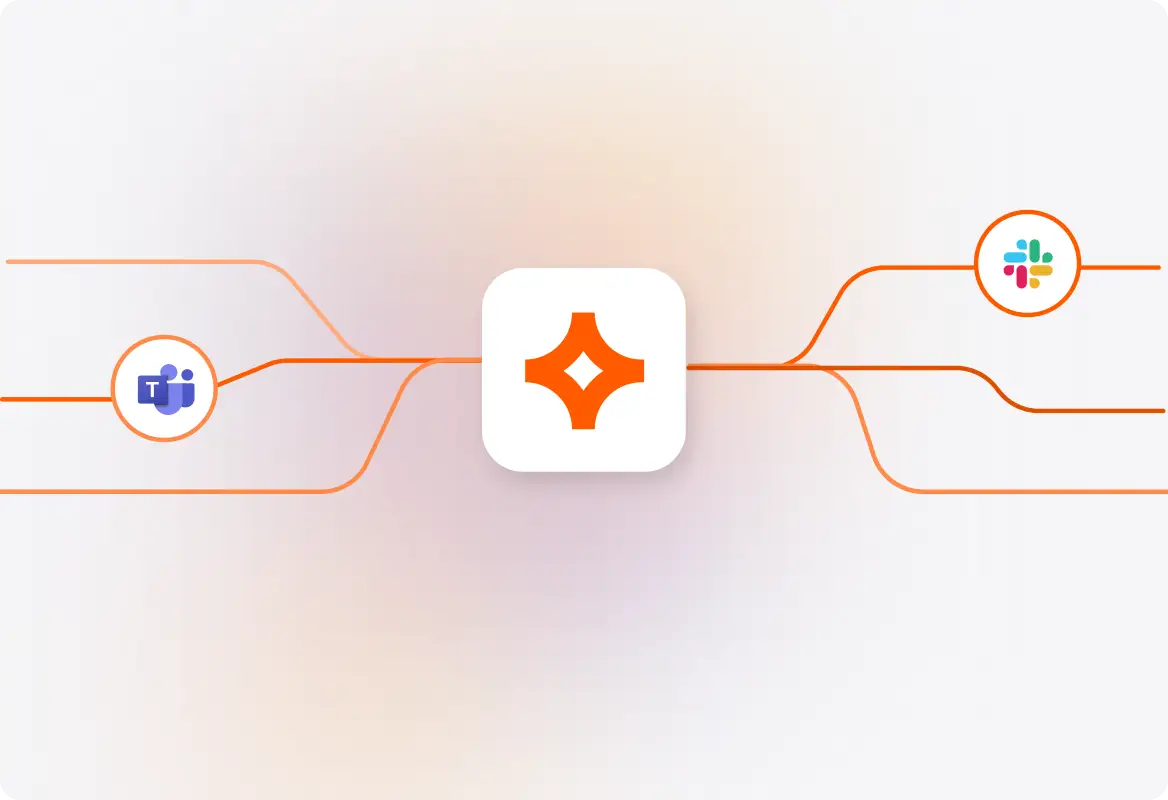
Your employees live in Slack and Microsoft Teams—so that's where IT support should be. Assist AI delivers instant help without forcing anyone to open a separate portal, submit a form, or wait in a queue. Just ask a question and get answers in seconds.
AAi_Landing_Image 2

Context-Aware Conversations

AI That Actually Understands

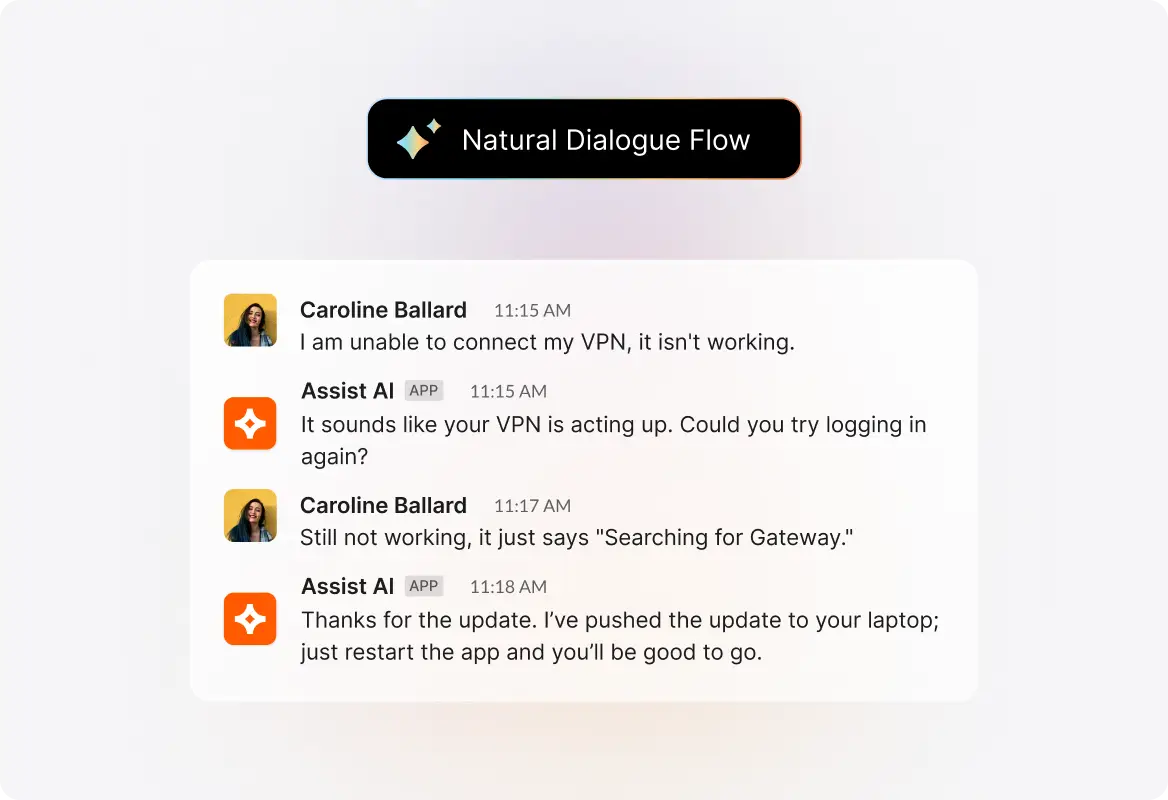
Assist AI doesn't just match keywords—it understands intent, context, and nuance. Whether an employee asks "my VPN isn't working" or "can't connect remotely," the AI recognizes the issue and delivers the right solution in a natural dialogue flow.
AAi_Landing_Image 3

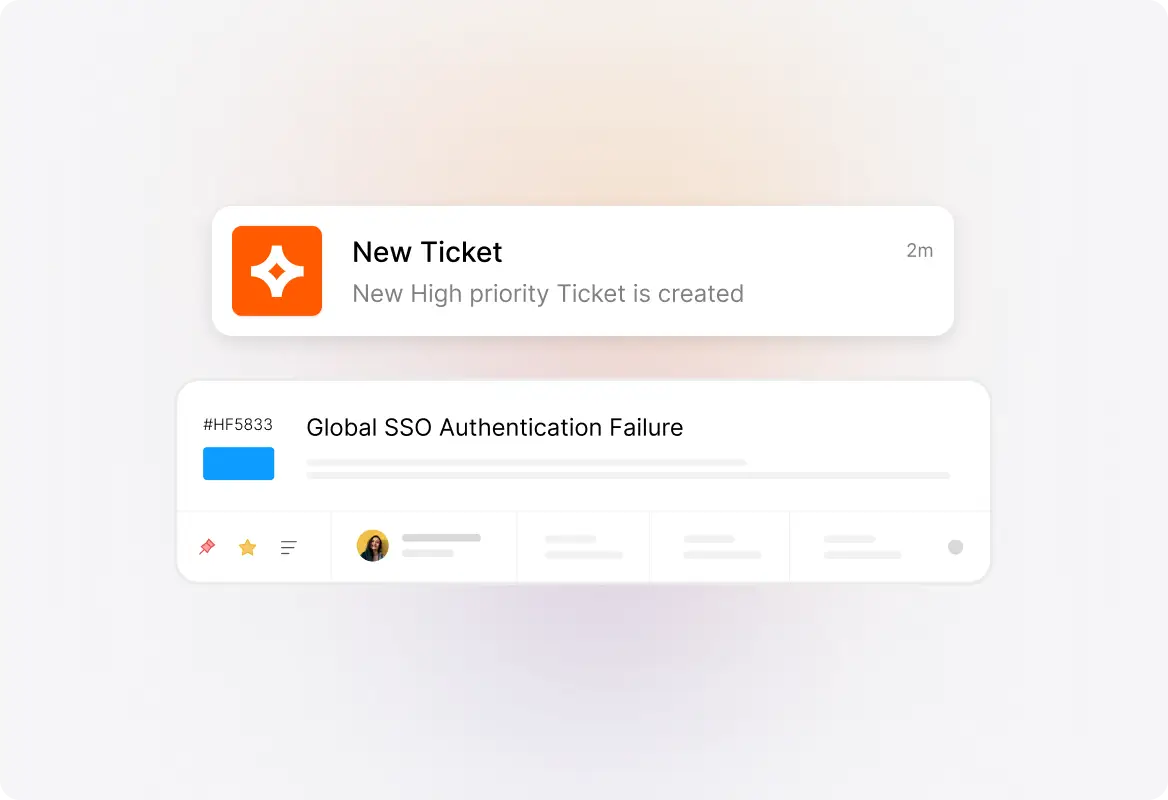
Seamless Ticket Generation

Automatic Ticket Creation

When a conversation needs human follow-up, Assist AI automatically creates a ticket with full context—no copy-pasting, no lost details. Your IT team gets everything they need to resolve the issue fast, and employees never have to repeat themselves.
AAi_Landing_Image 4

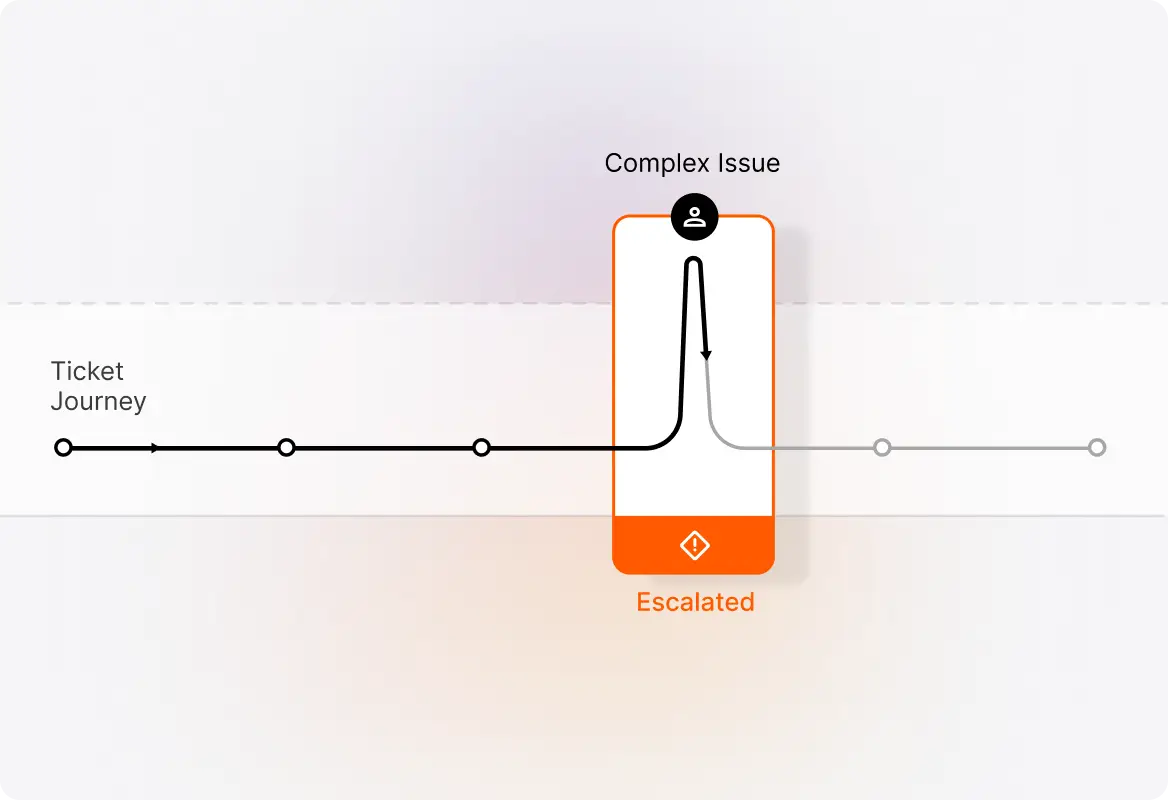
Intelligent Human Handoff

Smart Escalation

Some issues need a human touch. Assist AI knows when to escalate and transfers complex requests to the right IT specialist with complete conversation history. No context lost, no frustrated employees starting over from scratch.
Assist AI IT

More Ways Assist AI Empowers IT Teams

Beyond conversational ticketing, Assist AI delivers intelligent capabilities that transform how IT support operates.
AAI_IC_01

Context-Aware AI Assistance

Employs sophisticated AI to understand context, intent, and nuance in employee questions, delivering accurate answers in a natural dialogue flow. The AI understands your organization's specific terminology and processes.

AAI_IC_03

Seamless Human Agent Handoff

When AI assistance reaches its limits, complex issues transfer seamlessly to human agents with complete conversation context. Your IT team gets full visibility into what was discussed, eliminating repetitive back-and-forth.

AAI_IC_02

Self-Learning System

Continuously improves response accuracy by analyzing interactions, identifying knowledge gaps, and adapting to your organization's specific terminology. The more your team uses it, the smarter it gets.

AAI_IC_04

No-Code, Fast Deployment

Implement and customize without programming skills, using intuitive admin interfaces to connect knowledge sources and support workflows. Get up and running in days, not months.

Fewer Tickets. Faster Resolutions. Productive IT Teams.

See how Assist AI transforms IT support with conversational ticketing in Slack and Microsoft Teams.

footer-banner-image

FAQs

How does conversational ticketing work in Slack and Microsoft Teams?
arrow
Employees simply message Assist AI directly in Slack or Teams with their IT questions. The AI understands natural language, provides instant answers from your knowledge base, and can create tickets when human intervention is needed—all without leaving the chat platform.
Can Assist AI handle complex IT requests or just simple questions?
arrow
Assist AI handles routine requests like password resets, access management, and policy questions automatically. For complex issues, it seamlessly transfers to human agents with full conversation context, so your team has everything they need to resolve the issue quickly.
How long does it take to set up Assist AI for our IT team?
arrow
With no-code deployment and intuitive admin interfaces, most teams are up and running in days. Simply connect your knowledge sources, configure your workflows, and start reducing ticket volume immediately.
Will Assist AI work with our existing IT service management tools?
arrow
Yes, Assist AI integrates with your everyday tools and existing ITSM workflows. It connects to your knowledge base, ticketing system, and collaboration platforms to provide a unified support experience.
How does the AI learn our organization's specific IT processes?
arrow
Assist AI is a self-learning system that continuously improves by analyzing interactions, identifying knowledge gaps, and adapting to your organization's specific terminology and processes. The more your team uses it, the more accurate it becomes.