




Automate Your IT Asset Request Process

Why IT Teams Automate Asset Requests with HappyFox
100%
Process Governance
Configure and practice processes through a single workflow automation platform for better tracking and adoption
End-to-End
Automation
Leverage the power of automation at all levels of your business process lifecycle
Faster
Request Fulfillment
Save enormous time and effort among internal teams and end-users with automated processes
Asset Request Management
Approval & Decision Workflows
Procurement & Collaboration
Compliance & SOPs
Communication & Responses
Powerful Features for IT Asset Management
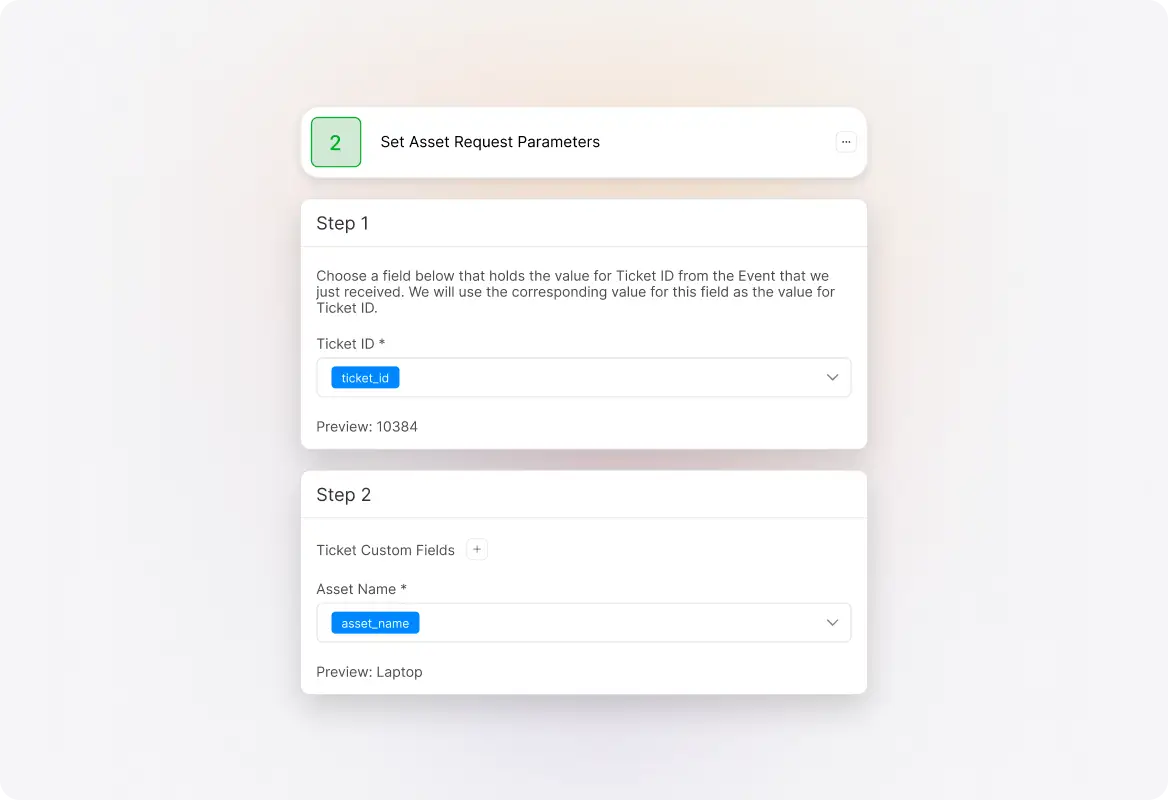
Set IT Asset Request Parameters
Each asset request has unique information like asset type, quantity required, level of access, date from which it is required, and mapped project information. HappyFox Workflows automatically sets ticket and contact custom fields based on incoming requests and business rules.
Check Conditions Based on Request Type
Based on the type of asset, each organization handles requests differently. HappyFox Workflows dynamically checks for business rules and automates the right next steps using the 'Check Conditions' action—whether it's a standard request or a custom request. Evaluate multiple fields before processing the next action.

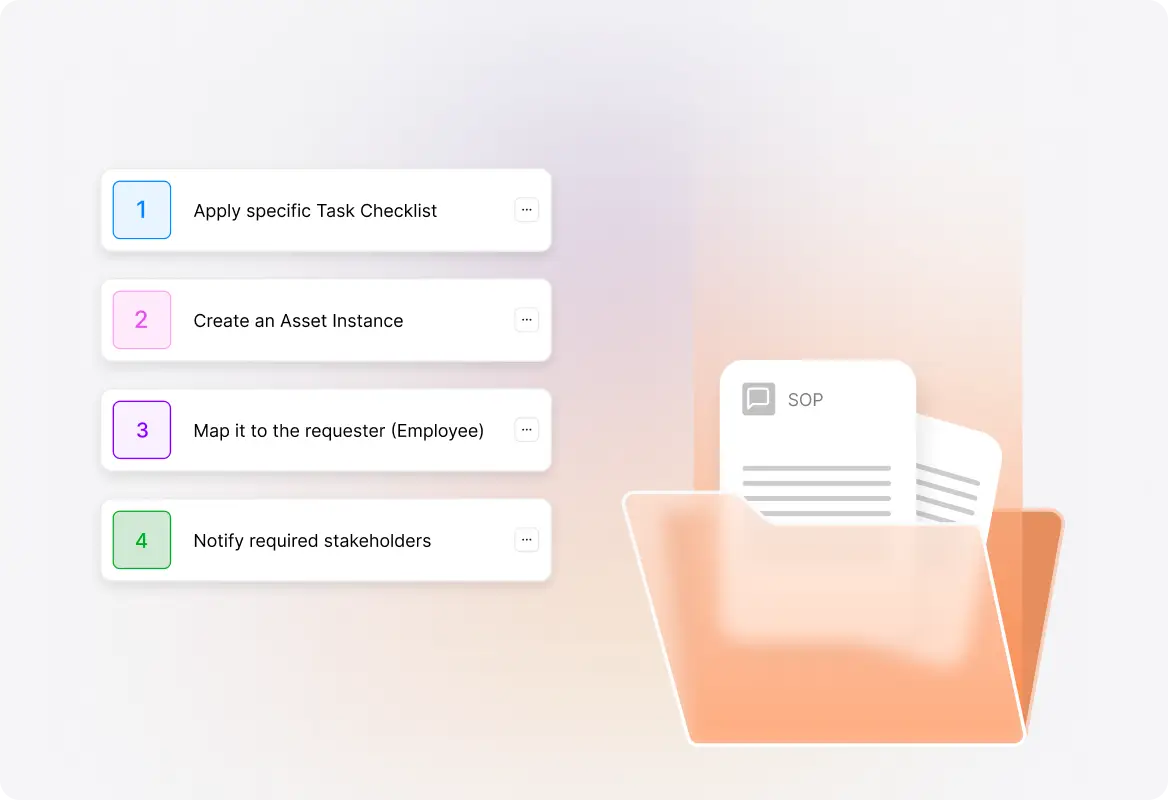
Automate Your SOPs
While ensuring compliance and standardizing processes, HappyFox Workflows automates your SOPs based on request type. For standard requests, it can automatically apply a specific task checklist, create an asset instance, map it to the requester (employee), and notify required stakeholders.
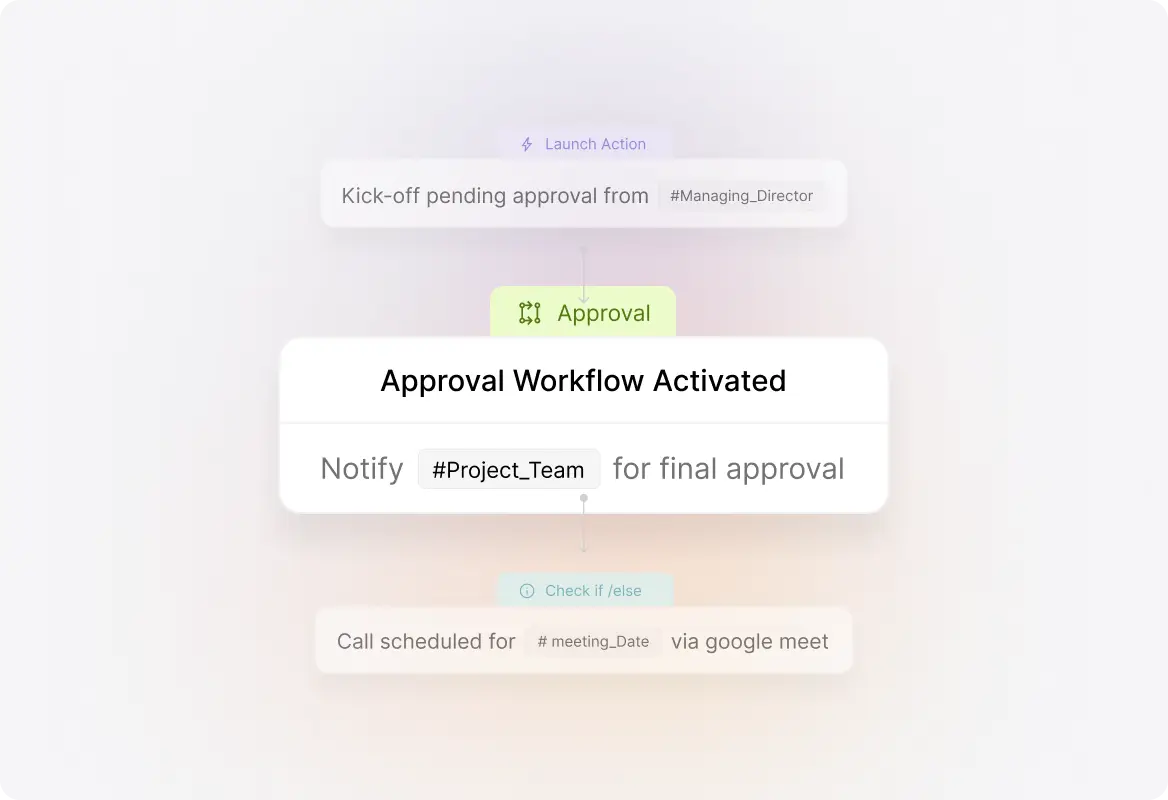
Decision-Making on the Go
As requests get complex, include decision-making in the process. HappyFox Workflows seeks decisions from approvers—even those outside your helpdesk platform. Decision-makers can refer to ticket details and relevant documents, then provide decisions with comments. Everything is captured for complete transparency.
Enable Inter-Department Collaboration
When requested assets need to be purchased, HappyFox Workflows automatically creates a related ticket with the procurement team. Updates from procurement get added back to the original IT asset request. Once procurement is done, the IT team continues with the next steps.

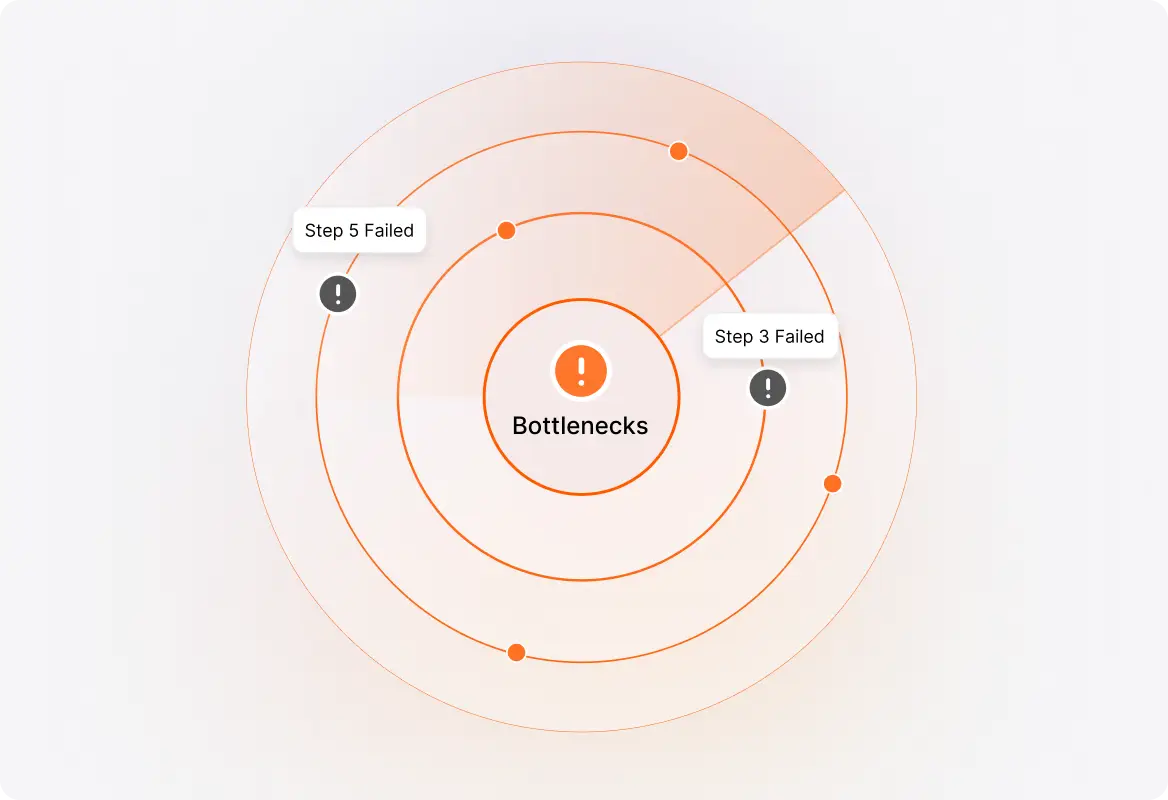
Identify Process Bottlenecks
HappyFox Workflows helps you identify process steps that typically fail and areas with scope for improved resolution time.
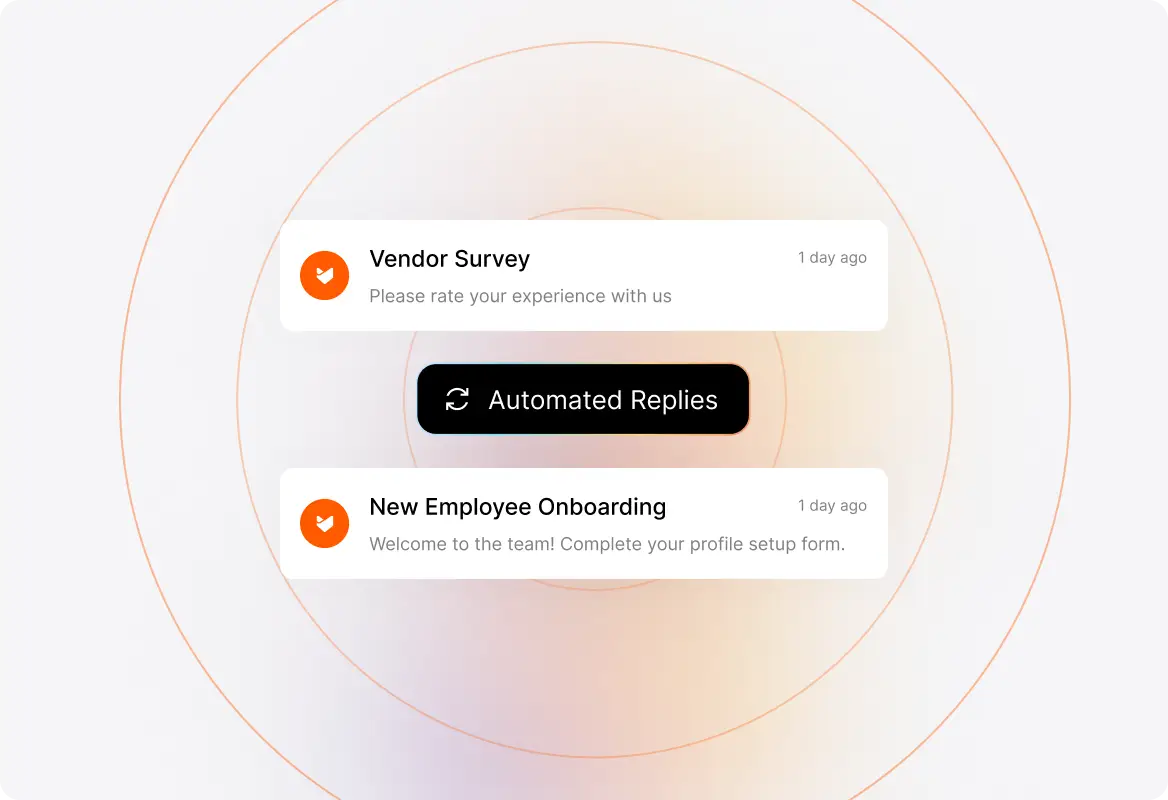
Automated Replies & Two-Way Communication
Whether it's internal IT team collaboration, employee communication, or notifying external vendors, HappyFox Workflows automates this with ease. Use 'merge fields' to configure communication templates. Seek responses from email recipients—they can respond by indicating choices or filling out forms. Based on responses, automatically trigger the next set of actions.
Why Automate IT Asset Requests?
Process Governance
With processes configured through a single workflow automation platform, process owners can better streamline, track, and maximize adoption.
End-to-End Automation
By automating the entire lifecycle of a business process, you leverage the power of automation at all levels.
Flexibility in Configuring Workflows
With processes getting improved and updated regularly, ensure your automation platform reflects the latest version at all times.
Increased Efficiency
With each manual step automated, organizations save enormous time and effort among internal teams and end-users.
Customer Satisfaction
Faster request fulfillment and better service experience ensure successful request management and superior customer experience.
Frequently Asked Questions

Streamline Your IT Asset Request Process Today
Discover how HappyFox Workflows helps IT teams automate approvals, enforce SOPs, and collaborate across departments—without the manual overhead.

Use Cases
For Business Type
For Industries


Copyright ©2026 HappyFox Inc. All rights reserved.