Reduce Response and Resolution Times
Automatically acknowledge customers and trigger the right actions the moment a ticket arrives, dramatically cutting down wait times.
 Workflows
Automatically acknowledge customers and trigger the right actions the moment a ticket arrives, dramatically cutting down wait times.
Automate repetitive tasks so your agents can spend more time solving complex, high-impact customer issues.
Ensure every customer request is handled consistently and predictably, improving reliability across your support operations.
When service interruptions happen, pre-built workflows guide your team through the right steps quickly, boosting service levels during critical moments.
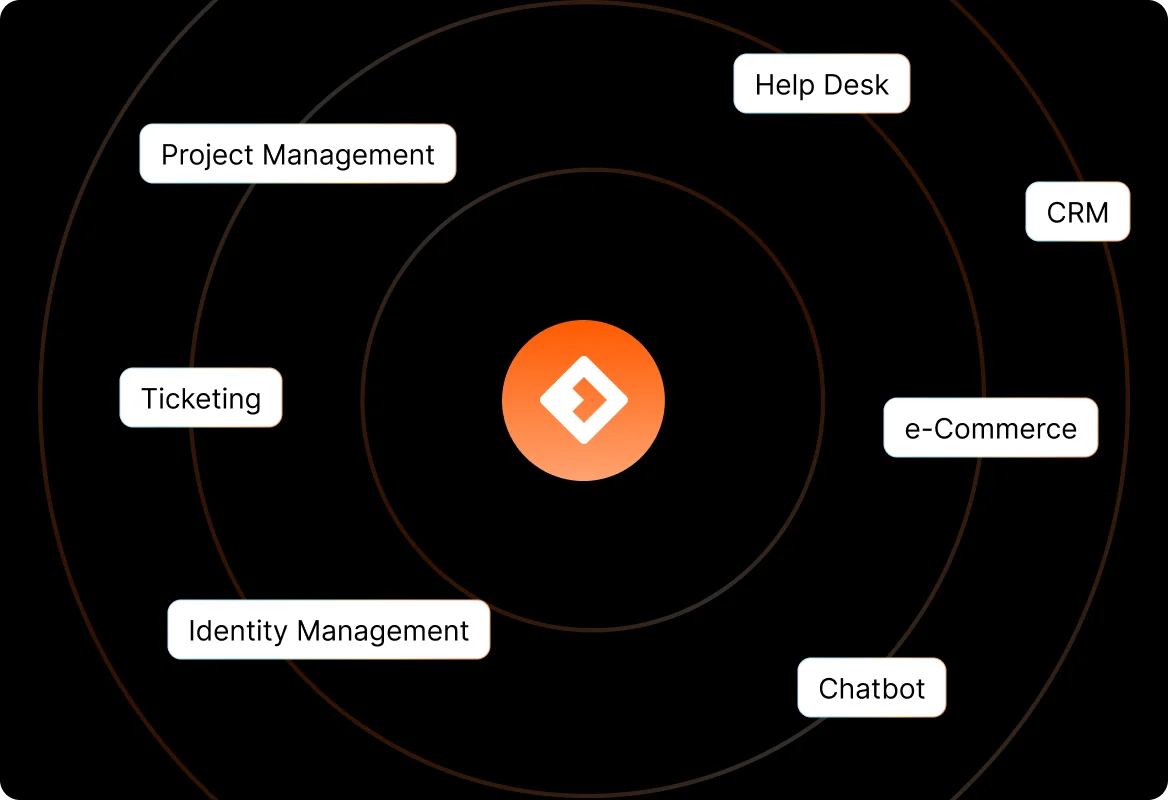
Seamlessly update CRM, project management tools, and other systems — no manual data entry needed.
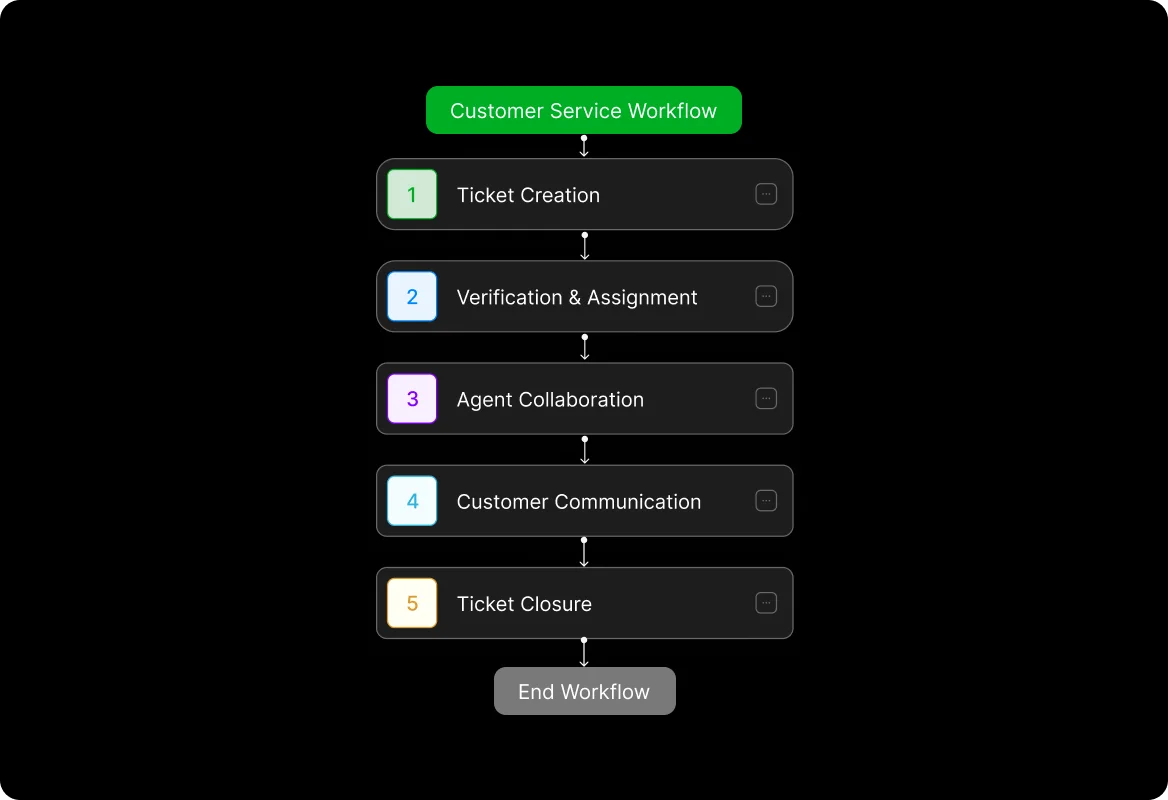
Auto-create related tickets, read incoming emails and tickets
Automatically set ticket information, data entry, assign tickets
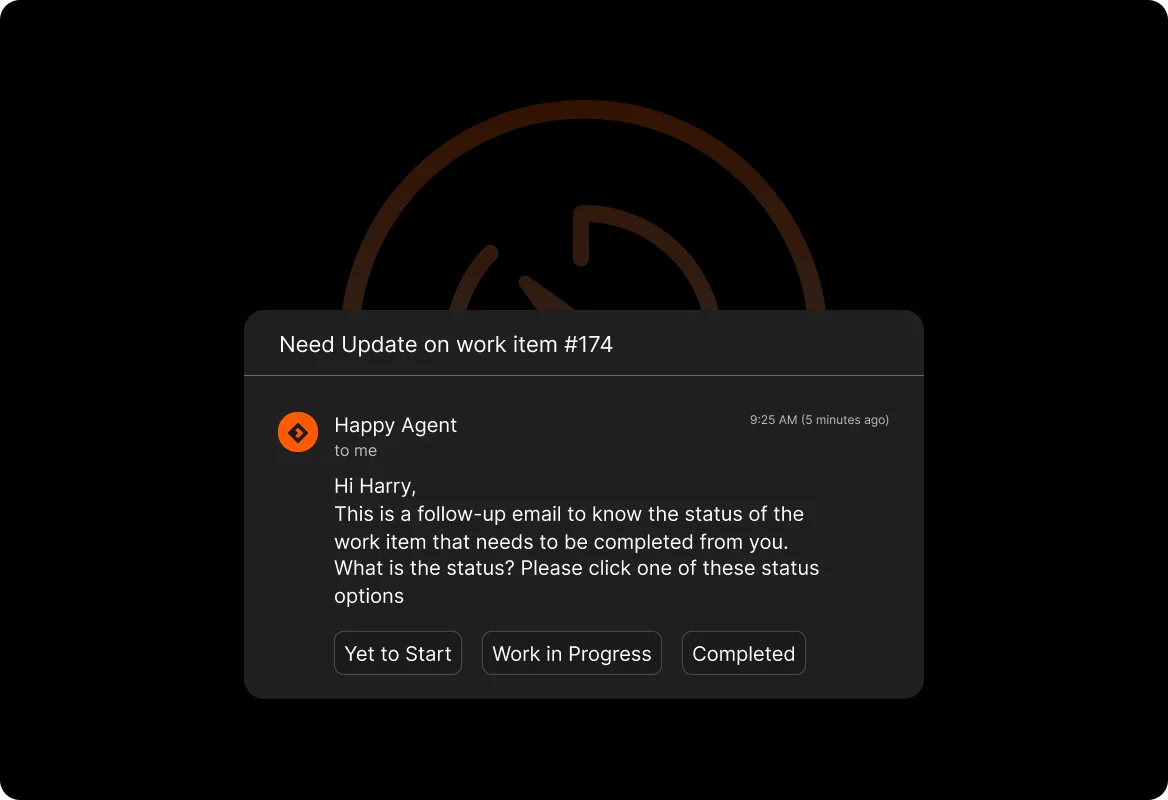
Trigger internal communications, initiate approvals, follow ups
Automatically send replies, capture responses through forms & more
Auto-close tickets, ask for feedback, auto-trigger corrective action
Trigger
Use supported events and conditions to begin the workflow.
Understand
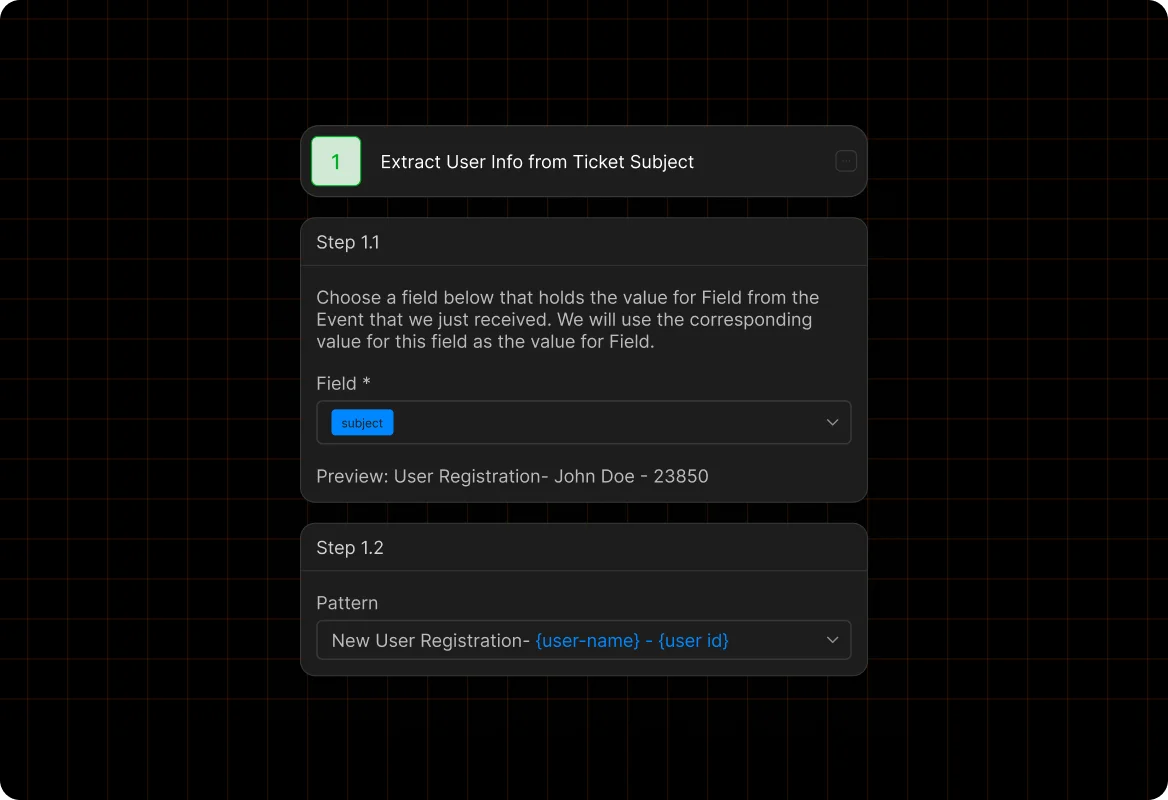
Capture information through forms, ticket context, or connected applications.
Coordinate
Route approvals, tasks, notifications, and follow-up to responsible stakeholders.
Resolve
Update supported systems and communicate the final outcome.
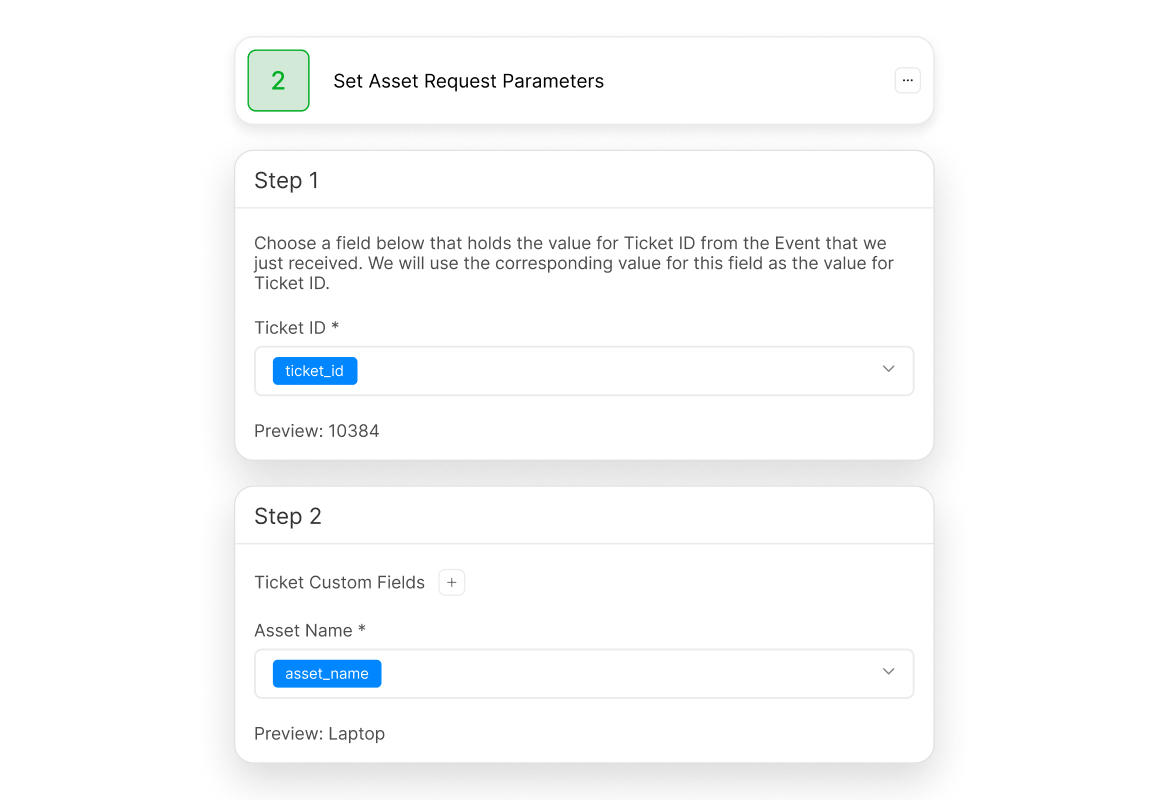
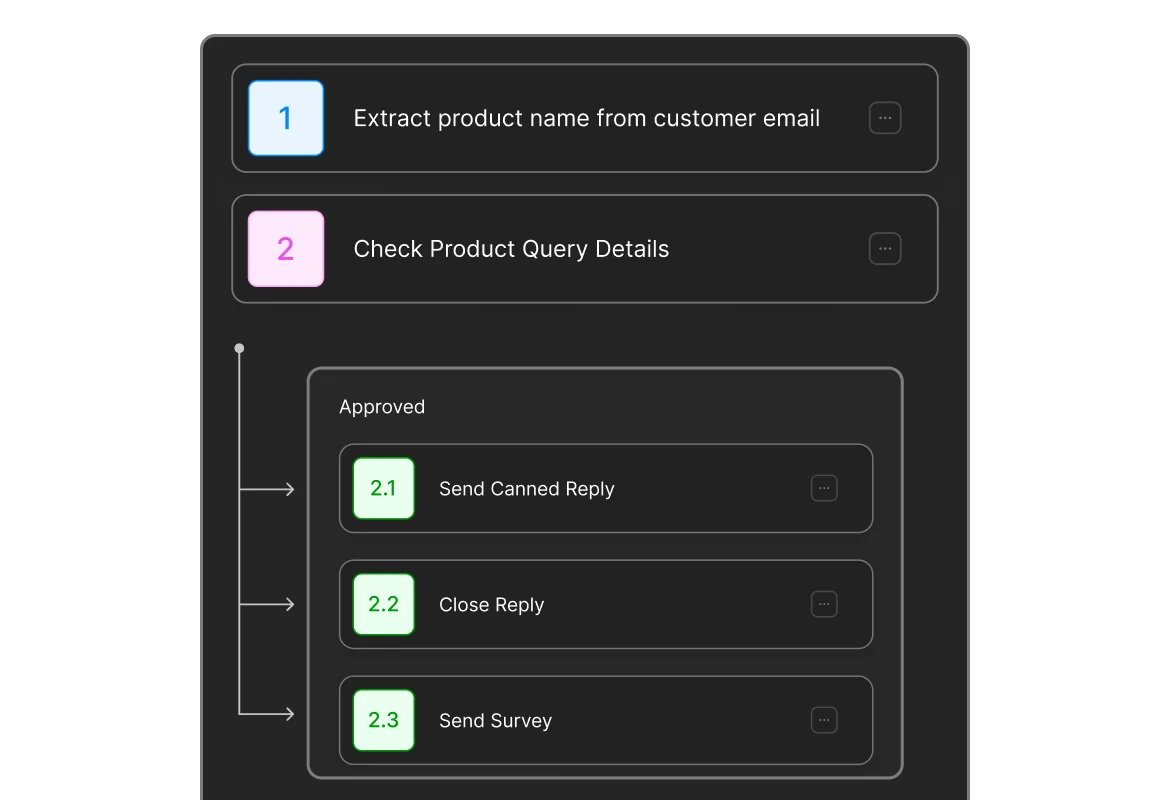
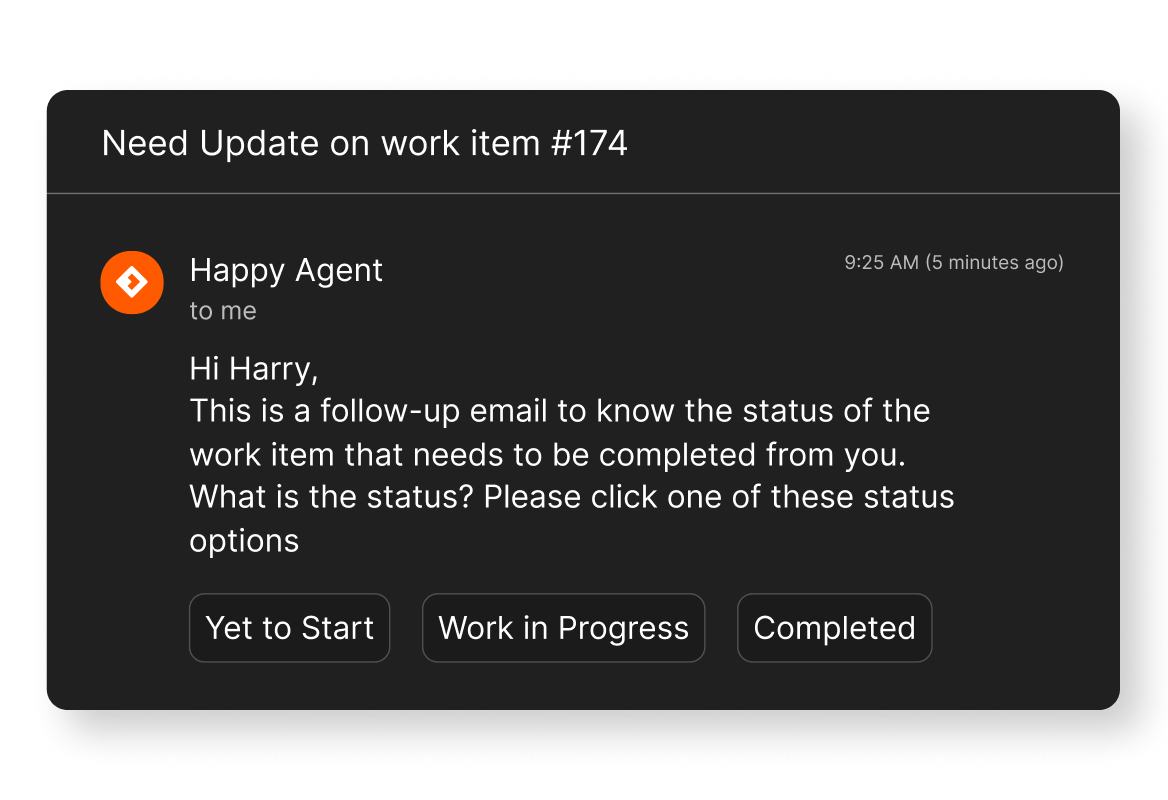


Use HappyFox Workflows to coordinate supported data extraction steps.
Use HappyFox Workflows to coordinate supported ticket actions steps.
Use HappyFox Workflows to coordinate supported automated follow-ups steps.
Use HappyFox Workflows to coordinate supported dependent team tasks steps.
Use HappyFox Workflows to coordinate supported cross-app actions steps.
Use HappyFox Workflows to coordinate supported exception handling steps.
Customer support automation uses a defined workflow to coordinate the events, information, decisions, actions, and communication required for this business process.
HappyFox Workflows supports built-in forms and can use available context from connected systems to collect information for later actions.
HappyFox Workflows supports approval steps that can route decisions to configured stakeholders before subsequent actions continue.
HappyFox Workflows can coordinate supported applications and use incoming or outgoing webhooks for additional connected processes.