Ticket Creation
Create Zendesk tickets automatically from connected workflow events.
 Workflows
Create Zendesk tickets automatically from connected workflow events.
Update ticket fields and properties from workflow conditions.
Route decisions and continue work from approval outcomes.
Collect structured information before the next action.
Read incoming content and map extracted values.
Schedule actions and follow-ups around ticket state.
Start from a Zendesk ticket or connected event.
Read ticket content and capture required data.
Apply conditions or collect approval decisions.
Change tickets and connected application records.
Schedule communication and complete the workflow.
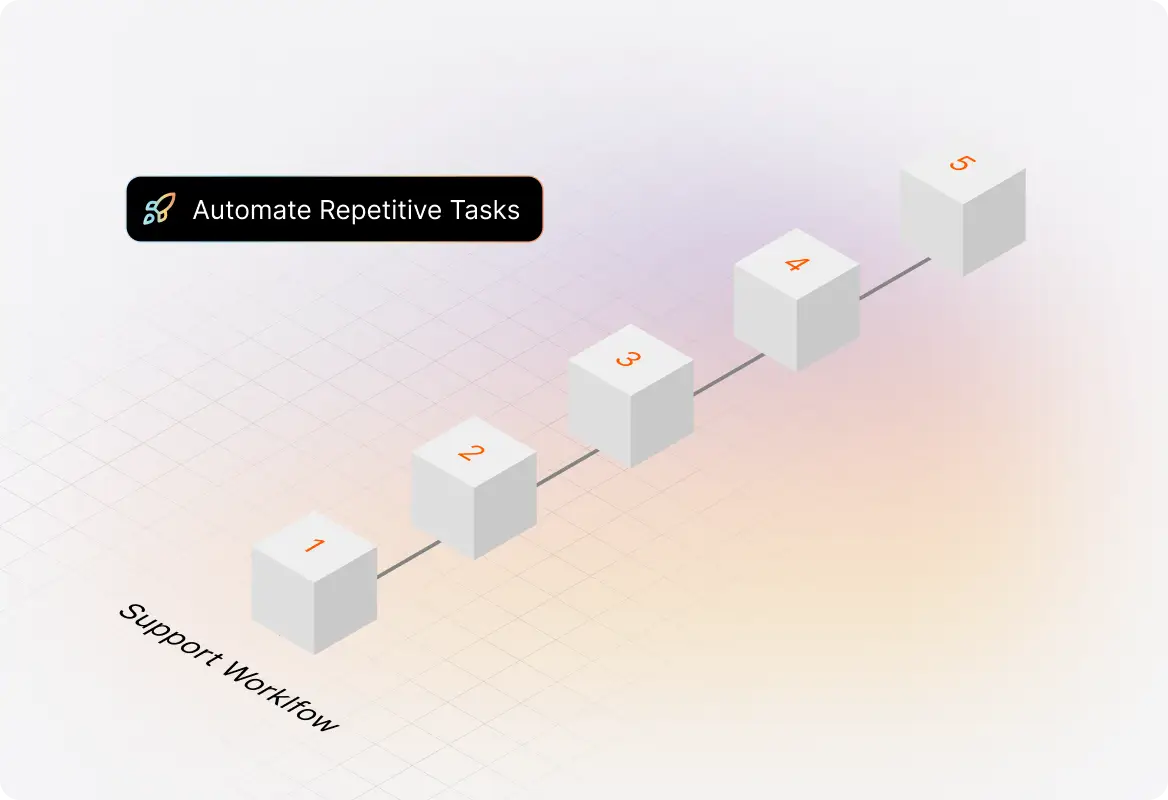
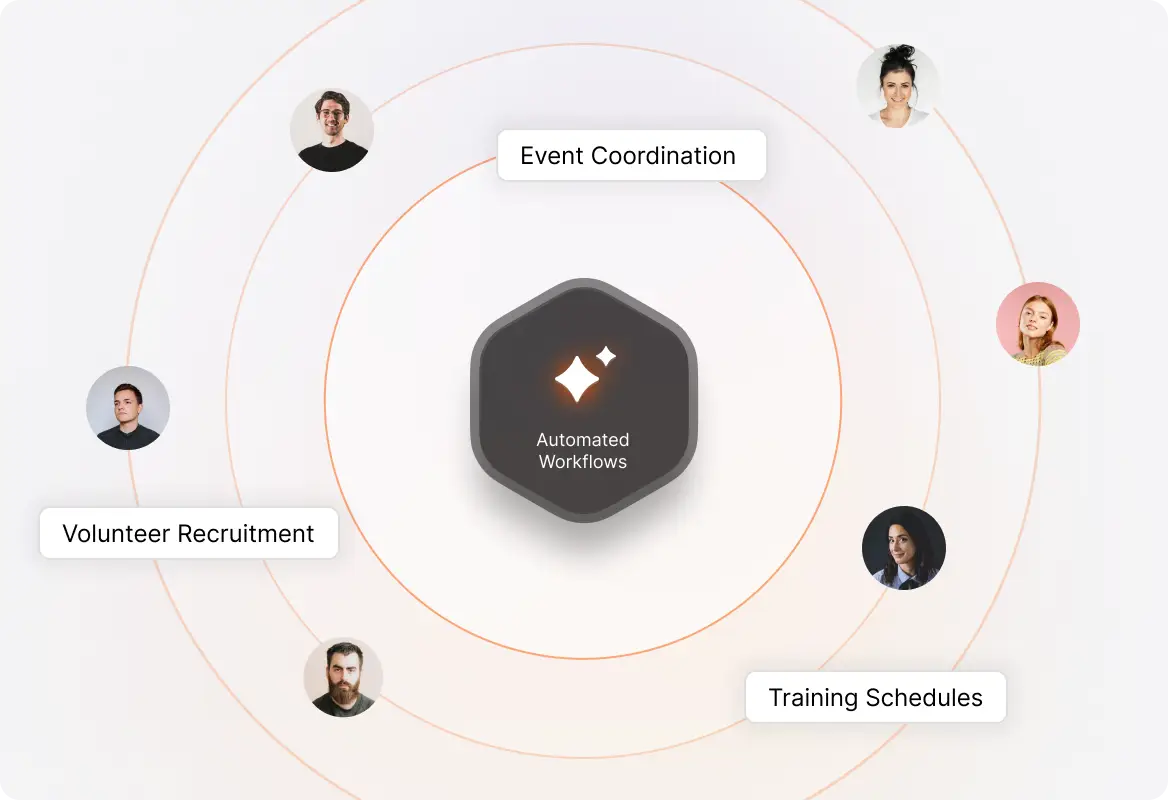

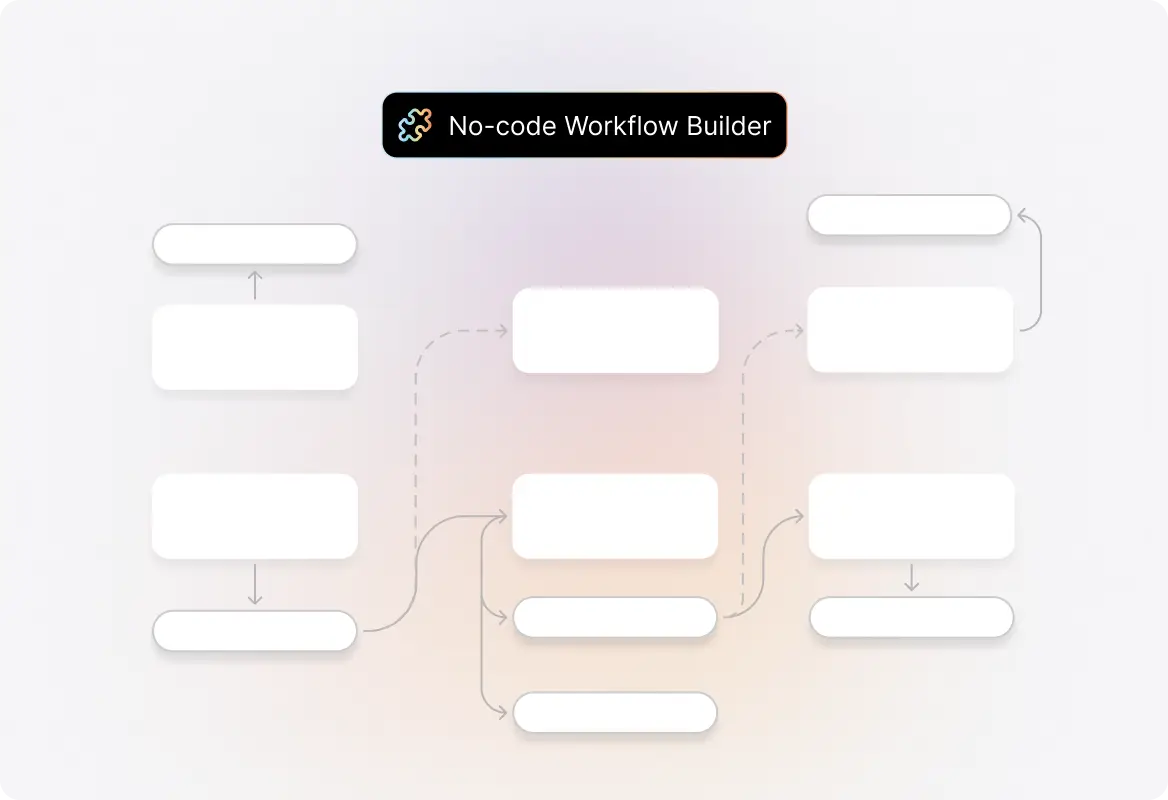
Use HappyFox Workflows to coordinate supported ticket creation steps.
Use HappyFox Workflows to coordinate supported ticket updates steps.
Use HappyFox Workflows to coordinate supported approval management steps.
Use HappyFox Workflows to coordinate supported custom forms steps.
Use HappyFox Workflows to coordinate supported data extraction steps.
Use HappyFox Workflows to coordinate supported time-based workflows steps.
Zendesk Support workflow automation uses a defined workflow to coordinate the events, information, decisions, actions, and communication required for this business process.
HappyFox Workflows supports built-in forms and can use available context from connected systems to collect information for later actions.
HappyFox Workflows supports approval steps that can route decisions to configured stakeholders before subsequent actions continue.
HappyFox Workflows can coordinate supported applications and use incoming or outgoing webhooks for additional connected processes.