Custom asset types and fields
Hardware and Software types are included by default. Add types for network equipment, peripherals, or licenses. Each type has independent Text area, Date, and Dropdown fields that can be required and reordered.
 Service Desk
Trusted by Industry-Leading Companies


“An asset list tells you what you own. A support team also needs to know who uses it, what has changed, and which tickets involve it.”
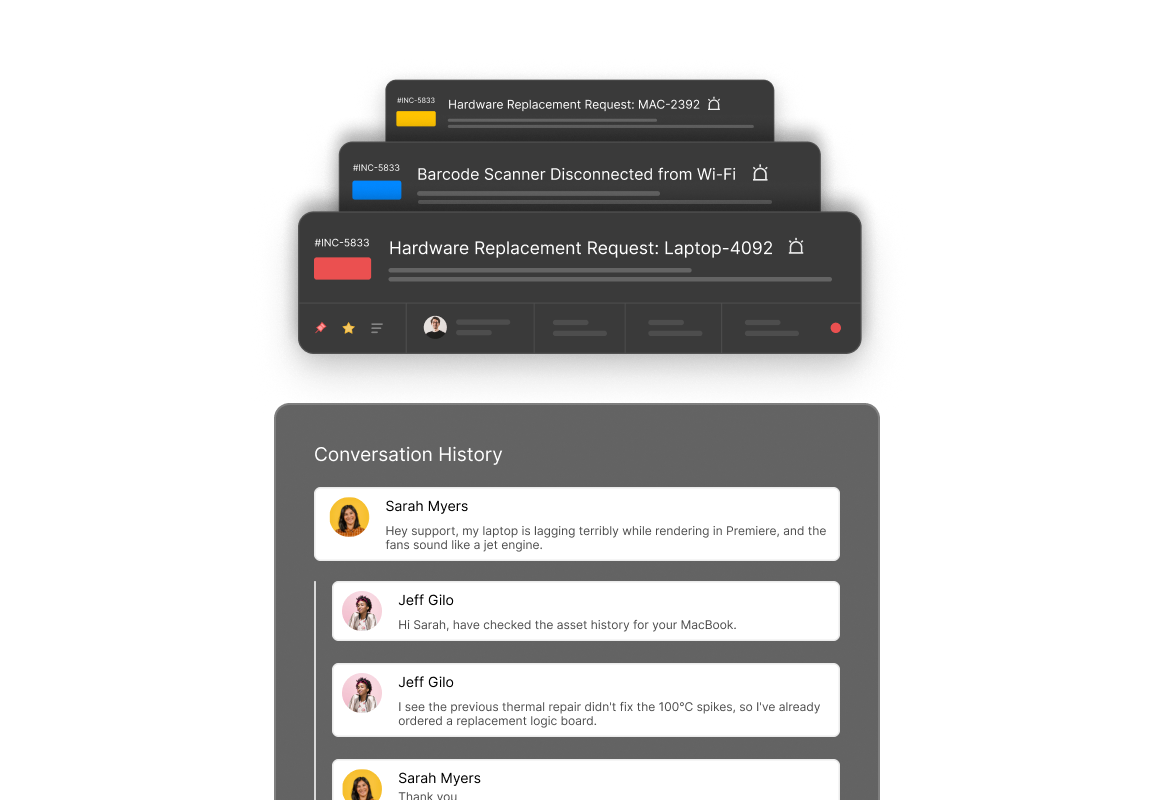
HappyFox maintains a central register of hardware and software assets. Link records to requesters and tickets so agents can use asset context without switching tools.
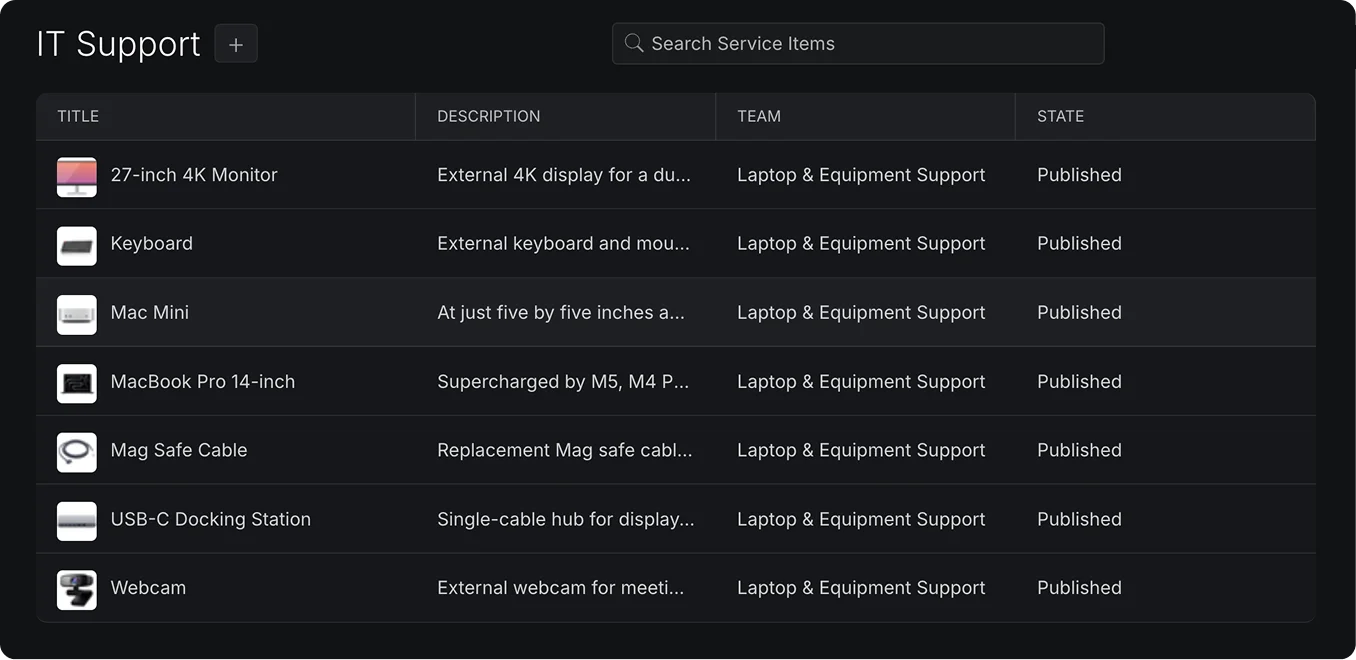
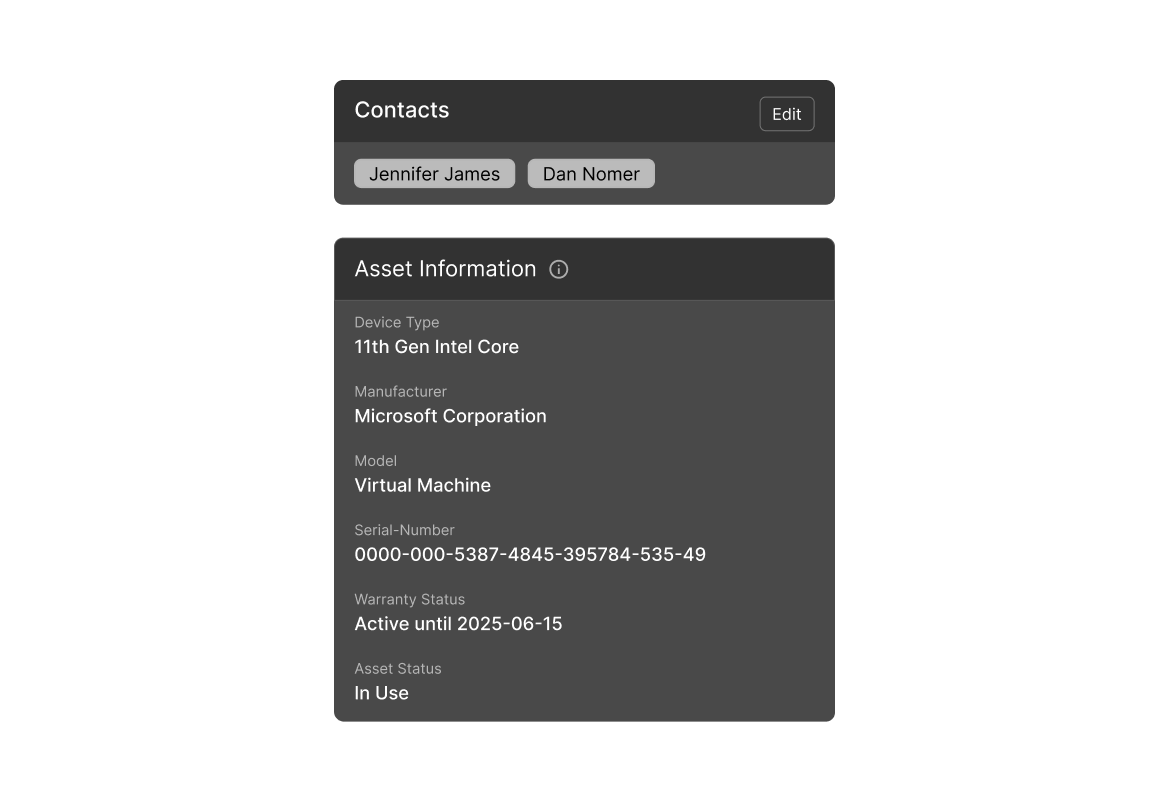
Hardware and Software types are included by default. Add types for network equipment, peripherals, or licenses. Each type has independent Text area, Date, and Dropdown fields that can be required and reordered.
Restrict a type to selected agent teams. With access control enabled, only those teams can view, create, and manage assets of that type.
Link assets to individual requesters or requester groups for shared equipment. Requester association can be disabled for types where it is not needed.
Enable contact visibility per asset type. Linked contacts see the asset name and display ID in the portal, without custom field values.
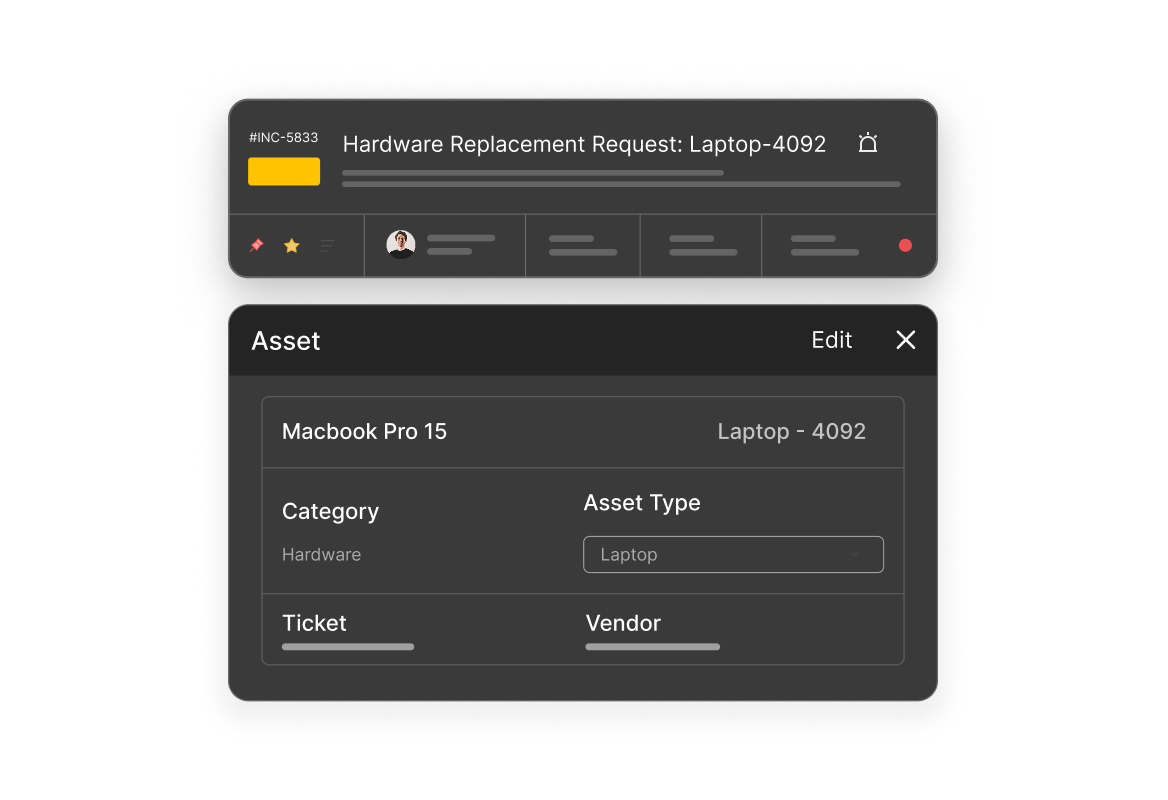
Update asset status as equipment moves through stock, use, repair, and retirement. Records show Pending Tickets and Recent Tickets. Optional quantity tracking records the number of units involved in a ticket.
Sync asset records from Asset Panda, Google Endpoint Management, Lansweeper, Microsoft Intune, NinjaOne, or Iru. For other systems, import with the sample CSV template for the asset type. Export records and field values by type.
Define asset types, fields, team access, and requester association settings.
Connect a supported integration for scheduled sync, or import records using the CSV template for an asset type.
Add records as assets are acquired. Link individual requesters or groups, then associate assets with relevant tickets.
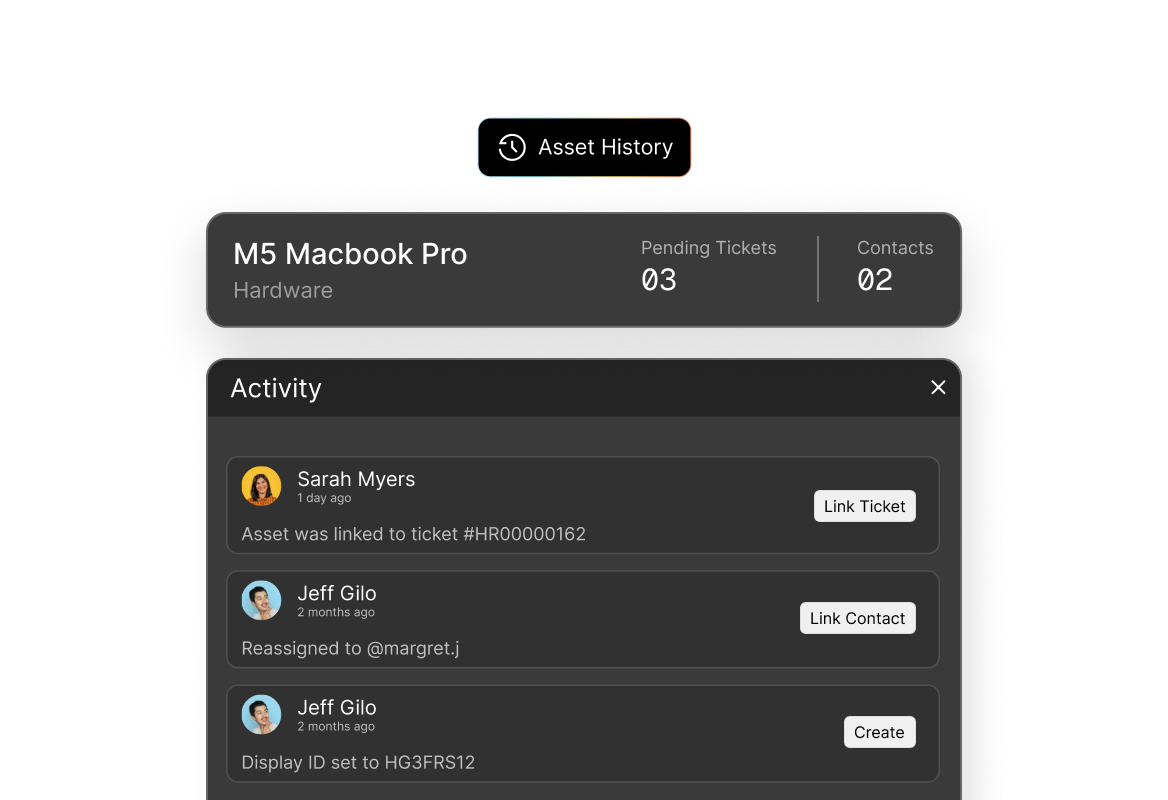
Update lifecycle fields as assets are reassigned, repaired, or retired. The Activity tab logs changes with the agent and timestamp.
Use ticket history and the audit trail to review an asset. Export a type’s records to CSV for audits or other tools.
A category with its own fields and settings. Hardware and Software are included by default; admins can add types to match the inventory.
Text area, Date, and Dropdown. Fields can be marked required and reordered independently for each asset type.
Yes. HappyFox integrates with Asset Panda, Google Endpoint Management, Lansweeper, Microsoft Intune, NinjaOne, and Iru for scheduled asset sync.
Select an asset type, download its sample CSV template, populate the columns, and upload the file. Imports operate per asset type.
Yes. Enable access control for a type and select the agent teams that may view, create, and manage its assets. Other agents cannot see that type.
Yes. Agents link one or more assets from the ticket interface. The asset record shows associated support work in Pending Tickets and Recent Tickets.
Link requesters to the asset record. For shared equipment, link a requester group. Association settings are configurable per asset type.
When contact visibility is enabled for the type, contacts see only assets linked to them, and only their names and display IDs. Custom field values are not shown.
Yes. The Activity tab records changes, the agent who made them, and the timestamp.
Export the records and field values for an asset type to CSV. When Asset Quantity on Tickets is enabled for a type, agents can record how many units are involved in a ticket.