Forms built without code
Drag fields onto the form canvas or click to add them. Choose Text, Dropdown, Number, Date, or Multiple Options fields.
 Service Desk
Trusted by Industry-Leading Companies


“Requesters should not have to guess which team to contact or what information to include.”
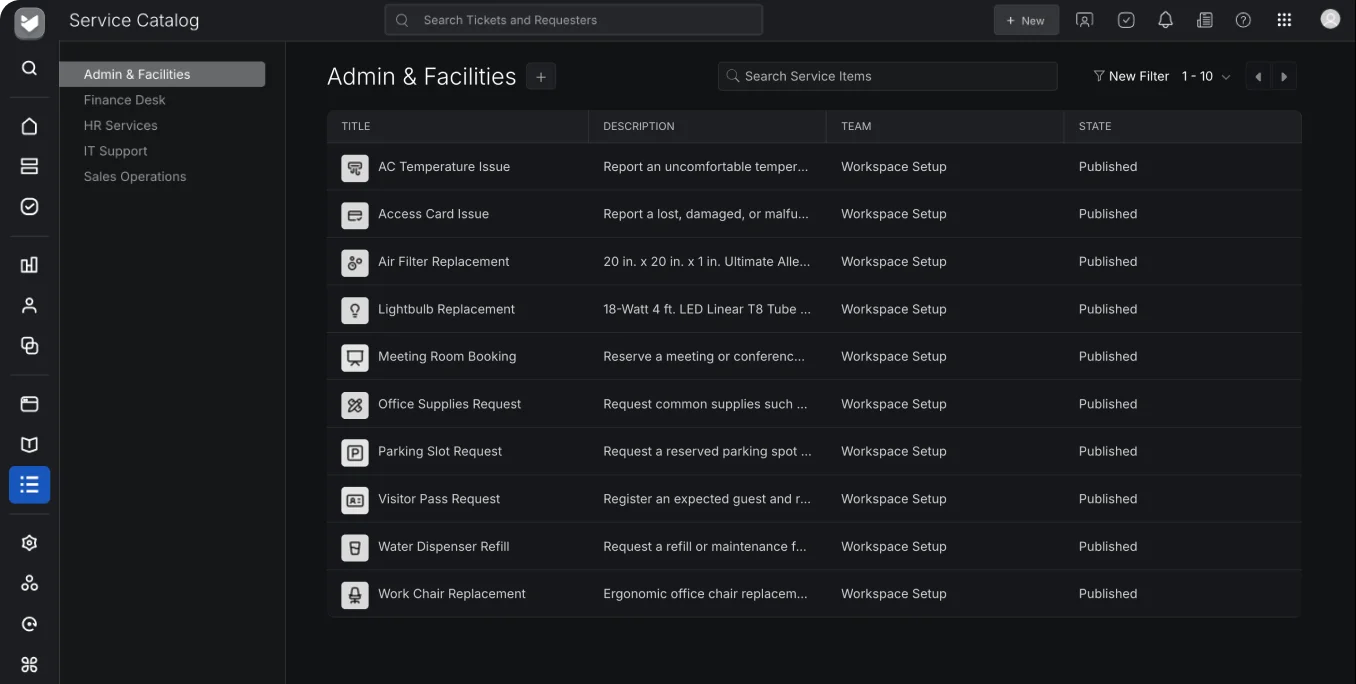
A service catalog gives requesters a clear menu of services. Each offering has its own intake form and assigned team, so the request arrives with the details needed for fulfillment.
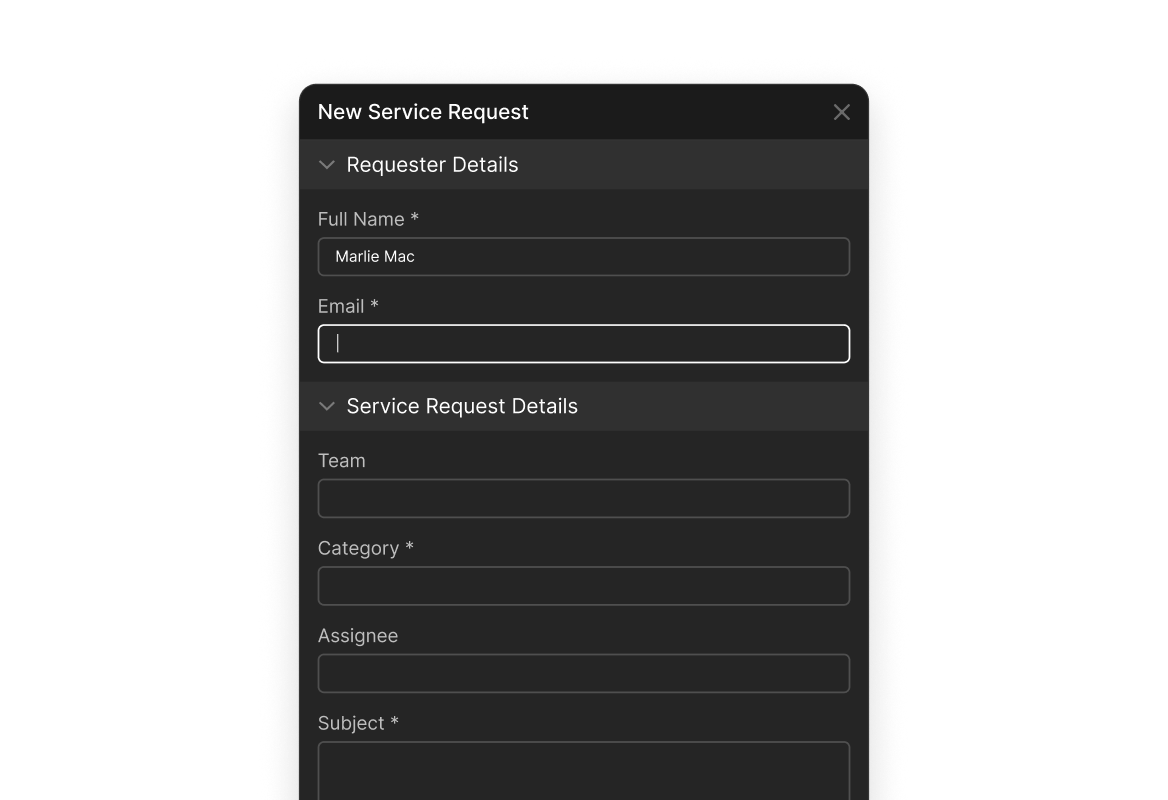
Drag fields onto the form canvas or click to add them. Choose Text, Dropdown, Number, Date, or Multiple Options fields.
Give each offering a service name, description, and optional display image. A hardware request can ask for a model and quantity; an access request can ask for a system and access level.
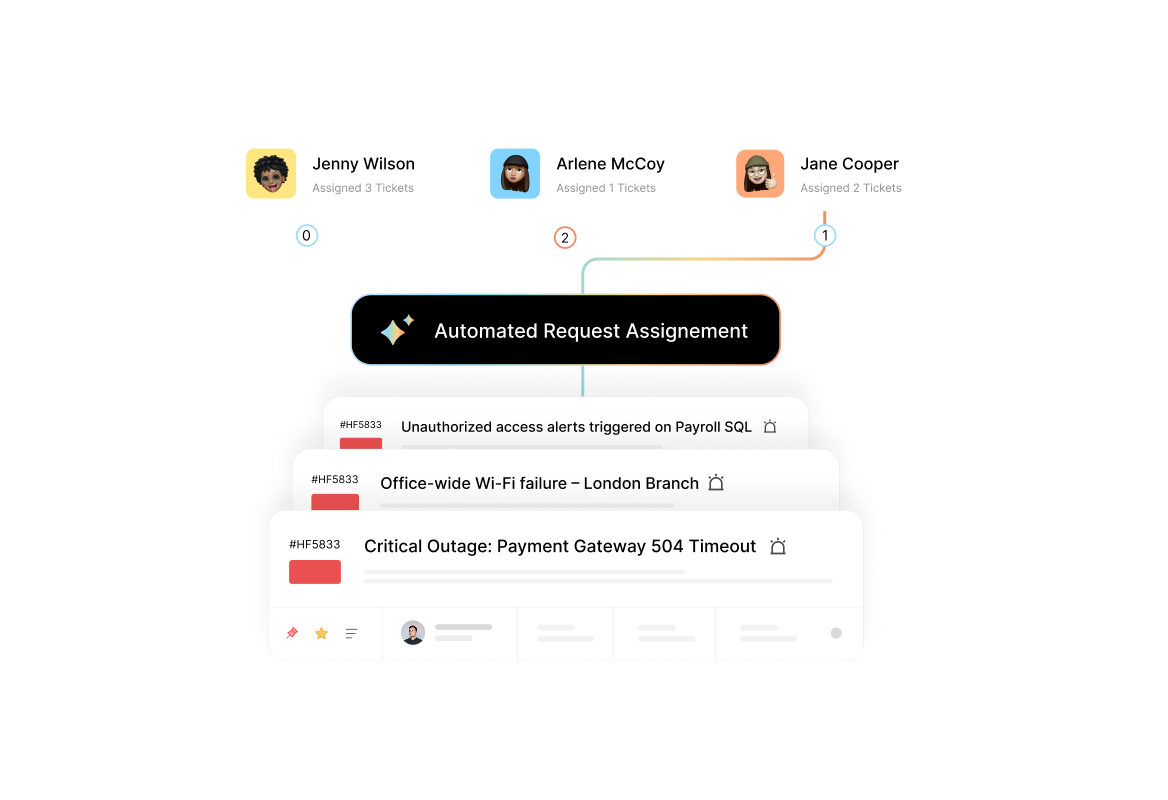
Assign the fulfilling team when you create the service item. Submission creates a ticket for that team with the requester’s form data.
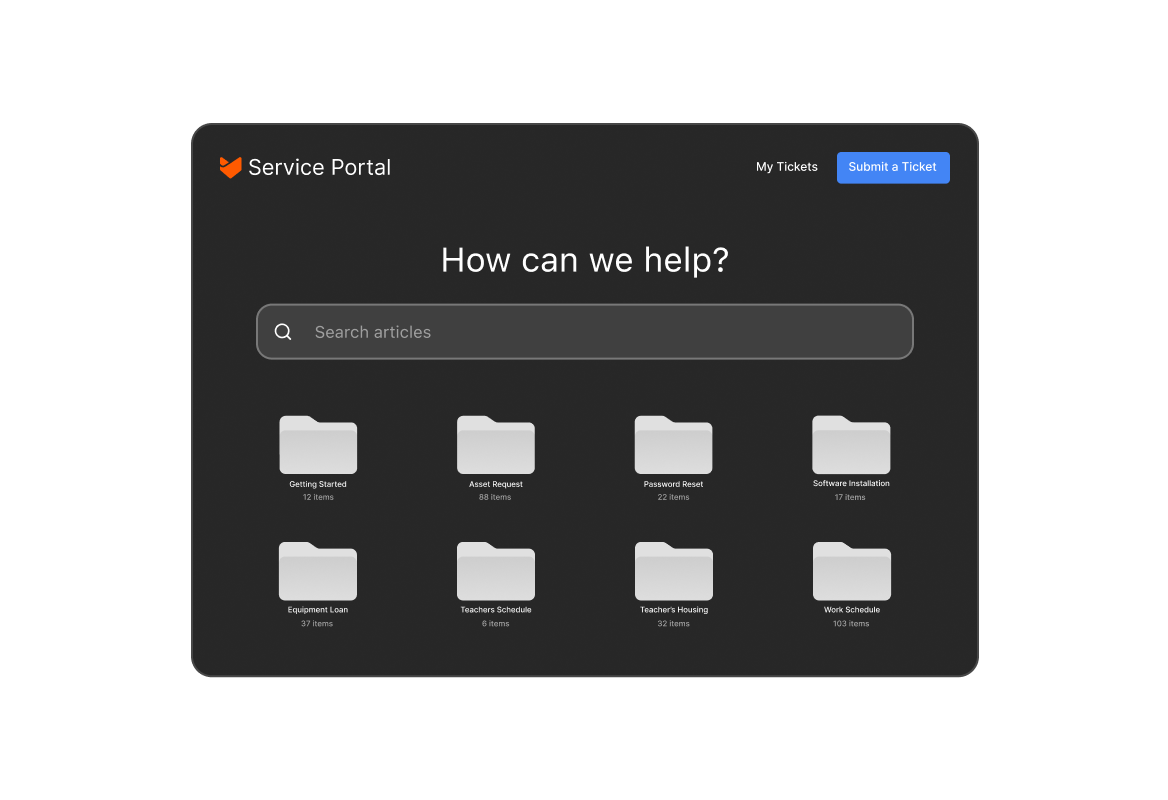
Save and refine a service item privately. Draft offerings are visible only to admins; published offerings appear in the requester-facing portal.
Edit published offerings as services evolve. Updated forms apply to new submissions; existing tickets are not changed.
Archive services that are replaced or no longer available. They leave the requester catalog and remain in the admin view for reference.
Add a service name, description, optional image, and the team responsible for fulfillment.
Add the fields that capture the information your team needs to act on this service request.
Save a private draft for review, or publish the offering to the service portal.
A requester selects the service and submits the form. HappyFox creates a ticket for the assigned team with the structured request data.
Edit offerings for future submissions and archive services when they are retired.
A curated menu of services in the service portal. Each offering has a purpose-built form and an assigned team, so requesters can choose the service they need and submit the right details.
Admins assign a team to each service item. When a requester submits its form, HappyFox creates a ticket and routes it to that team.
Text, Dropdown, Number, Date, and Multiple Options. The fields are defined per service item.
Yes. Each service portal can surface its own catalog, allowing different audiences to see the services relevant to them.
Only admins. Publishing makes the offering visible to requesters in the portal.
Yes. Changes apply to new submissions going forward. Existing tickets are not affected.
The offering is removed from the requester-facing catalog and preserved in the admin view. Archive services when they are retired or replaced.
A ticket is created for the team assigned to the service item, with the submitted form data captured as structured fields.