A good call. A crowded afternoon.
A prospect asks for a follow-up. Then a product decision, a customer question, and the next meeting take over. By tomorrow, you are piecing together what you promised.
A prospect asks for a follow-up. Then a product decision, a customer question, and the next meeting take over. By tomorrow, you are piecing together what you promised.
It takes more work to keep the conversation beside it. When email, call notes, and deal updates live separately, preparing for the next conversation becomes another task.
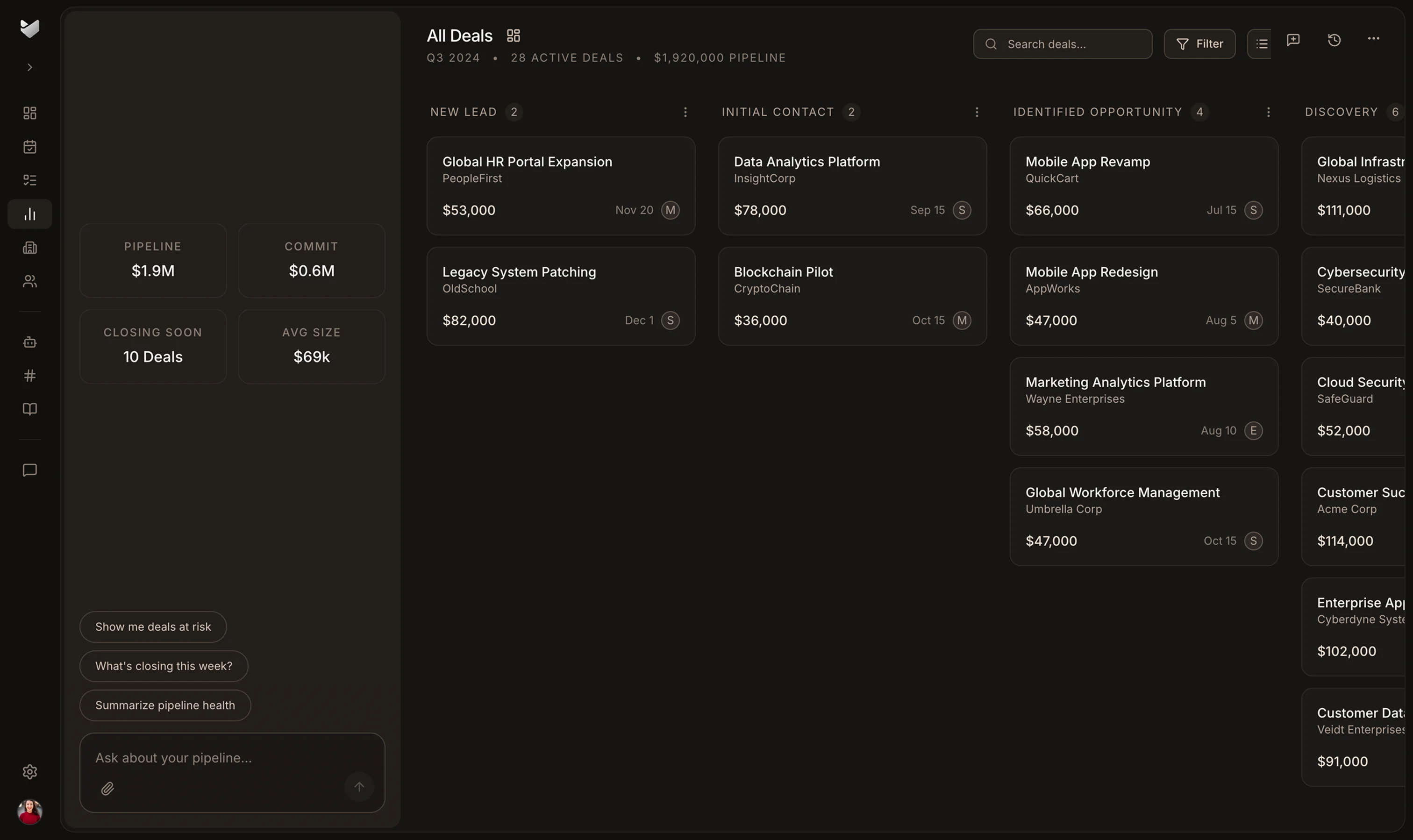
A list of opportunities is only the beginning. The next person needs to understand who is involved, what was discussed, and where the relationship should go next.
The call ends, and your next meeting starts. Connected calls, emails, and meetings keep the interaction with the deal so you can return to the customer context later.
Review the opportunities and AI follow-up recommendations before deciding where to spend your next sales hour. Use the deal context to prepare a relevant conversation rather than starting with a blank email.
Bring a cofounder or your first sales hire into an opportunity using the connected activity, contacts, and next steps. Walk through the record together and agree who will follow up.
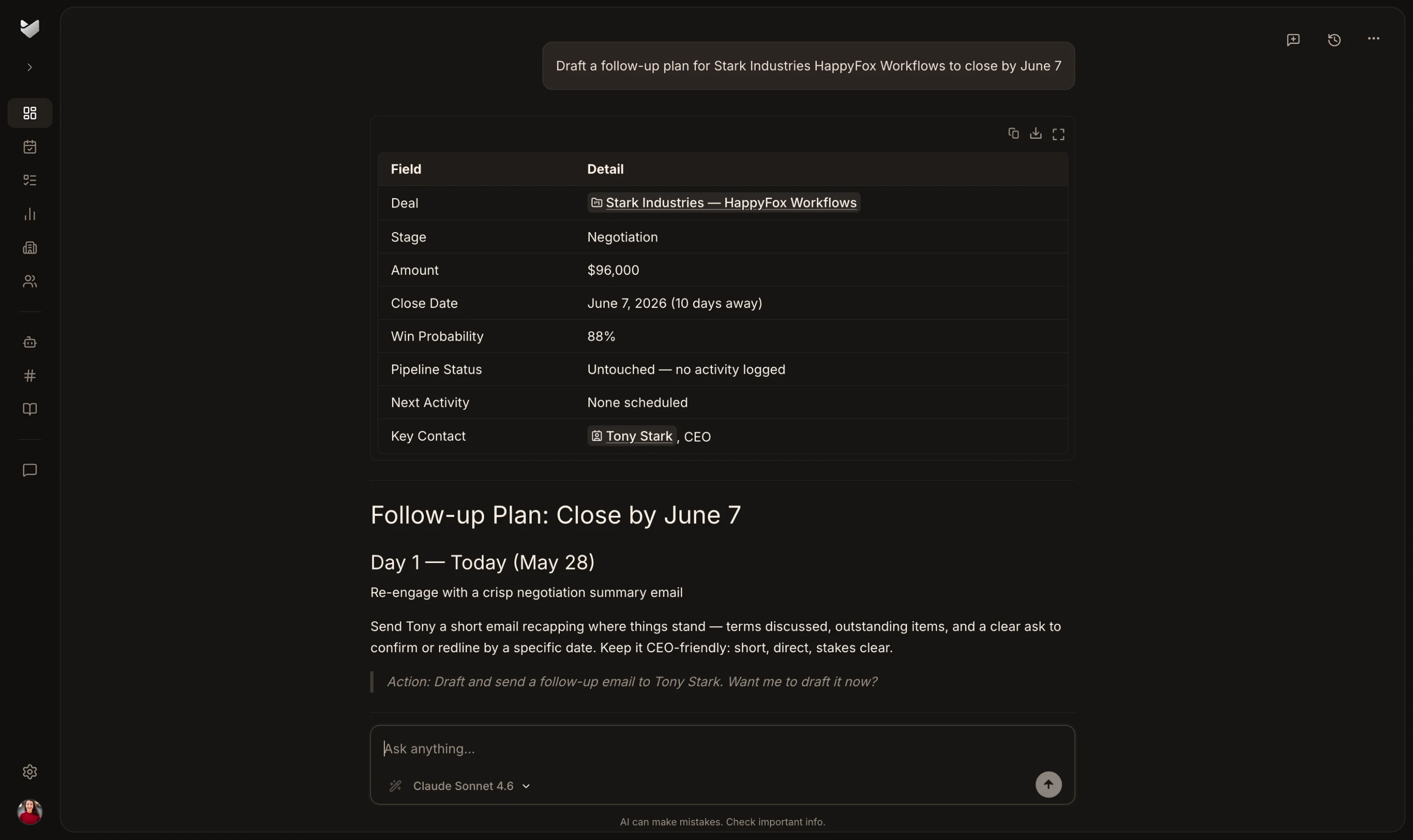
Pick one active deal and review it together. Ask your new sales hire to explain who is involved and what has happened so far using the connected customer history.
Review the last conversation and agree the next action. The customer should experience a continuous relationship even as someone else takes responsibility for the follow-up.
Use the shared opportunity record to review progress with your sales hire. Decide which conversations still need you and which they can take forward, with the history available to both of you.
Yes. HappyFox CRM is designed for SaaS founders and early sales leads. Prebuilt SaaS pipelines and fields provide a starting structure while you still own the sales conversations. Adjust that structure as your process develops.
The CRM connects calls, emails, meetings, and deal context. Its AI uses that customer context to surface follow-ups that need attention. Review each recommendation against what you know about the relationship before acting.
Start with the prebuilt SaaS pipeline and fields, then adjust them to match how you sell. During evaluation, check the connected activity and next steps for a representative opportunity before bringing in the wider team.
The CRM supports migration from HubSpot, Salesforce, and Pipedrive. The work and timing depend on your data and requirements. Discuss your current system with the team when evaluating the move.
The customer history collected during founder-led sales gives the new owner a starting point. Use a current opportunity to check whether they can understand the contacts, conversation, and next step without replaying the whole sale.
Explore the CRM overview for product details, pricing, and the startup program. Trial requests are reviewed by the HappyFox team; an approved request lets you begin setup and evaluation. Startup program eligibility and terms are listed on the CRM startup page.