
The page must deliver the clicked promise.
An early-access announcement, partner offer, or launch email sets an expectation. Carry that offer into the landing page so visitors understand what they are signing up for and why it matters.
An early-access announcement, partner offer, or launch email sets an expectation. Carry that offer into the landing page so visitors understand what they are signing up for and why it matters.
An email address helps you follow up. A question about the visitor’s plans can help prepare that conversation. Choose fields around what the team will use rather than collecting everything at once.
The button, confirmation, captured answers, and configured delivery all need a deliberate test. A page that looks ready is only one part of a campaign that is ready to share.
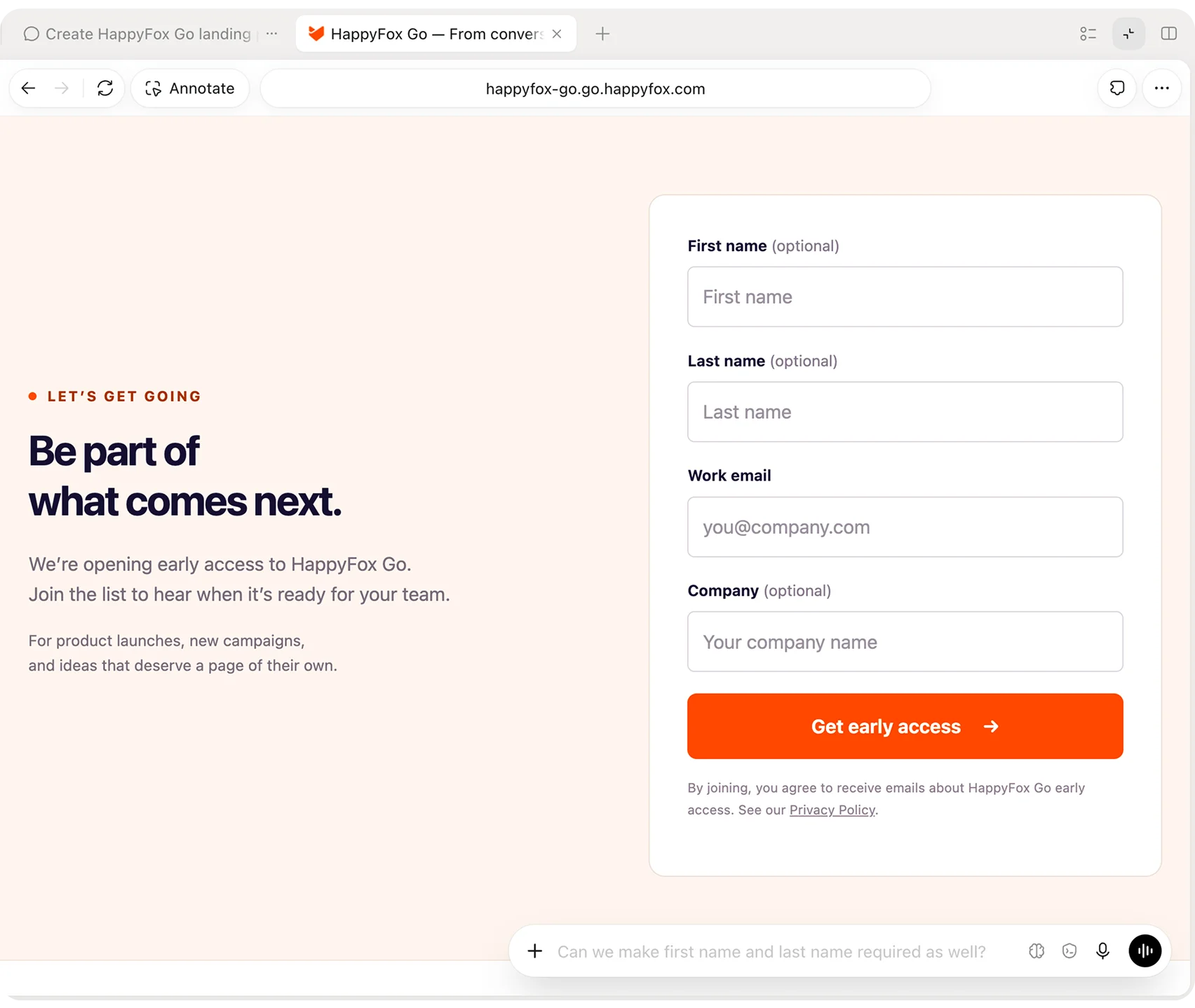
Give your AI assistant the audience, campaign promise, brand website, and required lead information. Use Go’s tools to build a page and form around that brief.
Open the page privately with passcode protection and noindex. Check the message, form, and responsive experience, then ask the assistant for specific changes while keeping the original brief in context.
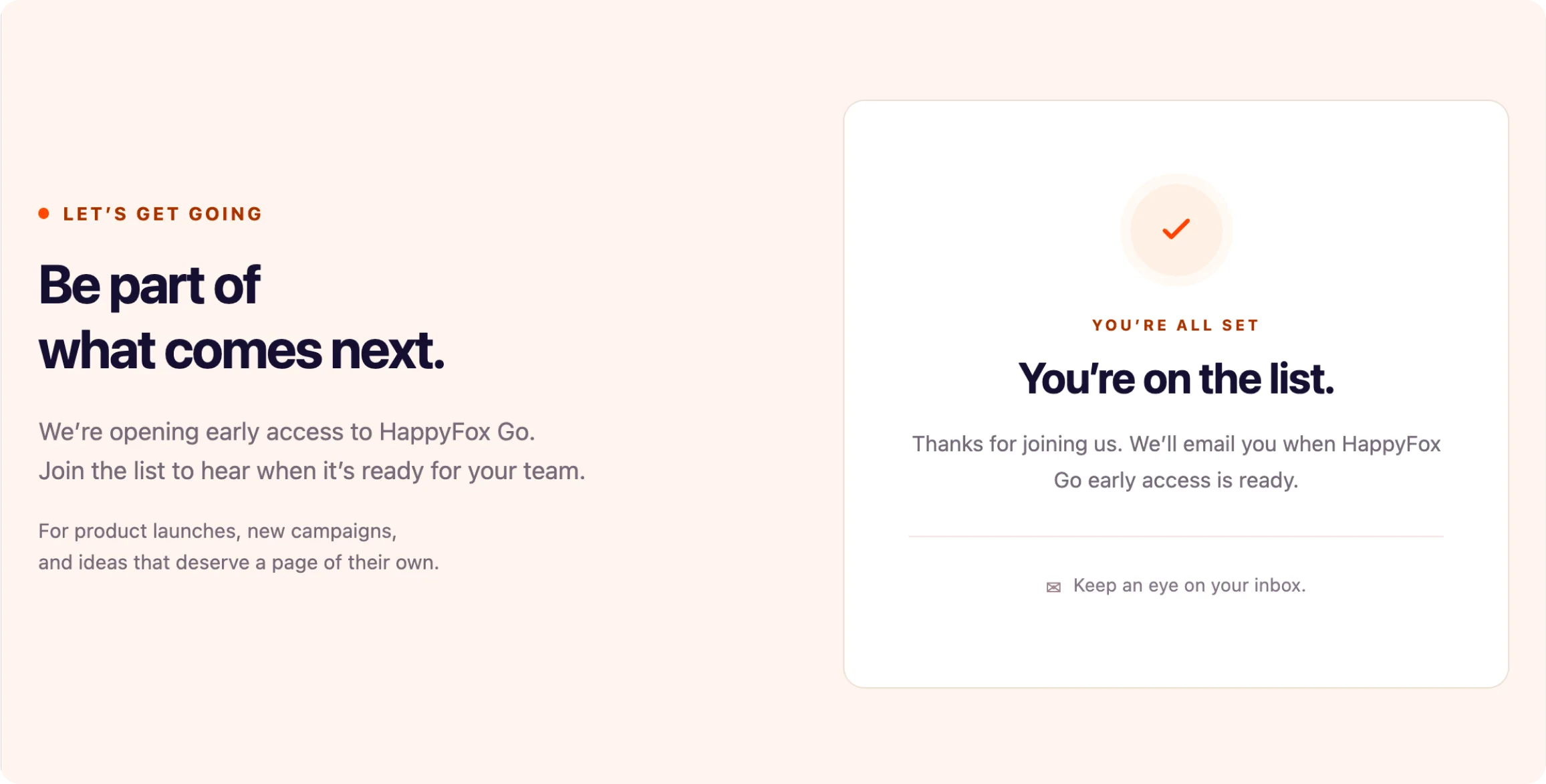
Submit a deliberate test lead. Check the confirmation and captured answers, then inspect delivery diagnostics for each configured destination before choosing the page’s public access and indexing settings.
Compare the campaign email or announcement with the page. Make the offer, audience, and next step consistent so the visitor knows what the signup means.
Review the field labels and required answers on mobile. Submit a test and check both success and error states before sending visitors to the page.
Inspect the captured answers and configured delivery diagnostics. Confirm who will follow up and what information they need from the form before opening the campaign to its audience.
Use Go with your AI assistant to author a landing page and lead form for an early-access list, product launch, or other campaign offer. Go stores and hosts the page; the agent builds the visitor-facing design and interaction.
Provide your brand website and relevant references in the brief. Review the resulting colors, typography, logo, and page experience before launch rather than assuming every extracted asset is ready to use.
Yes. Passcode protection and noindex support private review. Access and search indexing are separate choices, so decide each setting deliberately when moving to a public campaign.
The page should give a clear success or error state using Go’s submission response. Choose a confirmation that explains the next step, and test required fields and captured answers as part of the visitor journey.
Lead capture and integration delivery are separate. Check the captured lead, then inspect delivery diagnostics for each configured destination. A successful form submission alone does not confirm delivery everywhere.