Listen silently
Hear both sides of a live call without speaking. Neither the caller nor the agent is notified in Listen mode.
 AI Contact Center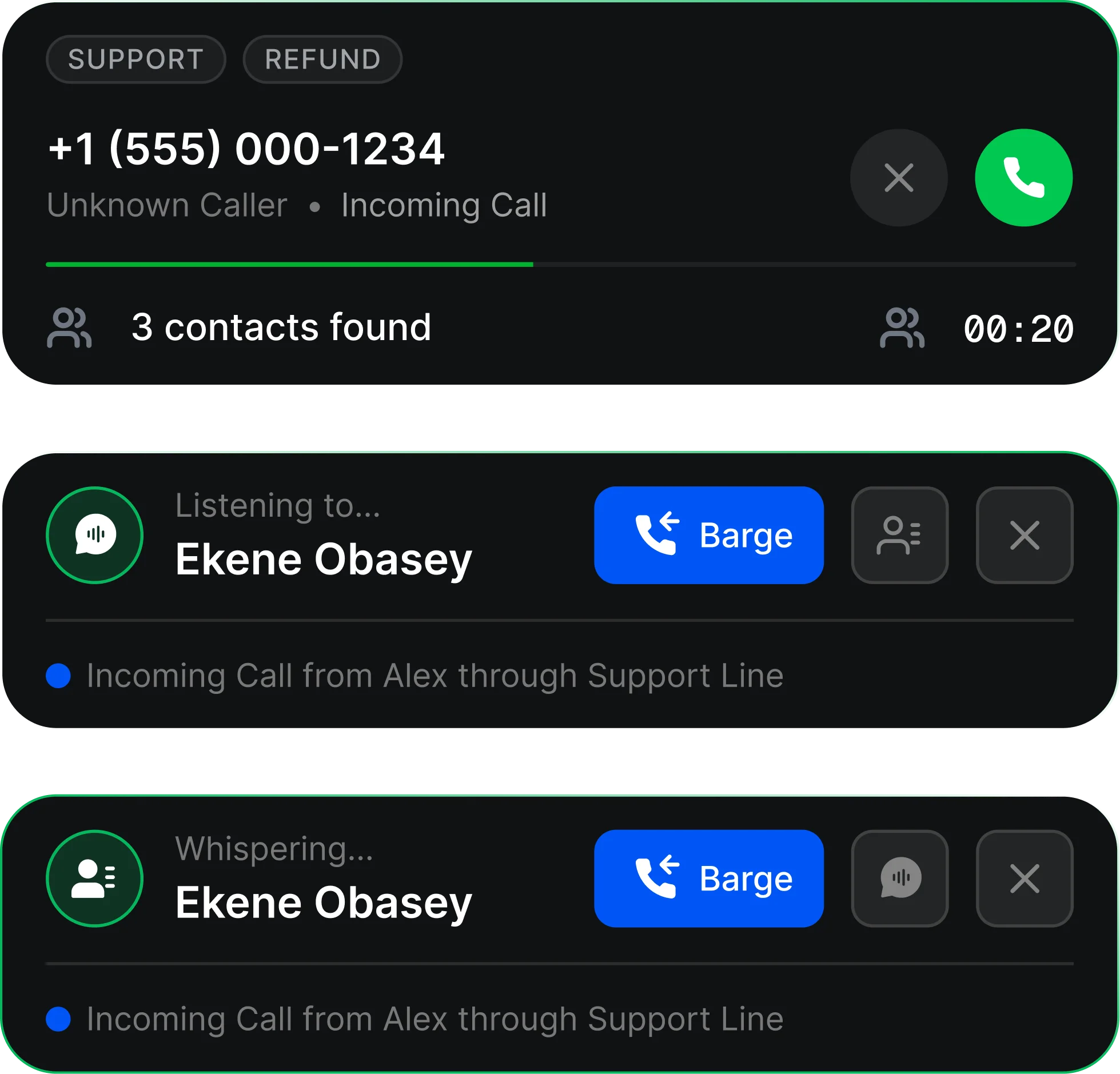
Hear both sides of a live call without speaking. Neither the caller nor the agent is notified in Listen mode.
Speak only to the agent. The agent sees an indicator and hears a beep; the caller hears neither the supervisor nor that notification.
Join as a third participant. Both the agent and caller hear an entry tone and can speak with the supervisor.
Start with Listen, then switch to Whisper or Barge In. Return to Listen or leave when your help is no longer needed.
Listen mode is not recorded. Barge In conversations are included in the same continuous call recording with the supervisor listed as a participant.
Review supervisor involvement through call-leg entries. Listen, Whisper, and Barge mode changes appear as separate participant entries.
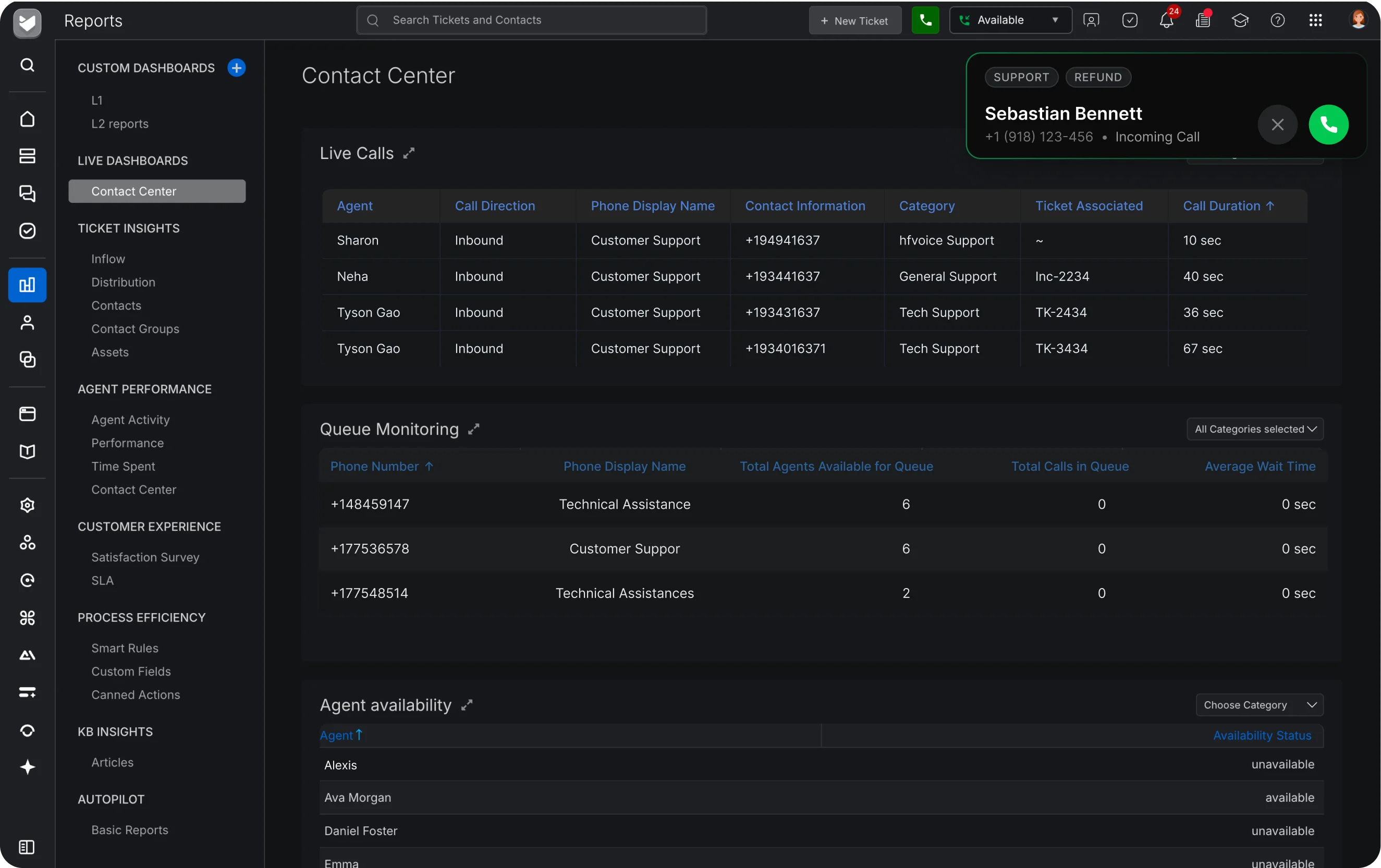
A supervisor opens the Live Dashboard and finds an active call in the Live Calls section. The supervisor clicks Listen and is instantly connected in silent mode. From there, the supervisor can select Whisper to coach the agent privately, or Barge to join the call as a third participant. The supervisor can switch back to Listen, or leave the call at any time.
No. In Listen mode, neither the caller nor the agent is notified.
No. The supervisor can hear both the agent and the caller but cannot speak.
A mode where the supervisor speaks only to the agent. The caller never hears the supervisor and hears no beep or indication.
The agent hears a distinct beep and sees a visible indication in the interface.
A brief notification tone, then the supervisor speaking. The agent hears the same entry tone.
Yes. Both are available only after the supervisor has started listening.
Only agent–caller conversations are recorded. Listen mode is not recorded; Barge In conversations are included in the recording.
When an agent asks for help, a call is escalating, a new or training agent needs help with a scenario, or immediate clarification is needed to avoid customer frustration.
Yes. The system logs all instances where a supervisor used Listen, so it can be used for internal audits or to review monitoring activity over time.