Virtual hold
Keep the caller’s routing category, queue, and position after they choose a callback and hang up.
 AI Contact Center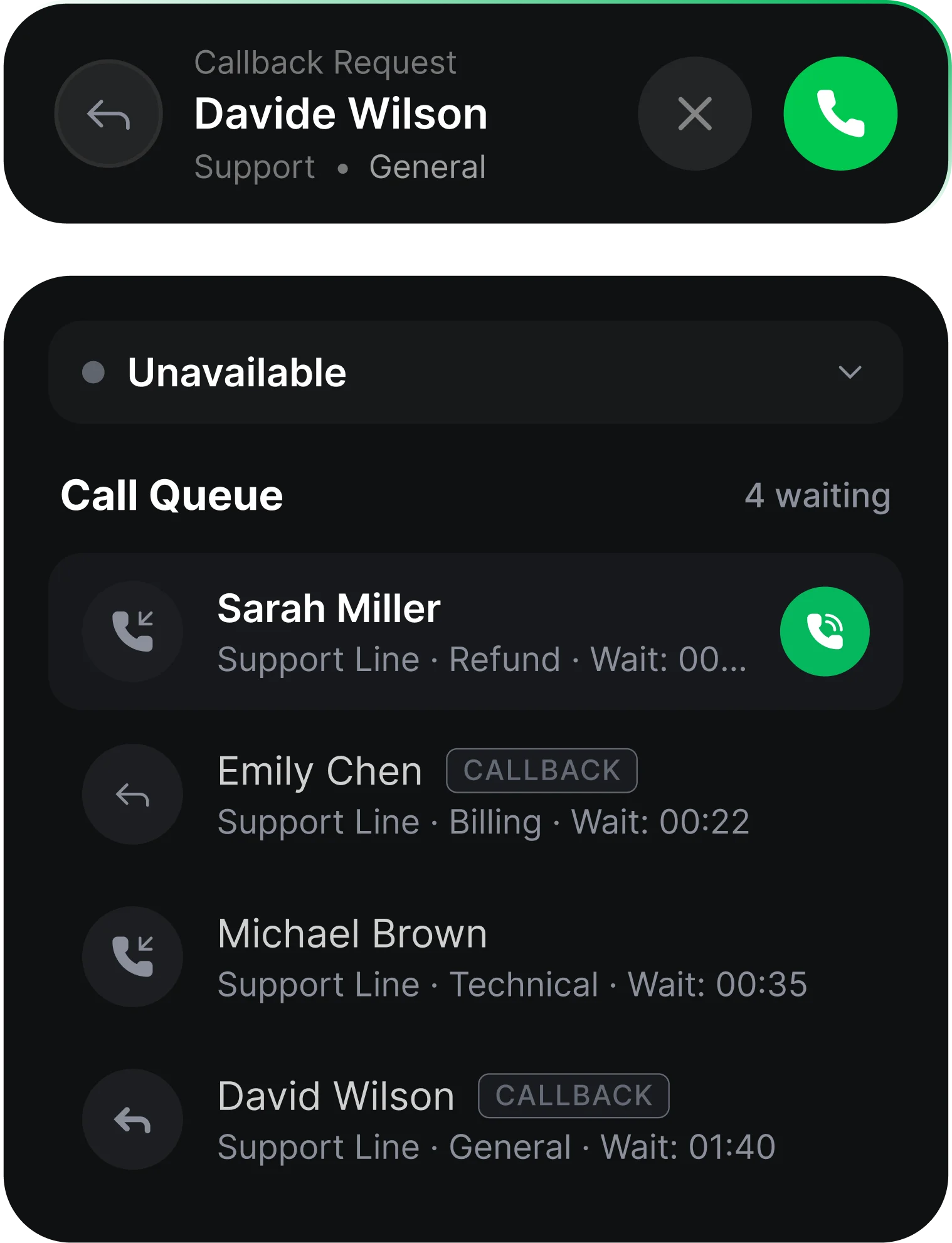
Keep the caller’s routing category, queue, and position after they choose a callback and hang up.
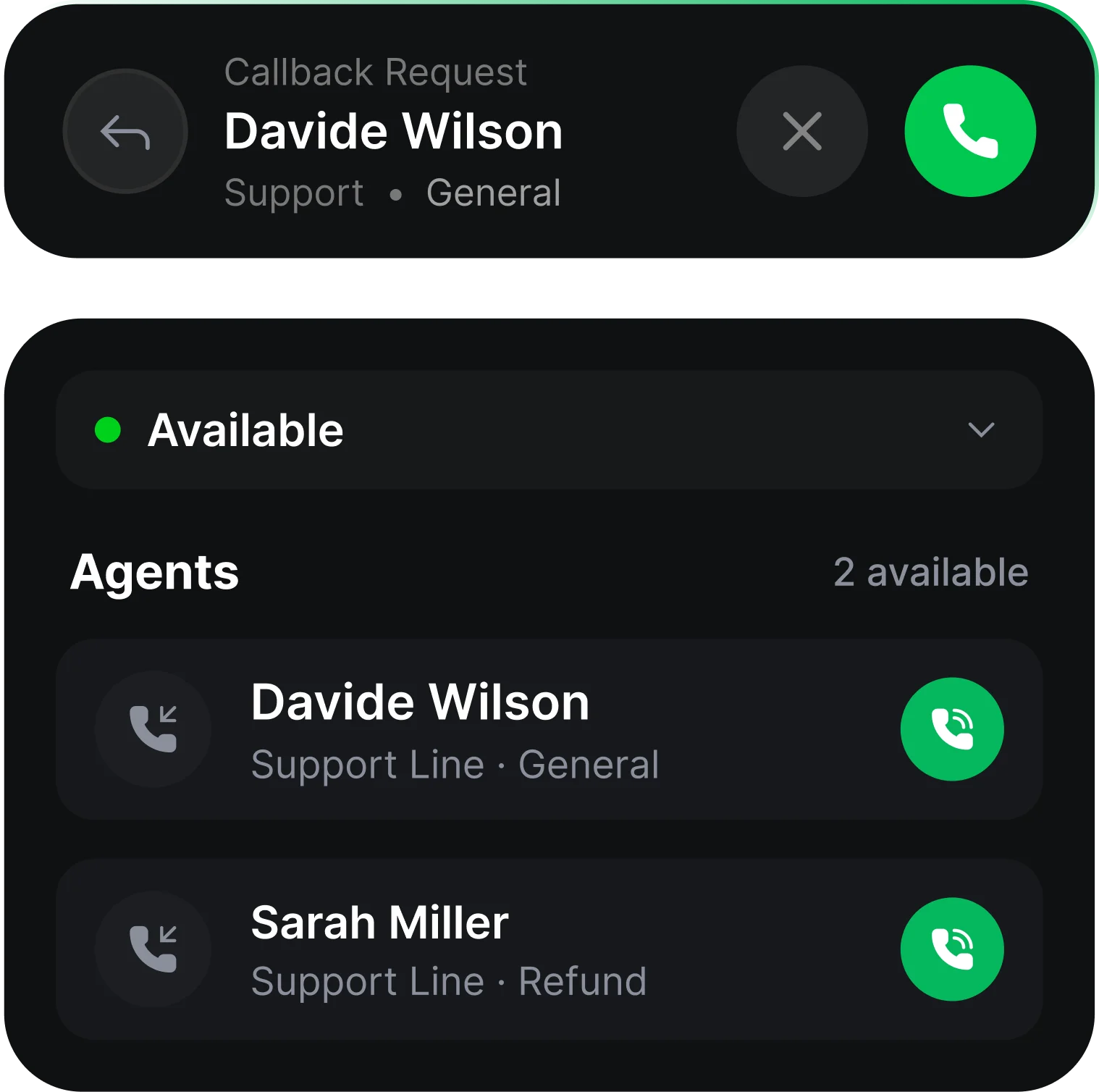
At the front of the queue, ring an available agent first. After the agent accepts, dial the customer and connect the calls.
Enable callbacks per number and customize the offer, confirmation, and optional announcement. Callback operates during configured business hours.
The callback shows the same phone number the customer originally dialed.
Callback notifications are labeled so agents can distinguish them from standard inbound calls.
If the customer does not answer or the call reaches voicemail, create a ticket documenting the attempt. Requests beyond the maximum wait time create a ticket for manual follow-up.
Review request volume, completion, attempted, and fulfilment rates in reports. Raw exports include request, attempt, connection, and end timestamps.
A caller waits in the queue and hears their queue position and an offer to receive a callback. The caller accepts the offer and hangs up. The system keeps their place in line. When the caller reaches the front, the system rings an available agent first. The agent accepts, and the system dials the customer and connects the two calls. If the customer doesn't answer, or the callback isn't made within the maximum wait time, a ticket is created.
A feature that lets callers hang up while keeping their position in the queue. The system calls them back when it's their turn.
No. The system keeps their routing category, queue and place in line.
The agent first. The system rings an available agent, and once they accept, it dials the customer and bridges the two calls.
The same number they originally dialed.
The call ends and a ticket is created documenting the attempt.
The request waits until an agent is free to pick it up. If the callback isn't made within the maximum wait time, the request is dropped and a ticket is created for manual follow-up.
Yes. You can customize the offer, confirmation and announcement messages. The offer and confirmation have defaults.
Callback only operates during your configured business hours.
Yes. The Contact Center Report shows Callback Requests, Callback Completion Rate, Callback Attempted Rate, and Callback Fulfilment Rate.