Call audio on the ticket
When recording is enabled, the recorded conversation appears with the ticket update for later review.
 AI Contact Center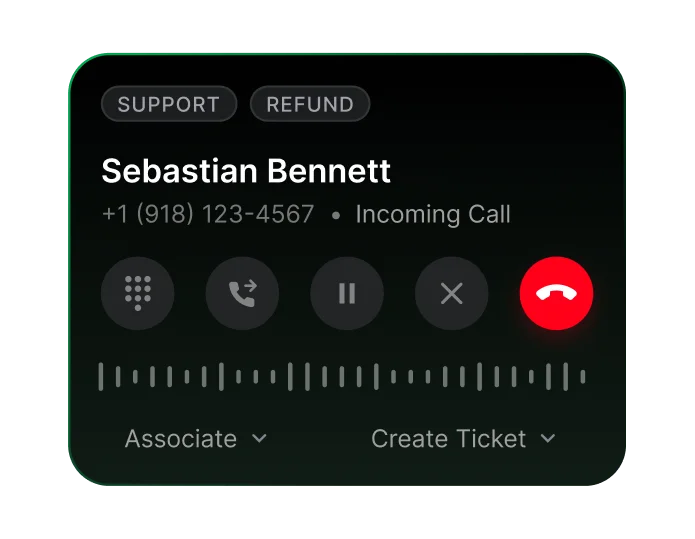
When recording is enabled, the recorded conversation appears with the ticket update for later review.
Convert recorded conversations into text. Transcription requires call recording to be enabled.
Generate a concise overview of the key topics, customer intent, and outcomes. Summaries require transcripts to be enabled.
Play a configured recording consent greeting at the start of the call.
Users with the required access can download recordings for review.
Users with the required access can delete recordings. Manage Voice permission governs access to these controls.
The primary agent can pause from the REC indicator and resume when ready. All participants hear a tone on successful pause or resume. Paused audio is excluded from the stored recording and transcript.
Review Total Pauses and Pause Duration per call in the call detail report.
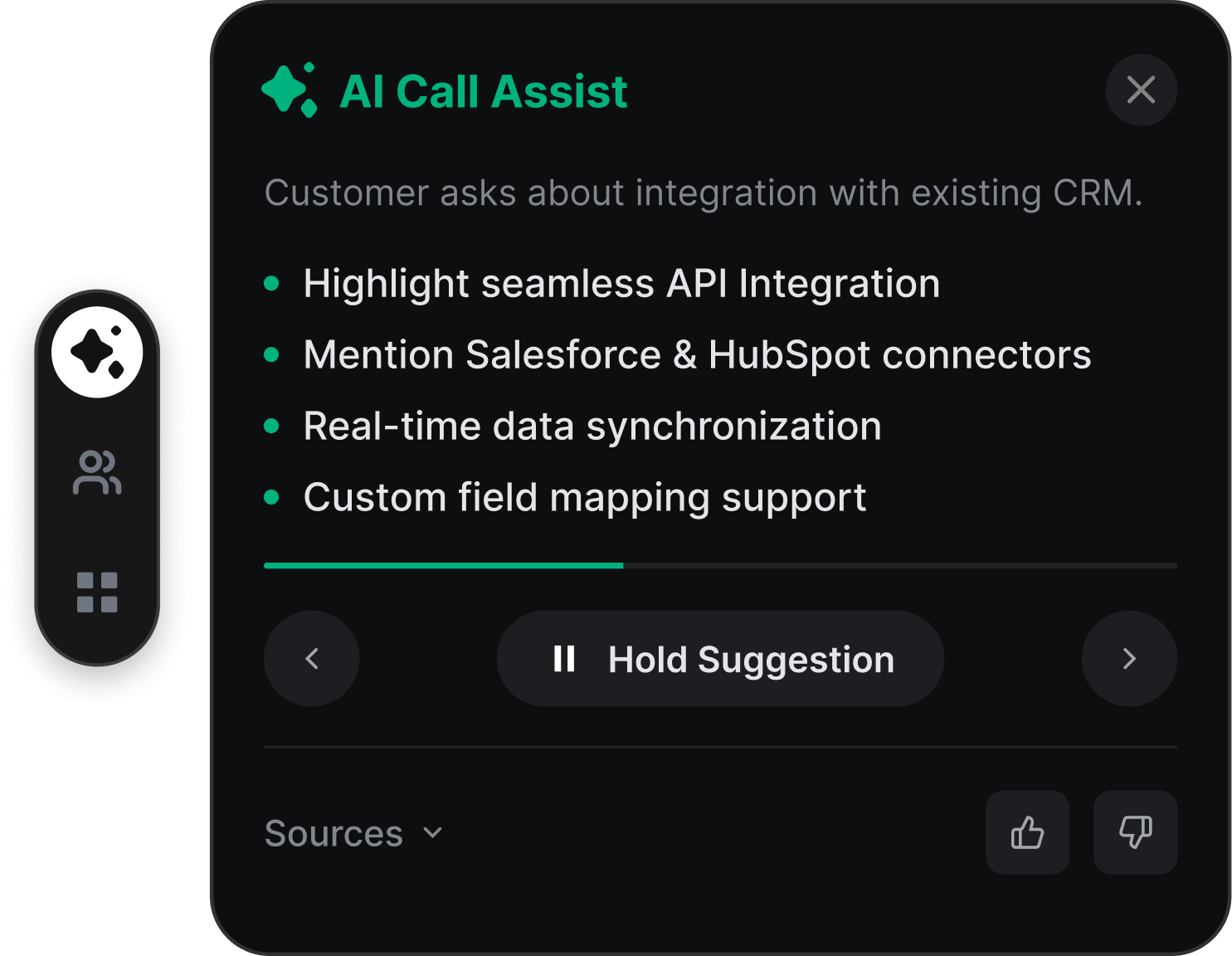
Enable call recording for the phone number and configure a consent greeting if needed. After the call, an enabled transcript converts the recording into text, and an enabled AI summary draws out key topics and customer intent. The recording, transcript, and summary appear on the ticket.
Call recording must be on for transcripts. Transcripts must be on for summaries.
On the ticket. The recording appears as part of the ticket update, with the transcript and summary shown there when those are enabled.
A brief overview of the call: key topics, customer intent and outcomes.
Yes. You can play a recording consent greeting at the start of the call.
Yes, users with the right access can download or delete recordings.
Yes. The primary agent—the agent who answered or initiated the call—can pause and resume using the REC indicator. Paused audio is excluded from the stored recording and transcript. All participants hear a tone when pause or resume succeeds.
Only the primary agent can pause or resume. If that agent leaves, the oldest remaining agent takes over recording control and can resume a paused recording.