Transfer to an agent or category
Search for a colleague or team. Agent results show availability, and categories show how many agents are available.
 AI Contact Center
Search for a colleague or team. Agent results show availability, and categories show how many agents are available.
The caller hears hold music while the transfer request is sent and the agents consult privately.
The receiving agent can accept or decline. Category requests ring all available agents, and the first to accept joins the consultation.
Hand over the call with Transfer, or use Add to bring the caller and colleague into a three-way conference.
Cancel the consultation and try another agent, or return to the caller. Unanswered requests expire after the answer time limit.
Agent-to-agent consultation is not recorded. Agent–caller conversations remain in a single recording on the ticket.
Review transfer destinations in call exports and Transfer In entries in the Call Leg Report.
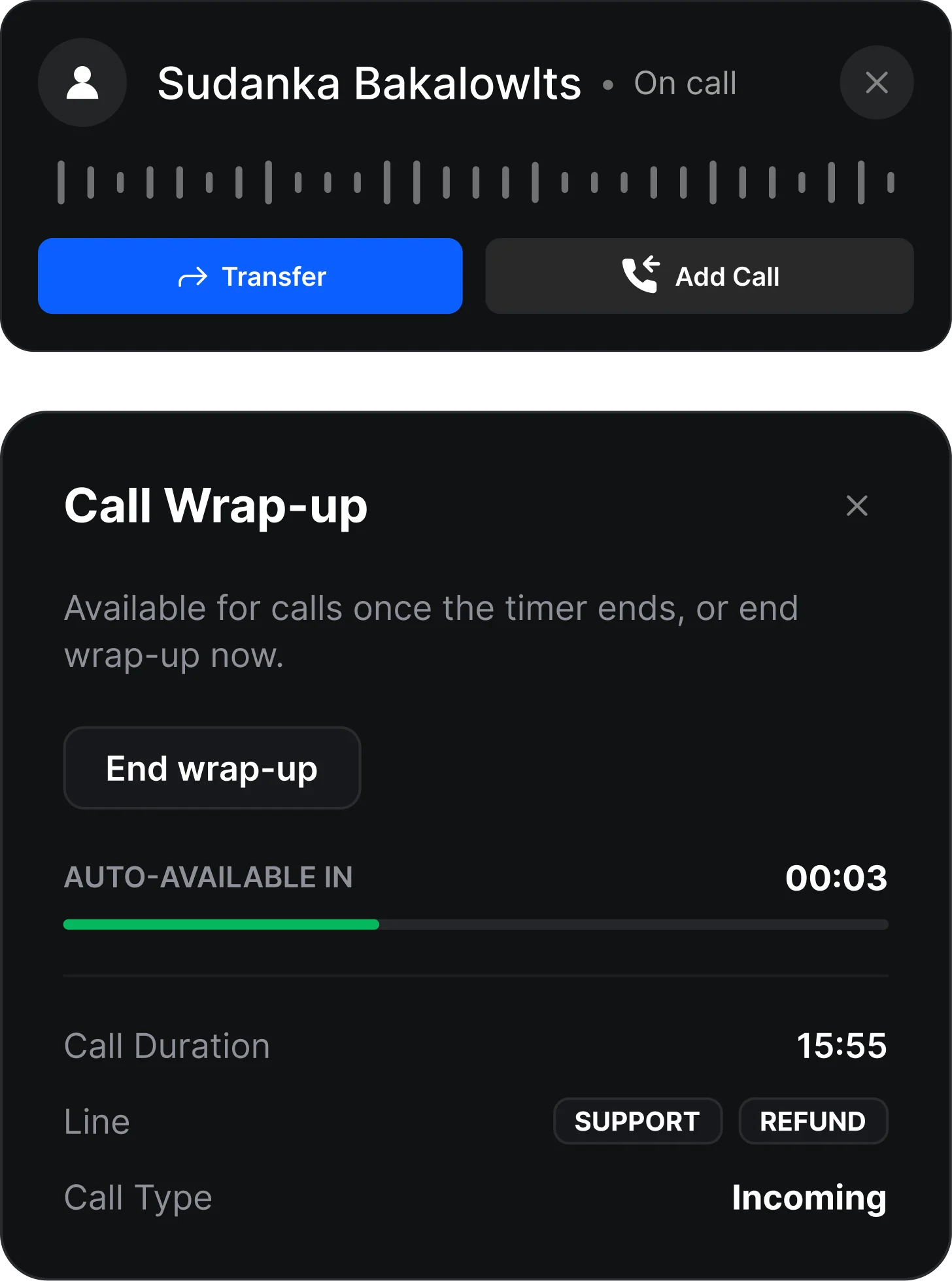
During a call, the agent clicks the Transfer icon. The agent searches for an agent or a category and sends the transfer request. The caller is placed on hold with music. The target agent (or the first available agent in the category) accepts, and the two agents consult privately. The agent chooses to Transfer, Add to a 3-way conference, Cancel, or Resume. The caller is connected to the new agent, joins the conference, or returns to the original agent.
A transfer where the agent first speaks privately with the other agent, then hands off the call. It's also called a Consult Transfer.
Hold music. The caller doesn't hear the conversation between the two agents.
Yes. You can search for a category. The request goes to all available agents in that category, and the first to accept is connected.
Yes. Agents show as Available, Busy, or Unavailable, and categories show the number of available agents.
The request expires after the answer time limit. The caller stays on hold, and you can cancel and try another agent or resume the call.
Yes. Choose Add to create a 3-way conference.
No. Only agent–caller conversations are recorded, and the ticket shows a single recording file.