Keypad menu choices
Assign caller options to number keys and write the text callers hear.
 AI Contact Center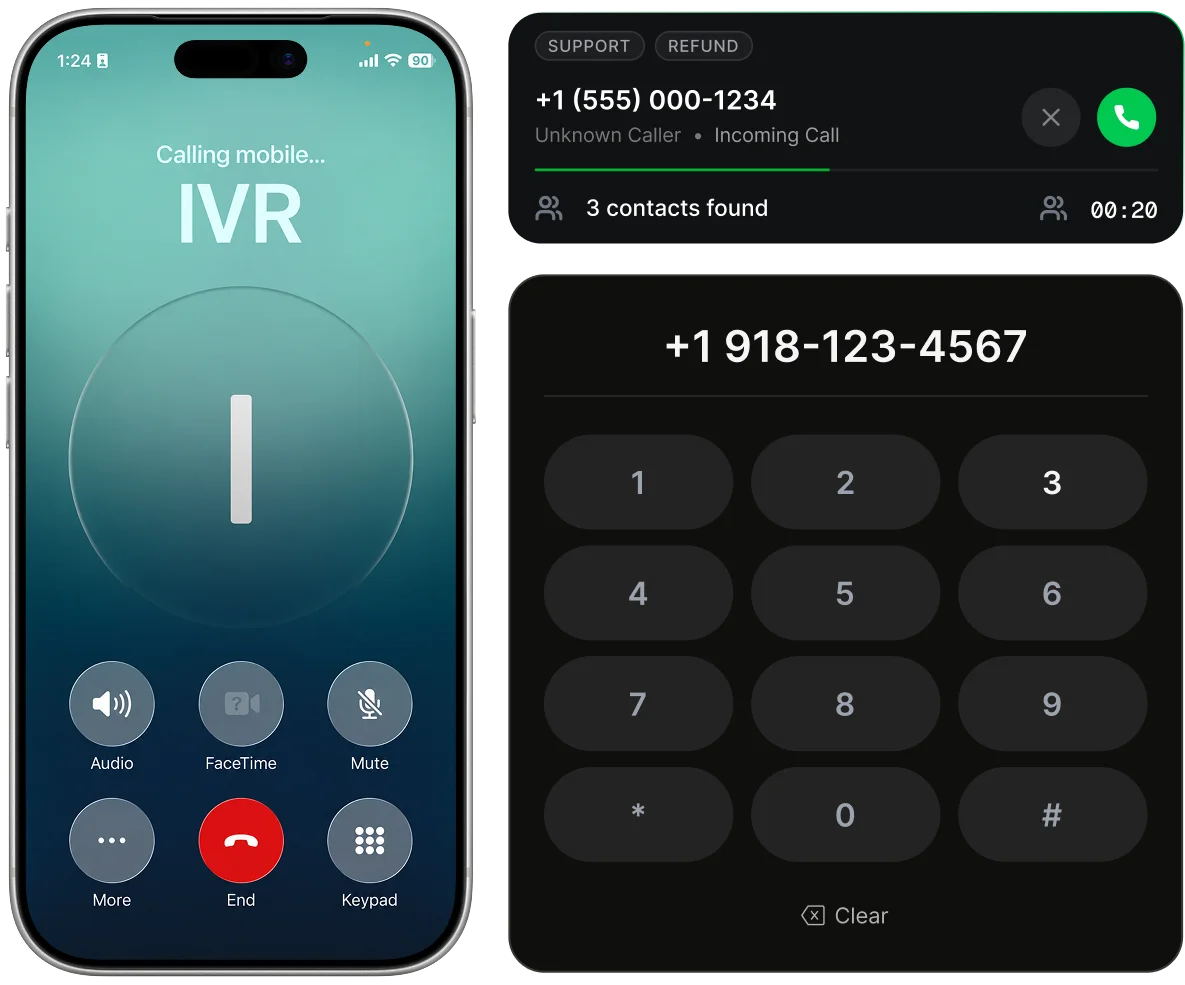
Assign caller options to number keys and write the text callers hear.
Send a selection to a category with agents assigned individually or by role.
Route an option to voicemail and create a ticket in the selected category.
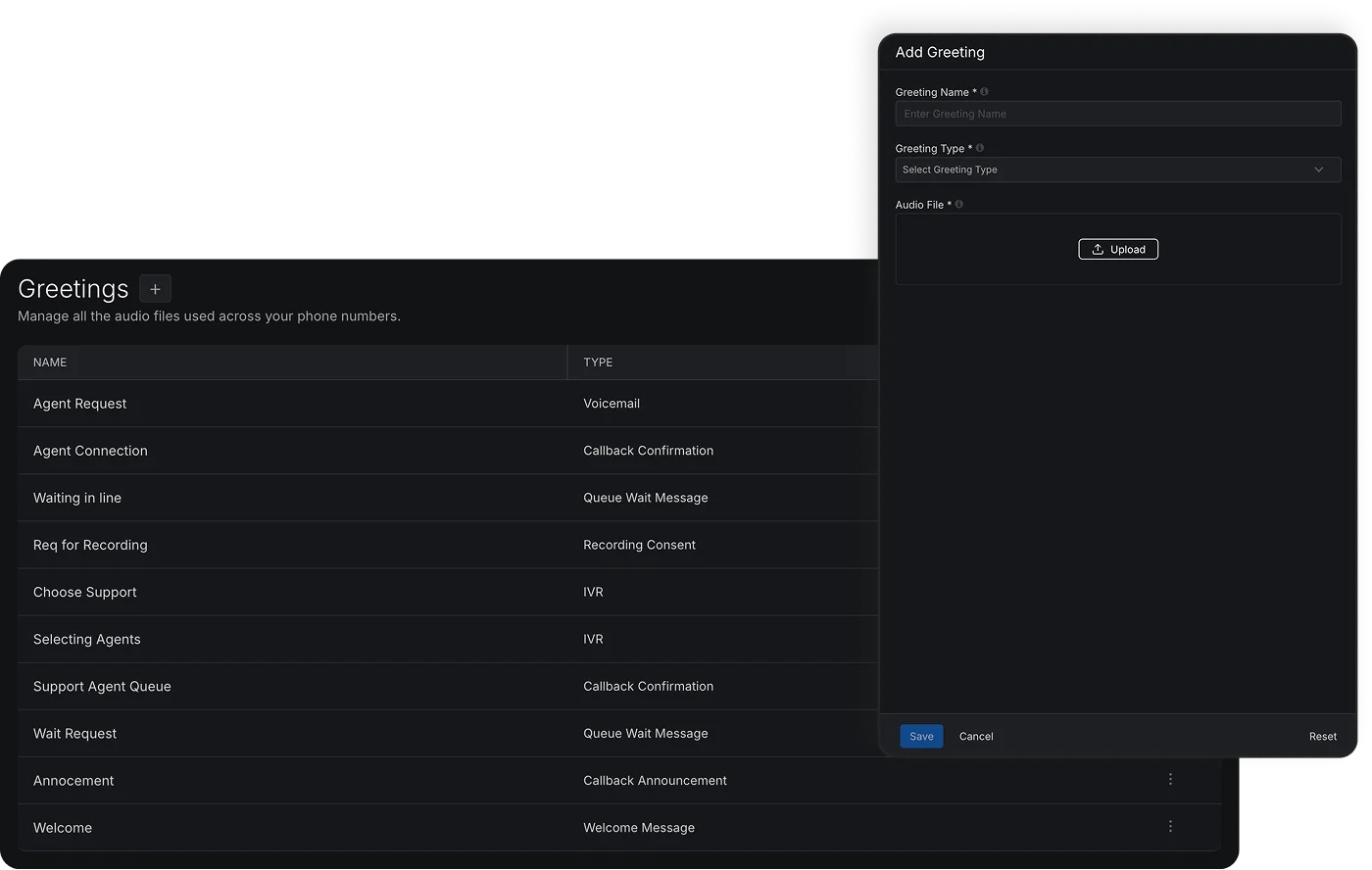
Upload your menu audio or let the system read your configured options.
Play a confirmation after a selection and a greeting before voicemail.
Choose Ring All or Longest Idle Agent First for incoming notifications.
After three invalid or unanswered attempts, send the caller to a configured fallback. Without one, the call is dropped and marked Abandoned in IVR.
A caller dials your number. The caller hears the menu, either your recording or the system reading out the options. The caller presses a number key. A confirmation message plays, if you've set one. The call goes to the agents assigned to that option, or to voicemail. If the caller presses nothing or an invalid key, the call goes to the fallback option after 3 attempts. With no fallback set, the call is dropped and marked as Abandoned in IVR.
A menu that callers hear when they dial in. They press a key to choose an option, and the call is routed based on that choice.
Yes. Upload your own menu recording. If you do not, the system reads the configured options in a default voice.
To a category (agents chosen individually or by role) or to voicemail.
After 3 attempts, the call is silently transferred to your fallback option. With no fallback, the call is dropped and marked as Abandoned in IVR.
It becomes a ticket in the category you set for that option.
With Ring All, every available agent is notified at once and the first to answer takes the call. With Longest Idle Agent First, the agent idle the longest is offered the call first, then the next.