Category and IVR routing
Assign agents individually or by role to a category, or route callers through an IVR menu.
 AI Contact Center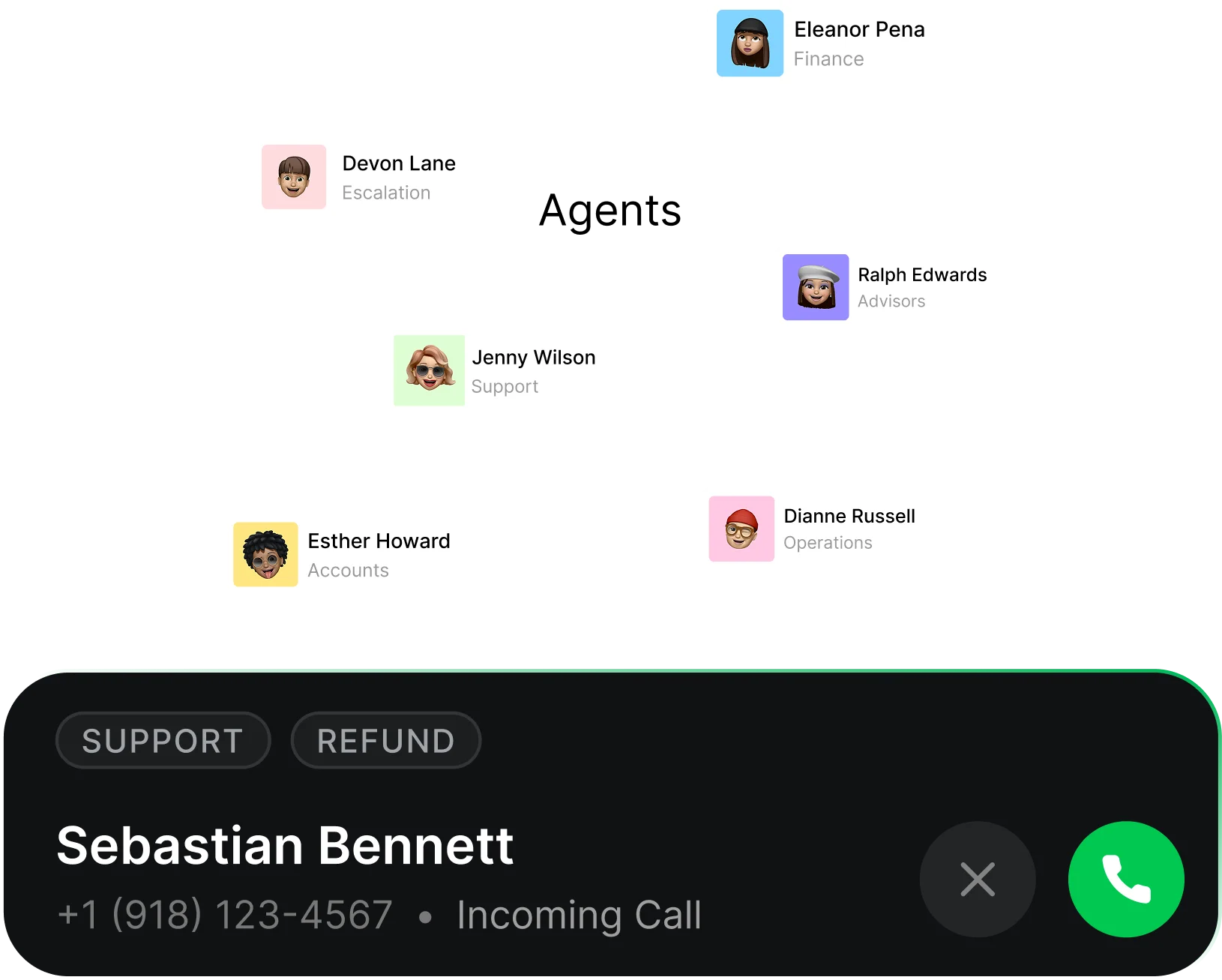
Assign agents individually or by role to a category, or route callers through an IVR menu.
Ring all available agents together or offer the call to the longest-idle agent first. Missed or declined agents are skipped for the rest of that cycle.
Set wait music, queue-position announcements, hold messages, queue capacity, answer time, and maximum wait time.
After eligible agents have been tried, the call stays in a queue view sorted by longest wait so an agent with access can pick it up.
Configure time zones, working hours, and off days. Outside hours or beyond the wait limit, send callers to voicemail or play a message and end the call.
Agents control Available or Unavailable status and appear Busy on a call. Wrap-up time gives agents time to finish notes before receiving another notification.
Choose ticket creation for abandoned calls and a fallback category for calls where routing did not happen.
Disable incoming calls without removing the number. Existing calls finish while new callers follow the configured voicemail or message flow.
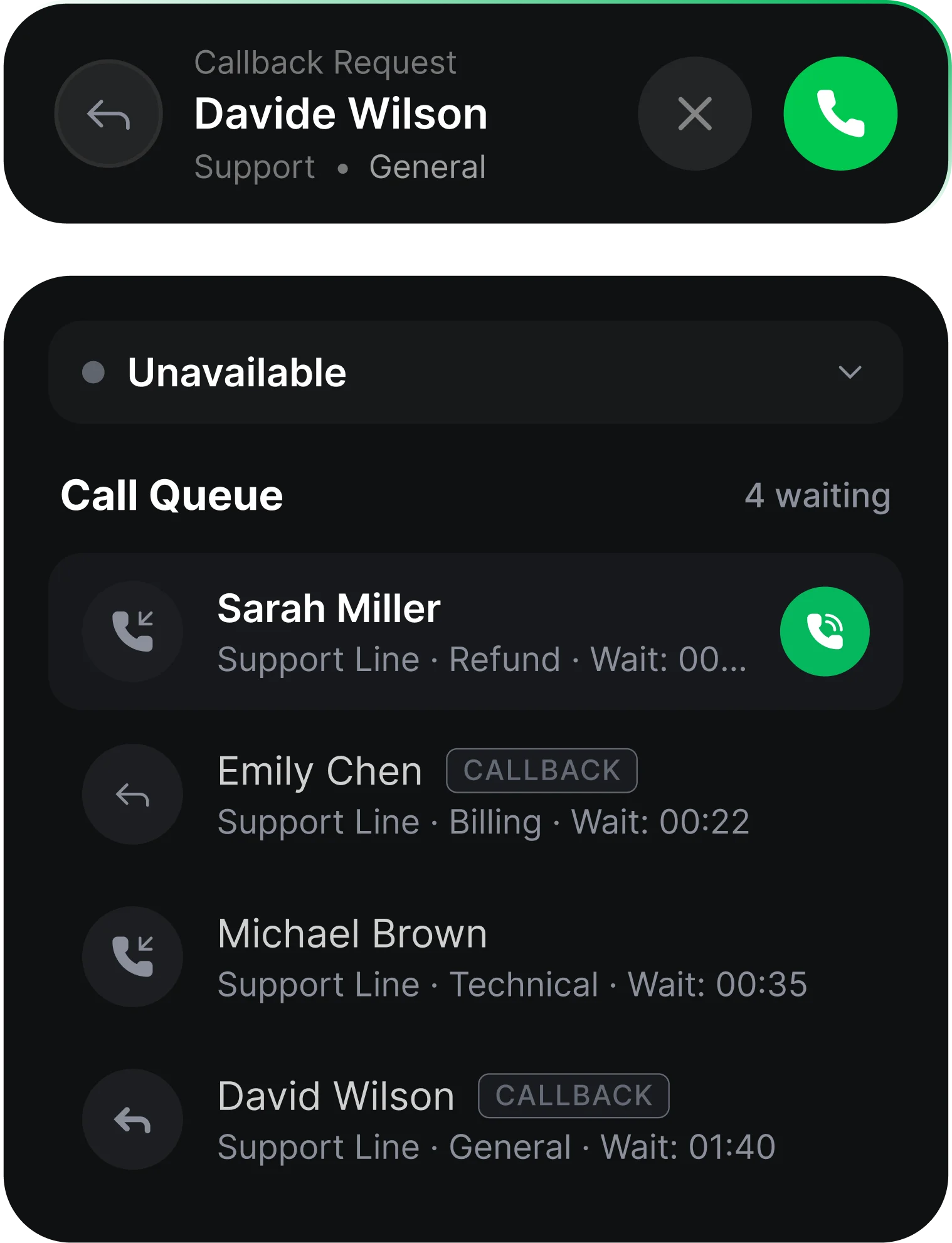
A caller dials your number. The system checks whether the call is within the business hours set for that number. Inside business hours, the caller moves to the queue. Outside business hours, the caller goes to voicemail if it's enabled, or hears your custom message and the call ends. In the queue, the caller hears wait music, and every 30 seconds hears their queue position and your hold message, if configured. When the caller reaches the front of the queue, available agents are notified: all at once by default, or one at a time by longest idle if you choose that strategy. Agents hear a ringtone and see the notification until the answer time limit. When an agent accepts, the caller is connected, the notification is dropped for all other agents, and the remaining callers move up one position. If no agent answers in time, the notification is dropped and the call stays in a queue view sorted by longest wait. Agents can pick it up from there at any time. If the caller reaches the maximum queue wait time, they go to voicemail if it's enabled, or hear a greeting and the call ends.
Category routing, where calls go to agents associated with a category, or IVR routing, where callers choose from a menu. For each, you pick Ring All or Longest Idle Agent First.
Ring All notifies every available agent at once so the call is picked up as fast as possible. Longest Idle Agent First offers the call to the agent who has been idle the longest, then moves to the next, to balance workload.
Wait music, plus their queue position and your hold message every 30 seconds.
The notification is dropped and the call stays in a queue view, sorted by longest wait, where any agent can pick it up. If the caller hits the maximum queue wait time, they go to voicemail or hear your message.
They go to voicemail if it's enabled. Otherwise your custom message plays and the call ends.
Yes. Each number has its own business-hours configuration, and you can use different work schedules for different regions.
If wrap-up time is enabled, agents get a few seconds after each call with no new notifications, to add notes and finish follow-ups.
Yes. When you disable incoming calls, callers are sent to voicemail or hear a message before disconnection. Calls already in progress finish normally.