















All Your IT Assets, Fully Managed From Your Help Desk












Struggling to Keep Track of Employee Devices & IT Assets?
Is your IT team constantly searching for asset details when resolving service requests? Does tracking device ownership, software licenses, and issue history feel overwhelming? Without a centralized system, managing IT assets can quickly become chaotic.
What is Asset Management in HappyFox Help Desk?
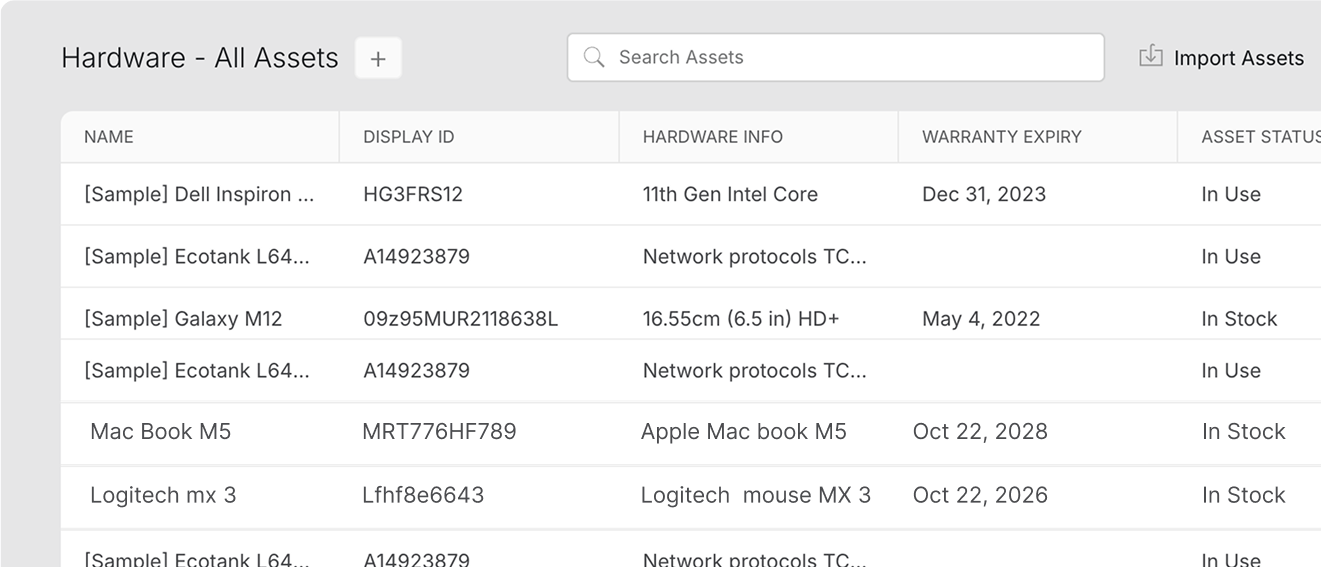
Easily track, manage, and associate IT assets with service requests—helping IT teams resolve issues faster and maintain a complete asset history.
Faster Issue Resolution
Instant asset details help IT teams troubleshoot issues faster with better context.
Complete Asset Visibility
Track ownership, asset requests, and issue history— all in one platform.
Less Manual Effort
Automate asset tracking and reduce administrative workload on agents.
Simplify IT Asset Management & Improve Support Efficiency
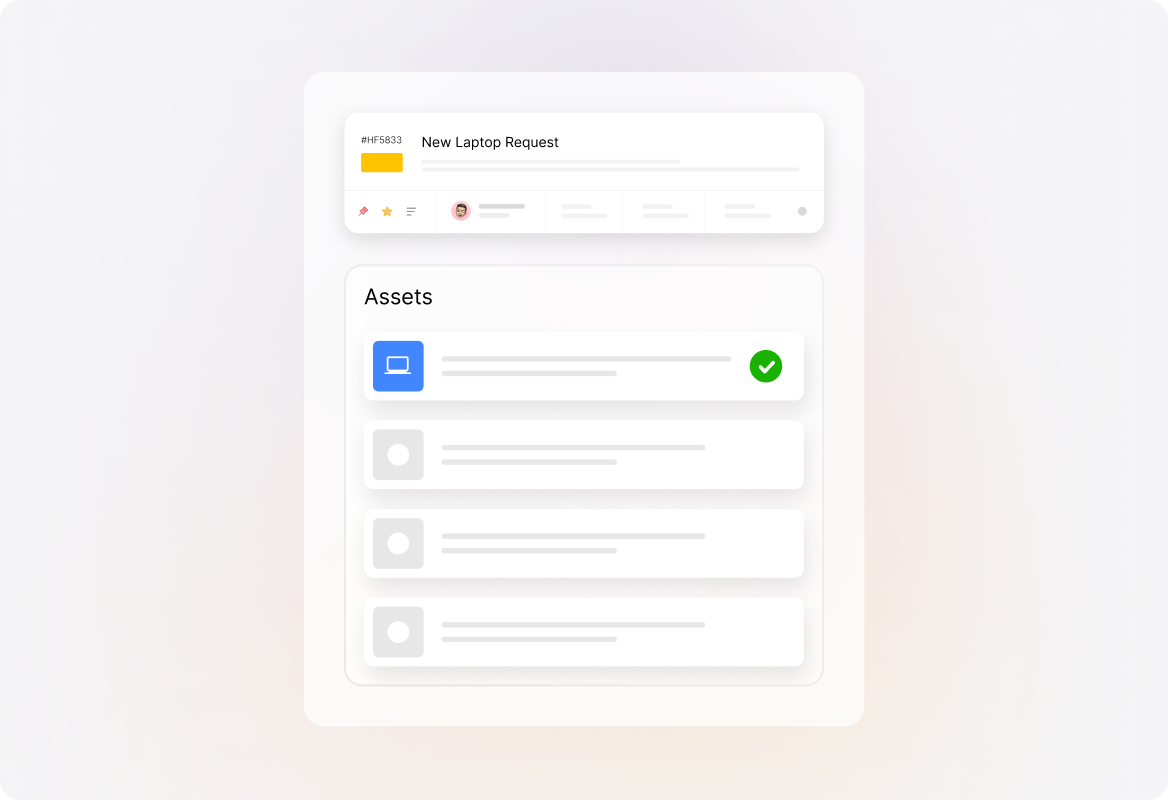
Make Every Ticket Device-Aware
Give agents instant visibility into device ownership, history, and specifications within tickets. Transform scattered asset data into actionable context to help agents resolve tickets faster.
Link Assets to Customer Records
Associate assets with contacts for a complete view of device ownership and history, helping agents deliver more personalized and efficient support.
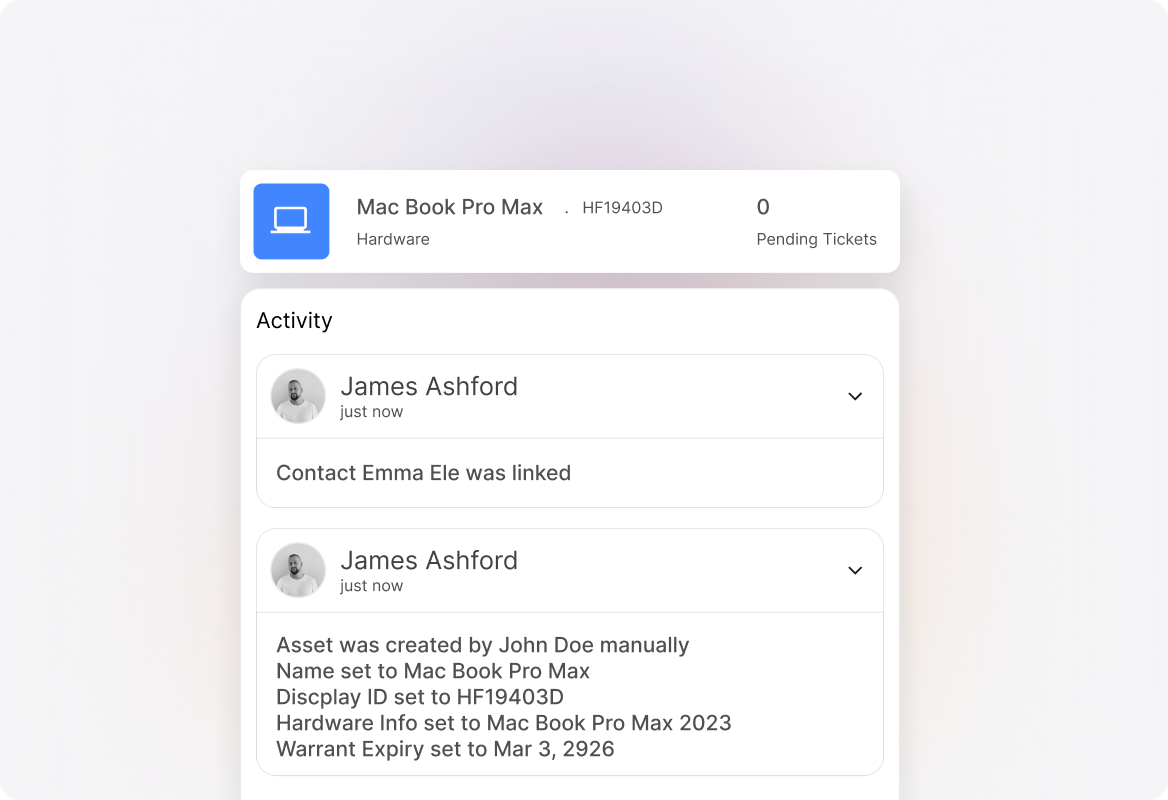
Accelerate Device-Related Support
Access complete device details the moment tickets arrive, enabling immediate troubleshooting without wasting time gathering basic asset information.
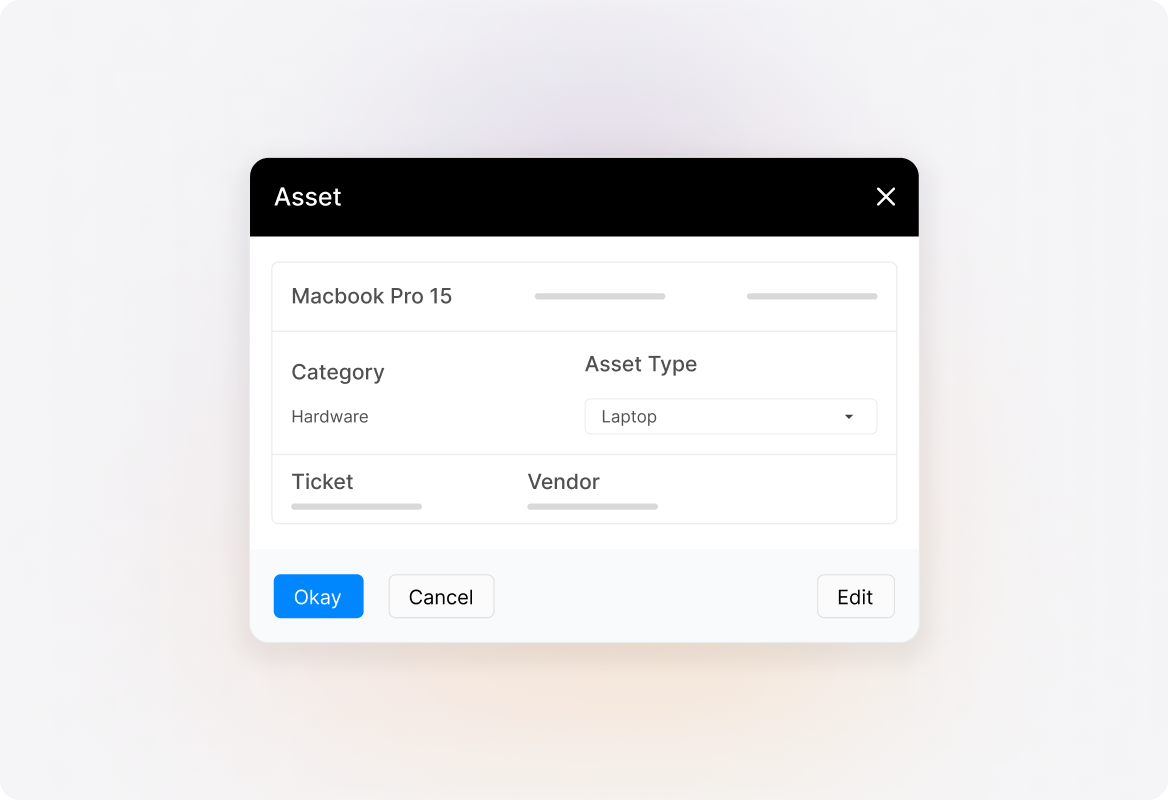
Cut Manual Asset Updates in Half
Bulk modify and update asset attributes from a unified dashboard. Eliminate redundant data entry across multiple systems and free your IT team for strategic work.
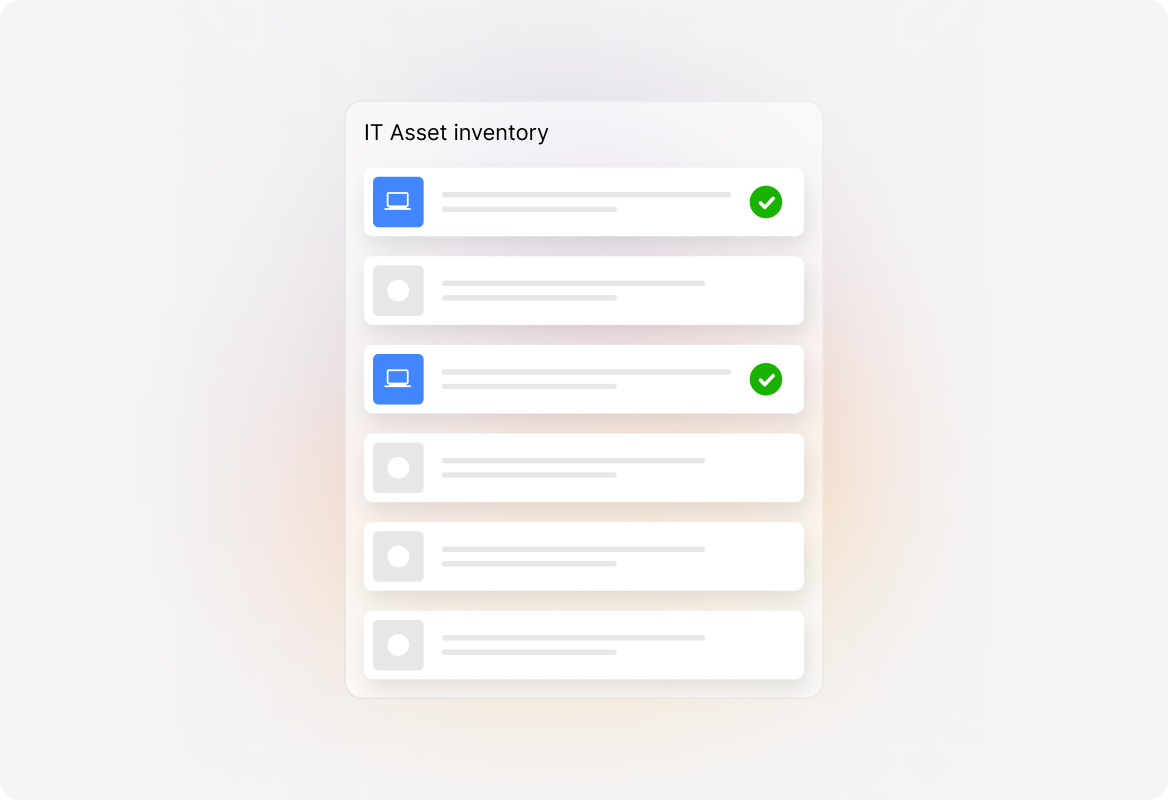
Ensure Asset Data Accuracy
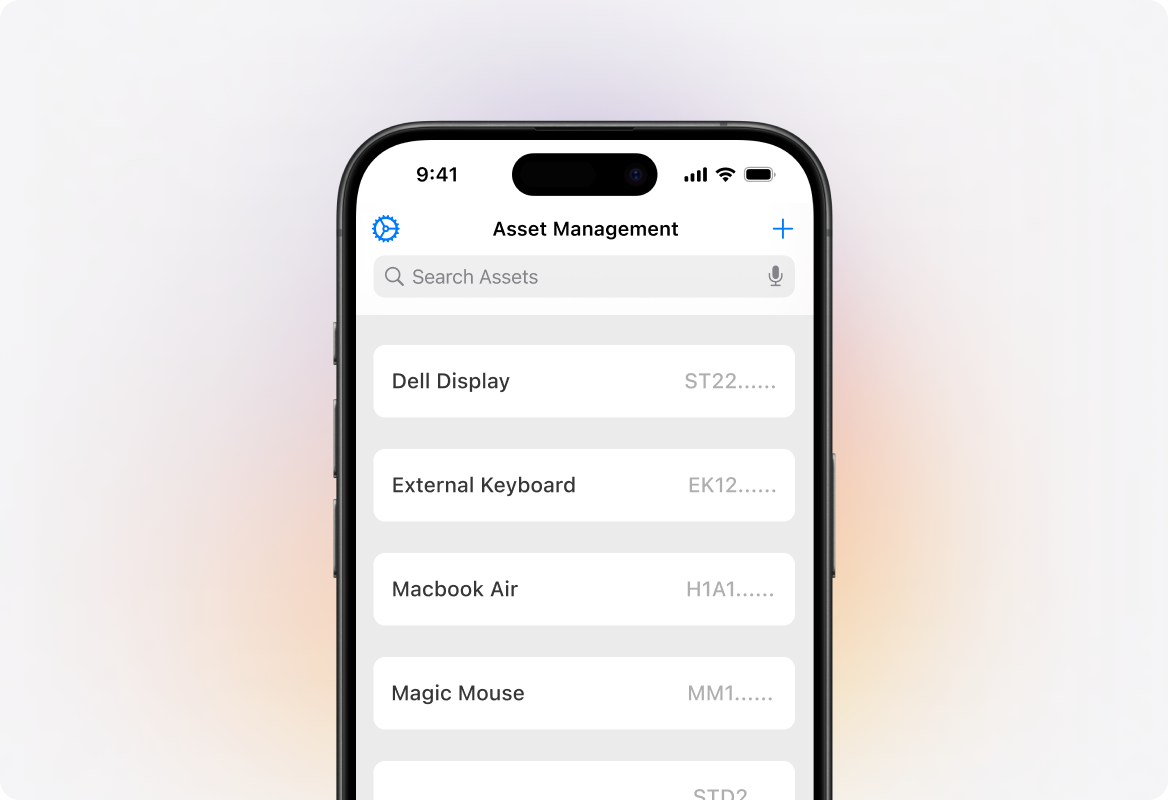
Update inventory in real time with mobile barcode or QR code scanning. Your agents can add or update asset records on the go, keeping records consistently accurate.
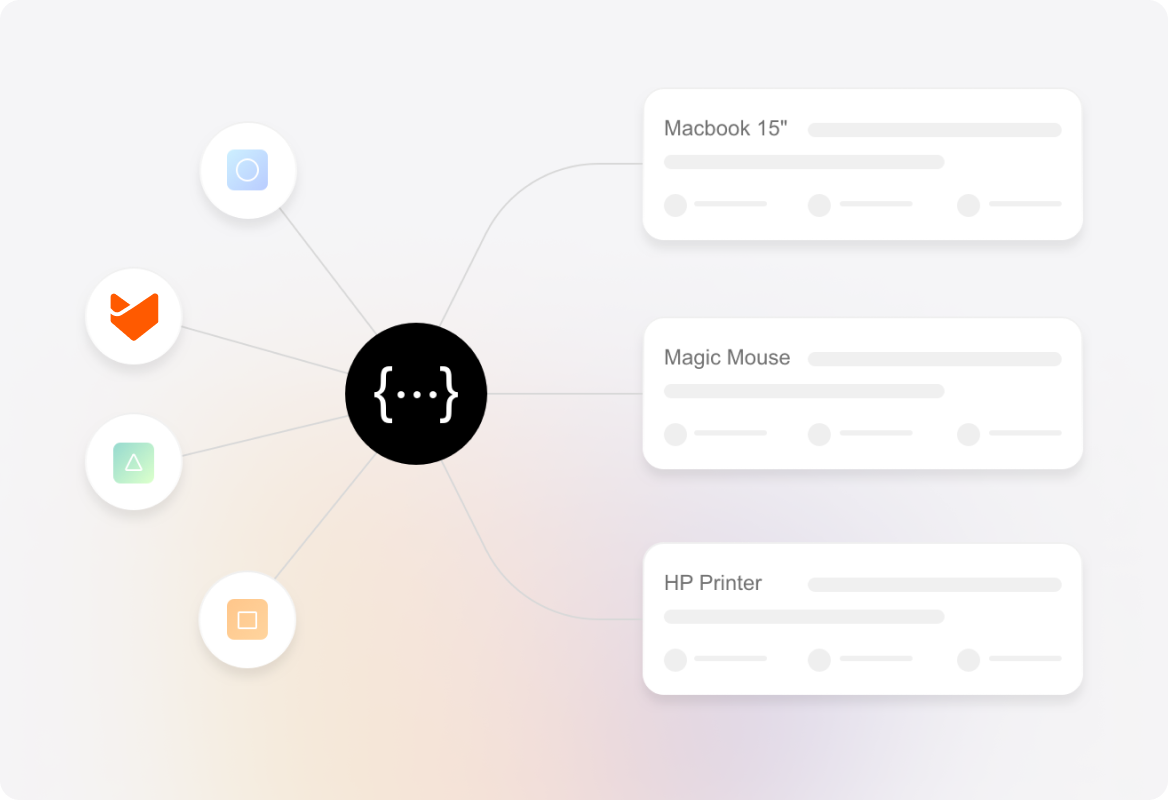
Deliver Faster Support with Connected Asset Data
HappyFox pulls asset data from Jamf, Intune, and other ITAM tools via APIs, giving your agents a unified, in-ticket view of device details. They get the context they need instantly—without switching between multiple systems
Go Beyond the Basics – Advanced Asset Management Capabilities
Custom Asset Types & Fields
Define asset categories—laptops, printers, software, mobile devices, accessories—and add custom fields tailored to your business requirements.
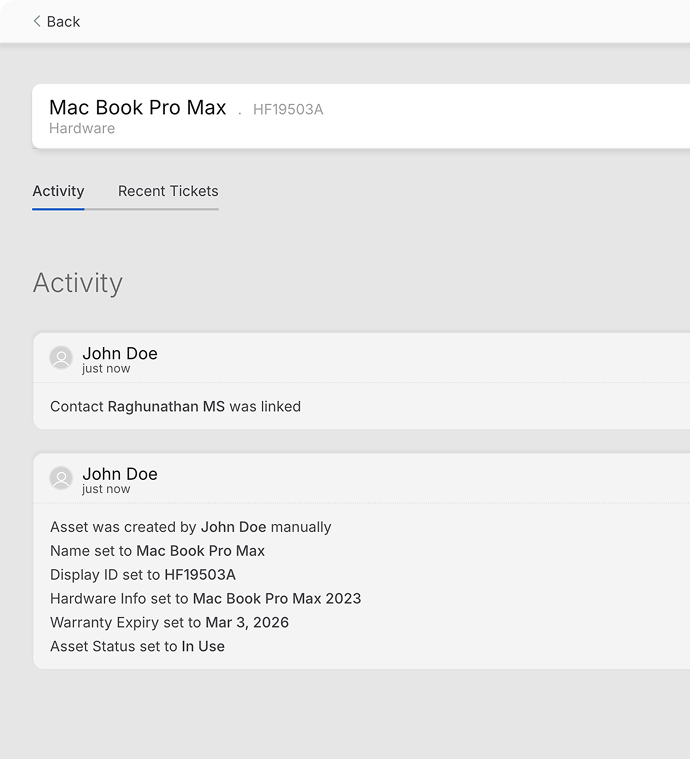
Audit Trail & Change History
Track complete change histories of assets linked to tickets for compliance and accountability.
Import & Export Data with Ease
Bring in existing asset records, export data for reporting, and perform single-click backups whenever you need.
Mobile Asset Manager App
Add, view, and track all assets on the go. Scan barcodes or QR codes to instantly register assets directly from your mobile device.
Explore Other HappyFox Helpdesk Features

FAQs
Simplify Your IT Asset Management
Empower your IT team with integrated asset management for faster and context-aware support.

Use Cases
For Business Type
For Industries


Copyright ©2026 HappyFox Inc. All rights reserved.