Find your next ticket
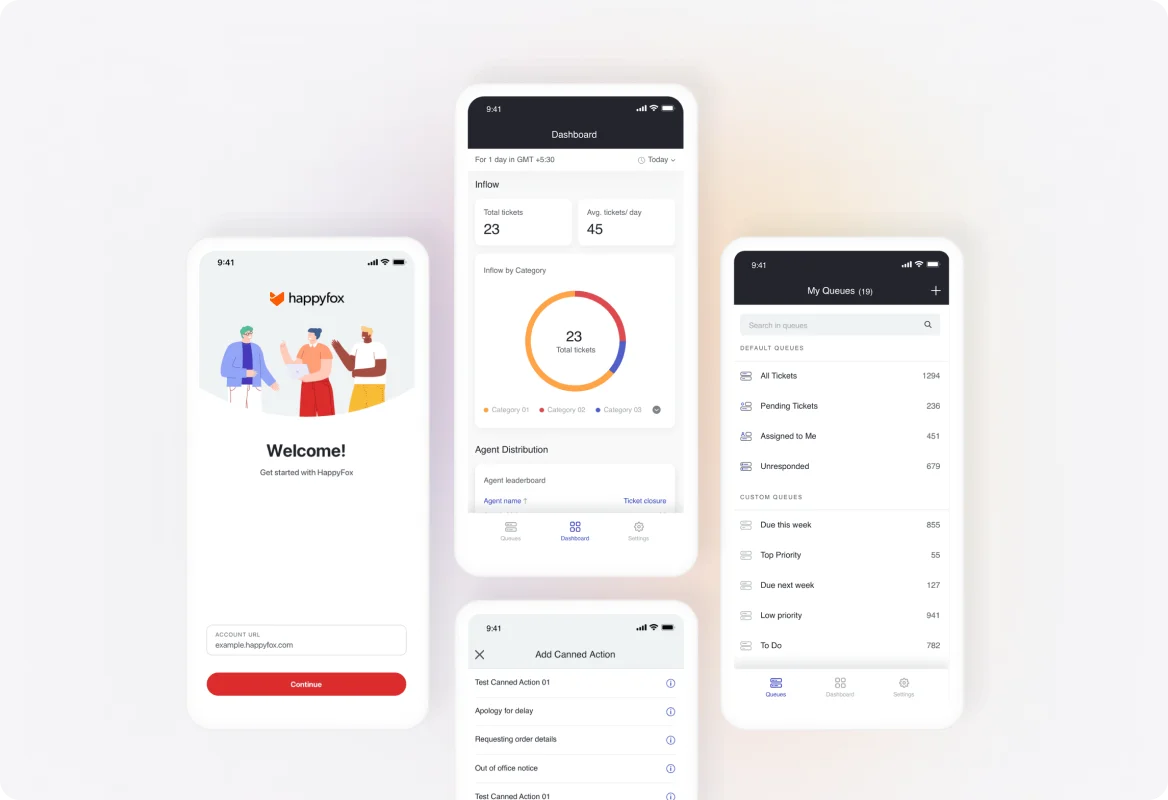
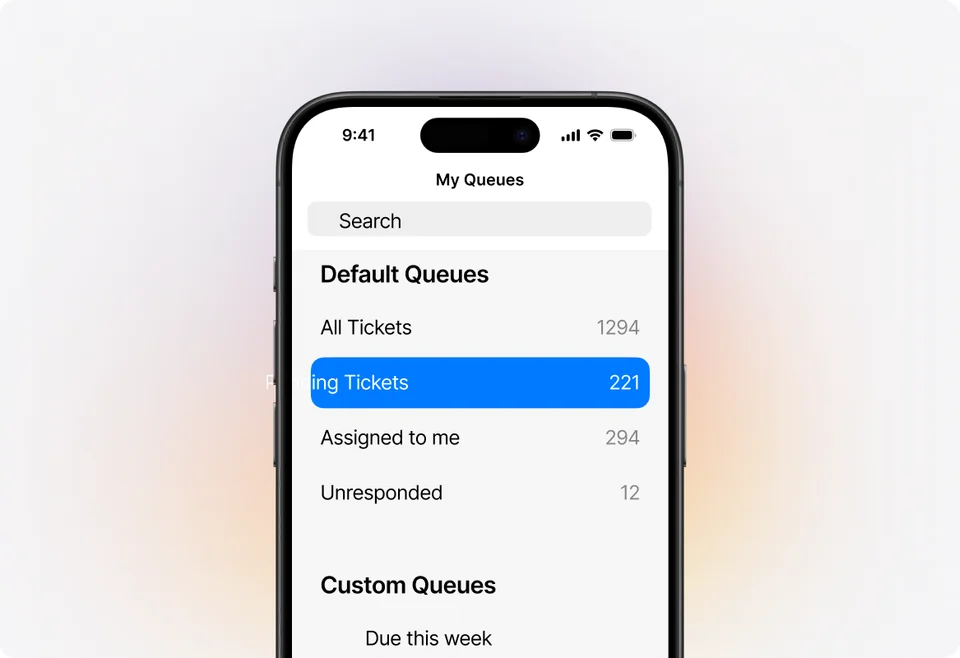
Use mobile ticket queues to review the work assigned to you and the requests that need attention. Start with a focused list rather than searching through notification emails.
 Help Desk
Use mobile ticket queues to review the work assigned to you and the requests that need attention. Start with a focused list rather than searching through notification emails.
Review the conversation history, including previous replies and internal notes. Give the customer a response informed by what the team has already discussed.
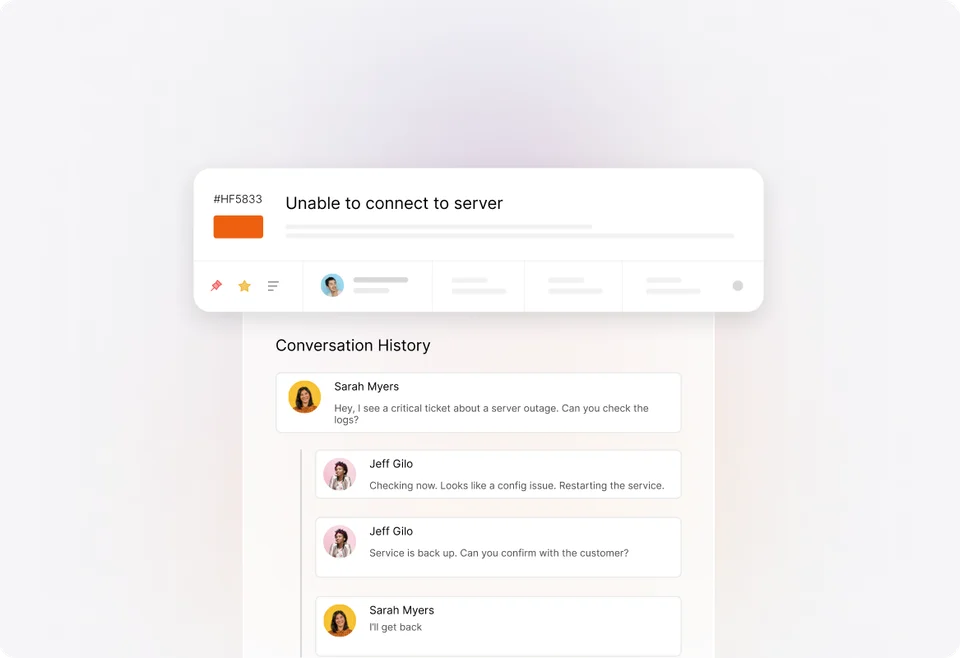
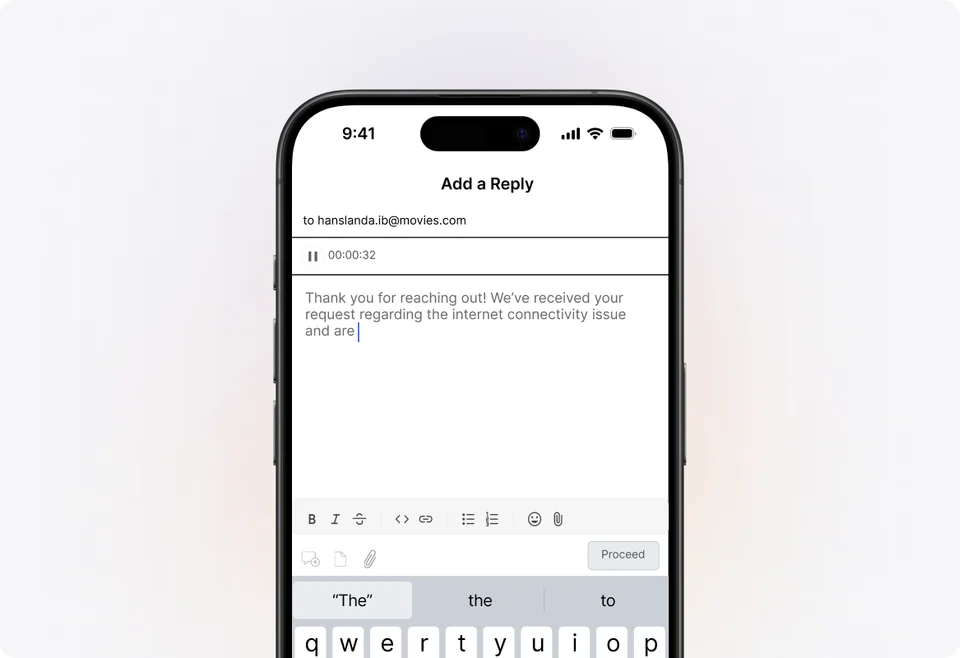
Reply to a customer from your phone when you have the answer. Keep the response in the ticket so colleagues can see what was said when they return to the conversation.


“HappyFox added a level of clarity and convenience to an otherwise overwhelming support load.”
Add a private note with what you learned or what needs a second look. Keep internal coordination attached to the request while reserving customer replies for information the requester should receive.
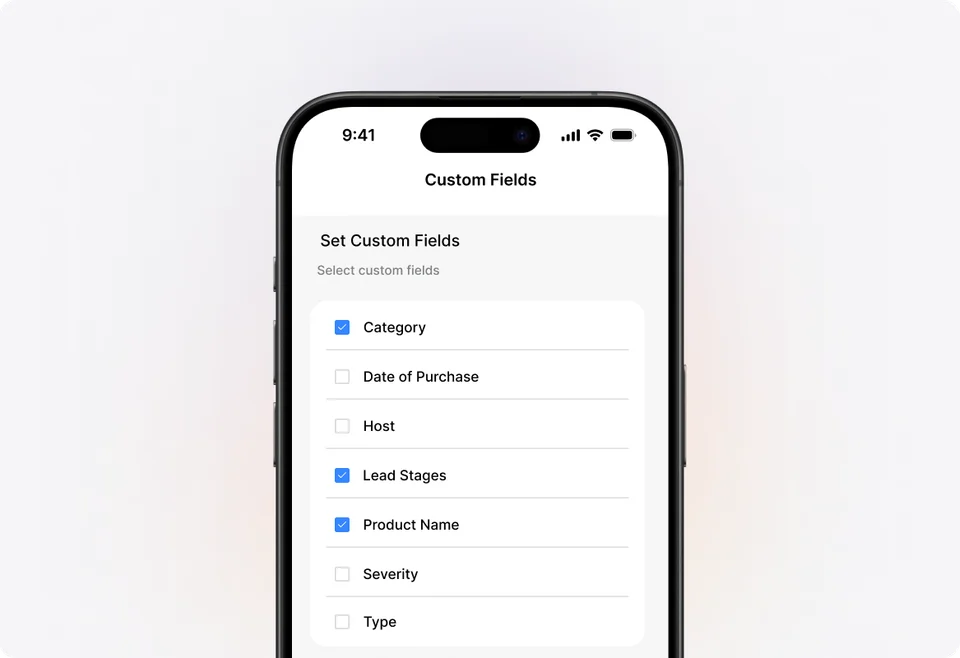
Adjust status, priority, and custom fields from the app. Record the latest situation while it is fresh so the next agent can work from current ticket information.
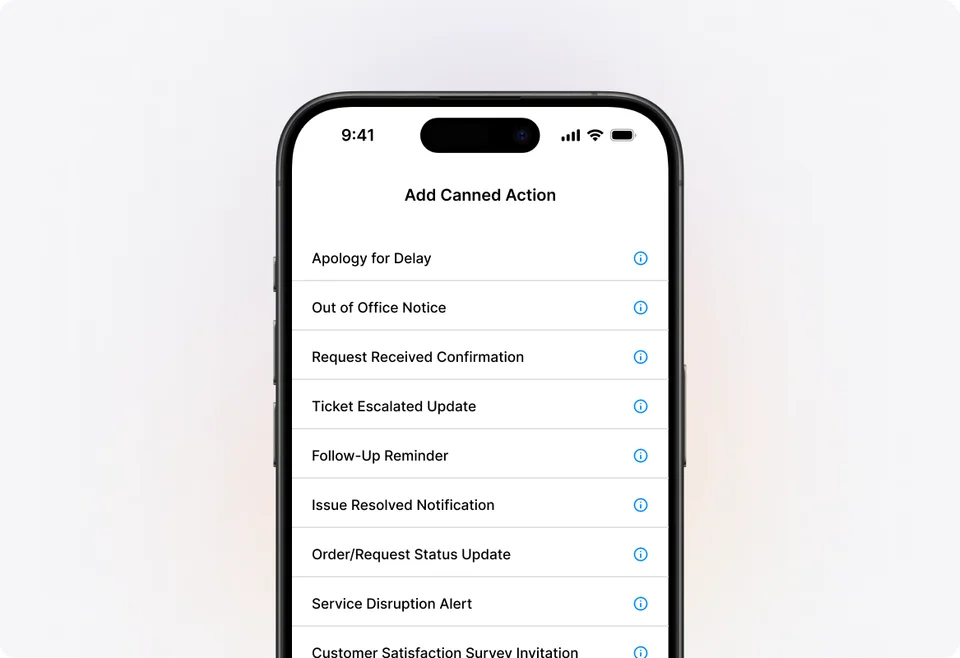
Apply available canned actions for recurring questions and ticket updates. Review the message and the actions it will perform before using a template in a particular customer conversation.
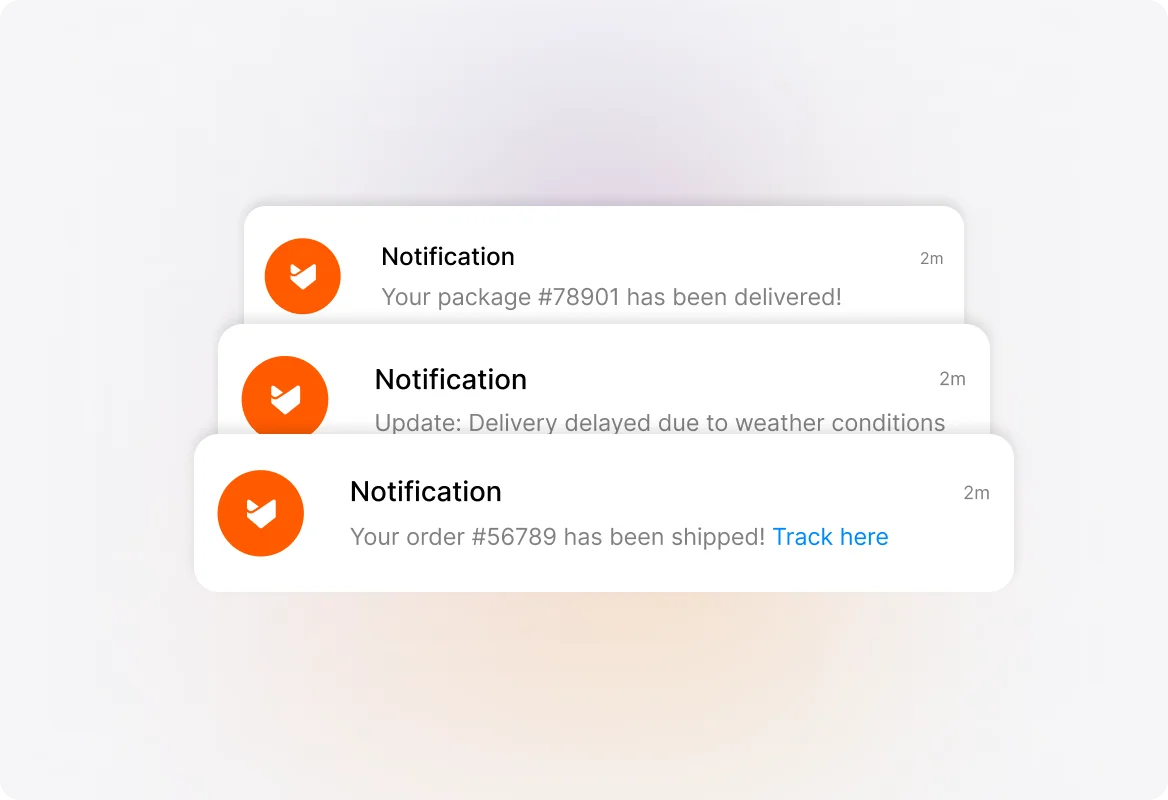
Select the push events you need, such as assignments or new replies. Combine account preferences with device notification settings so an alert has a clear reason to interrupt you.
Decide who handles urgent requests when people are away from a desktop. A mobile app helps an available agent act; the team still needs explicit responsibility for coverage.
Try the requests your agents actually handle on their iOS or Android devices. Check replies, field updates, attachments, and access before relying on the app for a service process.
Use the web application to configure the account, workflows, and permissions. Evaluate the mobile app for the ticket actions your team needs away from the desk.
Include mobile sign-in and customer data handling in your security review. Give registered agents the access their role requires and apply your organization’s device policies.
Confirm network availability where agents work. Include connectivity in the operating plan rather than assuming tickets can be handled offline.
A mobile help desk gives agents access to ticket work through a phone app. HappyFox’s iOS and Android app connects registered agents to their Help Desk account so they can review conversations, respond, and update ticket details away from a desktop.
The app is for registered agents in a HappyFox Help Desk account. It gives support staff a way to handle tickets; it is separate from the support center customers use to submit and follow their requests.
The HappyFox Help Desk mobile app is available for iOS and Android. Check the current app-store listing for supported device and operating-system versions before rolling it out to agents.
Yes. Agents can reply to tickets and add private notes. Customer replies continue the external conversation, while private notes preserve internal context for colleagues working on the same request.
Yes. The documented mobile actions include changing status, priority, and custom fields. Test the exact fields and actions your agents use as part of the mobile evaluation.
Yes. Agents can select push notification events in My Settings, including new tickets, replies, and assignments. Device-level notification permissions also affect whether an alert appears.
Evaluate it for the ticket work agents need on the move. Continue to use the web application for account administration and confirm mobile availability for any specialist workflow before making it part of your process.
Mobile help desk describes using a phone app to handle ticket work. Remote customer support covers how a distributed team coordinates ownership, handoffs, knowledge, and reporting across locations. A remote agent may use either a desktop browser or the app.
Bring examples of the tickets agents handle away from their desks, the devices they use, and the alerts they need. Review a reply, private note, field change, and handoff using that context.