Capture the service details
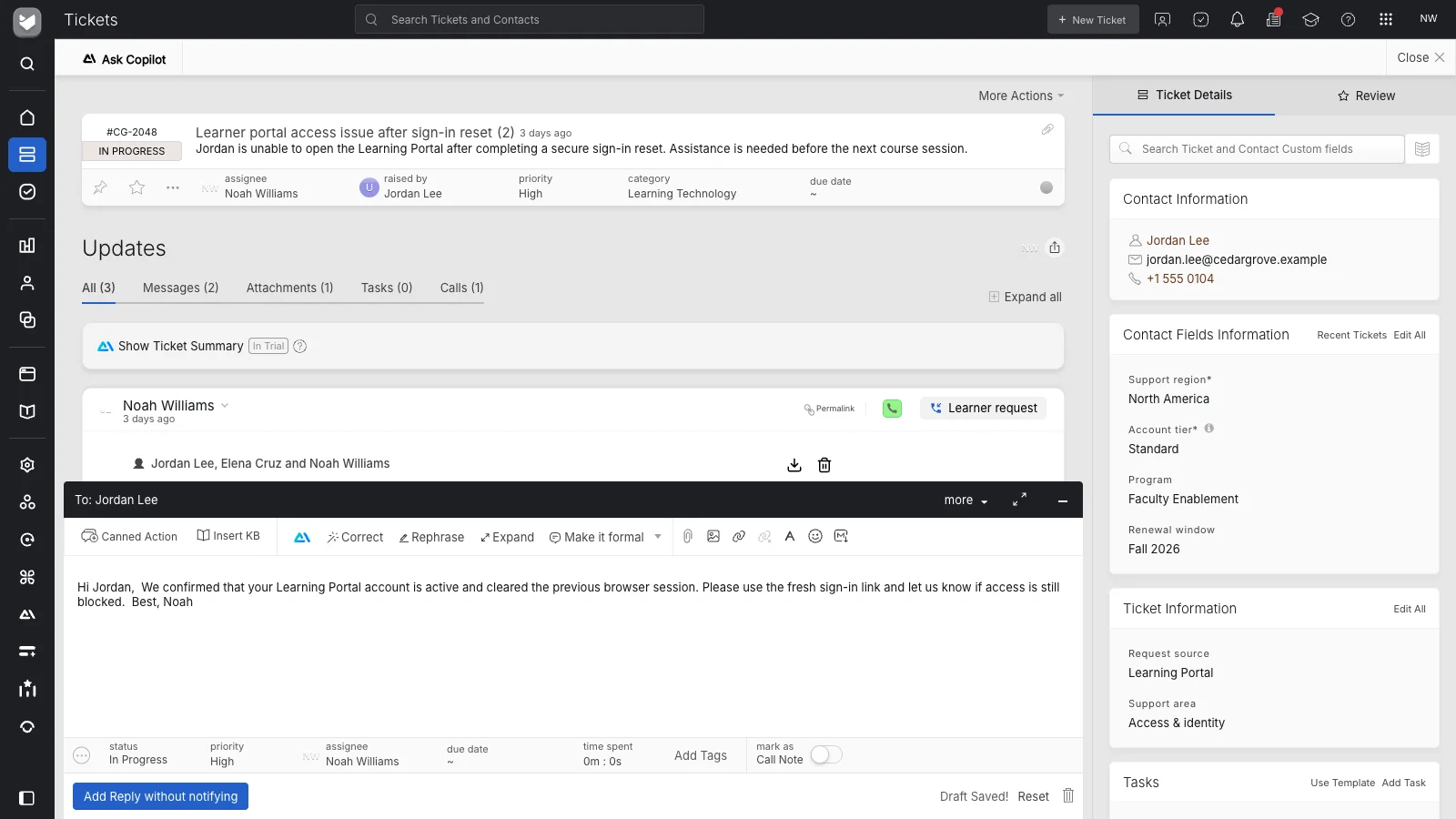
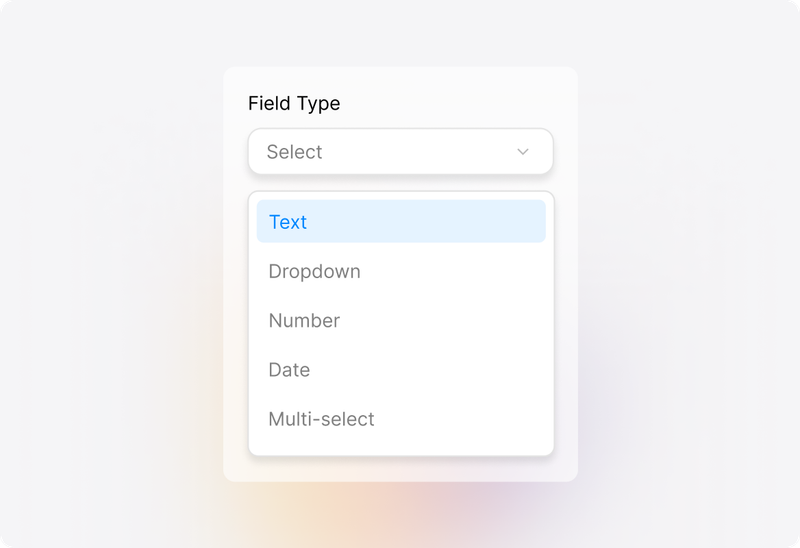
Collect the location, equipment details, reported problem, and other information your process needs through configured fields. Give the responsible team a clearer starting point for preparing the work.
 Help Desk
Collect the location, equipment details, reported problem, and other information your process needs through configured fields. Give the responsible team a clearer starting point for preparing the work.
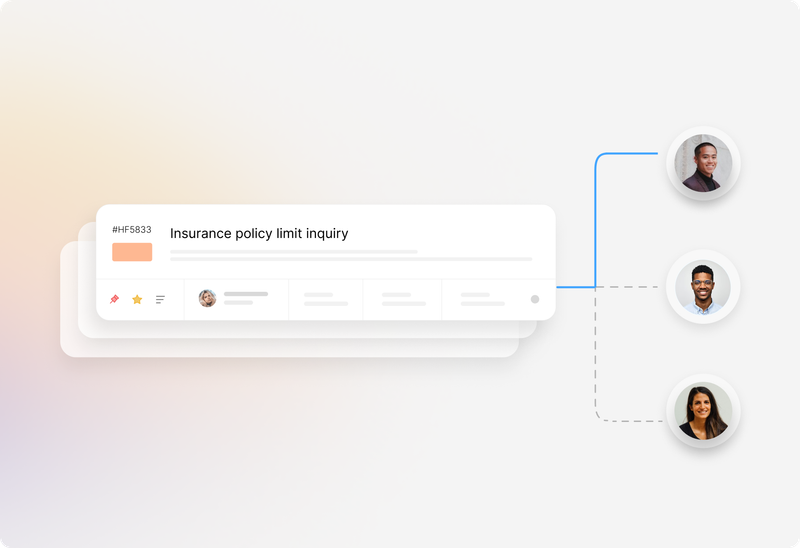
Organize service requests by category and use configured assignment methods to distribute tickets. Make responsibility visible before the office passes the request to someone working in the field.
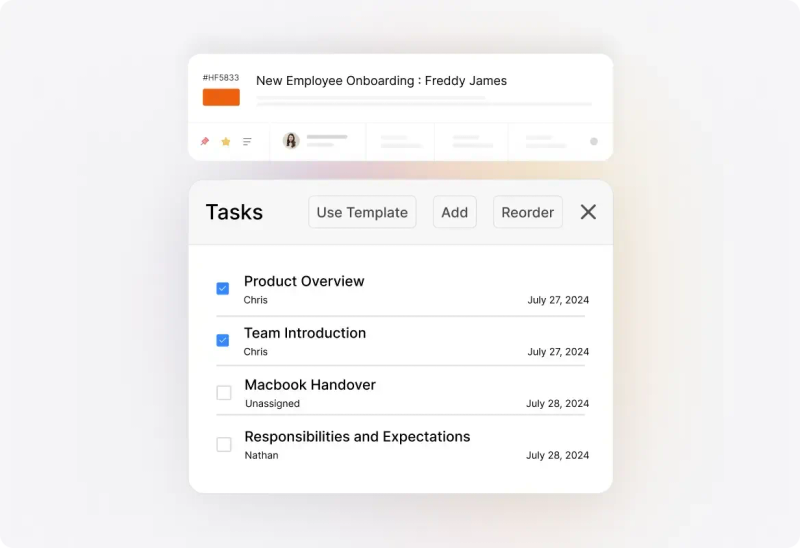
Attach a checklist to the ticket when the work involves several actions. Record who is responsible for each step so office coordination and service work remain connected.


“Transitioning to HappyFox was transformative, streamlining our workflow and expediting response times for facilities-related repairs.”
Use the mobile app to reply, add private notes, and change ticket properties while away from the desk. Keep what the technician learns attached to the original service request.
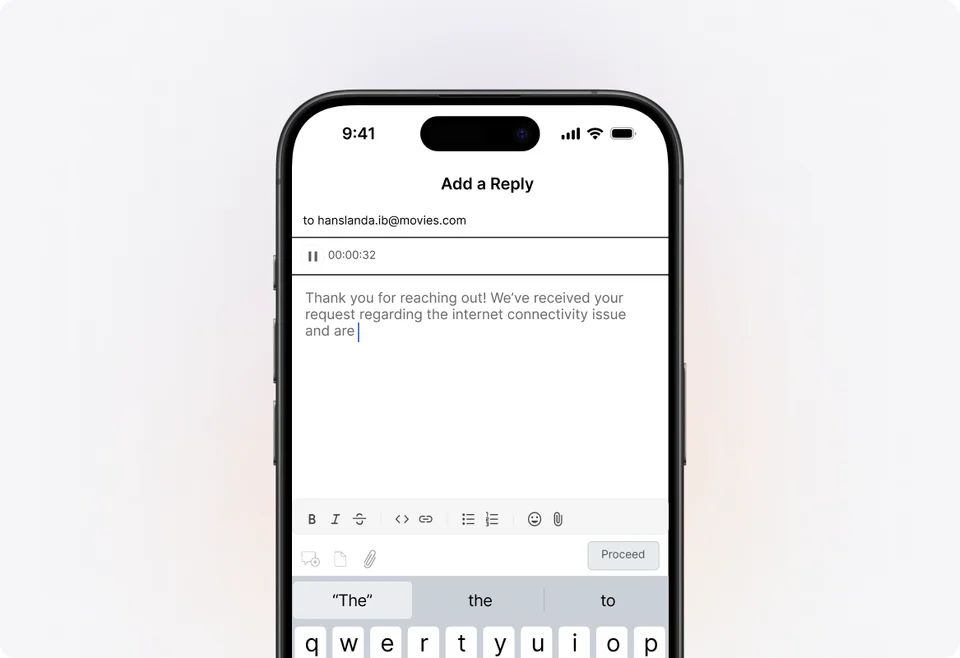
Configure notifications for relevant ticket events and send customer replies when a personal explanation is needed. Give requesters a way to follow progress without calling a different person for each update.

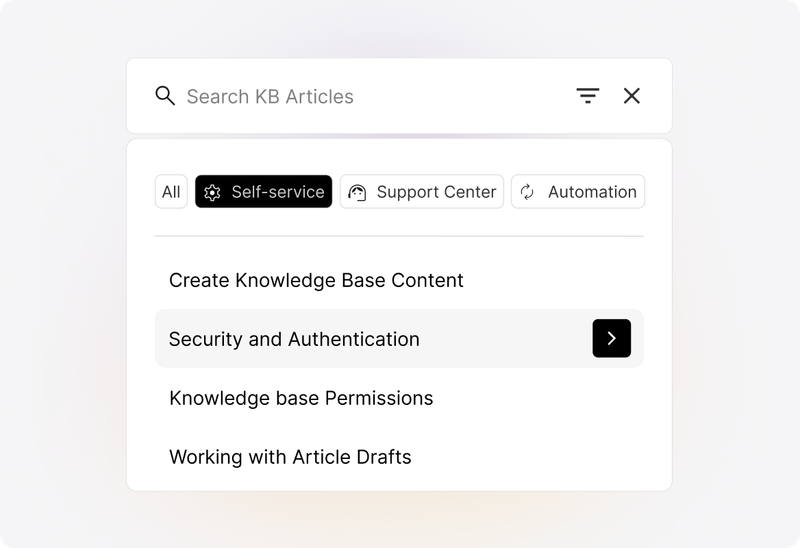
Publish instructions, troubleshooting guidance, and frequently asked questions in the knowledge base. Give customers and service teams a maintained reference for the work they can address themselves.
Define what the office needs to record before assigning a service ticket and what the technician should report back. Make the owner of customer communication explicit.
Choose statuses that communicate a meaningful stage of your process. Agree how to record waiting for access, customer information, or another team so a quiet ticket still has an explanation.
Test the mobile app with the ticket fields and update types technicians need. Review actual devices and connectivity where the work takes place.
Evaluate any requirements for appointments, vehicle routing, live technician location, parts, and inventory separately. Confirm the specialist tools or integrations your operation requires.
Configure response and resolution commitments around your operating hours and request types. Make sure teams understand what the target measures and who acts when a ticket needs attention.
Record the outcome and relevant customer communication before closing the ticket. Keep the ticket history useful for a later follow-up or another request about the same work.
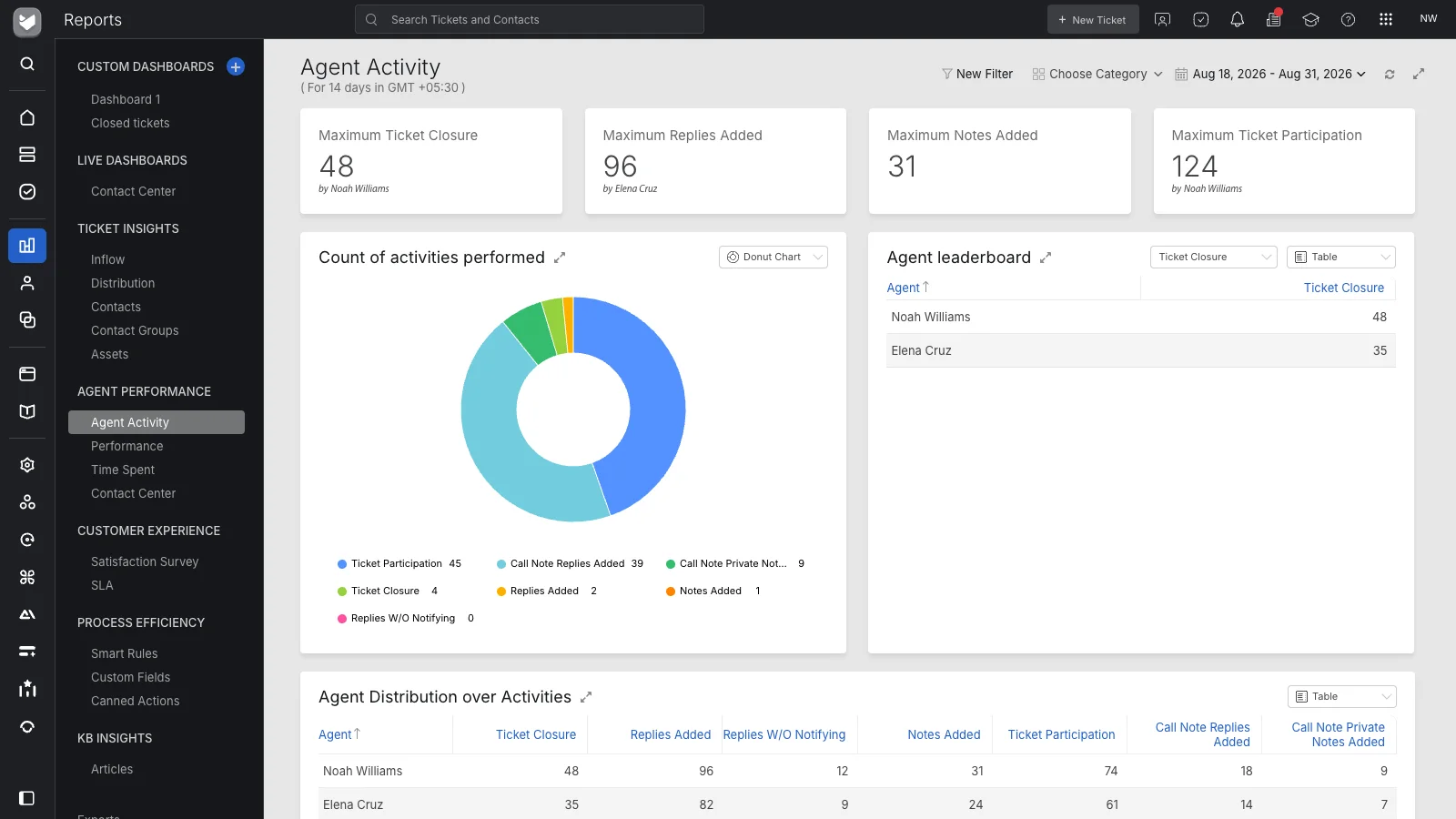
HappyFox organizes service requests as tickets with ownership, conversation history, fields, and tasks. Office staff coordinate the request while agents use available mobile actions to send replies, add notes, and update ticket information from the field.
Yes. Connect a support mailbox so incoming service emails create tickets. Use a request form when you want to ask for structured information, such as the location or equipment involved, before the team starts work.
Yes. Registered agents can use the HappyFox mobile app for ticket replies, private notes, and supported property changes. Confirm the exact field and attachment workflow your field team needs during evaluation.
HappyFox supports configured ticket-assignment methods and Smart Rules. Review the categories, conditions, workload model, and agent responsibilities that should determine ticket ownership. Ticket assignment and optimizing a technician’s travel route are different requirements.
The support center gives requesters a place to follow their tickets. Combine that access with configured notifications and direct replies so customers receive useful updates when the work changes.
Review your operational requirements before deciding. This page describes service-ticket coordination. Demonstrate any required scheduling, routing, location, parts, or inventory workflows separately rather than assuming they are covered by ticket management.
Use ticket and agent reports to review demand, response and closure performance, and SLA results. Keep categories, fields, and status updates consistent so reports reflect the service process you intend to measure.
Field service emphasizes coordination between the office, people working at a service location, and the customer. Work order management focuses on the steps and completion record of a job, which may be carried out entirely within one facility.
Bring a representative service request and walk through intake, ownership, task setup, a mobile update, customer communication, and completion. Include any specialist dispatch requirements so the evaluation reflects the whole operation.