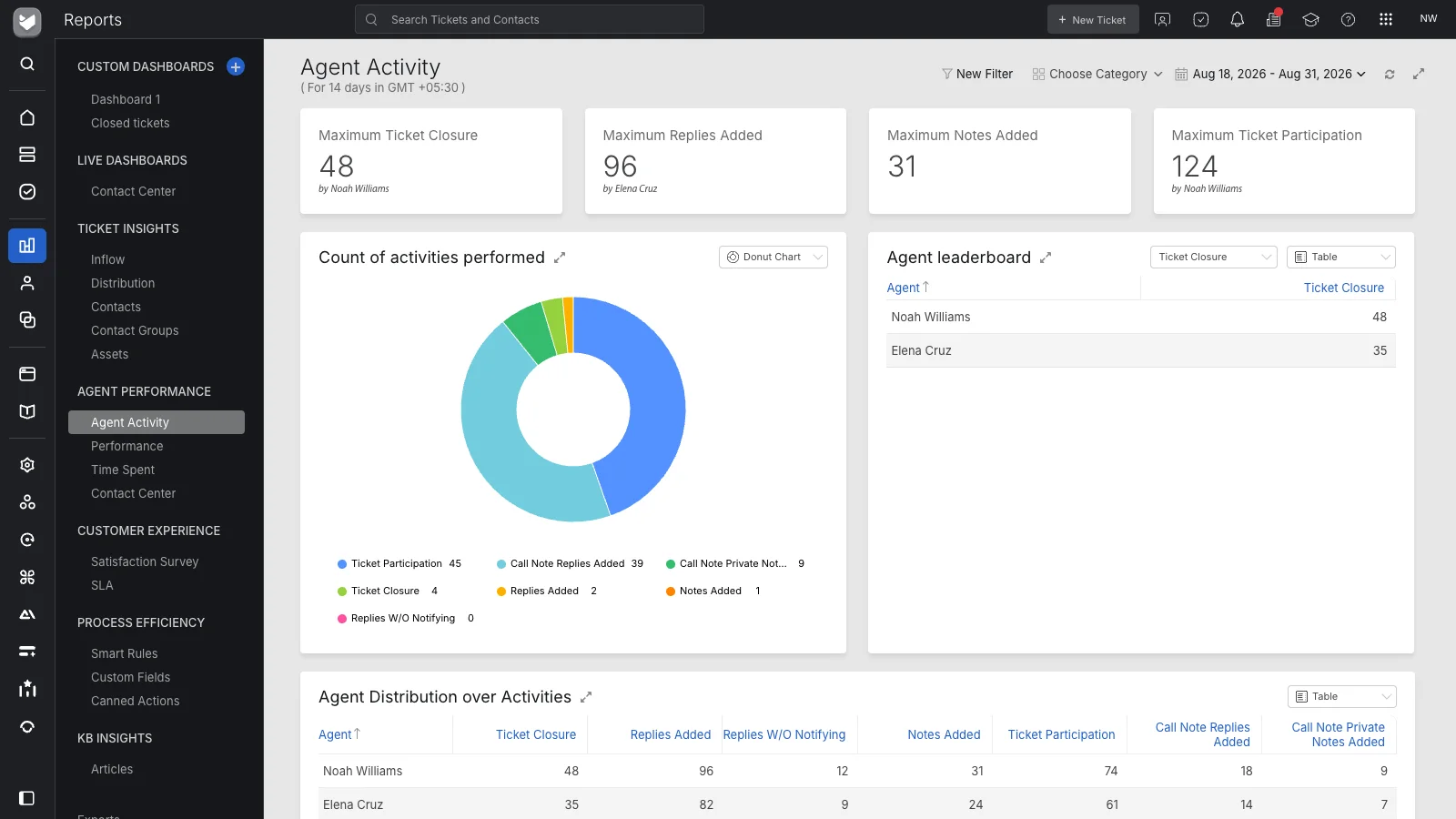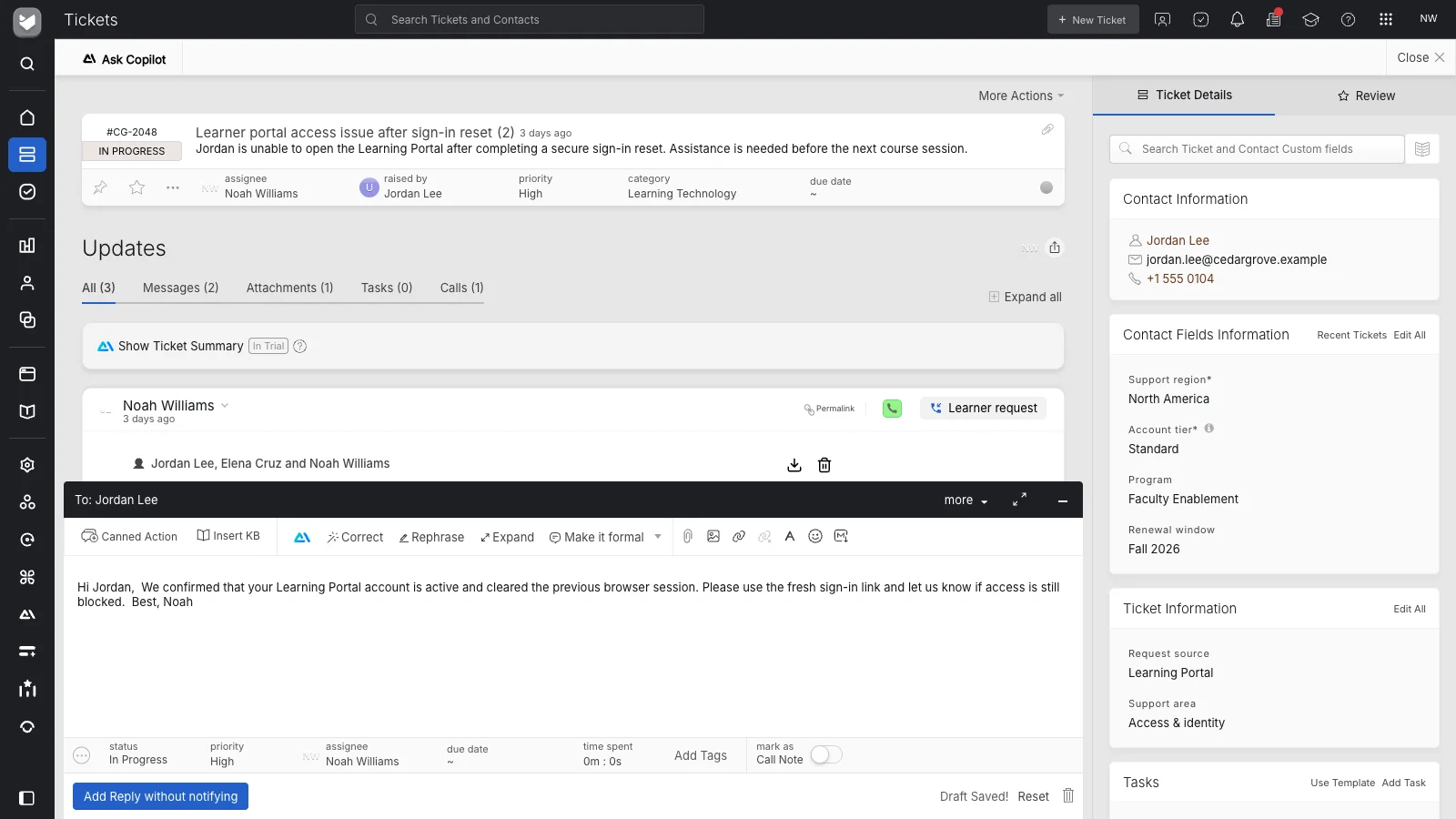
Capture what needs doing
Use request fields to record the location, affected equipment, requested work, and other relevant details. Give the team enough information to understand the job before deciding who should take it.
 Help Desk
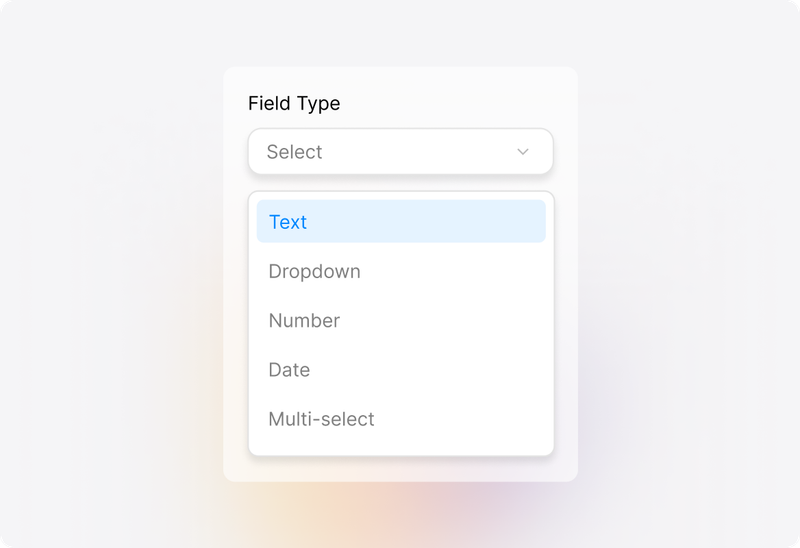
Use request fields to record the location, affected equipment, requested work, and other relevant details. Give the team enough information to understand the job before deciding who should take it.
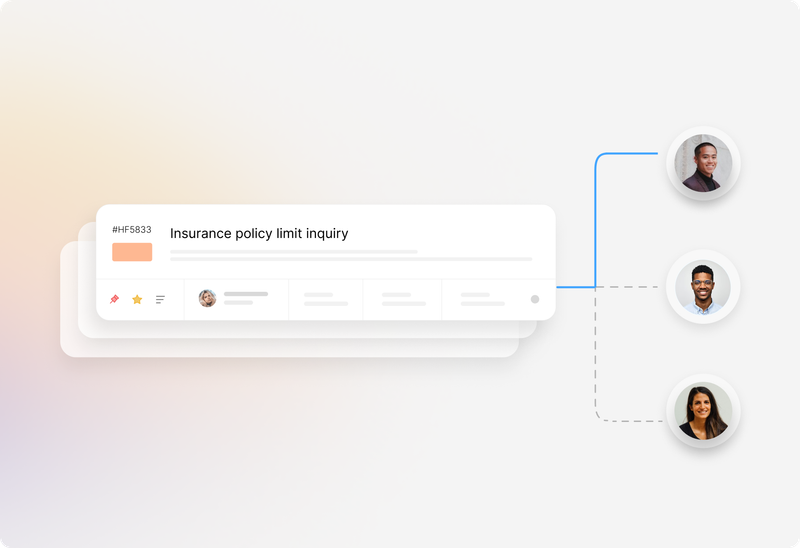
Organize orders by department or service category and give each ticket a clear owner. Use configured assignment methods when the work can be distributed according to a repeatable rule.
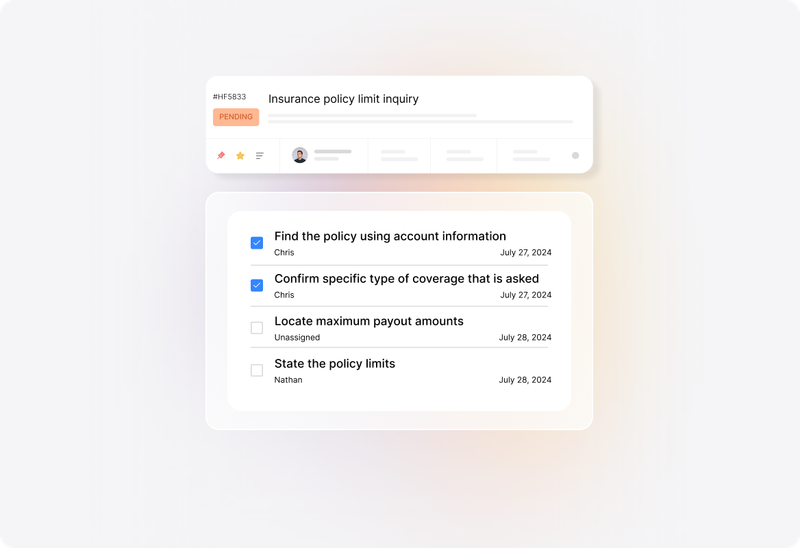
Create tasks inside the ticket and assign them to responsible agents. Keep the actions needed for completion visible alongside the requester’s original description and subsequent updates.


“Transitioning to HappyFox was transformative, streamlining our workflow and expediting response times for facilities-related repairs.”
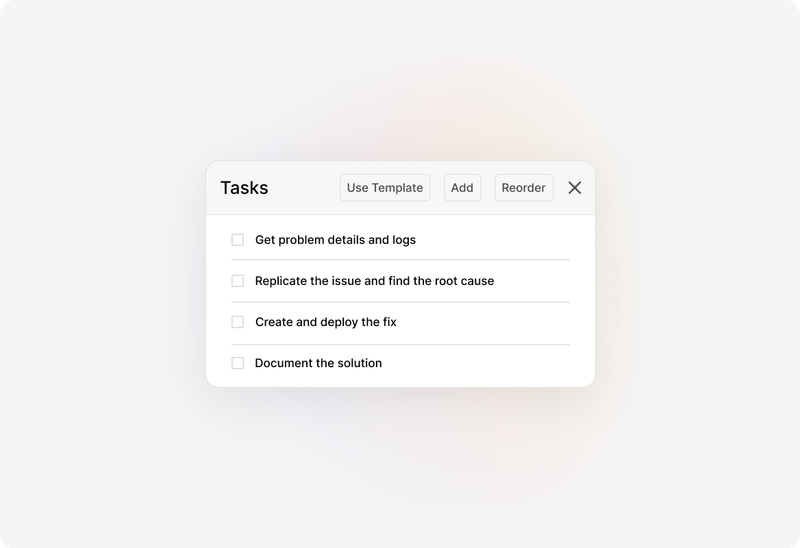
Apply task templates when work follows a known sequence, such as preparing equipment or handling a return. Maintain the checklist as the process changes so agents start from current instructions.
Update ticket status and add notes about progress or what the team is waiting for. Preserve a useful explanation for colleagues who need to understand why the order is still open.
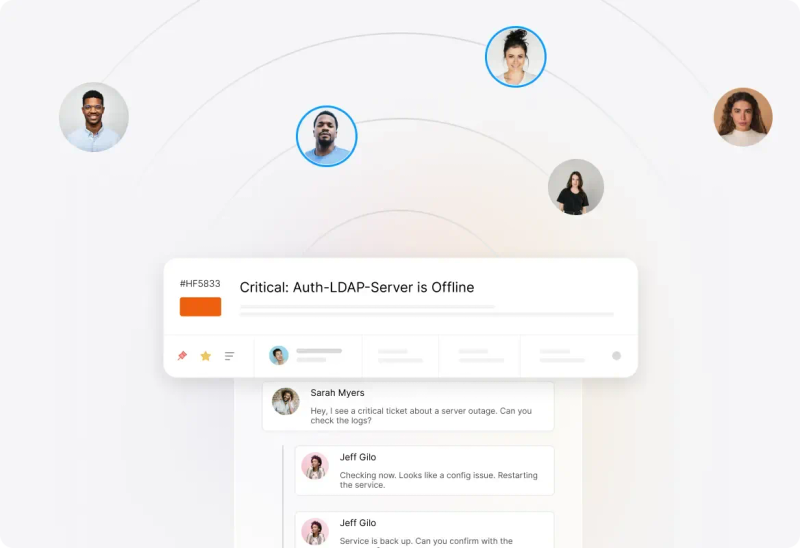
Use notifications for relevant ticket events and direct replies for the details that need explanation. Keep internal coordination in private notes and customer-facing updates in the conversation.

Agree which work belongs in one ticket and when a separate related request is needed. Keep the record understandable for the people carrying out and reviewing the job.
Identify the people responsible for each step and the agent responsible for the overall order. A checklist becomes useful when ownership is clear.
List the decisions, approvers, and records your process requires. Demonstrate the approval flow during evaluation; assigning a ticket alone does not establish a formal approval process.
Use maintained knowledge articles for operating procedures and routine checks. Link the appropriate guidance to the work rather than relying on someone to remember every step.
Review scheduled tickets for jobs that return on a known timetable. Confirm the schedule, ticket details, task template, and ownership needed for each recurring request.
Agree what information belongs in the completion update, including the work performed and any remaining follow-up. Review the ticket and tasks before closing the order.
It is a way to manage a defined piece of service work through a ticket: capture the job, assign ownership, track tasks, communicate progress, and retain the outcome. Teams can configure the ticket structure around different types of operational work.
A request describes something someone needs. A work order records the job the team will carry out to meet that need. In HappyFox, the ticket can hold the request and its execution details, including tasks and completion communication.
Yes. HappyFox task templates let teams apply a prepared checklist to a ticket. Confirm plan availability and the permissions needed to manage templates, then maintain the steps as your operational process changes.
Use categories and permissions to organize work for IT, Facilities, Operations, or other service teams. Agree ownership and access before adding departments, especially when request information needs restricted visibility.
HappyFox scheduled tickets support recurring ticket creation. Review the timing, request details, assignment, and applicable task template for the recurring jobs you want the team to handle.
Routing establishes responsibility; approval records a decision. Review any required approval stages, conditions, approver actions, and records with HappyFox. Confirm whether an additional product or integration is needed for your process.
Yes. Ticket status, task progress, replies, and configured notifications help teams communicate what is happening. Define which updates are internal and which should be sent to the requester.
Work order management focuses on carrying out and recording the steps of a job. Field service adds the coordination needs of people working away from the office, including mobile updates and communication with dispatch or customers.
Bring a job with several steps and a clear definition of done. Review the ticket, task owners, checklist, progress updates, recurring-work requirements, and reporting. Include approvals or specialist inventory needs explicitly.