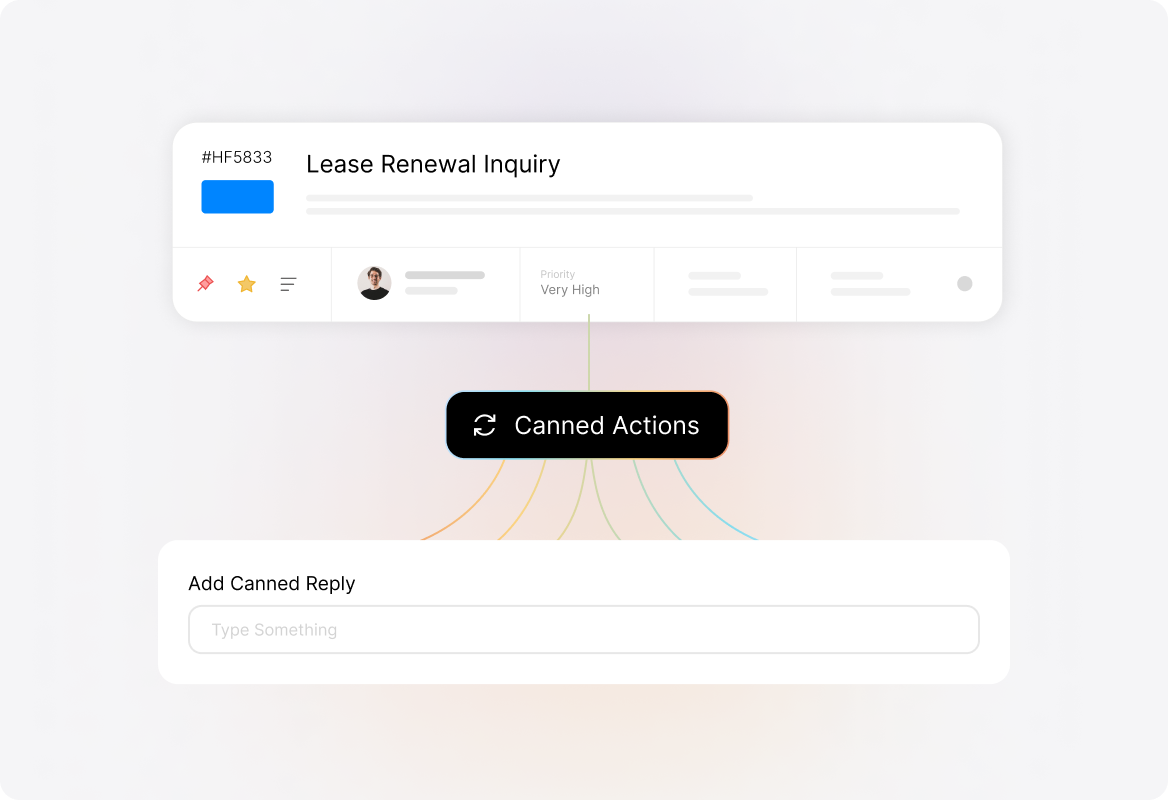
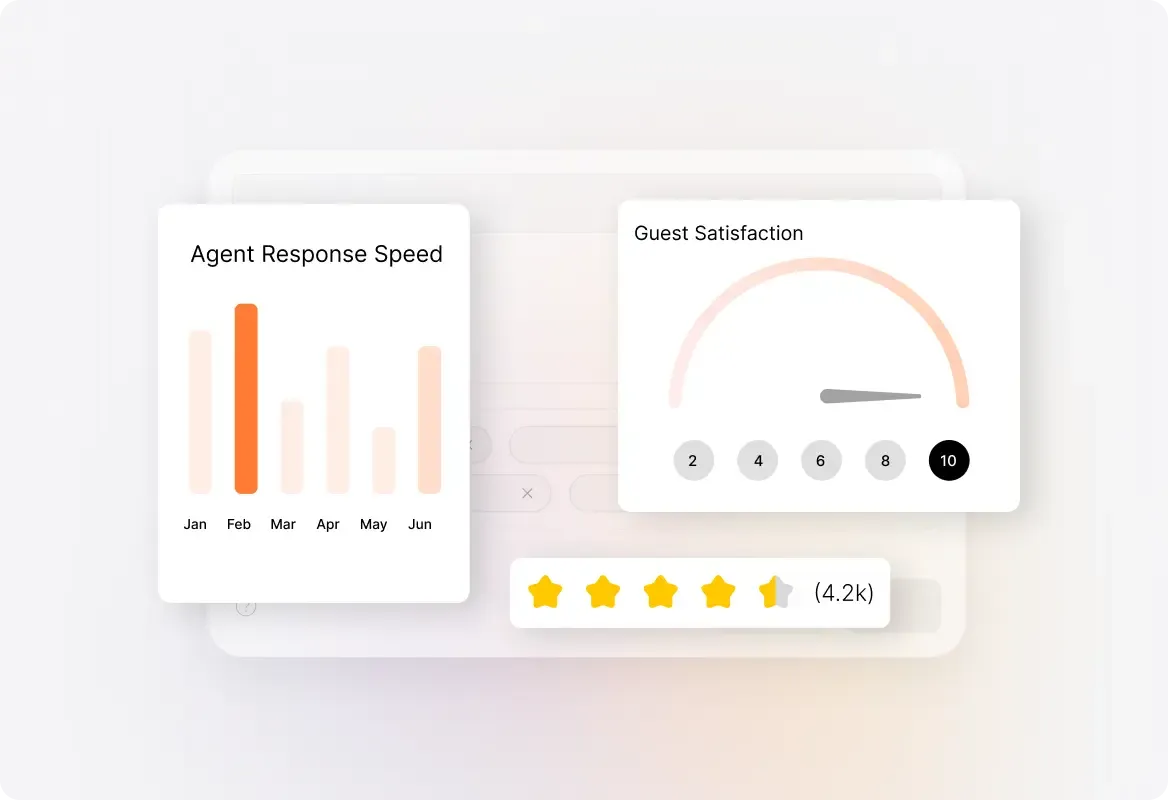
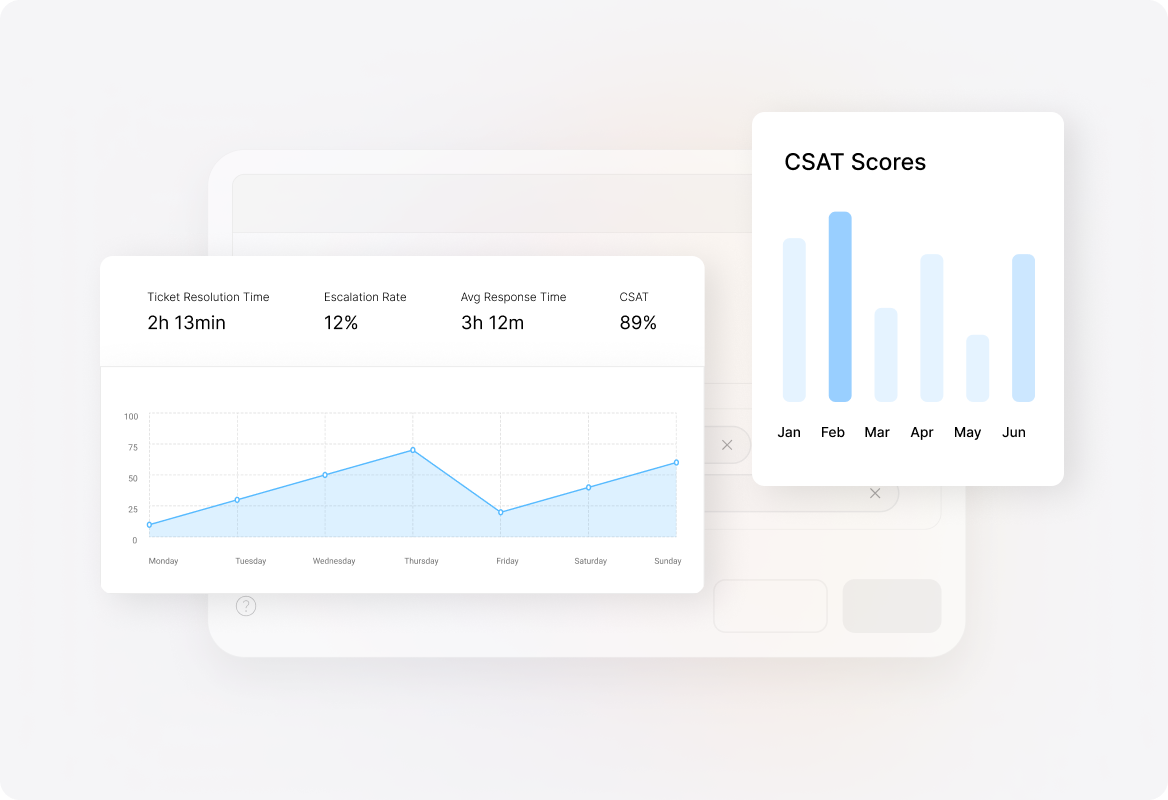
Distribute Tickets Automatically. Keep Your Team Balanced.
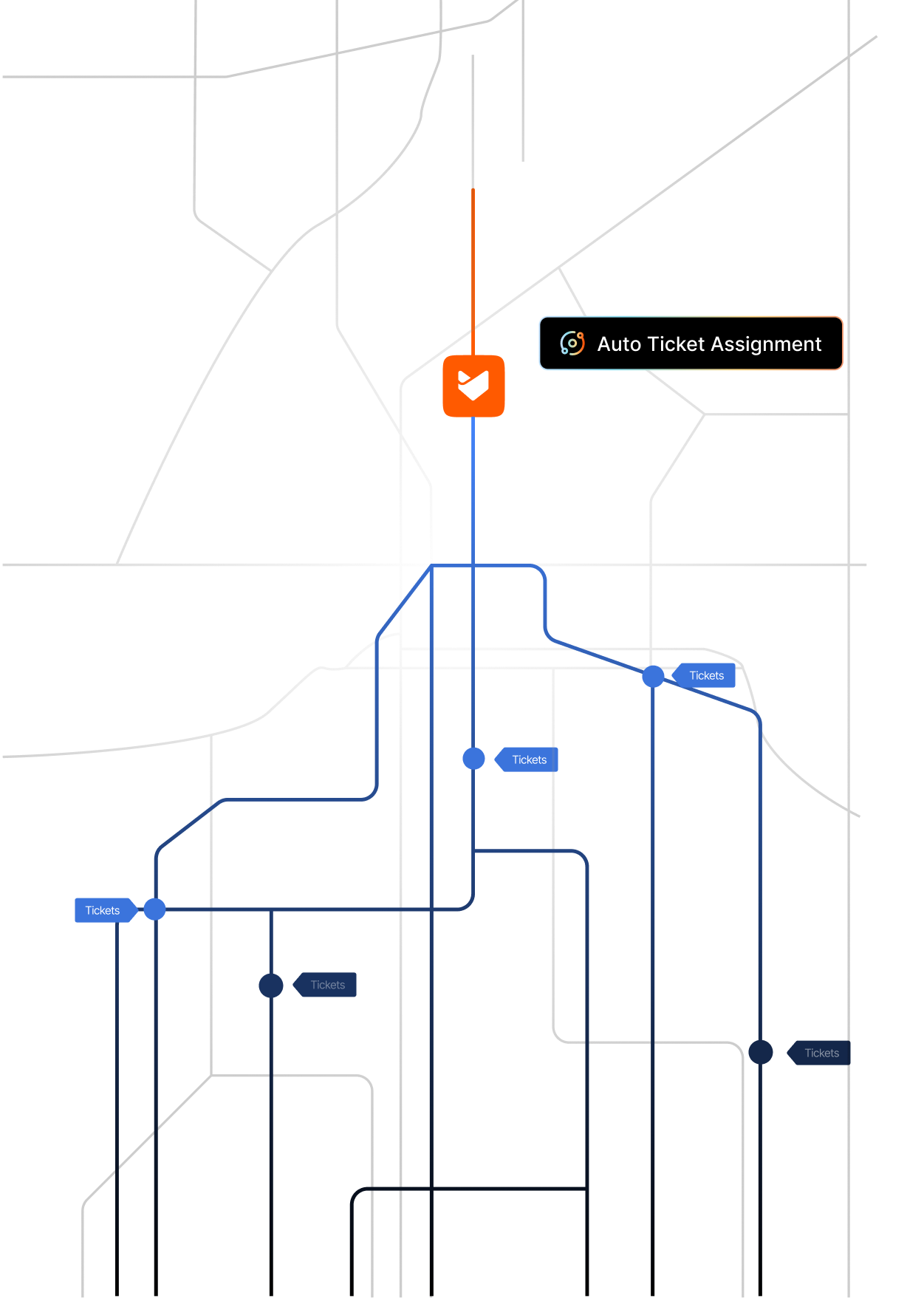
Stop manually assigning tickets. HappyFox's auto-assignment distributes work fairly across your team, so agents stay productive and customers get faster responses.
darwinbox Dartmouth Planned Parenthood_Customer Logo Pinewood School_Customer Logo loanlogics Medipulse North Country Healthcare_Customer Logo Whirlpool_Customer Logo Improved Racing_Customer Logo Slam_Customer Logo Sonny's BBQ_Customer Logo Minnnetronix_Customer Logo renoworks_Customer Logo darwinbox Dartmouth Planned Parenthood_Customer Logo Pinewood School_Customer Logo loanlogics Medipulse North Country Healthcare_Customer Logo Whirlpool_Customer Logo Improved Racing_Customer Logo Slam_Customer Logo Sonny's BBQ_Customer Logo Minnnetronix_Customer Logo renoworks_Customer Logo darwinbox Dartmouth Planned Parenthood_Customer Logo Pinewood School_Customer Logo loanlogics Medipulse North Country Healthcare_Customer Logo Whirlpool_Customer Logo Improved Racing_Customer Logo Slam_Customer Logo Sonny's BBQ_Customer Logo Minnnetronix_Customer Logo renoworks_Customer Logo

Is Manual Ticket Assignment Slowing You Down?

Manual ticket assignment wastes time, creates bottlenecks, overloads some agents while idling others, and leads to missed tickets, slow responses, and team burnout. HappyFox Auto Assignment fixes this by distributing tickets automatically and fairly.

Auto Assignment: Fair Distribution on Autopilot

HappyFox's auto-assignment uses Round Robin to evenly distribute tickets among agents. Choose the option that best fits your team—from simple rotation to smart load balancing.

100%

Automatic Distribution

Tickets assigned without manual intervention

Fair

Workload Balance

Every agent gets an equal share of tickets

3

Assignment Methods

Choose the right fit for your team

Three Ways to Distribute Tickets Automatically

Basic Round Robin

Simple, Fair Rotation

Distribute tickets automatically to team members as they come in, in a circular fashion. Round Robin guarantees fair allocation of tickets to your agents—perfect for teams where everyone handles similar workloads. Tickets that are unassigned and in default status are automatically assigned to the next agent in the queue.
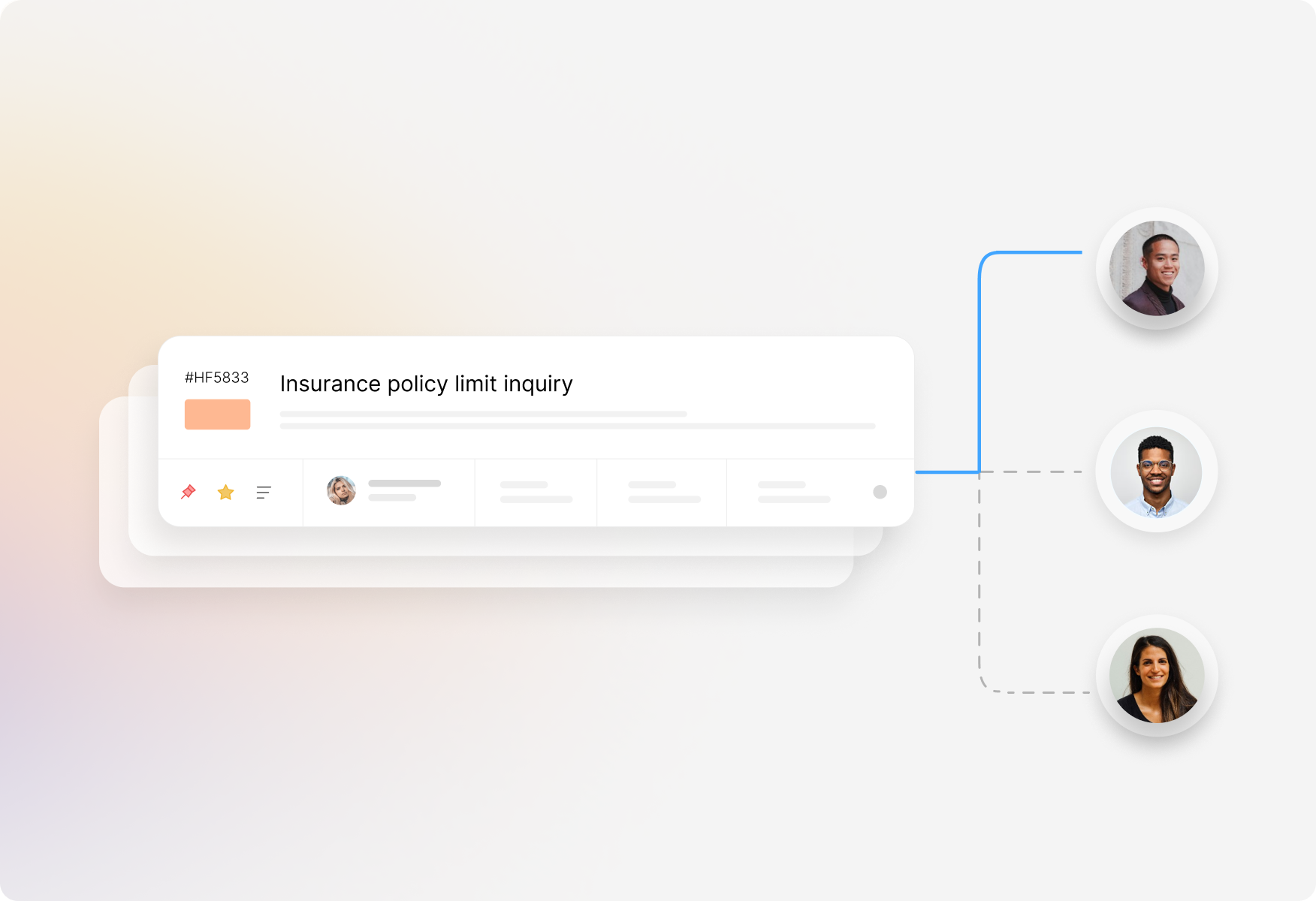
Basic Round Robin

Round Robin Based on Active Agents

Assign Only to Available Team Members

HappyFox lets you assign tickets only to currently active agents, with a configurable throttle limit per agent to prevent overload. When an agent hits their limit, they're automatically removed from the queue until they resolve enough tickets to drop below it. Agents can also manually release pending tickets when going inactive, ensuring smooth, balanced distribution without anything getting stuck.
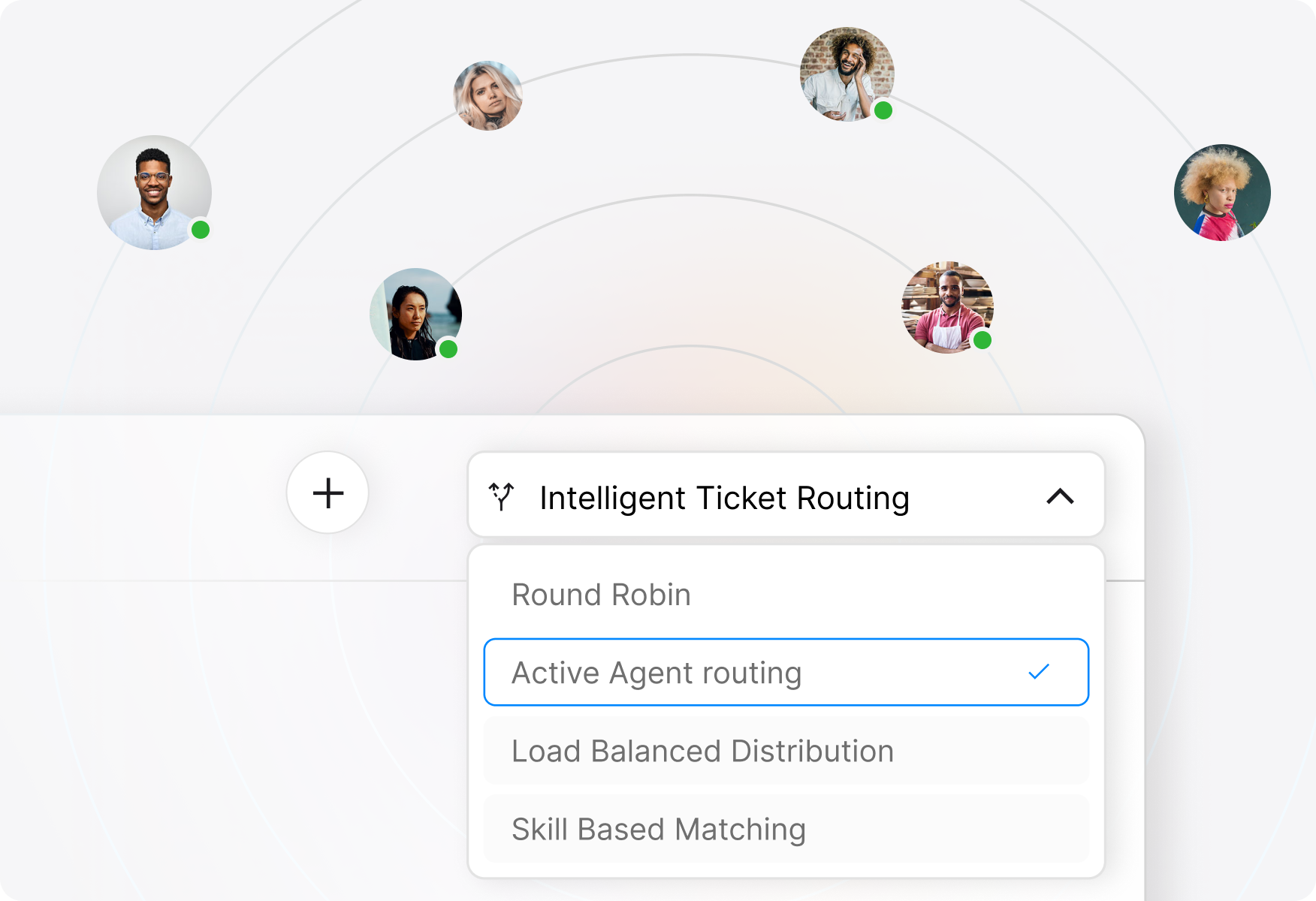
Round Robin Based on Active Agents

Round Robin with Load Balance

Intelligent Workload Distribution

HappyFox's smartest assignment method calculates each agent's load as a ratio of their current pending tickets to their individual throttle limit, then automatically assigns new tickets to the agent with the lowest load ratio. This intelligent approach prevents overload and ensures fair distribution, especially for teams handling issues of varying complexity
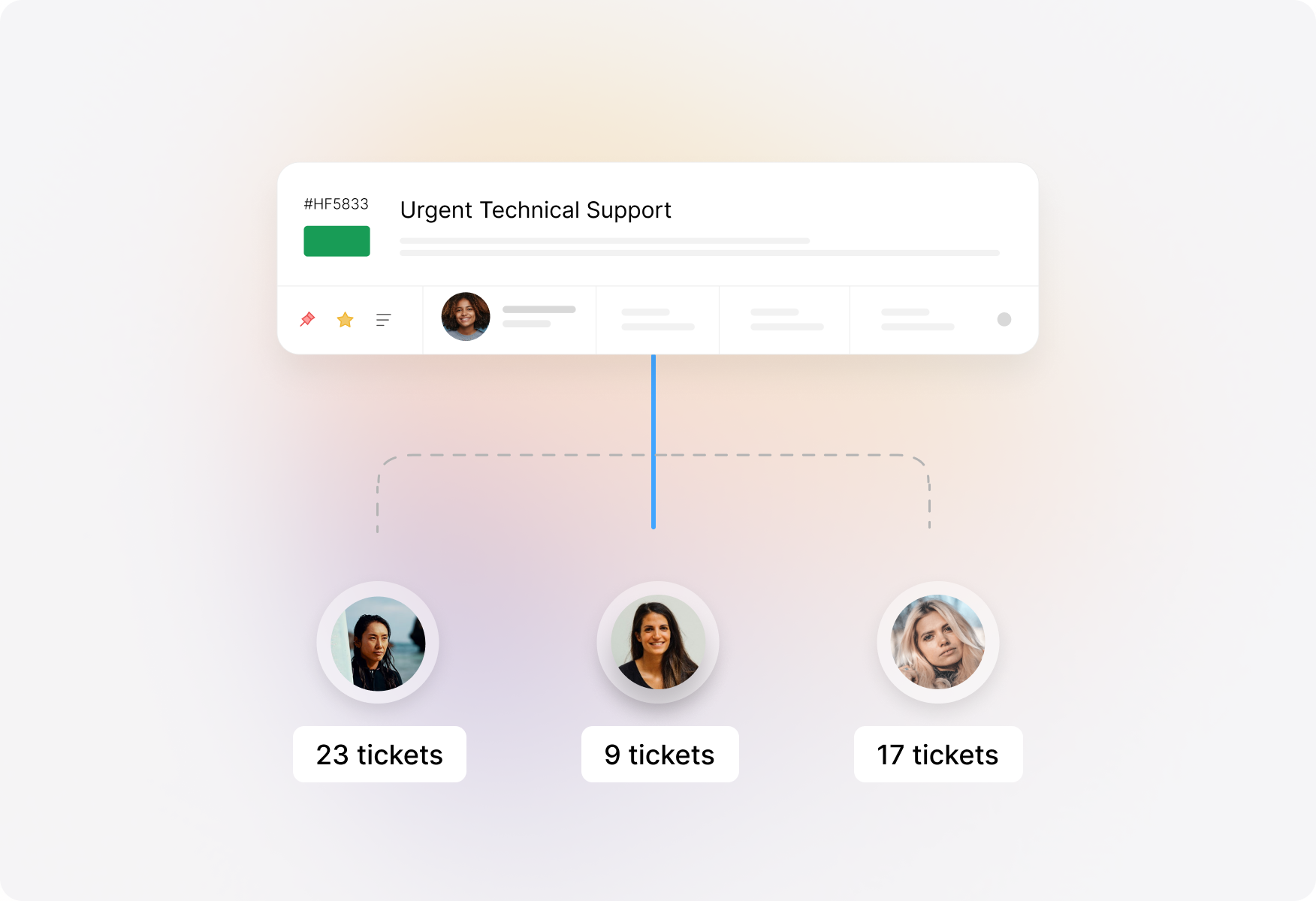
Round Robin with Load Balance

FAQs

What is Auto Assignment in HappyFox Help Desk?
arrow
Auto Assignment automatically distributes incoming tickets to your support agents using the Round Robin method. This eliminates manual ticket assignment, ensures fair workload distribution, and helps your team respond faster.
What's the difference between the three Round Robin methods?
arrow
Basic Round Robin assigns tickets to all agents in rotation regardless of availability. Round Robin based on Active Agents only assigns to agents who are currently active and under their throttle limit. Round Robin with Load Balance intelligently assigns tickets to the agent with the lowest current workload ratio.
What is a throttle limit?
arrow
A throttle limit is the maximum number of pending tickets an agent can be assigned at any given time. Once an agent reaches this limit, they won't receive new auto-assigned tickets until they resolve some of their current workload. This prevents agent burnout and ensures balanced distribution.
Which tickets are eligible for auto-assignment?
arrow
Only tickets that are unassigned and in the default status are considered for auto-assignment. Additionally, tickets must have been created or updated within the last 5 days.
Can agents opt out of auto-assignment temporarily?
arrow
Yes. With Active Agent-based methods, agents can set themselves to "Inactive" to stop receiving auto-assigned tickets. They can choose to release their pending tickets back to the system or hold onto them while inactive.

Ready to Automate Your Ticket Distribution?

Let us show you how Auto Assignment can balance workloads and speed up your support.

footer-banner-image