Deliver Critical Updates Instantly with SMS Notifications
Help your support team reach customers instantly with automated SMS notifications, driving faster issue resolution and higher engagement.
darwinbox Dartmouth Planned Parenthood_Customer Logo Pinewood School_Customer Logo loanlogics Medipulse North Country Healthcare_Customer Logo Whirlpool_Customer Logo Improved Racing_Customer Logo Slam_Customer Logo Sonny's BBQ_Customer Logo Minnnetronix_Customer Logo renoworks_Customer Logo darwinbox Dartmouth Planned Parenthood_Customer Logo Pinewood School_Customer Logo loanlogics Medipulse North Country Healthcare_Customer Logo Whirlpool_Customer Logo Improved Racing_Customer Logo Slam_Customer Logo Sonny's BBQ_Customer Logo Minnnetronix_Customer Logo renoworks_Customer Logo darwinbox Dartmouth Planned Parenthood_Customer Logo Pinewood School_Customer Logo loanlogics Medipulse North Country Healthcare_Customer Logo Whirlpool_Customer Logo Improved Racing_Customer Logo Slam_Customer Logo Sonny's BBQ_Customer Logo Minnnetronix_Customer Logo renoworks_Customer Logo

Struggling to Reach Customers Quickly?

Support teams often struggle to reach customers quickly when urgent responses are needed, leading to delayed resolutions and frustrated customers. Phone calls are time-consuming, and emails often go unread for hours. HappyFox SMS notifications ensure your messages get through immediately, with the majority of texts read within minutes.

How SMS Notifications Work in Happyfox

SMS notifications let you send instant text messages to customers directly from your help desk tickets. Whether it's a single urgent update or bulk notifications, you can reach customers on their preferred device with templated or custom messages.

Reach Customers Instantly

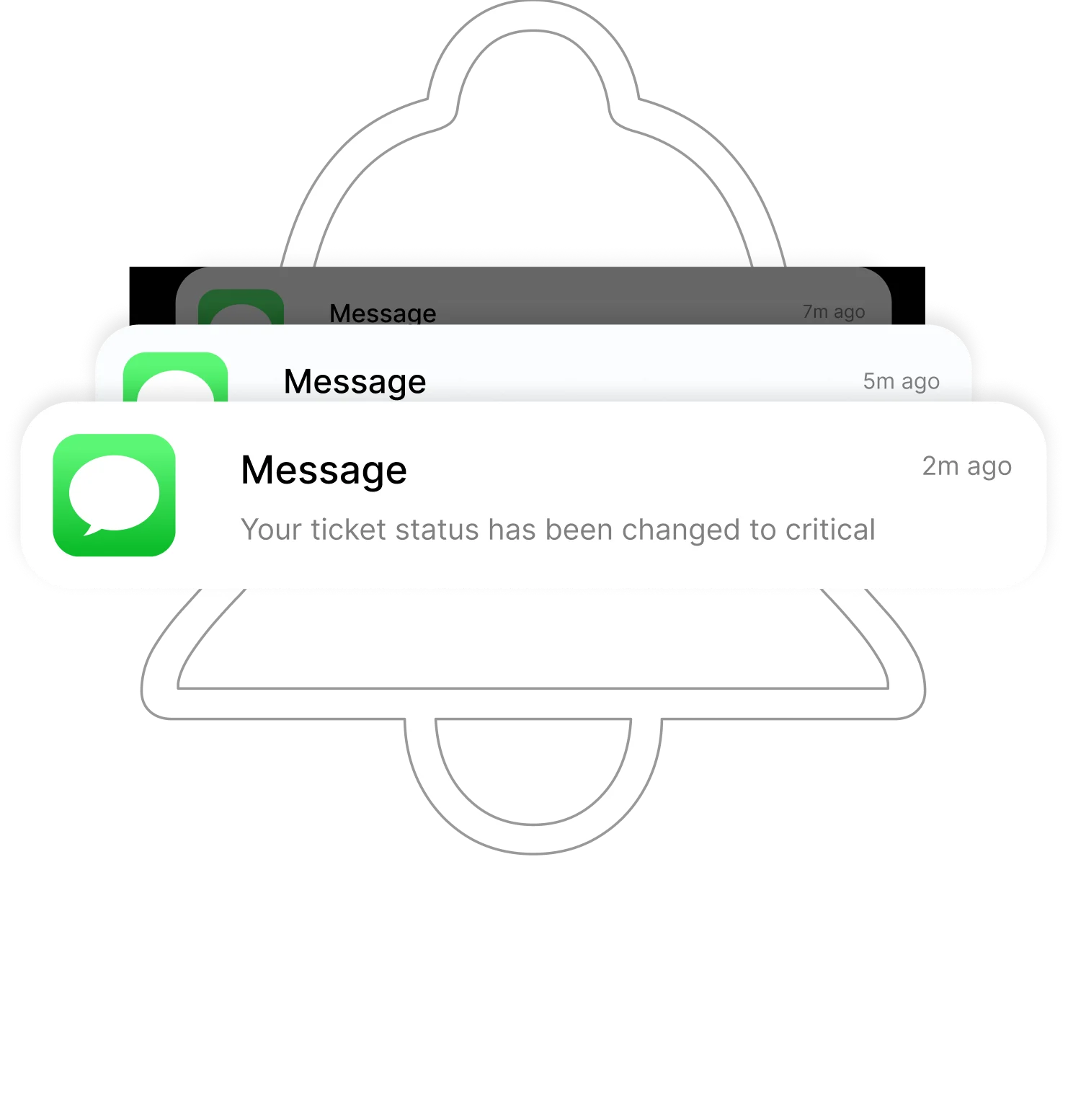
Deliver real-time updates to customers the moment ticket status is modified.

Keep Tickets Synced

Keep all SMS notifications synchronized with their respective tickets for complete context.

Automate Alerts

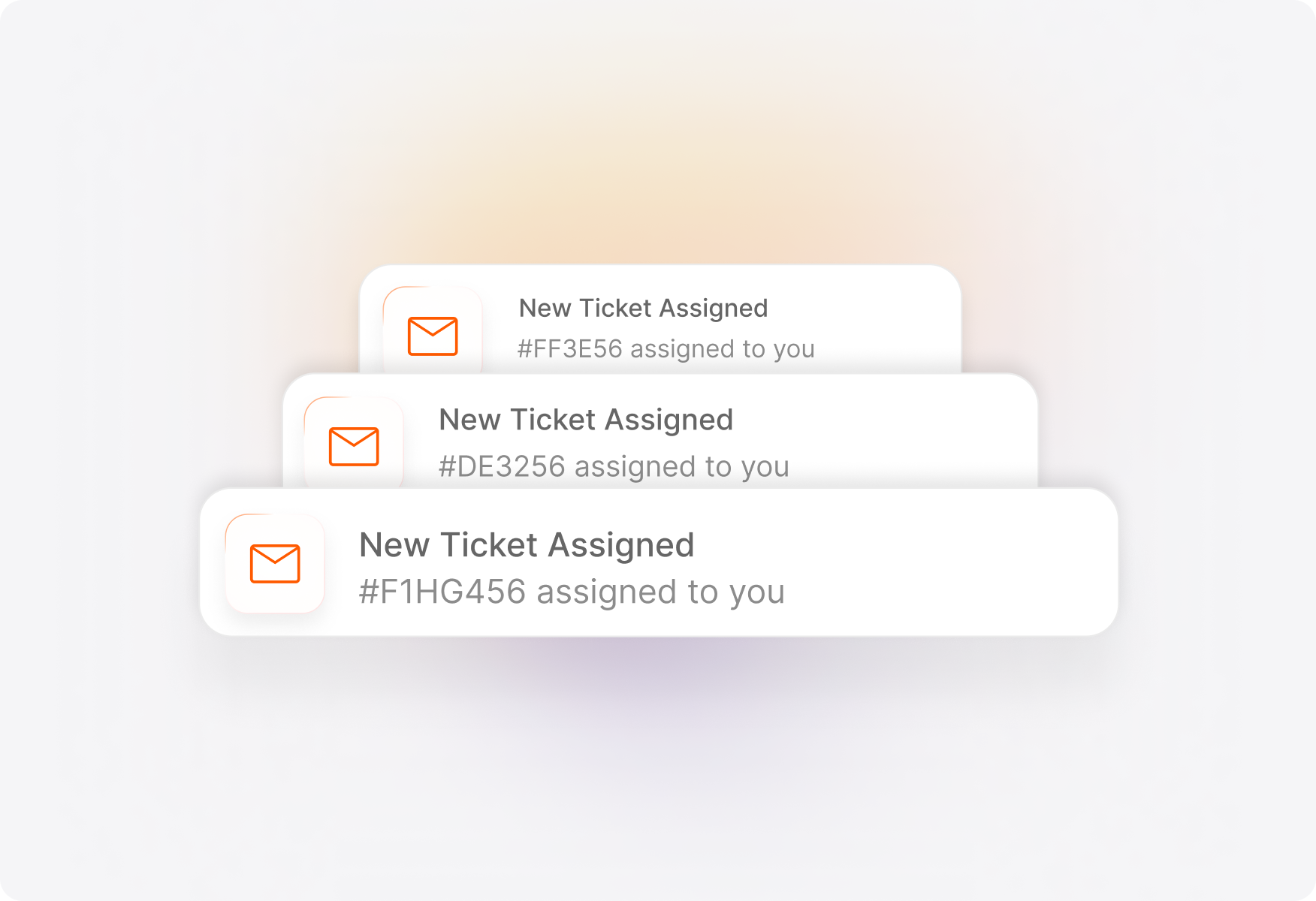
Automatically trigger SMS alerts for key ticket events, reducing manual effort.

Elevate Your Customer Communication

Effortless Phone Number Registration

Get a brand new number based on your Country, Region and Number preferences, with just a few clicks.
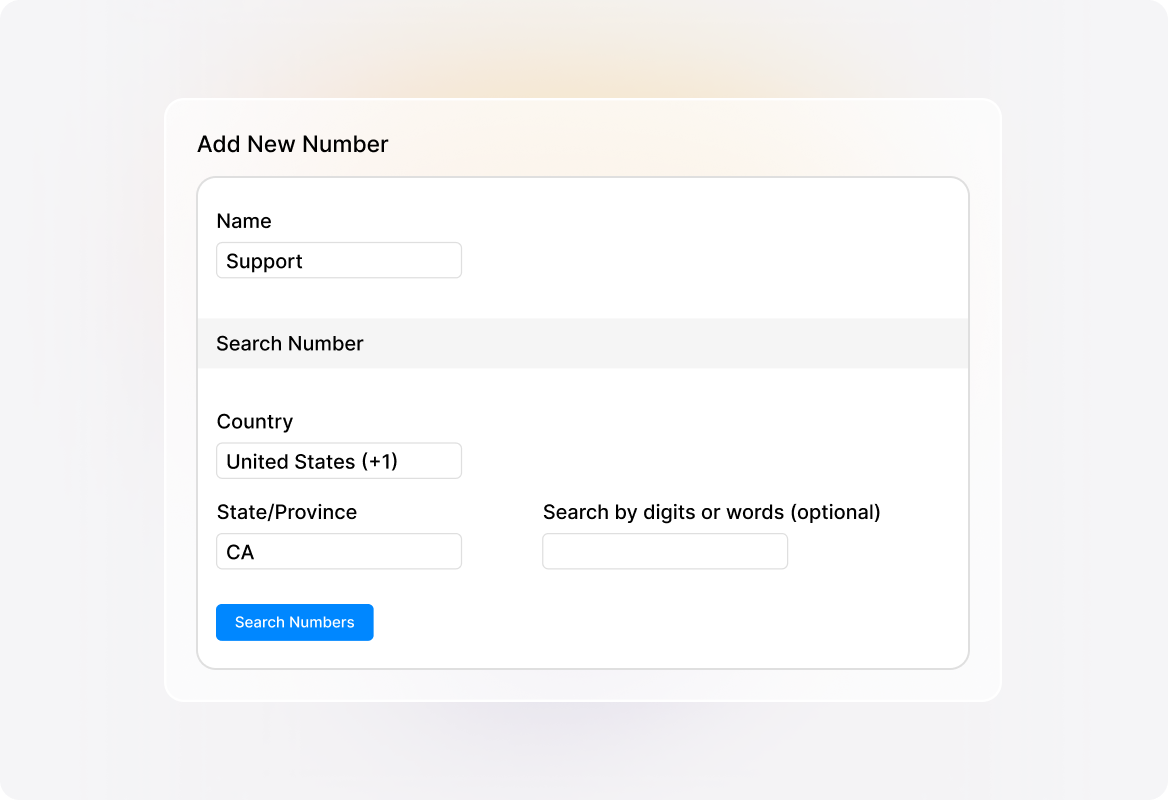
Register Phone Numbers for Free (1)

Send Individual or Bulk SMS

Send individual or bulk SMS updates, using dynamic fields for personalization. Preview messages before sending to ensure accuracy.
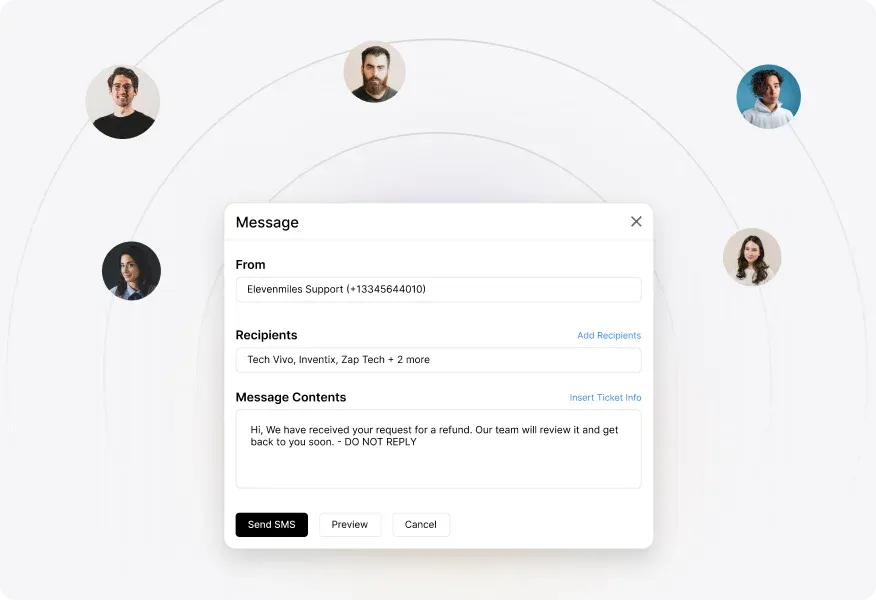
Send Messages Your Way

Keep Communication Organized

All SMS notifications are logged within the ticket, maintaining a complete history of customer communication in one place.
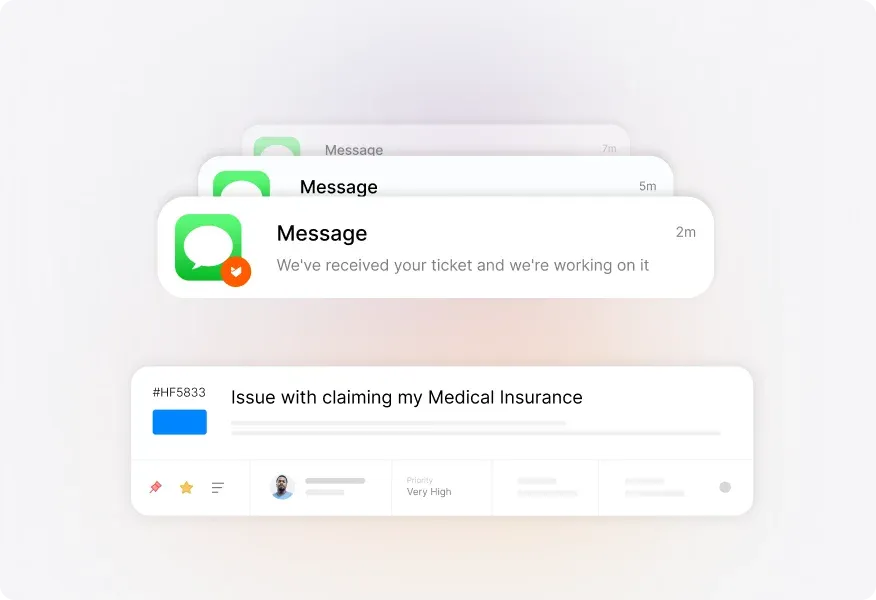
Keep Communication Organized

Automate Critical Updates

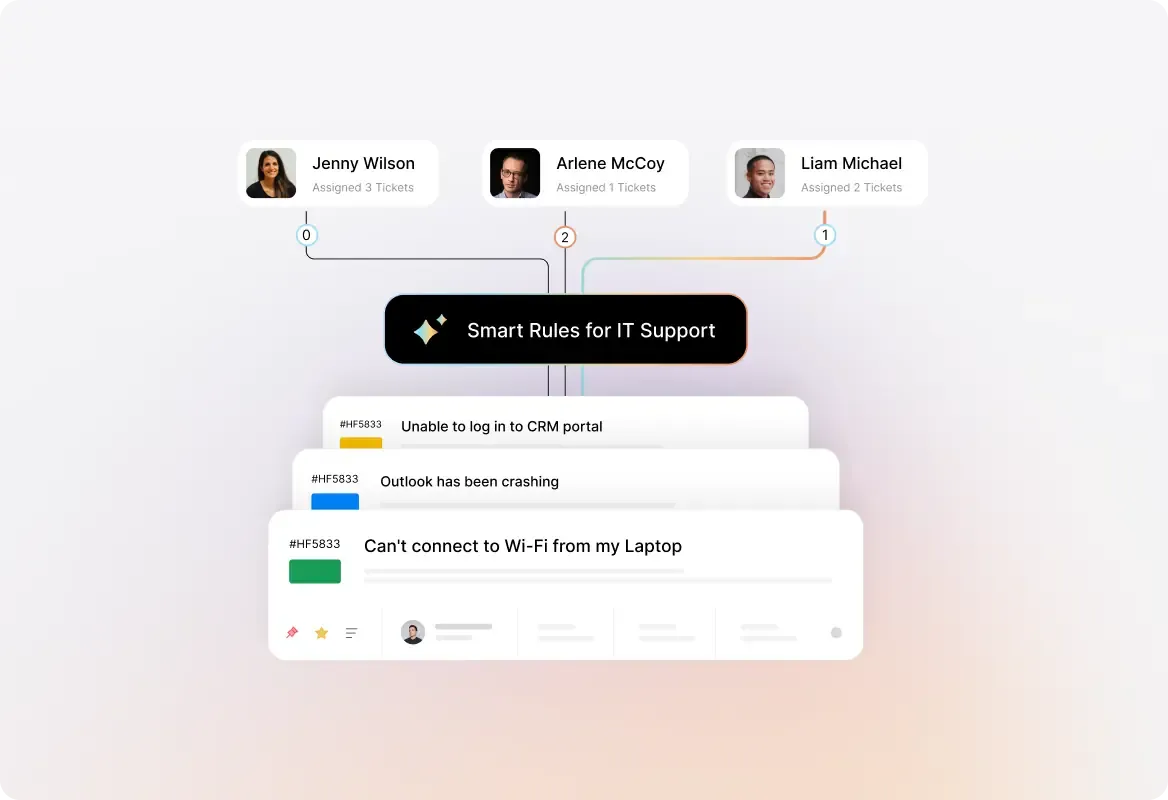
Use Smart Rules to automatically send SMS to customers when predefined conditions are met.
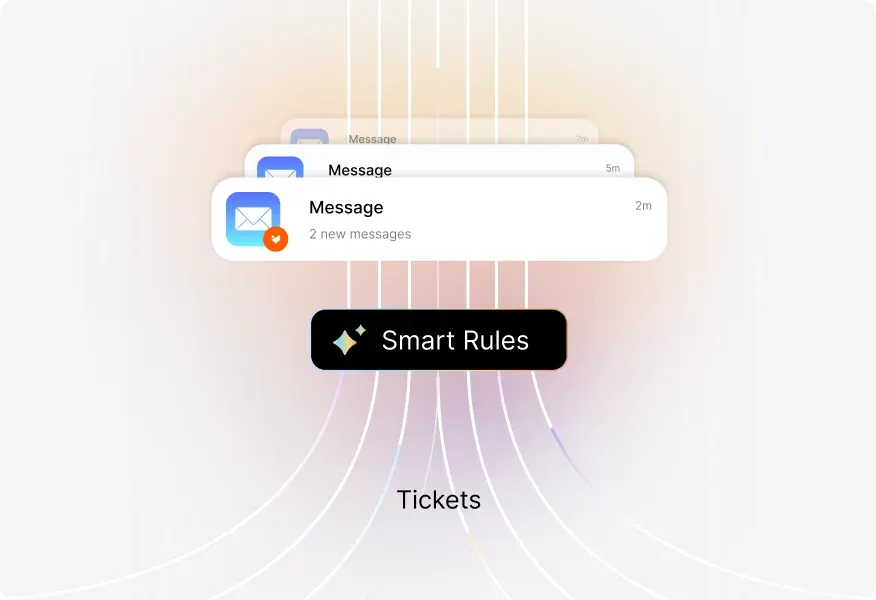
Automate Critical Updates

Complete Visibility with SMS Logs

View logs of all sent messages, including timestamps and status updates, ensuring complete visibility into past communications.
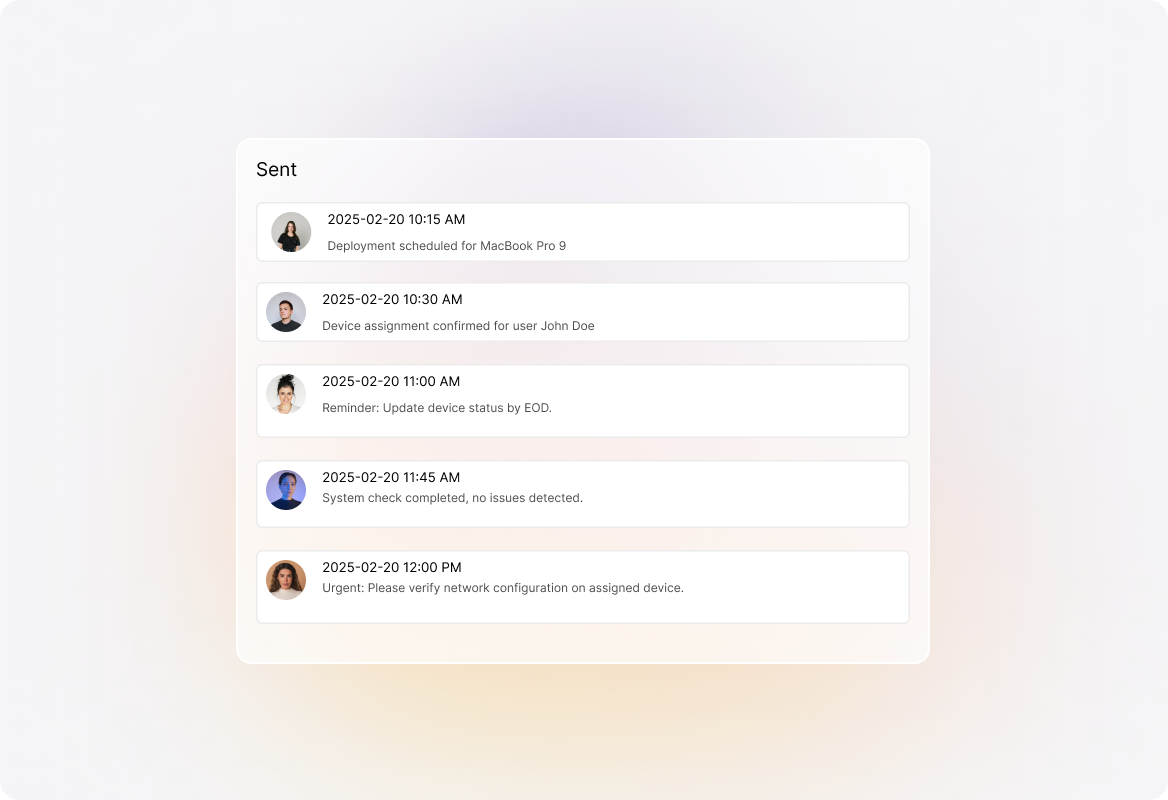
sms - f4

Ensure Consistent Messaging

Create templates for common scenarios to keep team communication uniform, and use dynamic fields to personalize messages automatically.
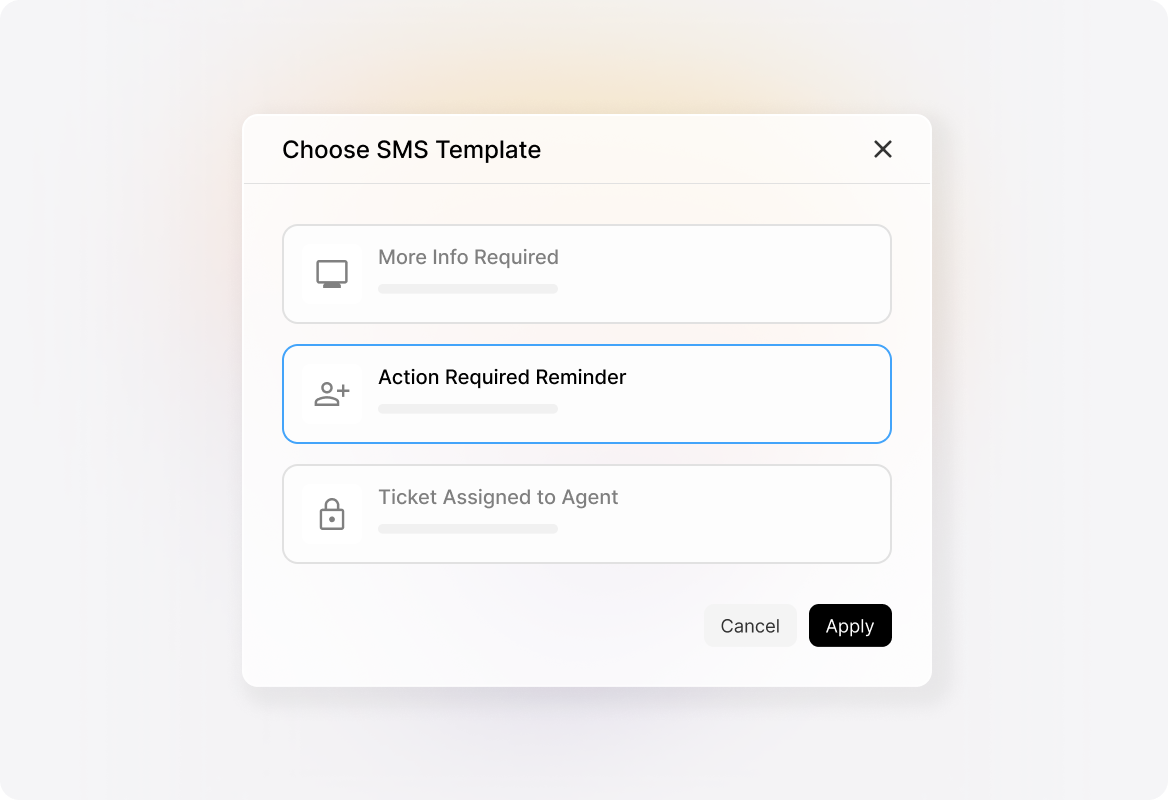
Templates for Consistency (1)

Send Messages Without Disruption

Set up auto-refill to maintain uninterrupted service, ensuring your team can continue sending SMS without disruptions.
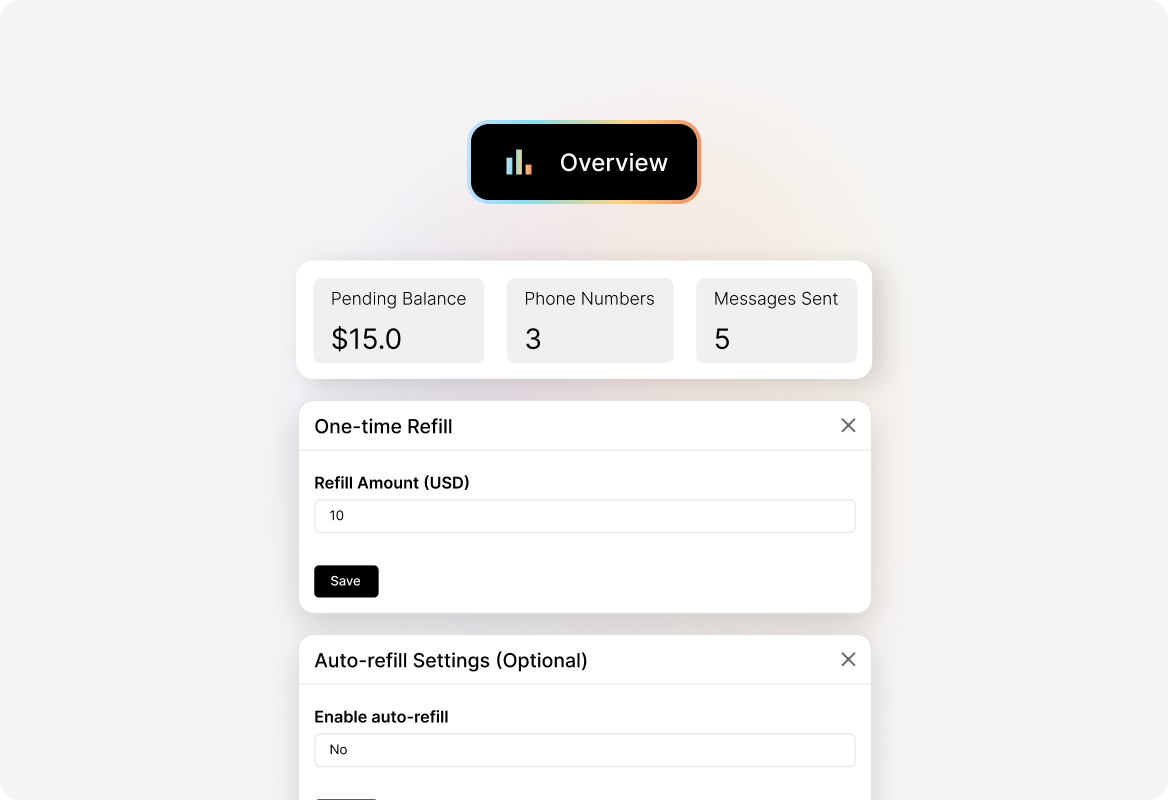
sms - f6

FAQs

How can I start sending SMS notifications with HappyFox?
arrow
Getting started is simple. Just register a phone number in your preferred country, set up SMS templates, and link them to your help desk tickets. You can send messages manually or automate them using Smart Rules
Can I automate SMS notifications for my support tickets?
arrow
Yes! HappyFox lets you automate SMS alerts based on ticket activities. Set triggers with Smart Rules, and your messages will go out automatically without manual effort.
Can I send bulk SMS updates to multiple customers?
arrow
Absolutely. HappyFox supports bulk SMS notifications, letting you send personalized updates to many customers at once while maintaining ticket history for each recipient.
Can I personalize SMS messages for each customer?
arrow
Yes. Use dynamic fields in your templates to automatically include customer names, ticket details, and other relevant information in every message.

Resolve Customer Issues Faster with Instant SMS Alerts

Keep your support team proactive with instant SMS alerts that ensure every customer is informed, engaged, and satisfied.

footer-banner-image