HappyFox Help Desk integration

Okta SSO on your Helpdesk

Help DeskOkta logo

How the Okta Integration Works

  1. Configure HappyFox in Okta

    Add the application, set the subdomain, and retrieve the SSO target URL and signing certificate.

  2. Assign users or groups

    Choose which people should have access to the HappyFox application.

  3. Activate Okta in HappyFox

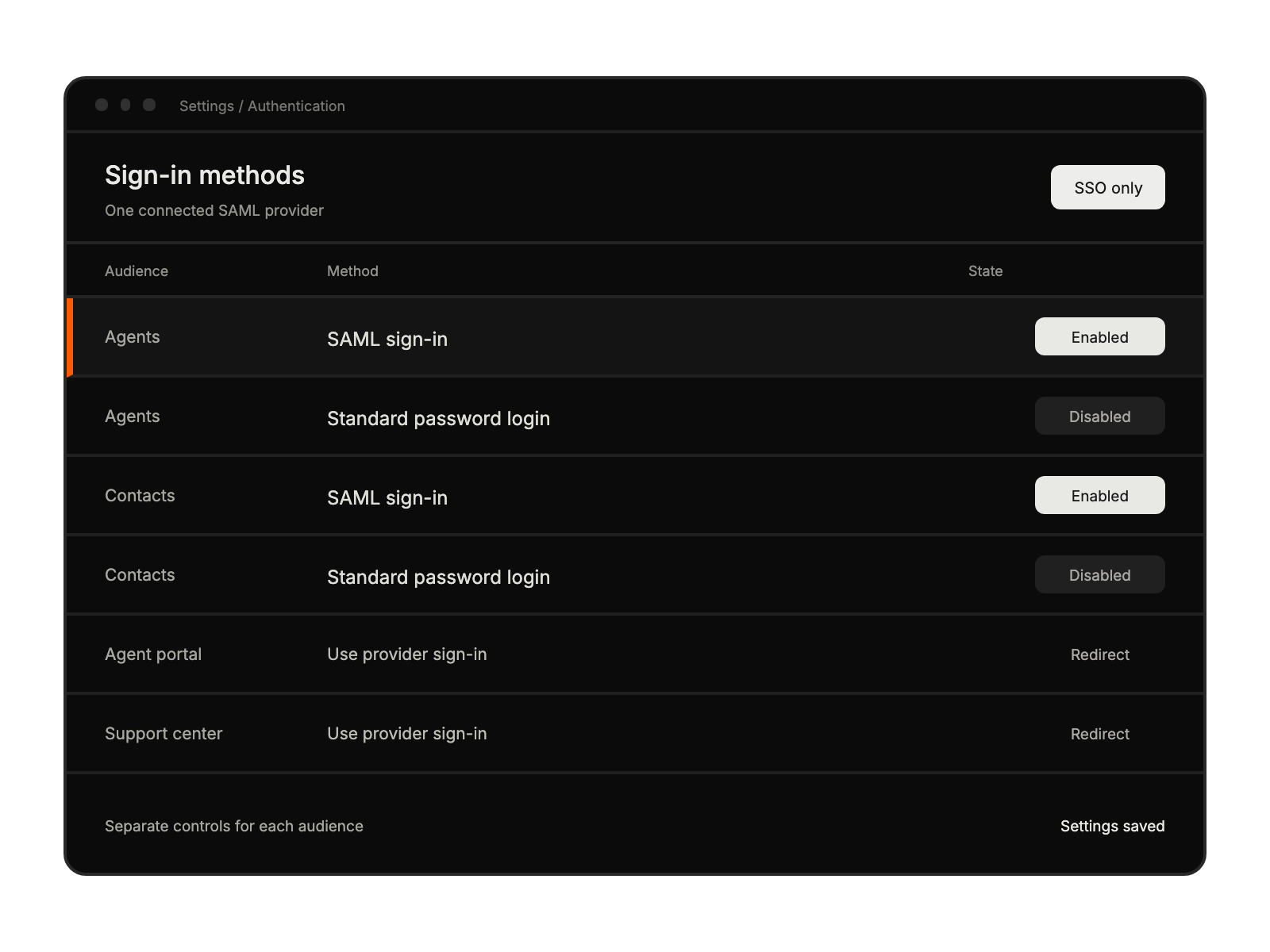
    Install the SSO app, enter provider details, select audiences and field mapping, then save.

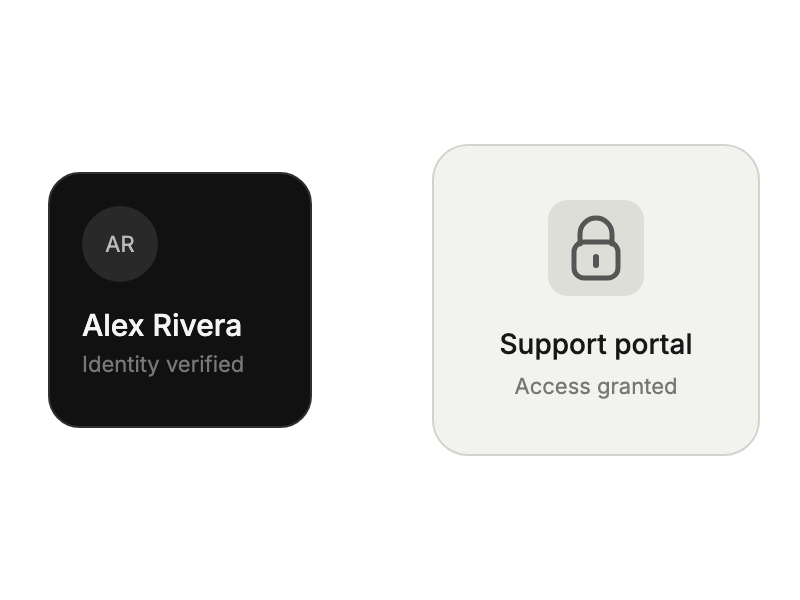
Verified identity credential beside an unlocked support portal.

Authentication settings with SAML enabled and standard password login disabled separately for agents and contacts.

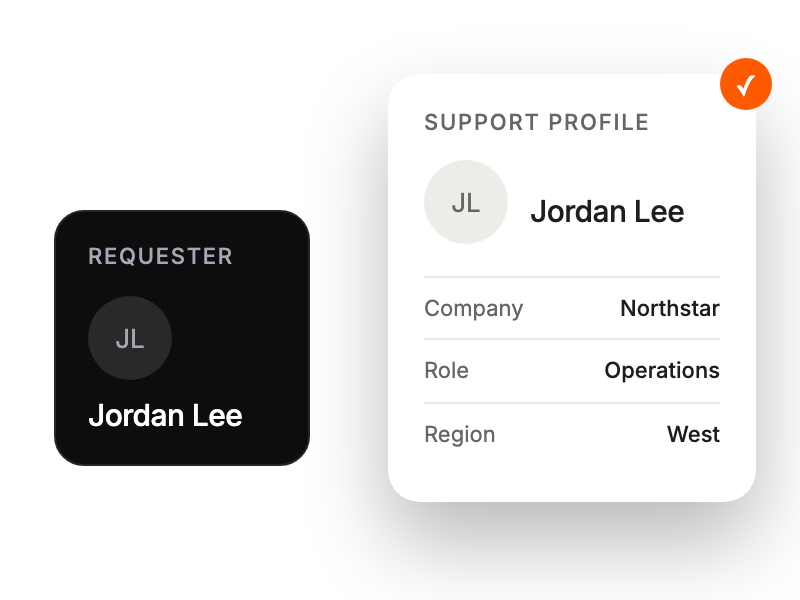
A basic requester identity expanding into an enriched support profile.

Built for Teams Using Okta

Businesses

seeking professional identity management

Support Leaders

streamlining team access needs

Security Teams

ensuring controlled authentication

IT Managers

simplifying access administration

See More Integrations