Capture the reported symptoms
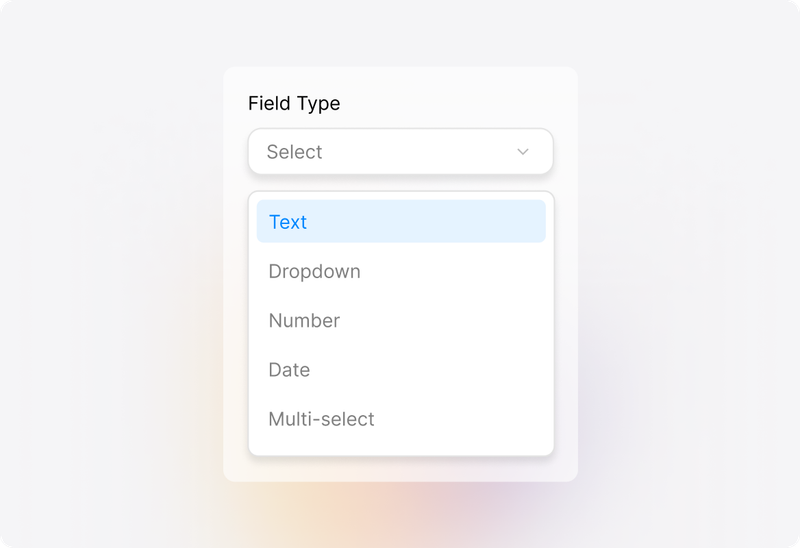
Bring the report, attachments, and follow-up messages into a ticket. Use custom fields to collect relevant details, such as the affected service, when the issue started, and what the requester experienced.
 Help Desk
Bring the report, attachments, and follow-up messages into a ticket. Use custom fields to collect relevant details, such as the affected service, when the issue started, and what the requester experienced.
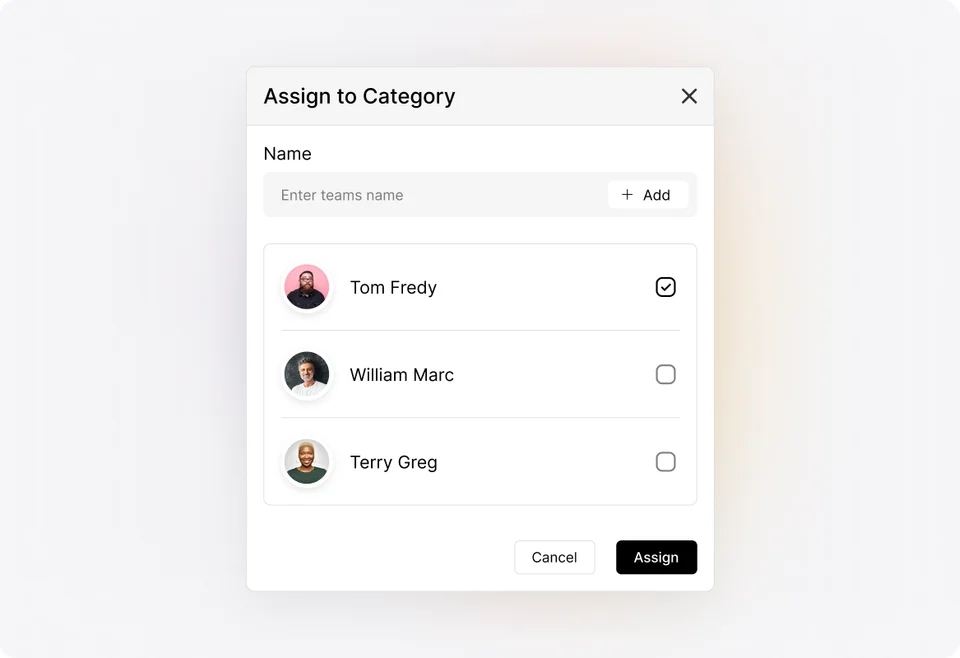
Categorize the ticket, assess its priority, and assign someone to coordinate the investigation. Keep responsibility visible even when several people need to contribute.
Use ticket statuses and queues to distinguish work under investigation from tickets waiting on information or another action. Give the team a practical way to find problems that still need attention.
Assess
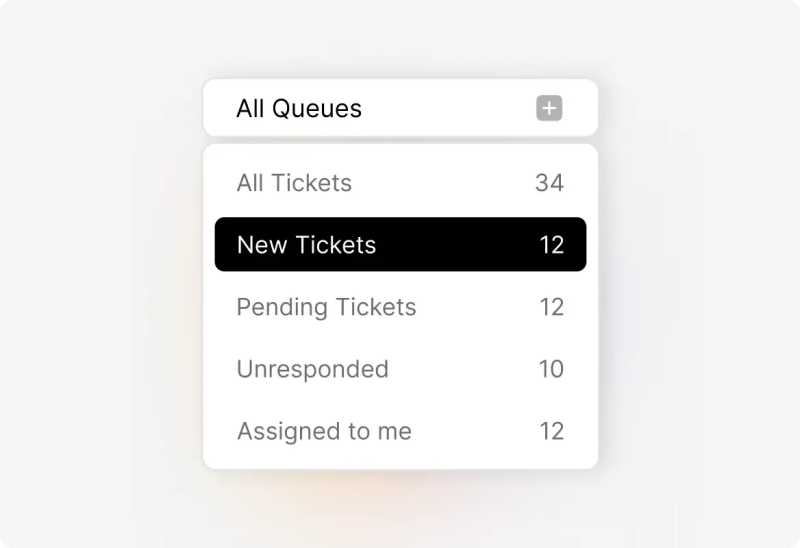
Review the reported symptoms, attachments, and conversation. Record the affected service and relevant circumstances, then set the ticket’s priority using your team’s criteria. Separate confirmed information from assumptions that still need checking.
Investigate
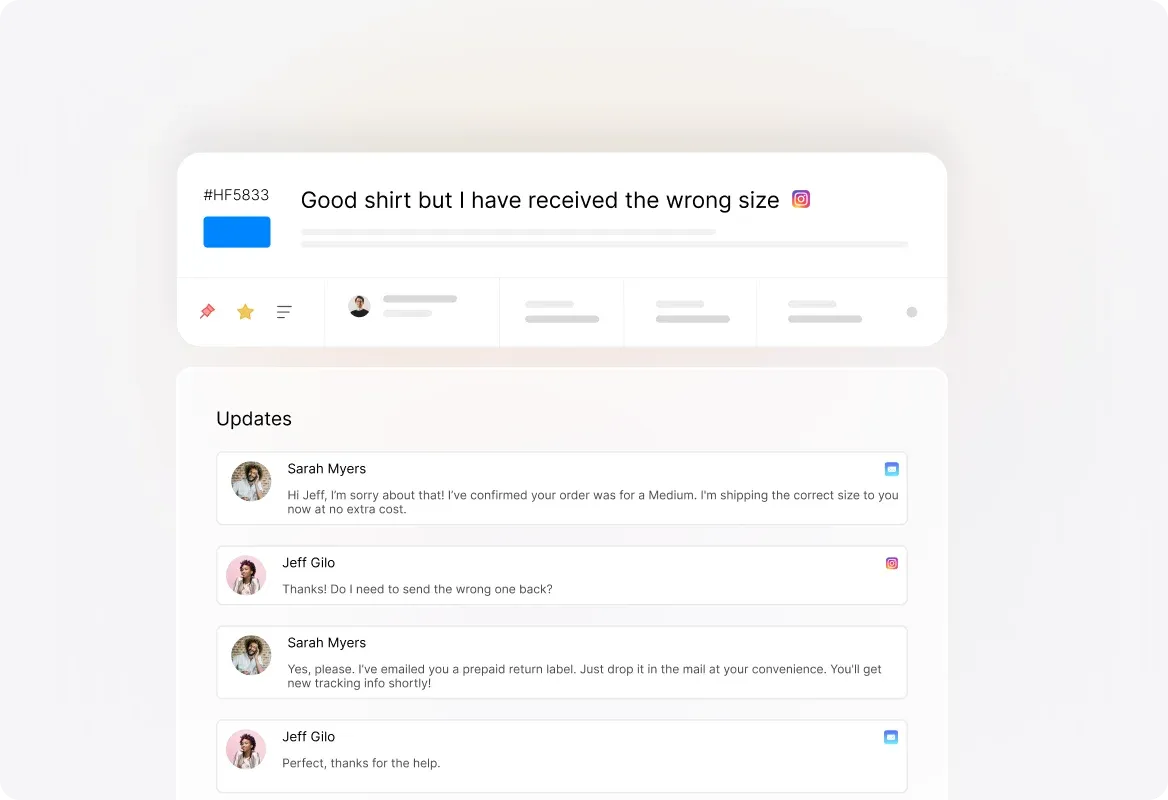
Use private notes to document checks, observations, and results. When a colleague joins the investigation, they can review the recorded work before deciding which question or action to pursue next.
Coordinate
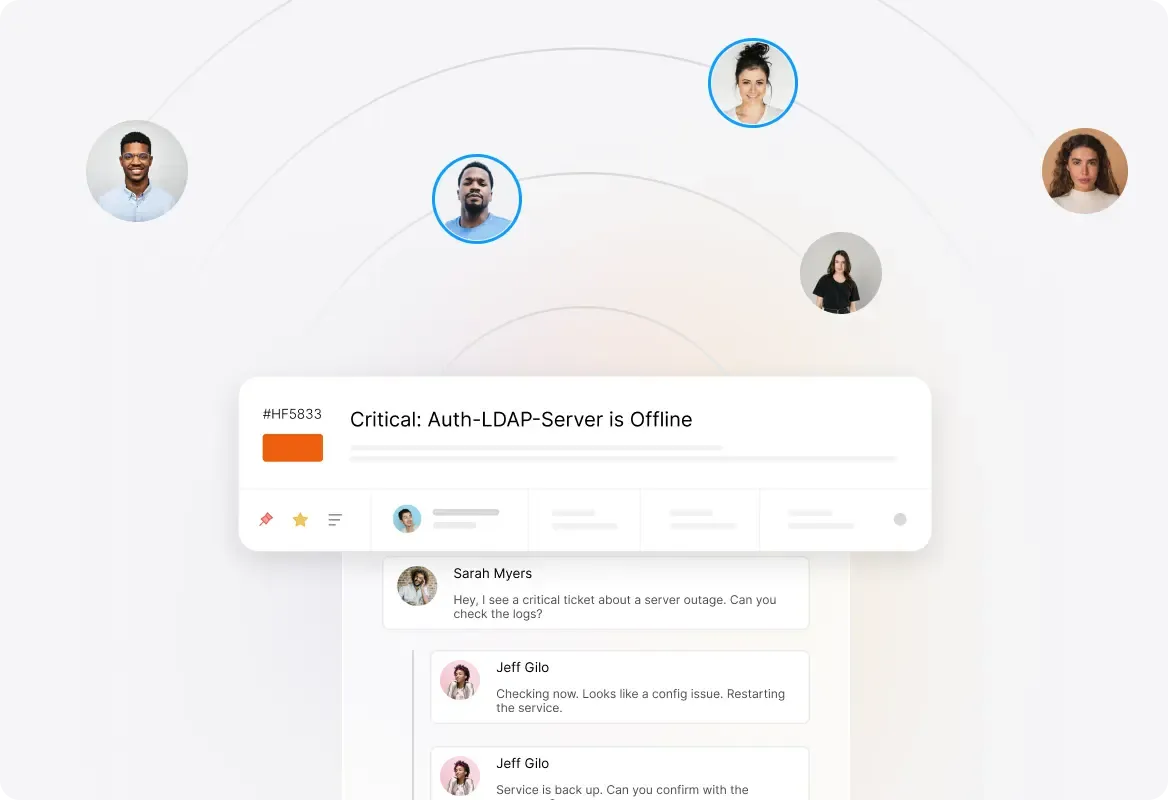
Break the remaining work into tasks and assign contributors. Update ticket ownership when responsibility changes, while keeping the investigation and requester communication available in the same record.
Resolve
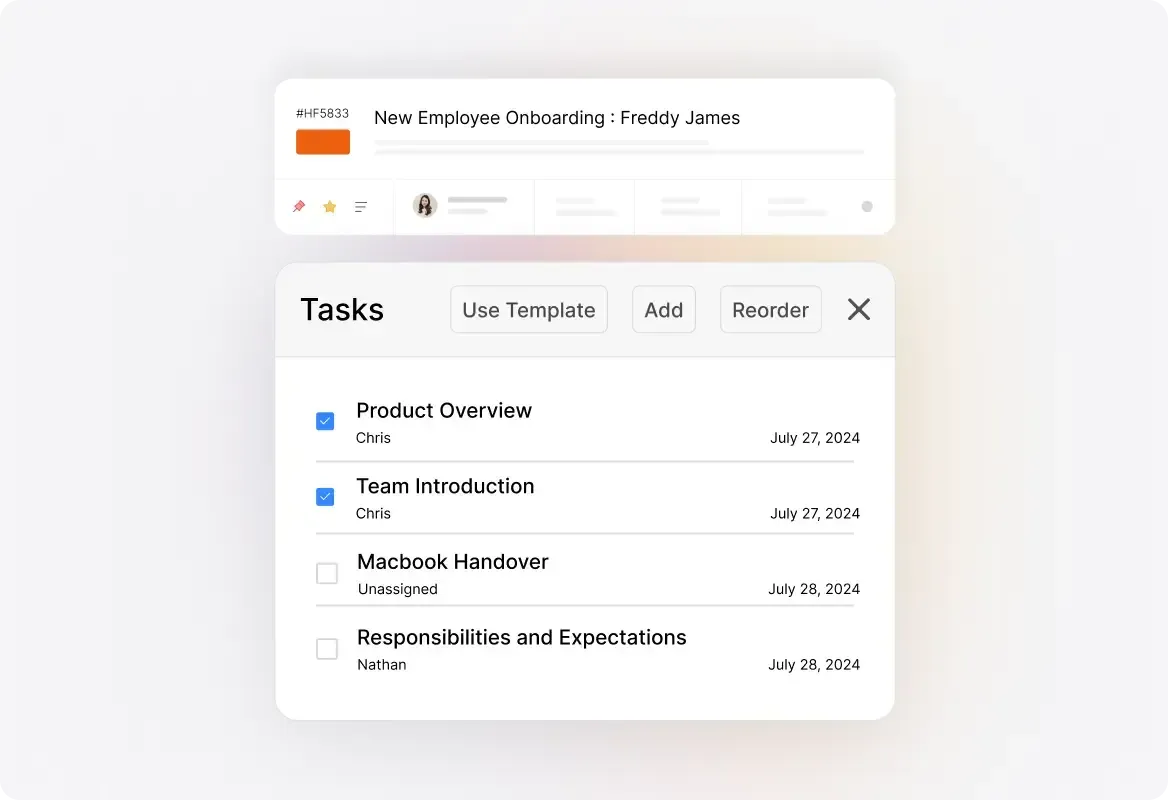
Document the action taken and the result observed. Explain the resolution to the requester, complete mandatory tasks where configured, and update the ticket’s status. Give the next investigator a useful record if the symptoms return.
Use a meaningful ticket status and record what the investigation is waiting for. Keep the owner and next action visible so another person can understand why progress has paused.
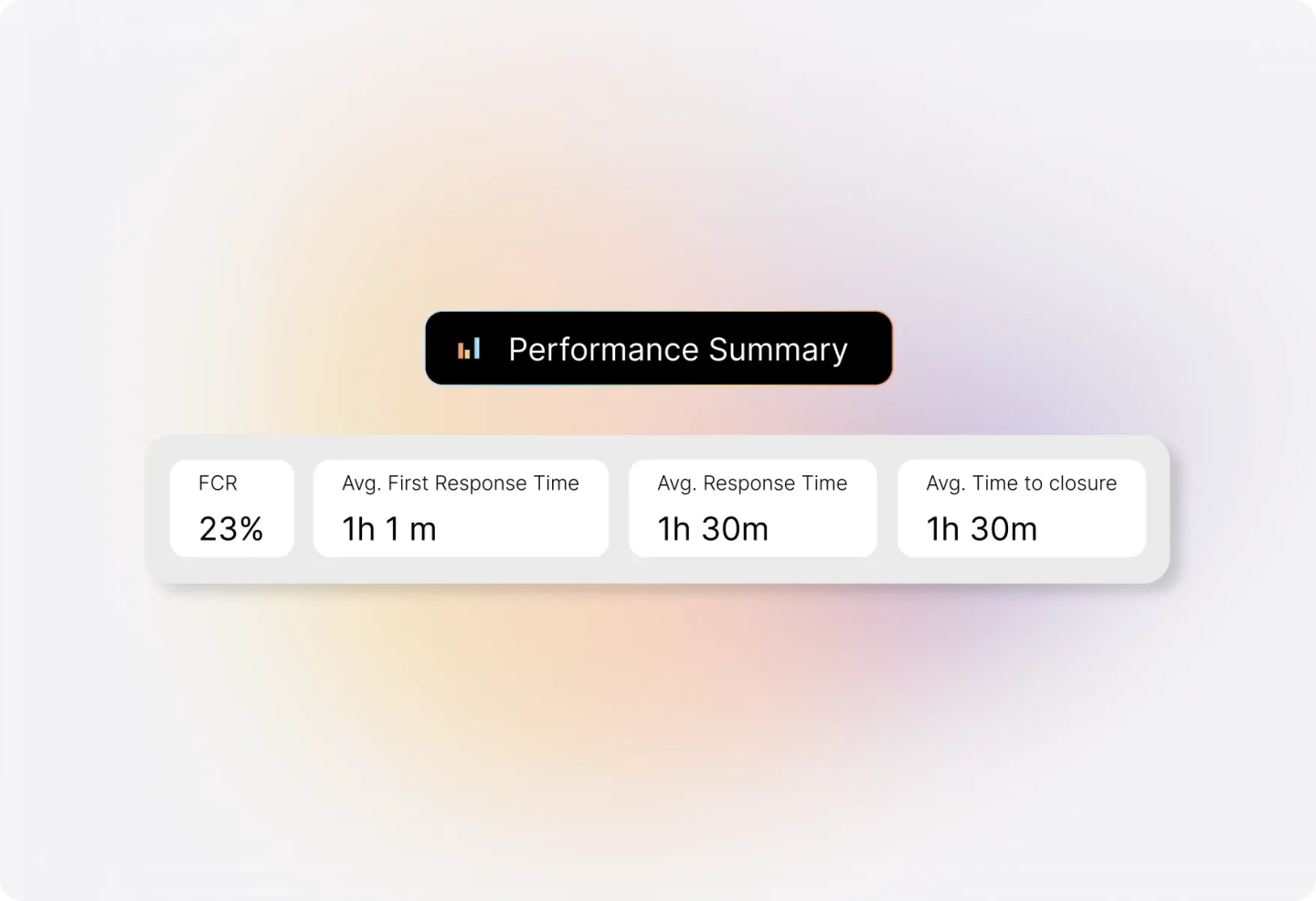
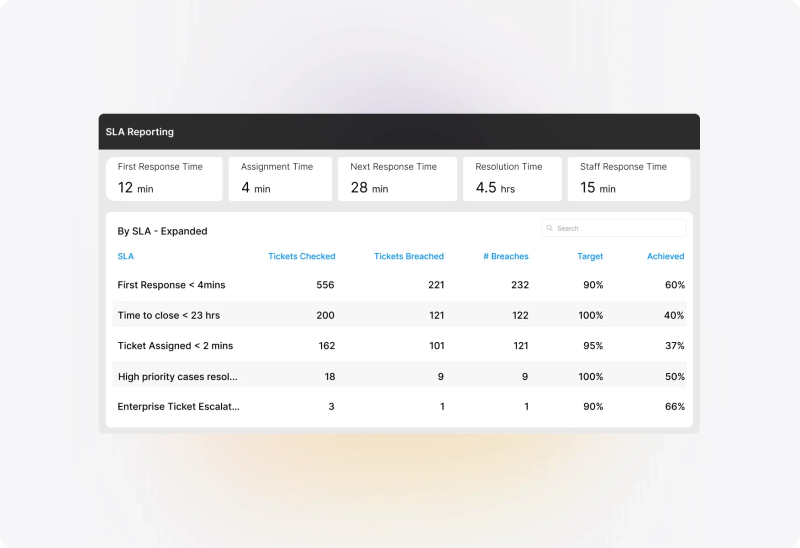
Configure SLA targets, work schedules, and relevant exclusion statuses around the service you provide. Distinguish elapsed time from the time counted against a configured commitment.
Use queues, SLA indicators, and available notifications to find tickets that need follow-up. Configure applicable Smart Rules for recurring updates and reminders. Available alerts and actions depend on plan and configuration.


“Support requests no longer fall through the cracks and get lost in an email or some spreadsheet”
Find previous tickets and review their findings and resolutions. Use the earlier record as evidence to examine, rather than assuming the same symptom always has the same cause.
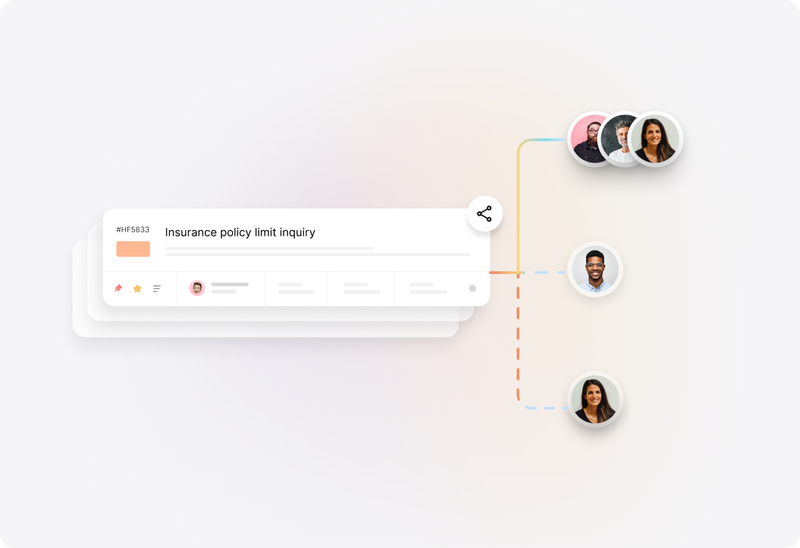
Link connected tickets when different requesters need their own communication, owner, or outcome. Preserve the connection without collapsing distinct reports into one conversation.
Combine eligible tickets when they represent the same report. Review the records first so separate symptoms or requester needs are not lost.
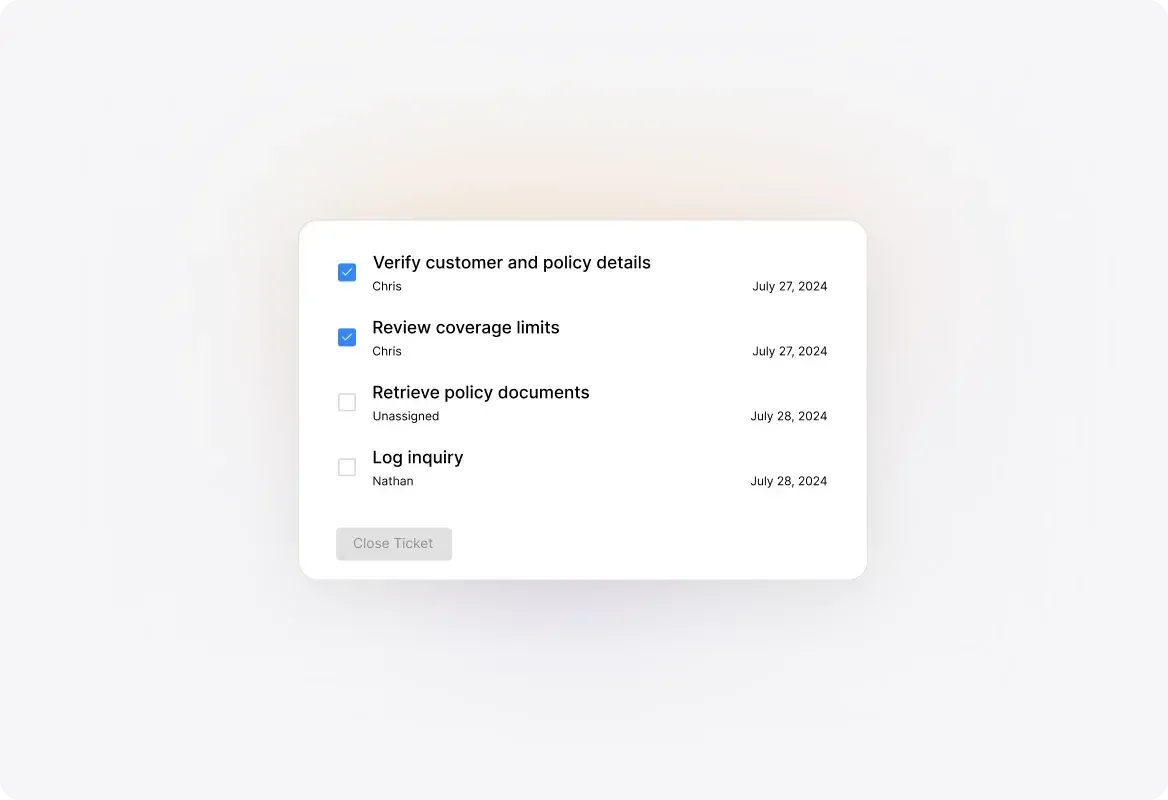
Assign tasks for checks or actions that involve other people. Keep an overall ticket owner responsible for coordinating the work and communicating with the requester.
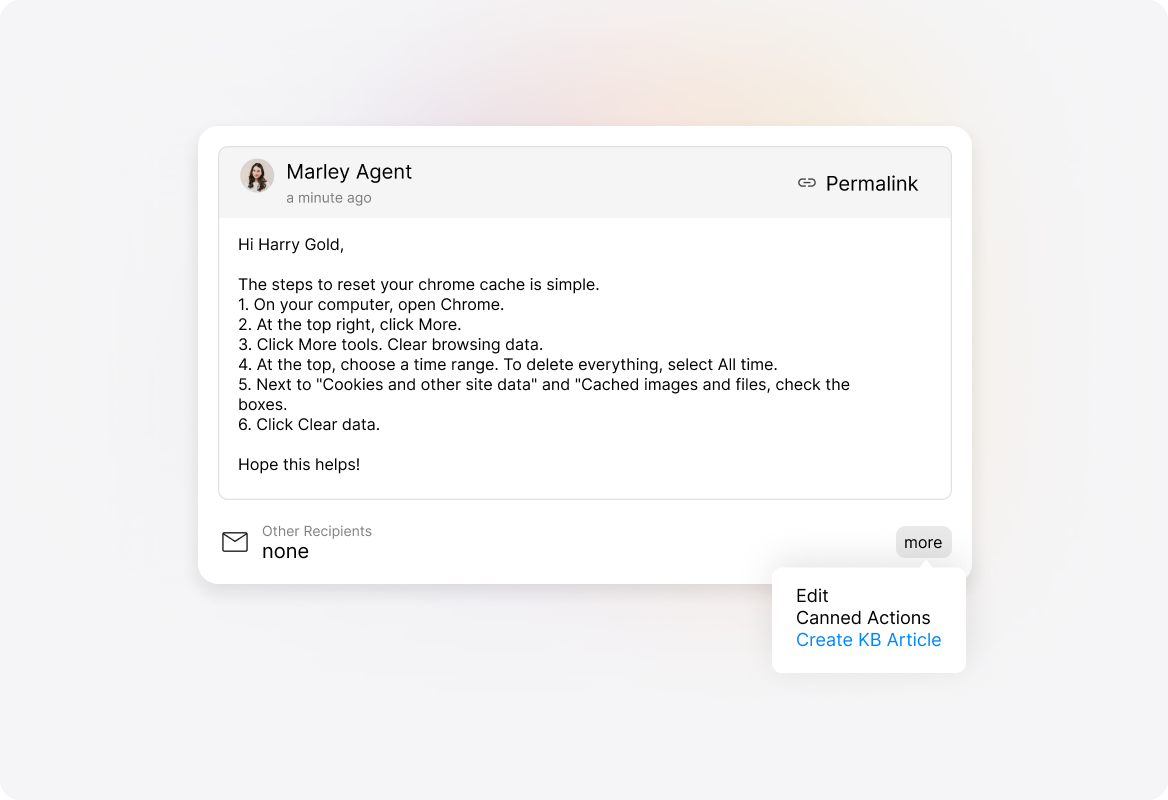
Use task templates, knowledge articles, and Canned Actions for familiar troubleshooting steps. Check that the procedure fits the reported problem before applying it.
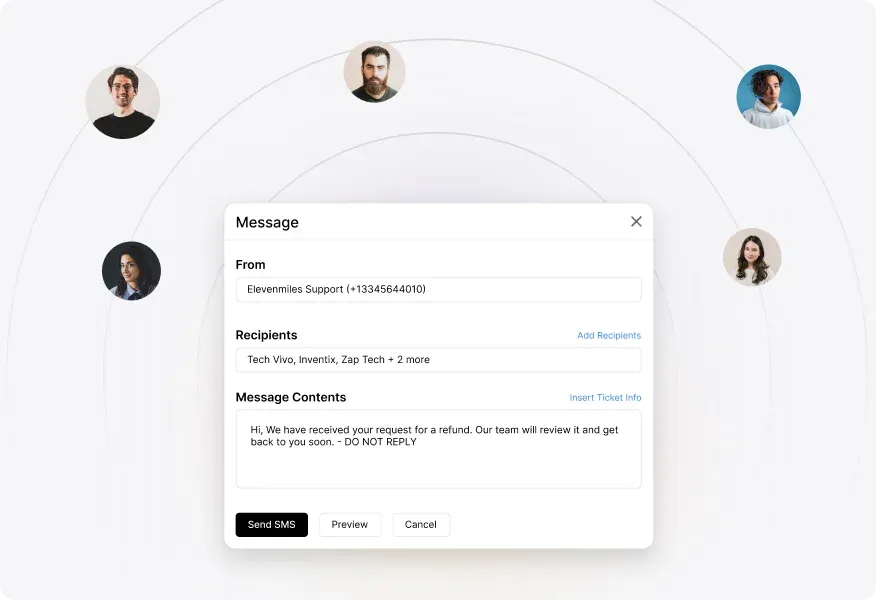
Send progress and resolution messages from the ticket. Keep private findings distinct from the explanation shared with the person who reported the problem.
Trouble ticket management software helps a team record reported faults, assign responsibility, document investigation, coordinate actions, and track resolution. HappyFox Help Desk provides ticketing, collaboration, automation, knowledge, and reporting that can be configured around that process.
A general ticketing system can handle questions, requests, and reported problems. Trouble ticket management emphasizes the investigation of a reported fault: symptoms, checks performed, dependencies, corrective actions, and the resolution record. The underlying HappyFox ticketing capabilities support both.
An IT help desk serves a broader technical support operation, including service requests and asset-related work. This page focuses on following a reported problem through investigation and resolution, whether it involves a technical service, product, or operational issue.
A ticket records the issue and its handling. Detecting faults in infrastructure or equipment requires monitoring capabilities or connected systems. Confirm how a specific monitoring tool can create or update HappyFox tickets before assuming that workflow is available.
Yes. Use private notes to share findings and tasks to assign contributions. Keep an overall owner responsible for coordinating the investigation and requester updates. Participant access depends on configured permissions.
Update the assignee and record useful findings and outstanding actions. The next person can consult the conversation, private notes, tasks, and activity already recorded in the ticket.
Ticket lifecycle reports can show time spent in statuses. HappyFox documents these reports as Excel/CSV downloads, with permissions and plan availability applying. SLA calculations are separate and depend on configured schedules and exclusions.
Not automatically. Relate tickets when they are connected but need separate investigation or requester communication. Merge eligible duplicates when they represent the same report and combining them preserves the necessary context.
HappyFox supports mandatory tasks that must be completed before a ticket can close. Configure them for the procedures that require this control. Completing a checklist does not, by itself, establish that the underlying fault has been fixed.
This page describes HappyFox Help Desk configured for reported faults and troubleshooting. If you require formal incident, problem, change, or configuration-management processes, evaluate the separate HappyFox Service Desk product against those requirements.
Bring a recurring problem, an investigation handed between two people, and a ticket that waits on another action. Review the recorded symptoms, findings, ownership, tasks, requester updates, time tracking, and resolution history.