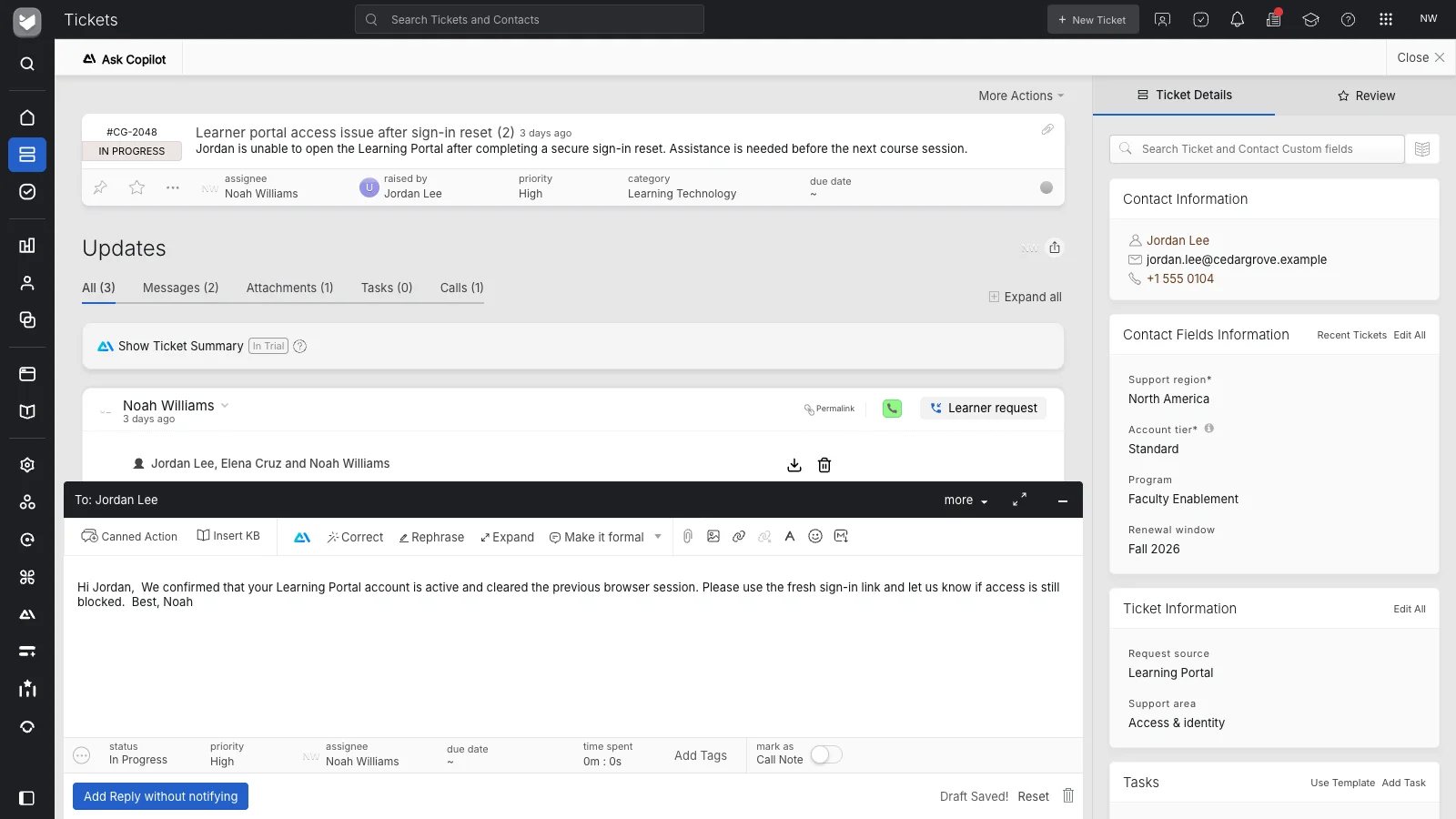
Use a hosted help desk
HappyFox runs the application on its cloud infrastructure. Your organization does not need to provision and maintain a server installation to use the service.
 Help Desk
HappyFox runs the application on its cloud infrastructure. Your organization does not need to provision and maintain a server installation to use the service.
HappyFox manages updates to the hosted application. Your administrators can concentrate on how the help desk is configured and used, rather than installing each new software version.
Hosted delivery still leaves important decisions with your team: who has access, how requests are organized, which rules run, and what service commitments you provide.
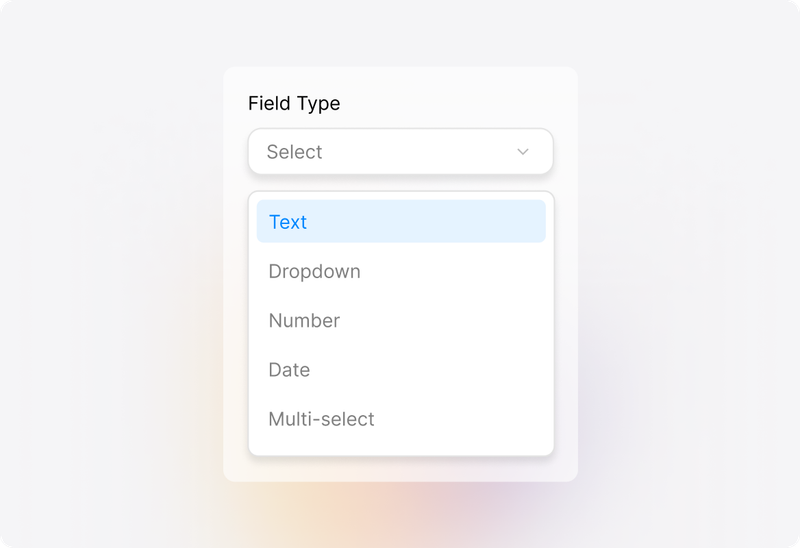
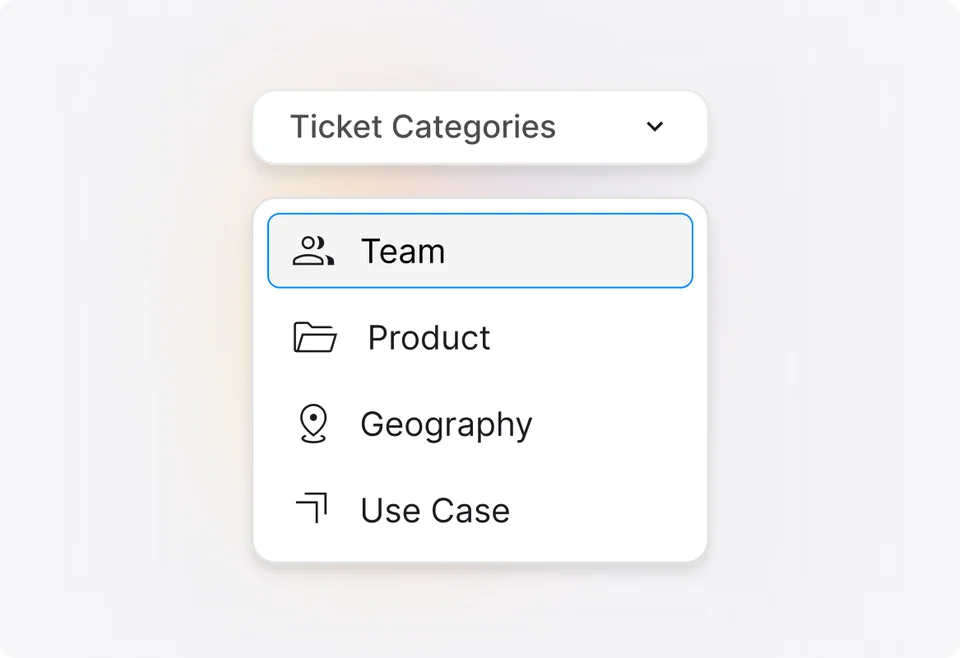
Configure ticket categories and custom fields around the requests you handle. Ask for useful details at intake and give agents a consistent structure to work from.
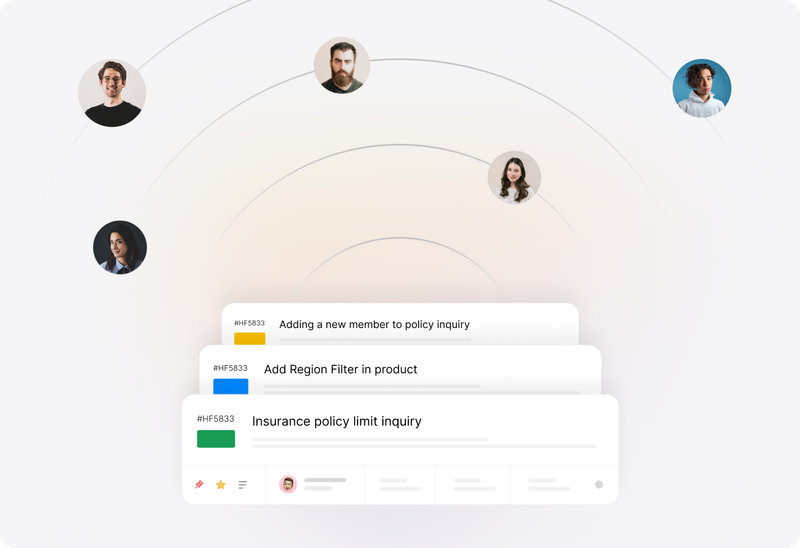
Use Smart Rules for configured routing, ticket updates, and notifications when conditions are met. Maintain recurring processes in the help desk as your service requirements change.
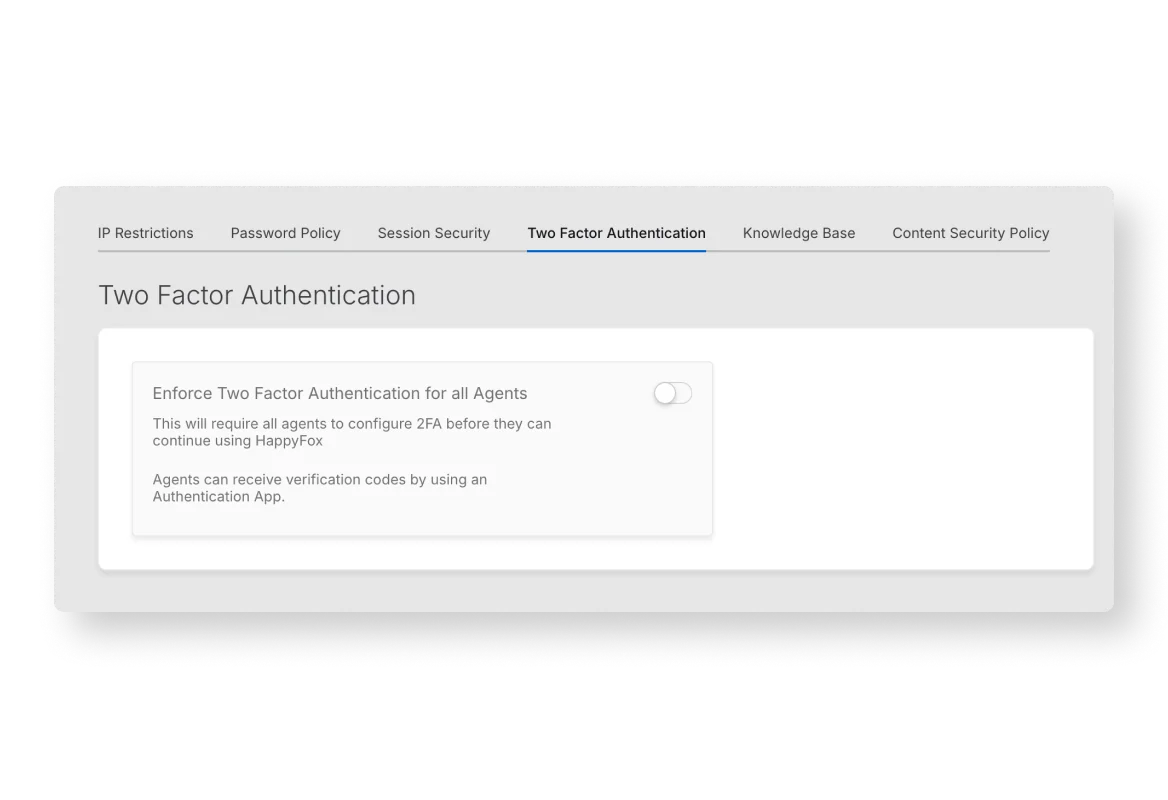
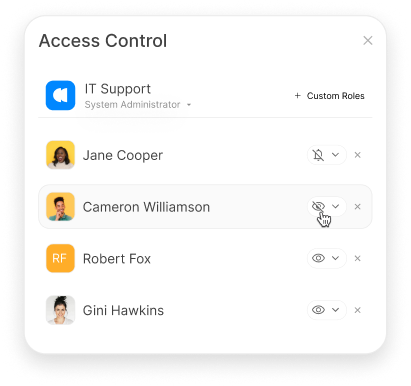
Create roles with relevant managerial and ticket-level permissions. Separate responsibility for account administration from the actions agents need to perform on tickets.


“HappyFox's system uptime is superb. Despite adding many users and increasing complexity, it remains robust and scalable.”
Use categories, queues, and permissions to organize service responsibilities. Review the access and workflow each team needs before bringing its requests into the account.
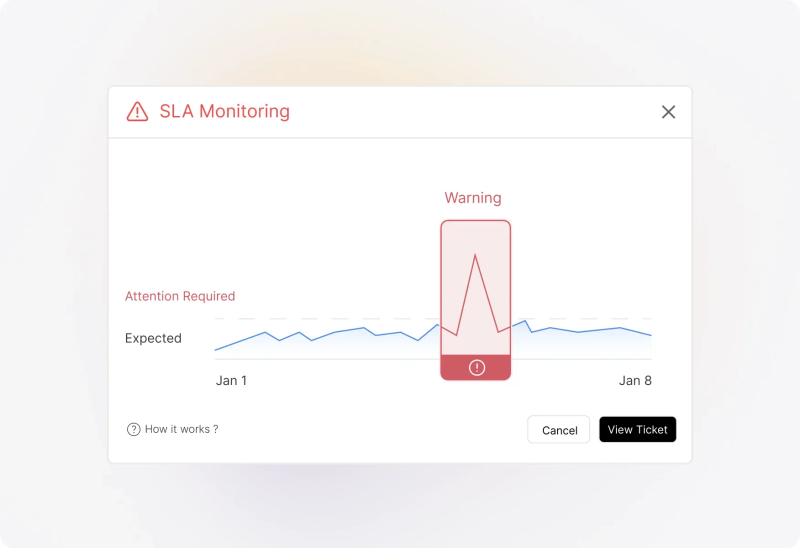
Configure SLA targets and work schedules around the service you provide. Revisit conditions, alerts, and escalation actions when responsibilities or operating hours change.
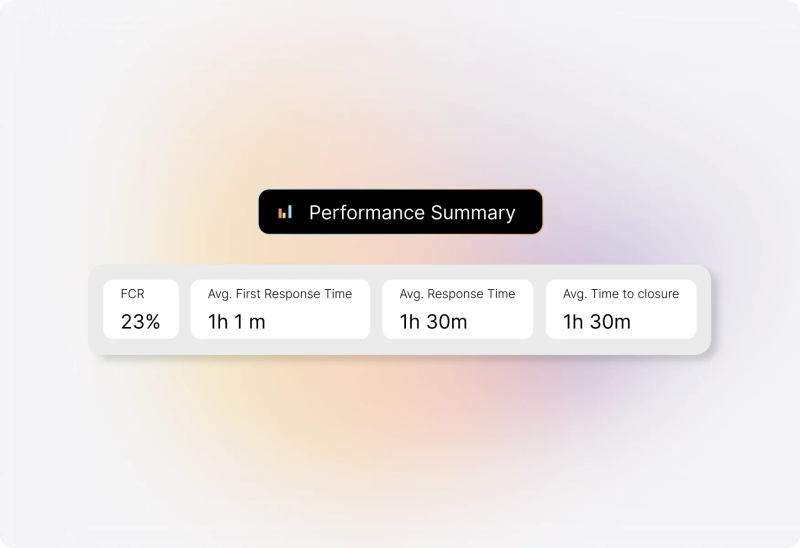
Use reporting to examine ticket demand, response and closure performance, and agent activity. Give administrators and managers evidence for reviewing the configuration and process.
Identify the addresses that should create tickets and confirm their sending and receiving configuration. Keep personal correspondence separate from the team requests you intend to manage.
Agree on categories, responsible agents, and administrative permissions. Test access with representative roles before extending the setup to the whole team.
Configure the fields, statuses, assignment methods, and rules needed for common requests. Add complexity when it serves a clear operational purpose.
List the business applications that need to exchange information with the help desk. Confirm each integration’s supported actions, credentials, and ownership.
Identify historical tickets, contacts, knowledge, and attachments that matter to the transition. Agree on the migration scope and validate representative records.
Review plan features, usage limits, access requirements, and applicable hosting and security documentation. Confirm the requirements that matter to your organization before choosing a configuration.
A cloud help desk is support software delivered as a hosted service. Agents use the application to manage requests while the provider operates the hosted platform. HappyFox combines ticketing, collaboration, knowledge, automation, and reporting within that model.
With an on-premises installation, your organization operates the application infrastructure. With HappyFox’s hosted service, HappyFox manages the platform hosting and application updates. Your team remains responsible for account configuration, user access, and its service processes.
Cloud describes how the software is delivered. IT help desk describes the work a team performs. A cloud help desk can support technical requests, customer inquiries, or other service operations, depending on its configuration.
Remote customer support concerns how a distributed team works together. A cloud help desk provides a hosted application that can support that team, but its delivery model also applies to teams working from one office.
Yes. Someone should own user access, categories, fields, workflows, integrations, and configuration reviews. Hosted delivery removes server-installation work; it does not remove the need to manage how the service operates.
No. Configure roles, category access, and permissions around the people who need to handle the work. Test the intended access boundaries before adding teams or sensitive request types.
Yes. Connect the relevant mailboxes so incoming messages create tickets. Confirm the configuration required for your email provider and the identities agents should use when replying.
Discuss the records you need to retain and the supported migration approach. Confirm the scope, field mapping, attachments, and validation process. Moving historical data and recreating workflows or integrations are separate parts of the transition.
No general claim on this page replaces the applicable service terms. Review usage limits, availability commitments, backup and recovery arrangements, and any data-location requirements during evaluation.
Review the current HappyFox plans against your agent model, expected usage, and required capabilities. Confirm any separately priced products or integrations in the proposal.
Access to the hosted application depends on connectivity. Include network access and business-continuity requirements in your evaluation; do not assume offline ticket handling is available.
Bring examples of your requests, access roles, and recurring processes. Review ticket handling, configuration, permissions, integrations, and reporting, then identify the remaining hosting, migration, and commercial questions.