Connect the ticket to the affected asset
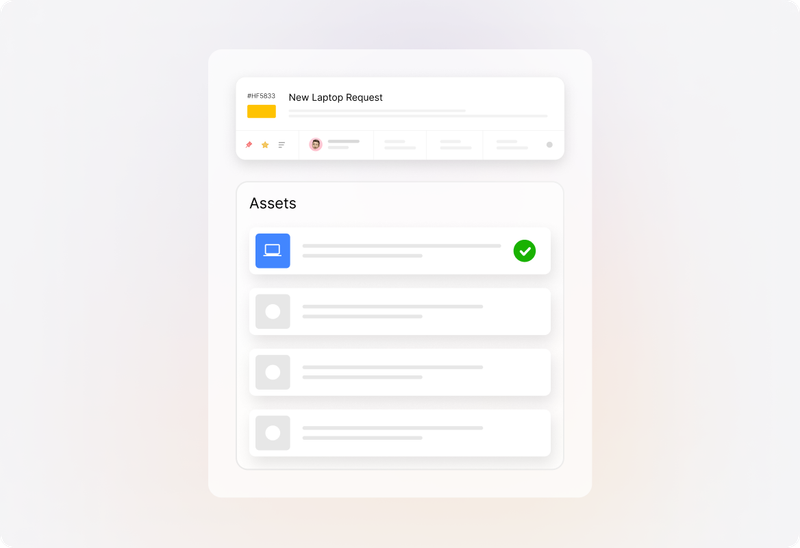
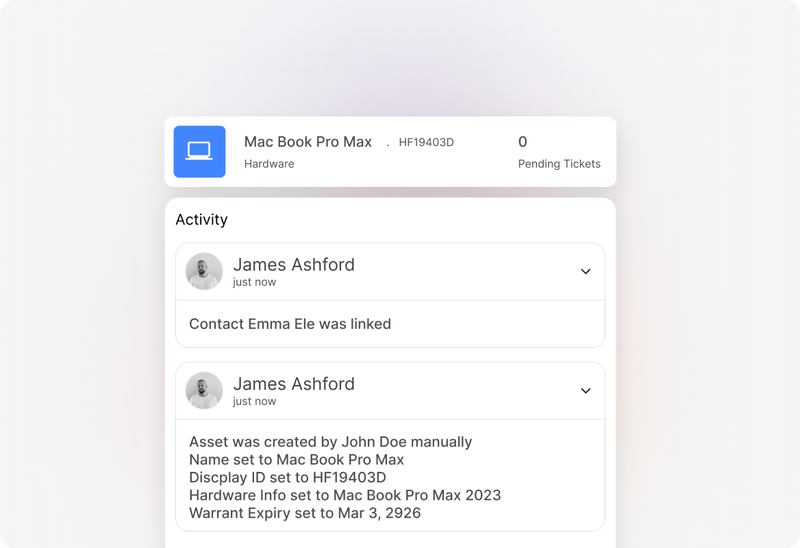
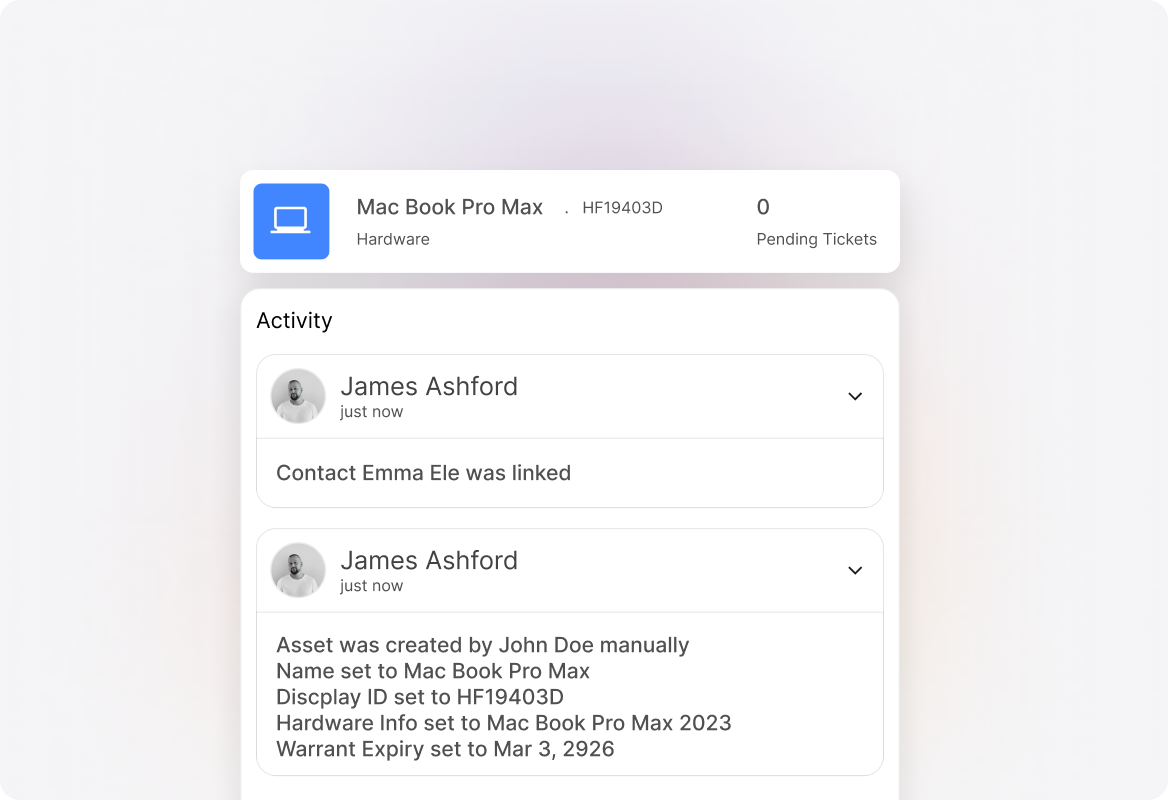
Link a technical request to the relevant hardware or software record. Give technicians a way to move from the reported problem to the asset involved while they investigate.
 Help Desk
Link a technical request to the relevant hardware or software record. Give technicians a way to move from the reported problem to the asset involved while they investigate.
Organize asset records with types and custom fields. Capture details such as device specifications, software versions, or warranty dates according to what your team needs to support.
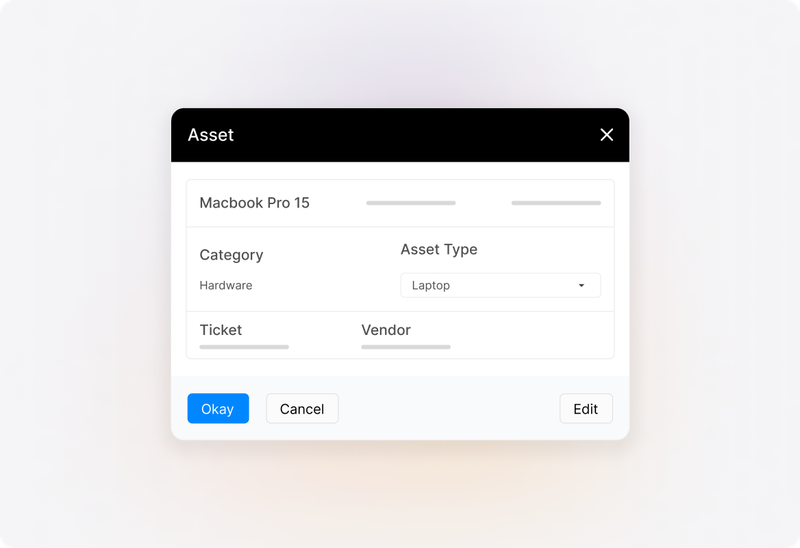
Use linked tickets and asset history to understand previous service activity. Give the next technician a record to consult when a familiar device or issue returns.
Triage
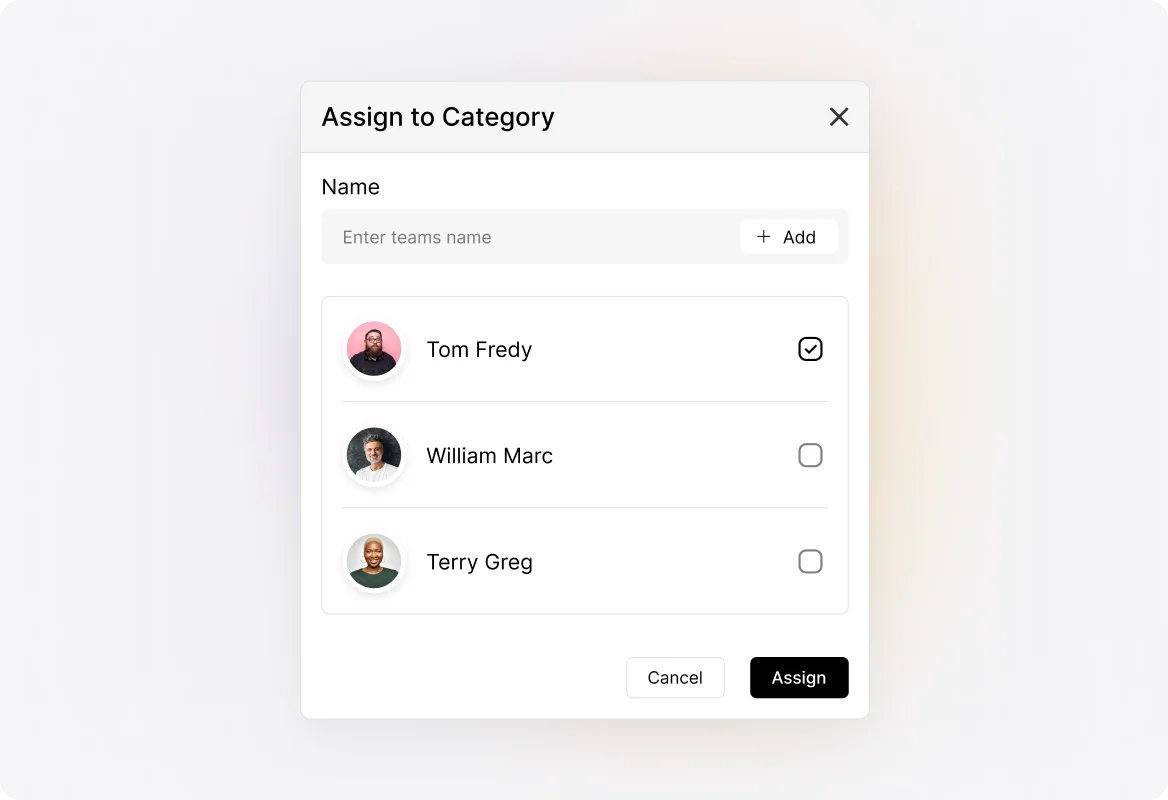
Review the reported issue, affected user, and submitted details. Set the ticket’s category, priority, and owner so the team can distinguish urgent technical problems from routine service requests.
Investigate
Read earlier messages, inspect attachments, and consult the linked asset record where relevant. Record findings in the ticket so the investigation remains useful when another technician needs to pick it up.
Coordinate
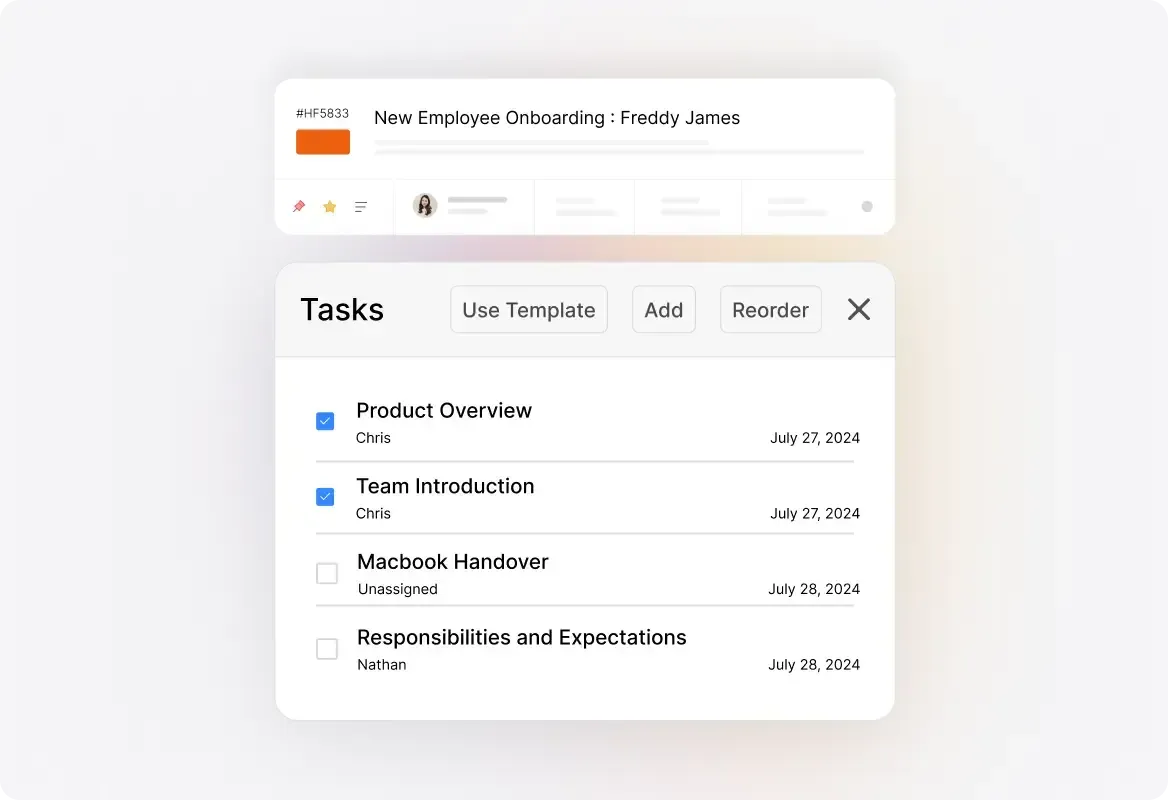
Discuss findings through private notes and assign tasks for the work involved. Give specialists the context and responsibility they need while keeping the overall request coordinated.
Resolve
Explain the resolution to the requester and document what was done. Complete the relevant tasks and update the ticket’s status. Leave a service record the team can use when the same issue appears again.
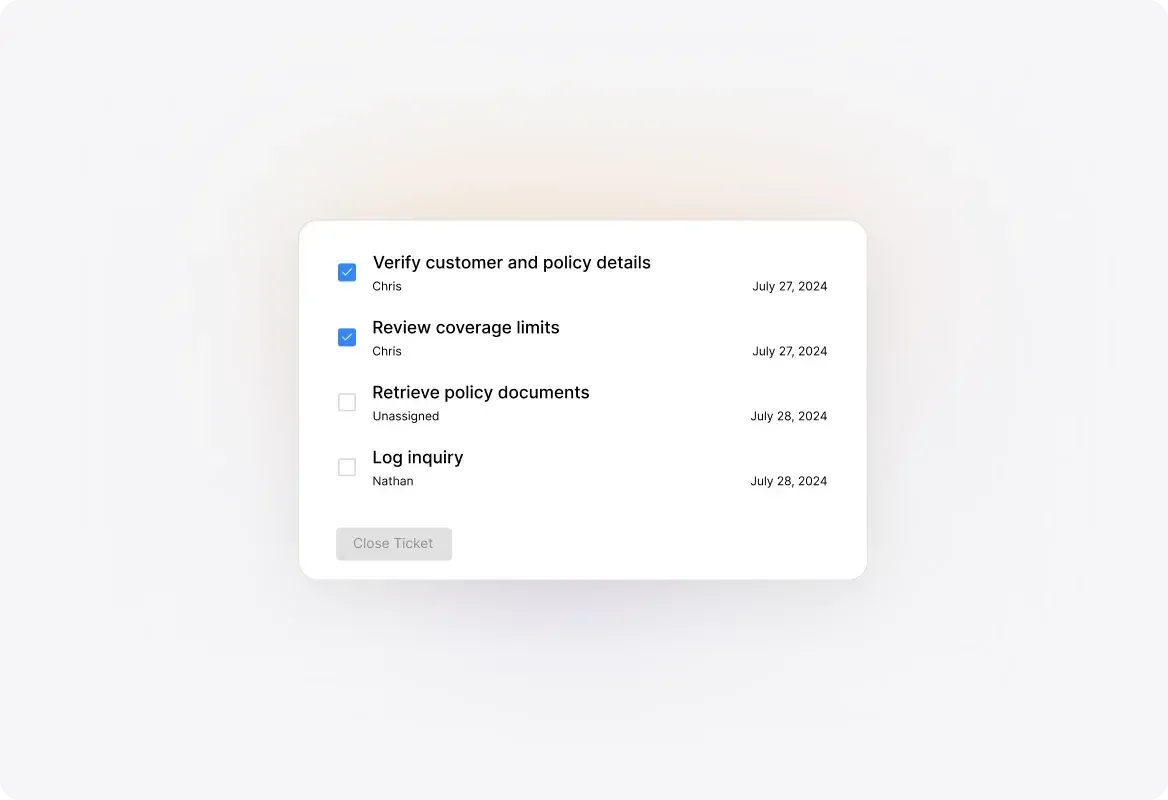
When several requests need the same administrative change, use bulk actions to update their status, priority, or assignment. Handle queue maintenance without opening every ticket individually.
Combine eligible duplicate tickets when they represent the same request. Keep the useful history together rather than maintaining parallel conversations unnecessarily.
Link connected tickets when each still needs its own owner or resolution. Preserve the relationship without treating every report as one interchangeable piece of work.
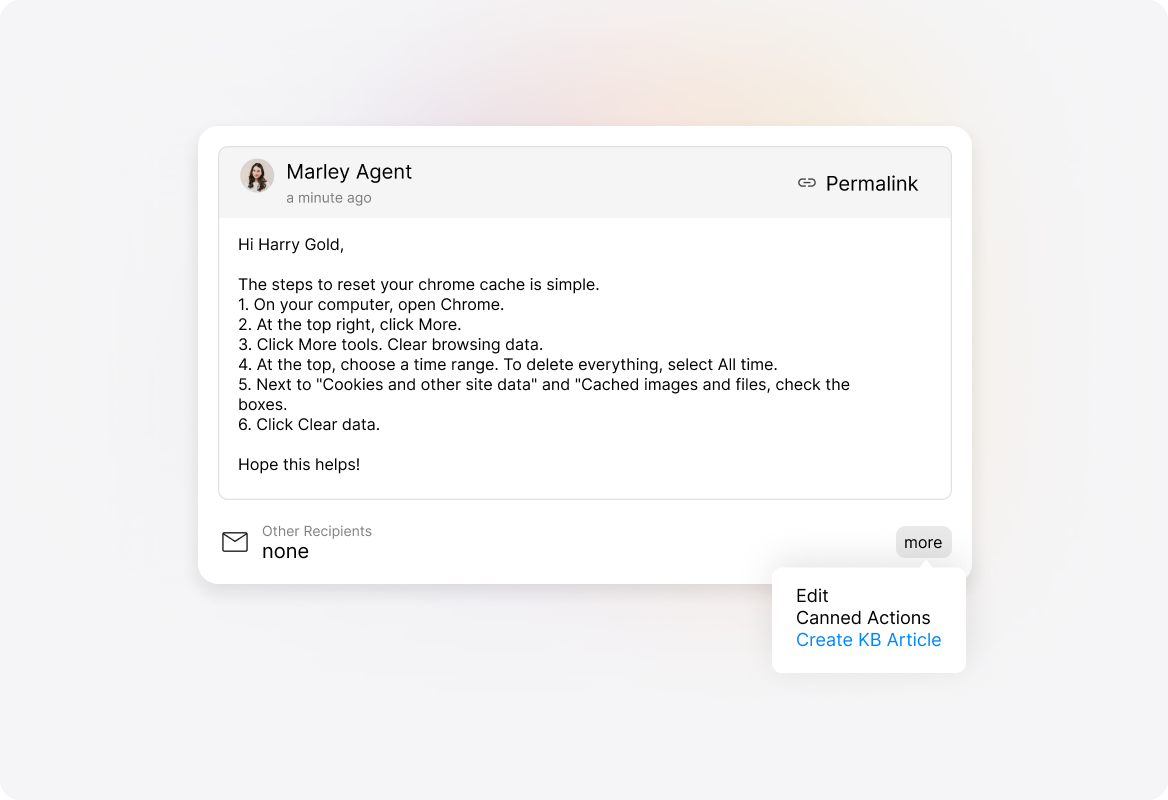
Use Canned Actions for recurring troubleshooting guidance and ticket updates. Start with an established answer, then adapt it to the reported symptoms.
Turn multi-step work into assigned tasks. Use task templates for repeatable procedures and mandatory tasks where the process requires completion before closure.
Search previous tickets and narrow the results with filters. Bring earlier investigation and resolution details into the current work instead of relying on someone remembering the fix.
Use Smart Rules to apply configured routing, property changes, and notifications. Keep recurring administrative decisions consistent while technicians handle the investigation and technical judgment.
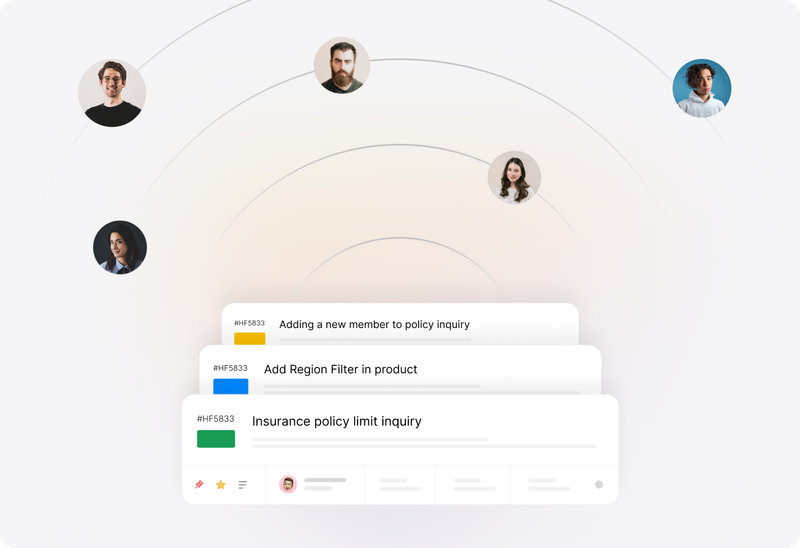
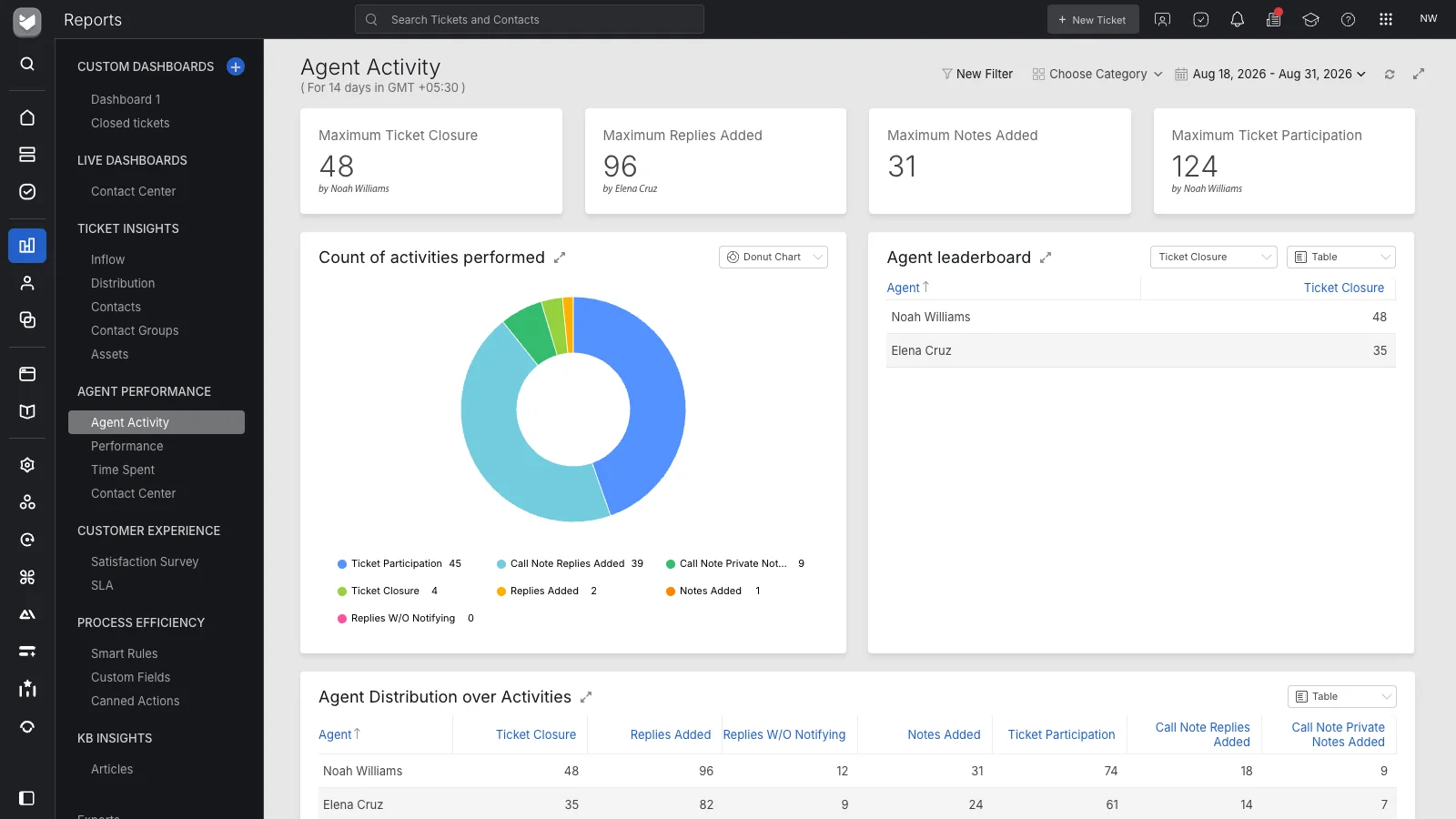
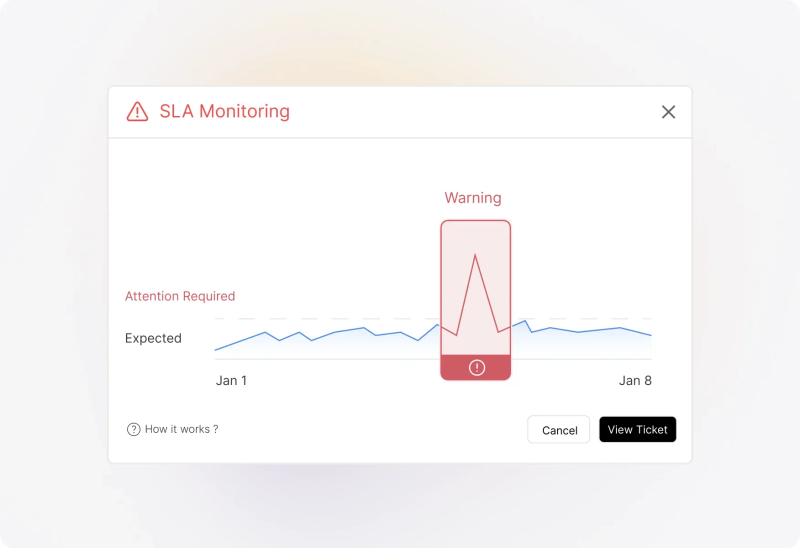
Define SLA targets and work schedules for the relevant requests. Configure available alerts or escalation actions, then review service performance to identify work that needs attention. Availability depends on the plan and configuration.
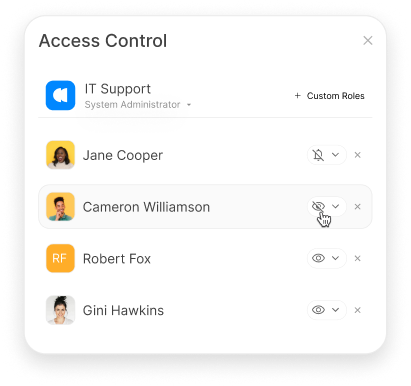
Configure roles and permissions around ticket handling and administration. Review who can access technical records and which actions each role should perform as responsibilities change.


“These tools have allowed us to automate responses, efficiently organize tickets, and leverage historical data to quickly resolve new issues…”
IT help desk software gives technical support teams a structured way to receive, prioritize, investigate, and resolve reported issues and service requests. HappyFox brings ticket conversations, ownership, tasks, knowledge, and relevant asset context into that work.
An internal help desk can serve employee needs across IT, HR, facilities, and other departments. This page focuses on the technical support operation: investigating issues, consulting device or software information, coordinating fixes, and reviewing service performance.
Technicians can link tickets to relevant asset records and consult recorded details and service history. That provides context during investigation. Its usefulness depends on the accuracy of the asset information your organization maintains.
Linking a ticket to an asset is different from discovering or continuously monitoring devices. Confirm the supported import, integration, and record-maintenance methods for your environment during evaluation.
Yes. Connect the support mailbox to HappyFox so incoming messages become tickets. Your technicians work in HappyFox while employees continue writing to the connected address. Confirm the sending and receiving configuration for your email provider.
Use private notes to share findings and assigned tasks to divide the work. Keep an overall ticket owner responsible for coordination and requester updates while specialists contribute.
Use ticket actions according to the relationship between the reports. Merge eligible duplicates or relate tickets that need to remain separate. Do not assume every report with similar symptoms has the same cause or should become one ticket.
Use maintained knowledge articles, Canned Actions, and task templates for repeatable guidance and steps. Technicians should still assess whether the procedure fits the issue before applying it.
A ticket can organize the request and record its handling. Executing changes in another system may require an integration, HappyFox Workflows, or manual work. Evaluate the complete process, including permissions and approval requirements.
Start with the work and controls you require. This page describes HappyFox Help Desk for technical ticketing, asset context, collaboration, knowledge, and reporting. If your evaluation includes broader IT service-management processes, review the separate HappyFox Service Desk product and confirm which product supports each requirement.
Bring a recurring device issue, a technical request that needs more than one person, and a service target you need to measure. Walk through the ticket, asset context, investigation, assigned work, requester updates, and reporting using those examples.