Help desk ticketing system

Make incoming work easier to act on.

Bring conversations into your help desk

Turn support emails into tickets and connect supported chat, phone, and social channels through integrations. Give incoming requests a place in your support process, whichever connected channel they arrive through.

Conceptual illustration: Unify Every Channel Into One Support Hub

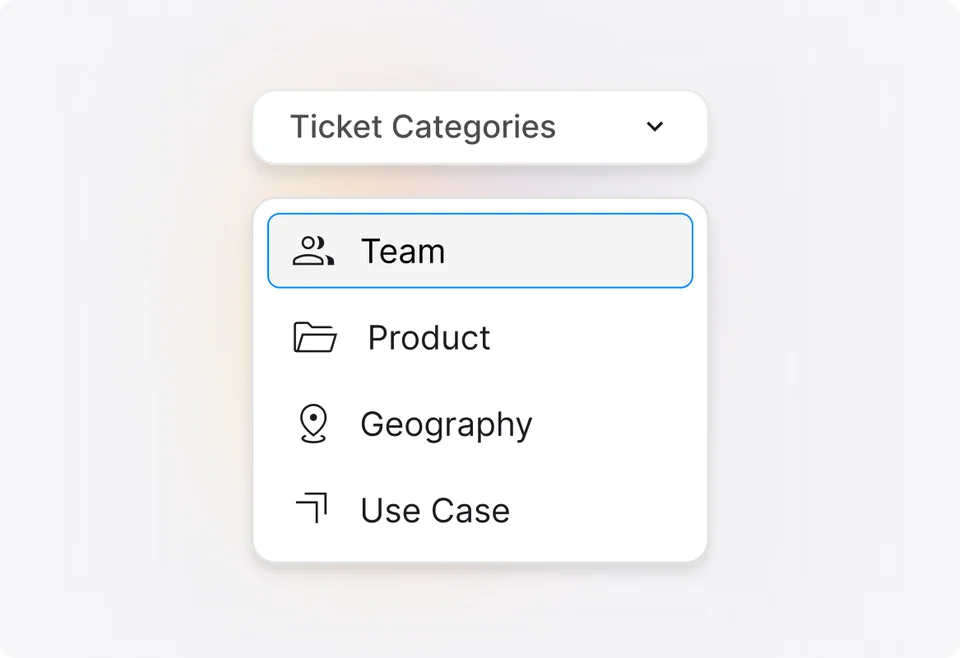
Give different work its own place

Organize tickets into categories for the teams, products, or services you support. Keep billing questions separate from technical issues while managing both in HappyFox.

HappyFox ticket category settings for creating and organizing support categories

Build queues around what needs attention

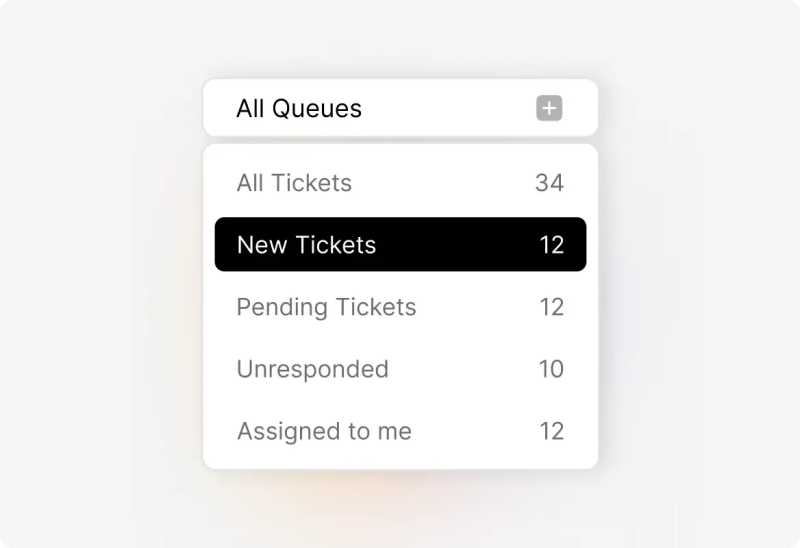
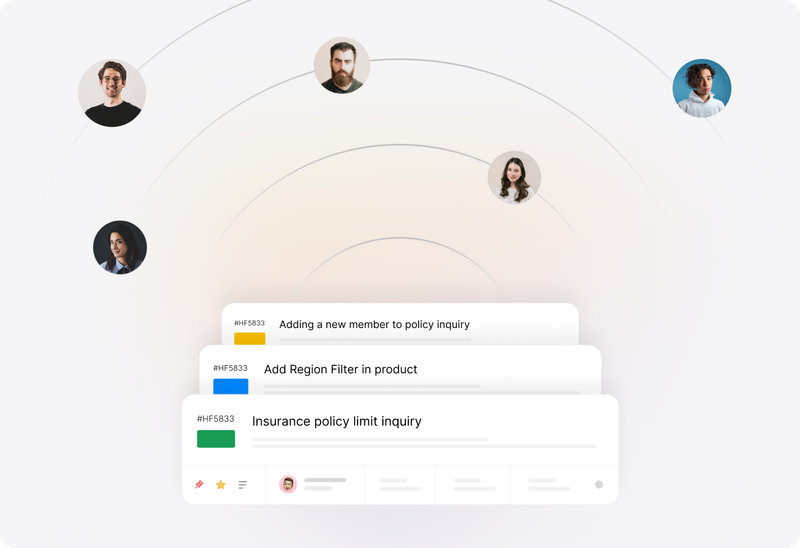
Create filtered ticket queues using status, priority, assignee, category, and other criteria. Give agents a useful starting point for their work, whether they handle urgent issues or a particular customer group.

Conceptual illustration: Find Relevant Tickets Instantly

Move the request forward. Keep the context.

Understand

Start with the conversation so far.

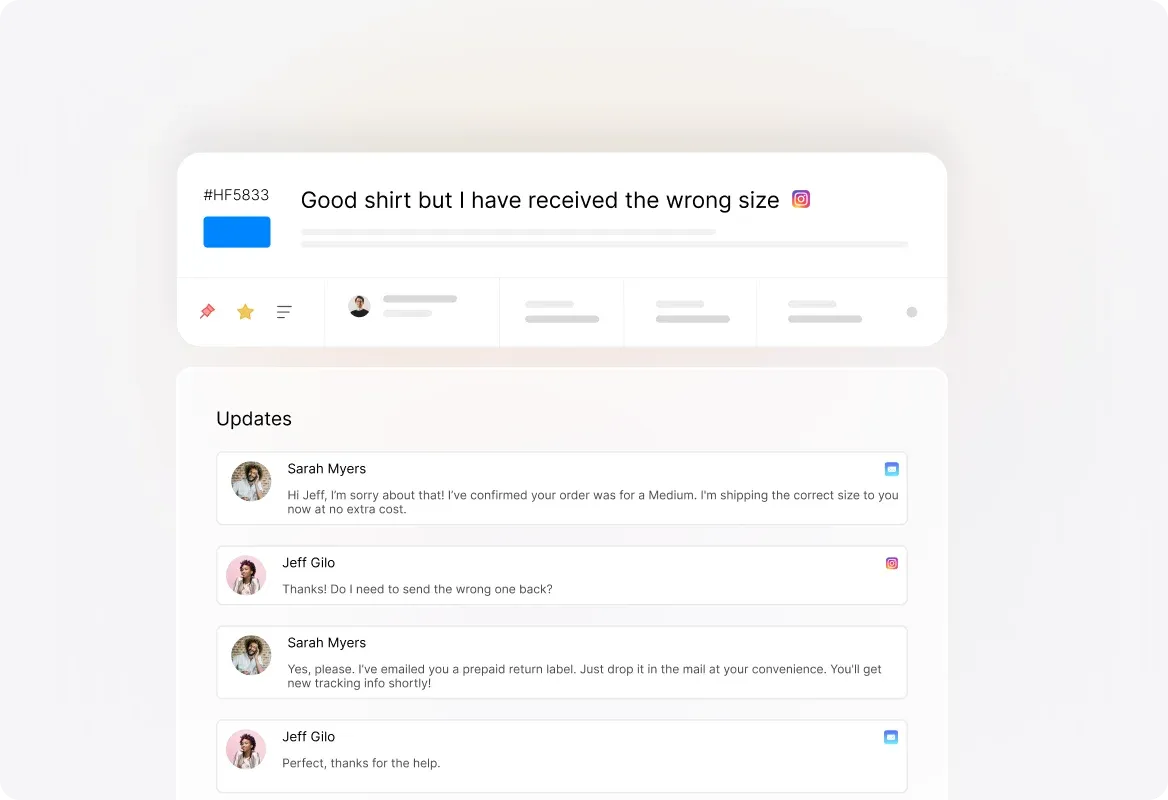
Read the request, earlier replies, attachments, and customer details in the ticket workspace. Use tags and custom fields to capture the information your team needs before deciding what happens next.

Conceptual illustration: Complete Customer Context at Your Fingertips

Assign

Make responsibility visible.

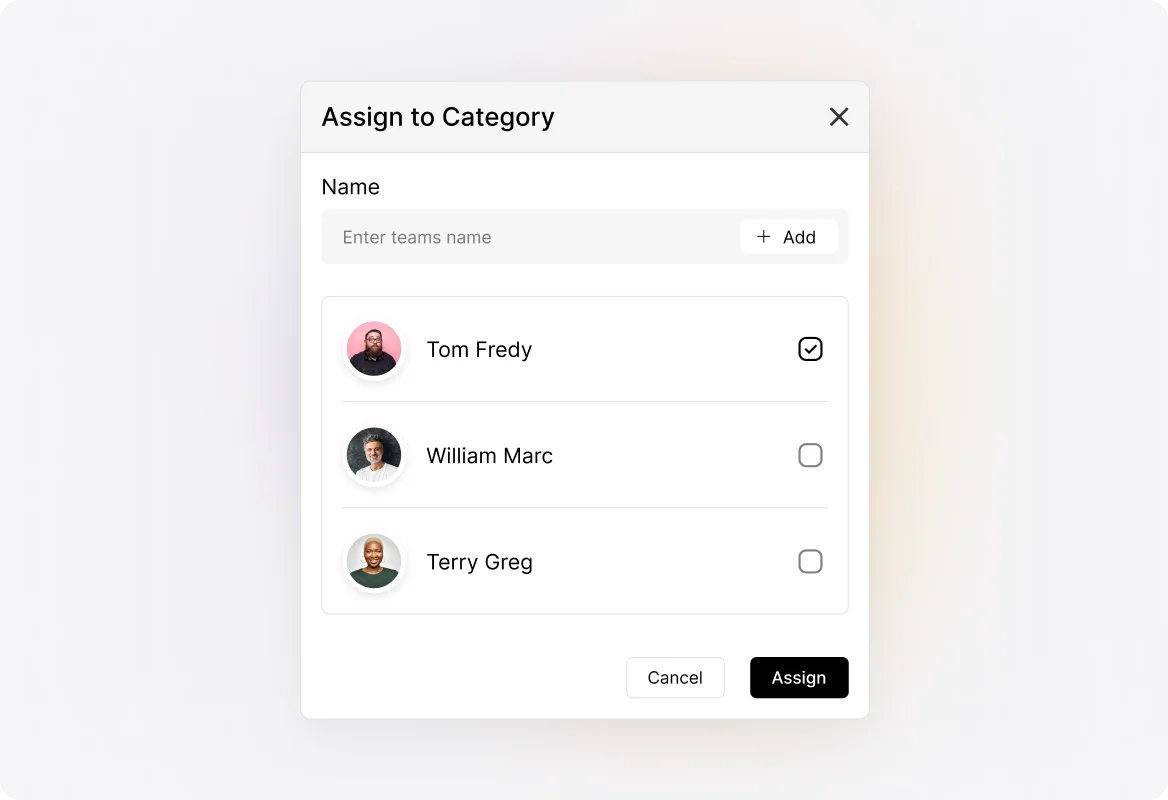
Assign the ticket to an agent and set its priority, status, and due date. When another team needs to take over, pass along the ticket and its history so the next person can pick up the work.

HappyFox category assignment settings for routing tickets to the responsible agents

Collaborate

Work out the answer together.

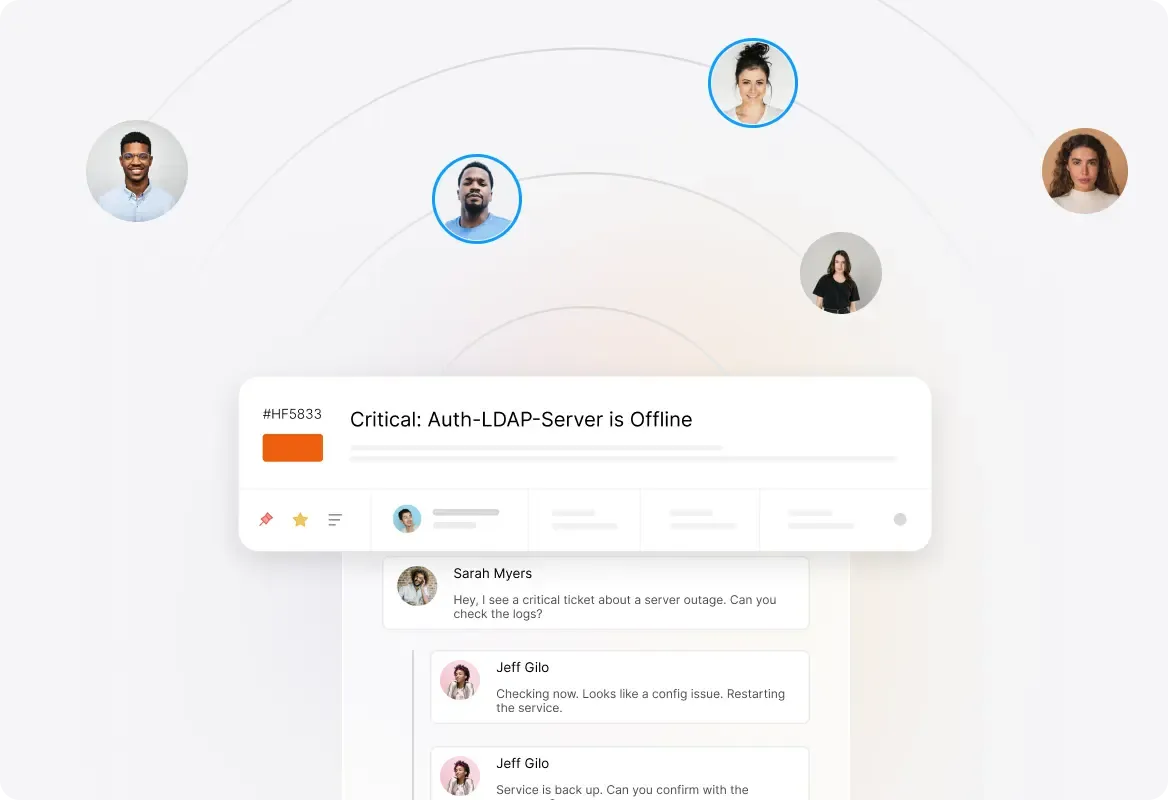
Use private notes for internal discussion while keeping customer replies in the same ticket. Add subscribers who need updates. Agent collision detection shows when colleagues are viewing or composing on the ticket, helping the team coordinate its response. Collision detection is plan-dependent.

Conceptual illustration: Collaborate Seamlessly Within the Ticket

Resolve

Give the customer a clear answer.

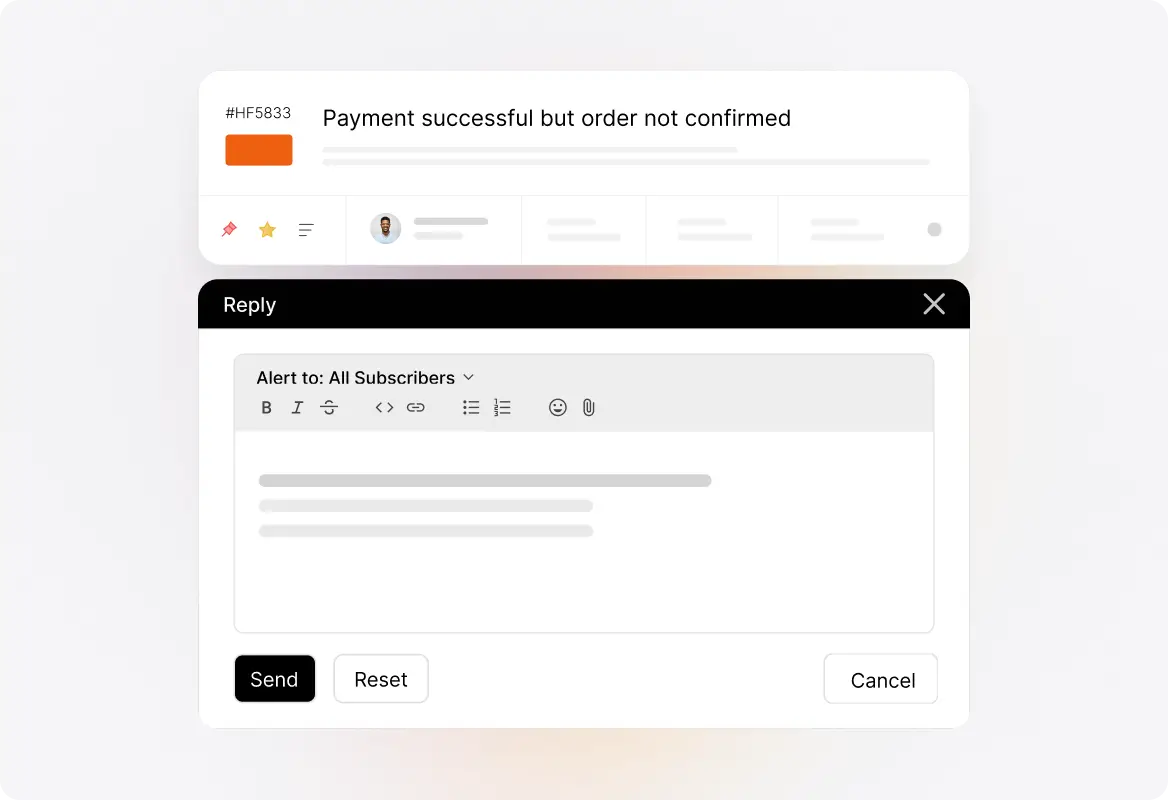
Reply with the relevant explanation, guidance, or knowledge base article. Update the ticket’s status as work progresses and when the issue is resolved. Keep the exchange available for the next time the customer needs help.

HappyFox Help Desk ticket and reply workspace

Fewer clicks between knowing and doing.

Update tickets from the list

Change priority, status, due dates, and assignees without opening each ticket. Make the adjustment where you spot the work.

Reply without the detour

Use ticket preview and Quick Reply to read and respond from the ticket list when the request needs a straightforward answer.

Handle related updates together

Select multiple tickets and apply bulk changes to their status, assignee, or due date. Keep repetitive queue maintenance from becoming a ticket-by-ticket exercise.

Keep useful answers ready

Use Canned Actions for recurring replies and ticket updates. Start with an established response, then adapt it to the customer’s question.

Find the request you remember

Search tickets and narrow the results with filters. Locate the conversation you need without relying on someone remembering who handled it.

Keep connected work connected

Merge duplicate tickets, relate separate requests, clone a ticket, or forward information when the work calls for it. Choose the action that fits the relationship between the requests.

Decide the rules. Stop repeating the instructions.

Route work as it arrives

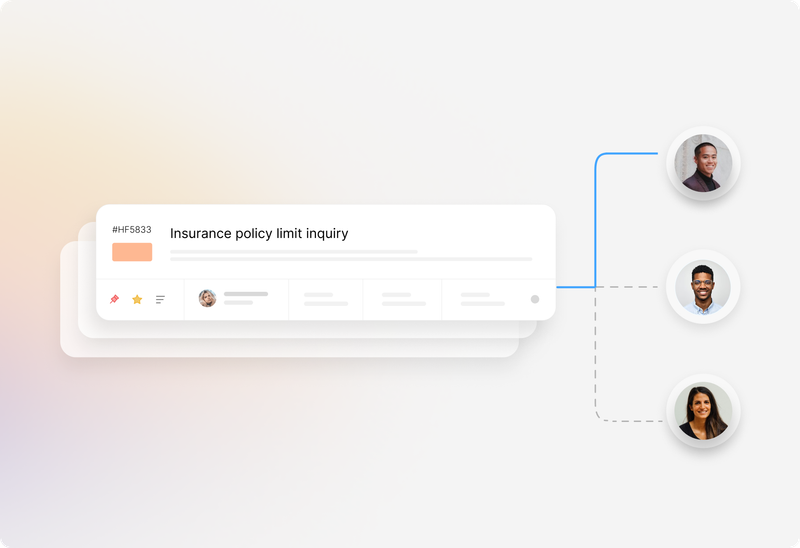
Configure automatic assignment so incoming tickets reach agents through your chosen assignment method. Use ticket conditions to direct different types of requests through the appropriate process.

Conceptual illustration: Basic Round Robin

Put routine updates on repeat

Use Smart Rules to act when tickets meet defined conditions. Change ticket properties, add tags, send notifications, or trigger follow-up actions without asking an agent to repeat the same steps each time.

Conceptual illustration: Streamlined Ticket Management

Make service targets part of the workflow

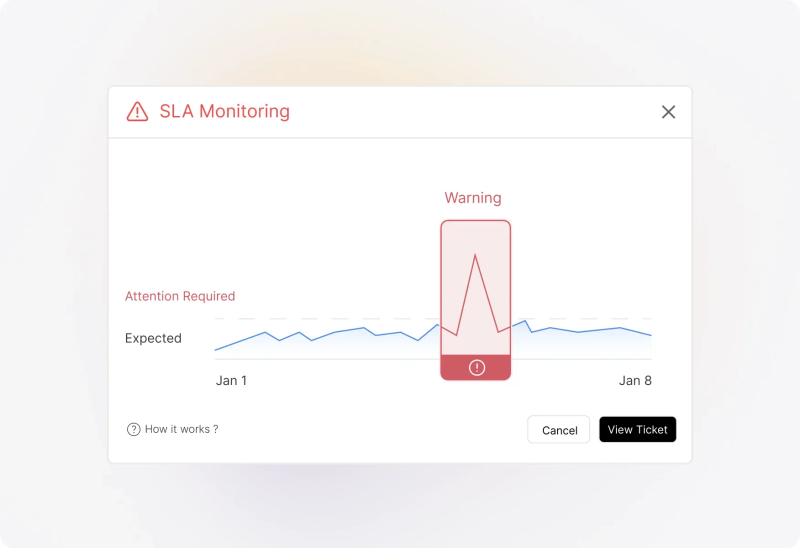
Set SLA targets for your support commitments. Configure alerts and escalation actions so the team can respond when a request needs attention, then review SLA performance to understand where the process needs work. Available actions depend on your plan and configuration.

Conceptual illustration: Proactive Breach Prevention

Improved Racing automotive components installed in an engine bay.
“We really like how easy it is to have multiple brands and separate email categories with their own emails and email signatures.”
Michael IhnsPresident, Improved Racing
Read the story

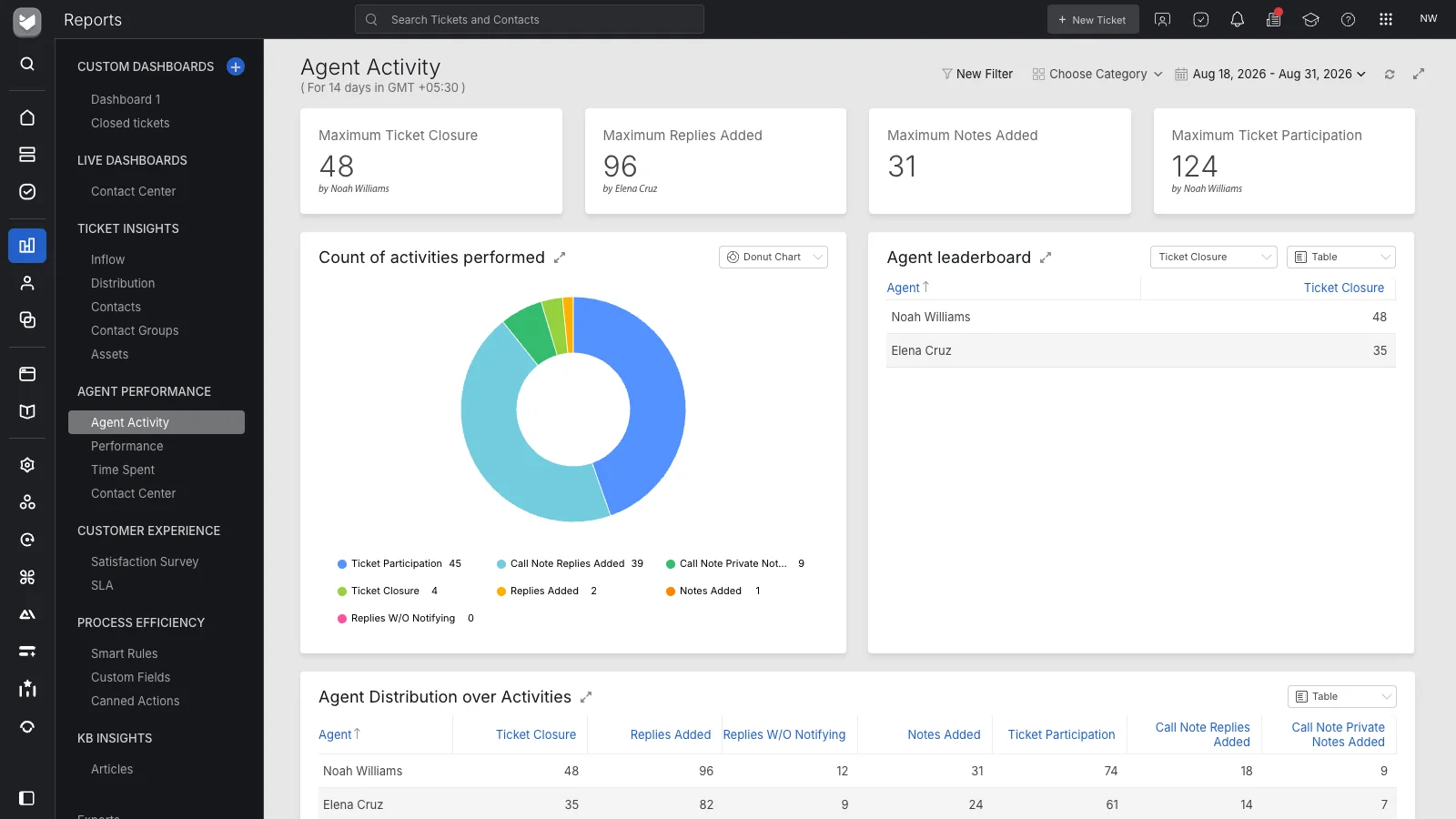
Explore help desk reporting
HappyFox Agent Activity report with ticket metrics, activity distribution, and agent leaderboard

Some requests can start with an answer.

Publish answers customers can find

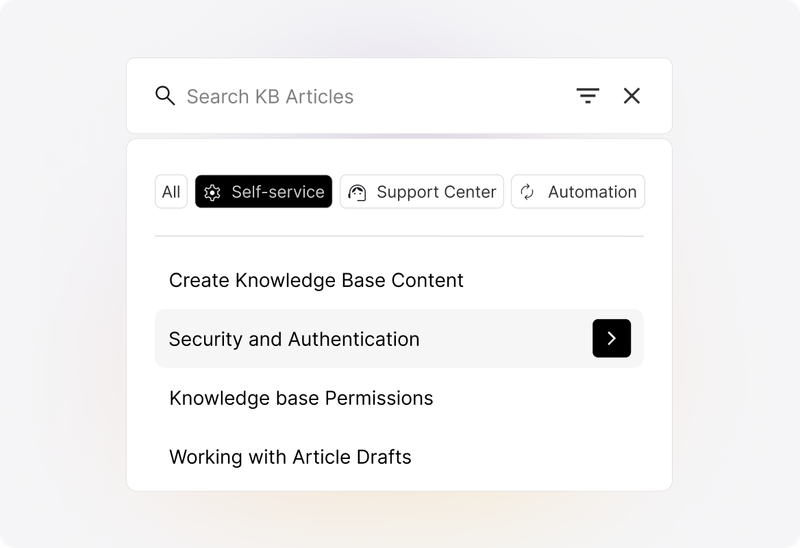
Build a customer-facing knowledge base for common questions and repeatable fixes. Give customers somewhere to look before they submit a request, and agents something useful to share when they reply.

Conceptual illustration: Access Anywhere, Anytime

Give customers a place to check progress

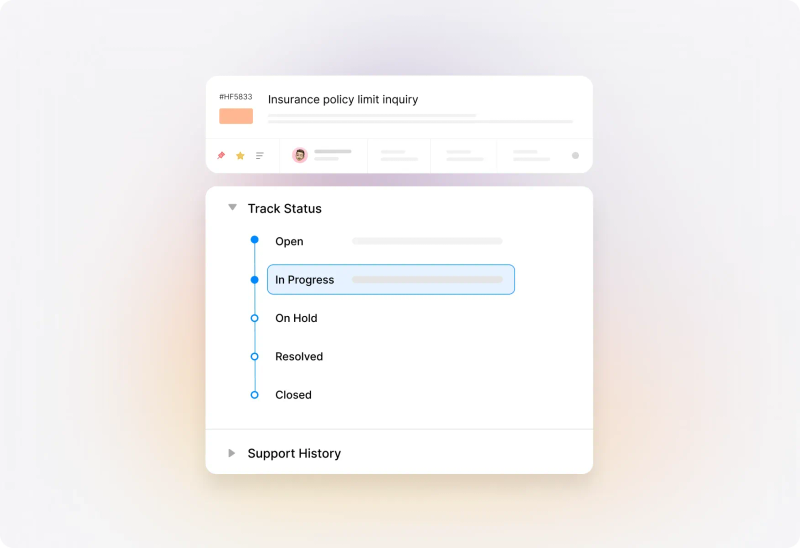
Let customers log in to the customer portal to view their tickets and follow their requests. Keep ticket tracking alongside the support resources they already use.

Conceptual illustration: Complete Support Visibility

Make knowledge fit the people using it

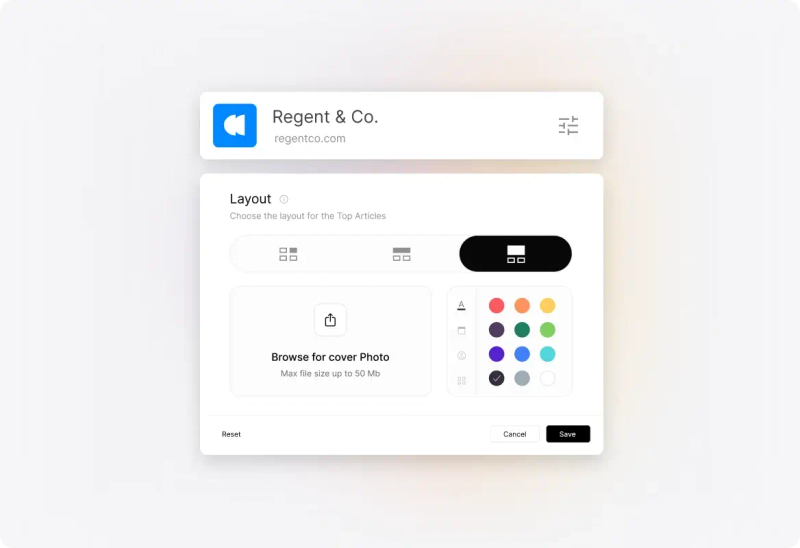
Maintain internal articles for agents and customer-facing content for your audience. Support different brands and languages where your service operation requires them.

Conceptual illustration: Create Distinct Support Centers for Each Brand

Questions worth asking before you choose.

What is a help desk ticketing system?

A help desk ticketing system turns support requests into records your team can assign, prioritize, track, and resolve. Each ticket brings the conversation and its working details together so agents can see who is responsible and what happens next.

How is a ticketing system different from a shared inbox?

A shared inbox gives a team access to messages. A ticketing system adds a structured process around the request: ownership, priorities, statuses, service targets, automation, and reporting. The difference matters when sharing access to email no longer gives your team enough control over the work.

Which support channels can HappyFox connect?

HappyFox converts incoming support email into tickets and connects additional channels through supported integrations. If phone, live chat, or social messaging is part of your operation, confirm the specific integration and how conversations become tickets during your evaluation.

Can we use HappyFox for internal IT requests?

Yes. HappyFox can organize internal requests into categories and queues, assign responsibility, and keep troubleshooting conversations together. For an IT evaluation, also review the asset-management, access-control, and reporting requirements of your team rather than assuming every service-management need is covered by ticketing alone.

Can agents collaborate without sending internal discussion to customers?

Yes. Private notes keep internal discussion separate from customer-facing replies. Agents can use them to share findings and discuss the next action within the ticket. Collision detection adds visibility into colleagues’ activity; its availability depends on the plan.

What can we measure beyond the number of tickets closed?

Review response and closure times, first-contact resolution, agent activity, and ticket distribution. Time-spent reporting helps examine recorded effort, while satisfaction reports bring customer feedback into the review. Use these measures together to investigate the work rather than judging performance by ticket counts alone.

Can HappyFox work with our existing applications?

HappyFox offers integrations for connecting support with other business tools. Start with the applications and information your agents need during a ticket, then check each integration’s supported actions, setup requirements, and plan availability.

What should we bring to a demo?

Bring a typical request, a difficult handoff, and an example of work that regularly needs chasing. Use those scenarios to evaluate ticket handling, automation, and reporting against the way your team actually operates.