Give each brand a support center
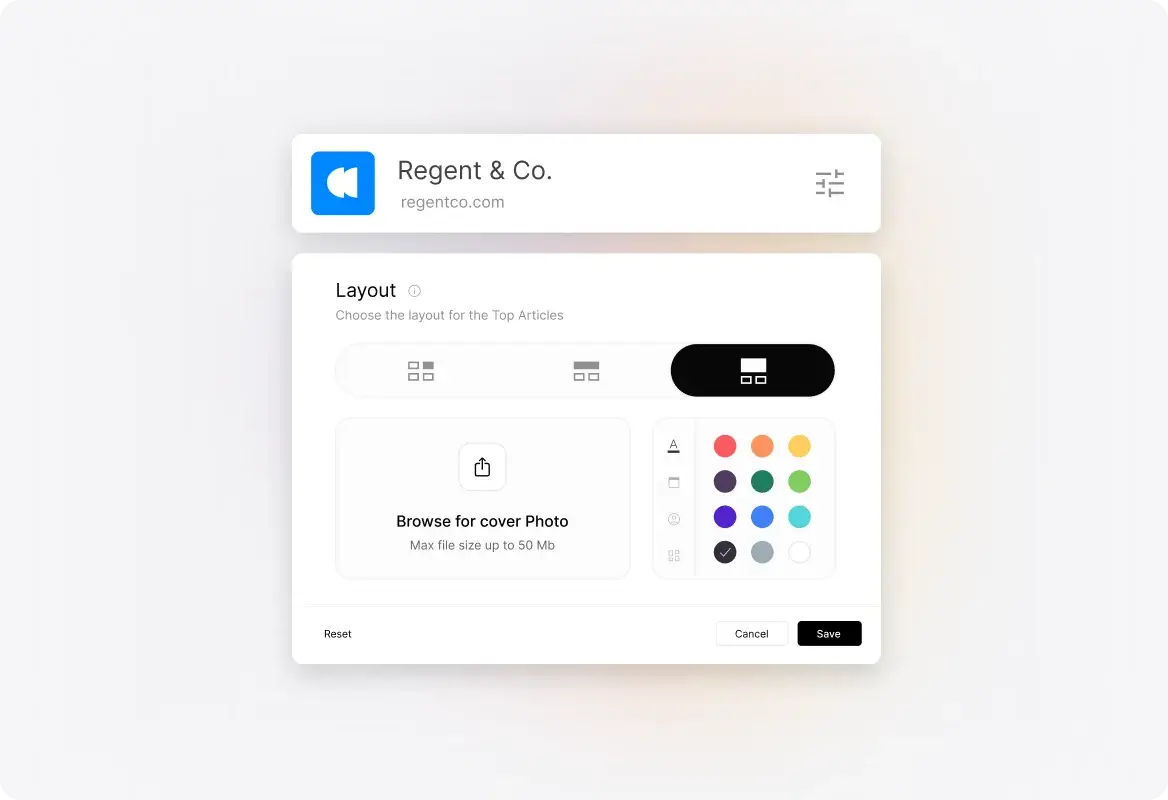
Set up a support center with a distinct URL and presentation for each brand or product. Customers can reach the service experience associated with the product they know.
 Help Desk
Set up a support center with a distinct URL and presentation for each brand or product. Customers can reach the service experience associated with the product they know.
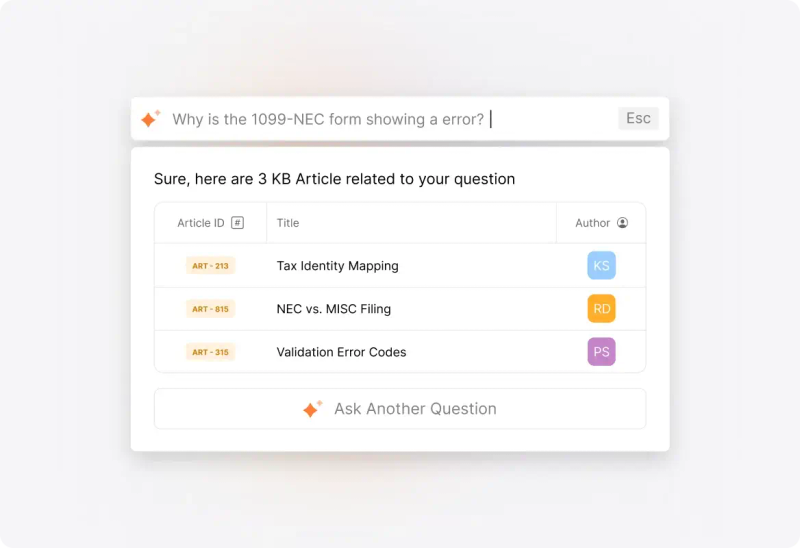
Organize knowledge for the audience each brand serves. Keep product instructions and policies relevant to that support center, with an editorial owner responsible for maintaining them.
Configure outgoing email settings for each brand. Review addresses and notification templates so a customer can recognize which brand is responding throughout the conversation.
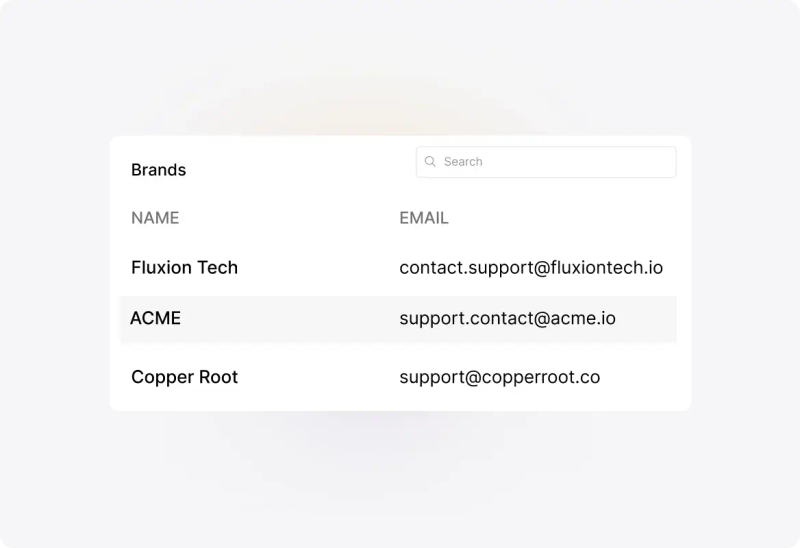


“We really like how easy it is to have multiple brands and separate email categories with their own emails and email signatures.”
Link the relevant ticket categories to each brand. Give incoming requests the operational structure agents need for ownership, handling, and reporting within the shared account.
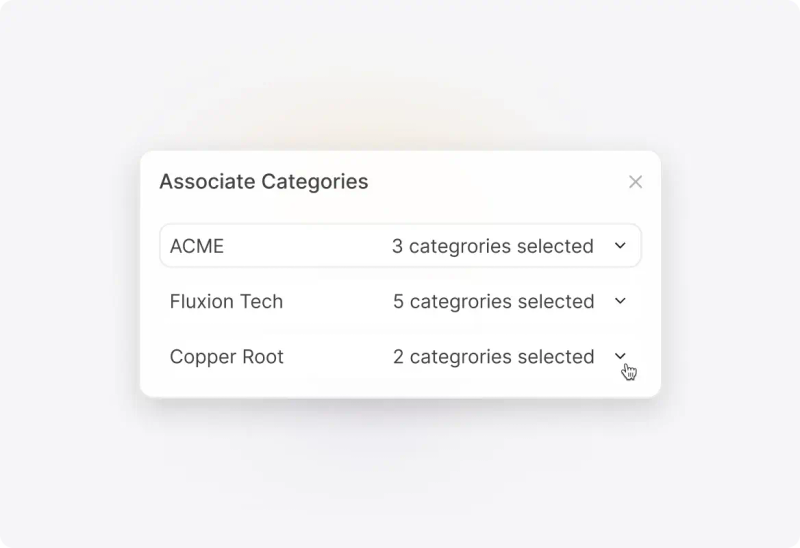
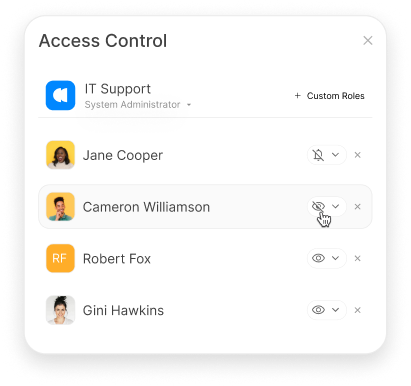
Configure category access and role permissions around agent responsibilities. Shared administration should be accompanied by deliberate access decisions for teams supporting different audiences.
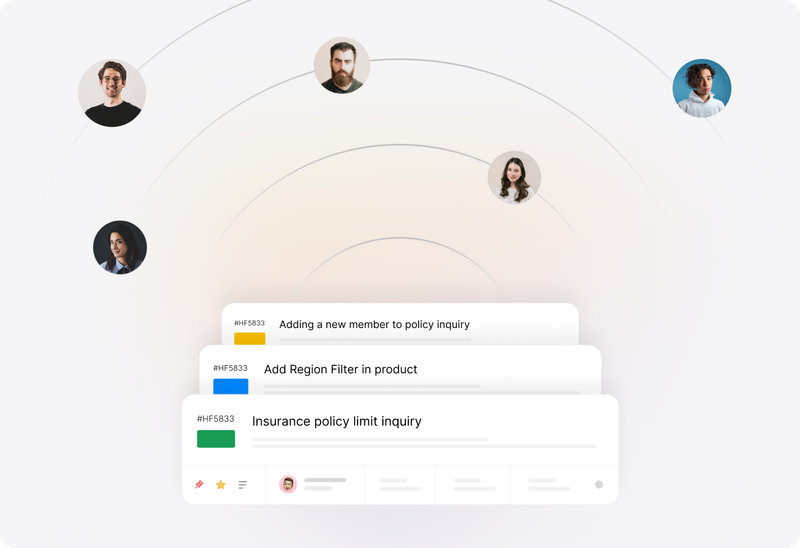
Apply rules and service targets using the relevant ticket conditions. A brand with different operating hours or handling needs can be reflected in the account’s configuration.
Identify the support-center URL, visual identity, knowledge sections, request fields, and outbound email identity each brand needs. Review the journey from asking a question to receiving a reply.
Choose how categories connect requests to brands and service teams. Check that the intended customer content and agent access follow those associations.
Name the people responsible for brand-specific articles and form copy. Plan how common guidance will be maintained when it applies to more than one audience.
Confirm domain mapping and SSL requirements for each branded support center. Include those steps in the rollout plan alongside email configuration.
Confirm multi-brand availability and the number of brands permitted in the current plan. Review the commercial terms against the portfolio you need to support.
Existing HappyFox accounts cannot be merged into one multi-brand account. Discuss the data and configuration work involved if brands currently run in separate accounts.
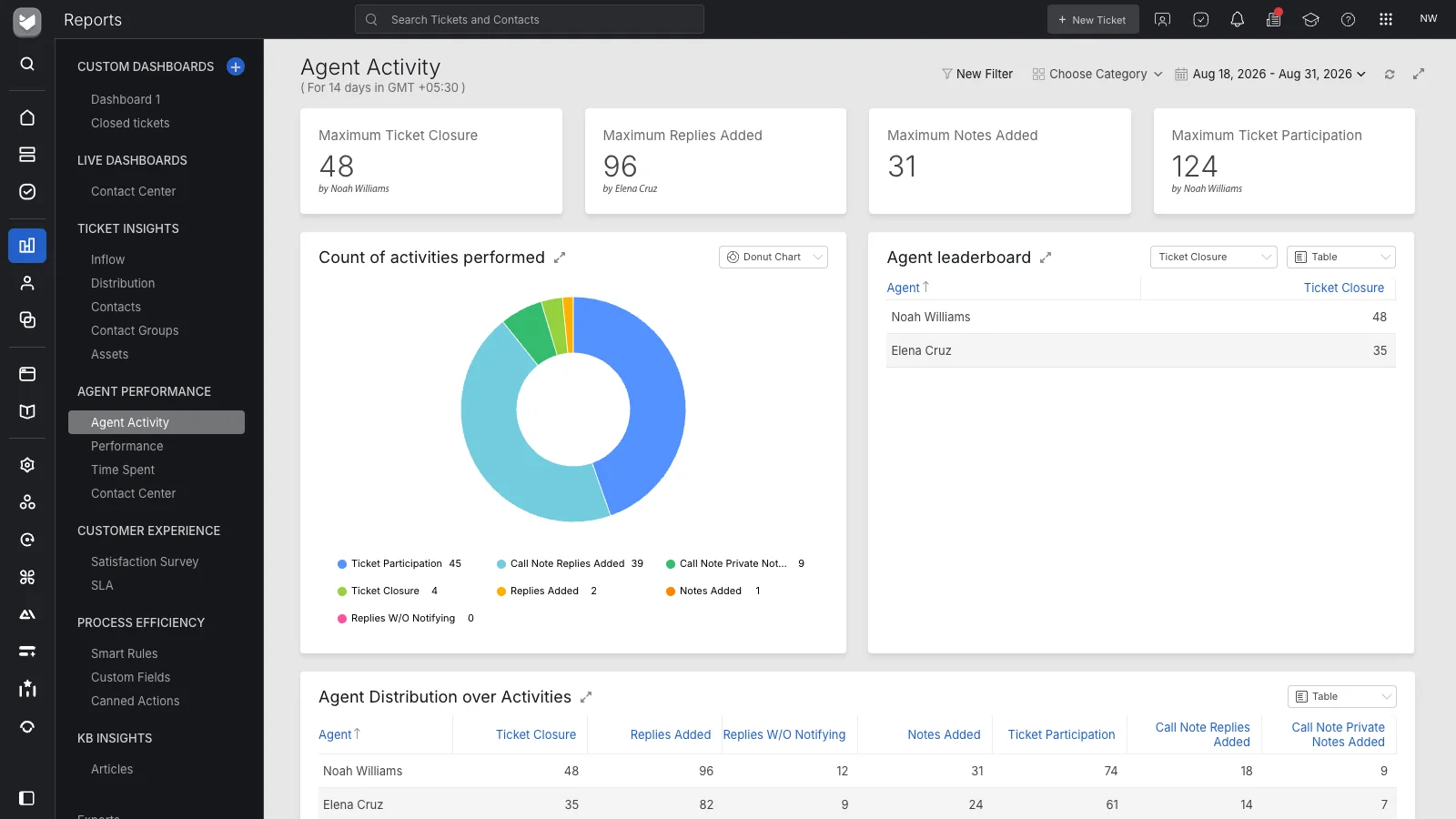
A multi-brand help desk runs distinct customer support experiences inside one account. In HappyFox, each brand can have a support center, knowledge base, new-ticket form, and outgoing email settings, while agents manage the resulting tickets in the shared help desk.
Categories organize tickets and team responsibilities. Multi-brand configuration associates categories with a customer-facing support experience. Use both together when different products or audiences need distinct places to get help.
Yes. Configure the knowledge content that belongs in each brand’s support center. Plan which articles are specific to that audience and which guidance needs a coordinated maintenance process.
Yes. Each brand has outgoing email configuration. Confirm the sending channel, domain requirements, and notification content so replies and updates reflect the appropriate brand identity.
Configure category access and role permissions around the tickets agents should handle. Test the resulting access with representative agents; a branded support center alone is not a substitute for permission configuration.
No. HappyFox’s multi-brand setup documentation states that existing accounts cannot be merged into a single multi-brand account. Discuss your transition requirements before deciding how to move separate brand operations.
HappyFox supports custom domains for branded support centers. SSL requires separate setup for a custom domain. Confirm domain ownership, configuration, and certificate requirements during implementation.
Check the current plan and brand limits with HappyFox. Plan names and entitlements can change, so confirm availability for the number of brands and the account configuration you intend to use.
Choose two brands with different support needs. Walk through each customer’s support center, form, knowledge, and email experience, then review agent access and ticket handling in the shared account.