Bring complaints into the queue
Turn incoming support email and complaints from connected channels into tickets. Give the team a shared place to find the issue, rather than relying on forwarded messages and separate tracking sheets.

 Help Desk
Turn incoming support email and complaints from connected channels into tickets. Give the team a shared place to find the issue, rather than relying on forwarded messages and separate tracking sheets.
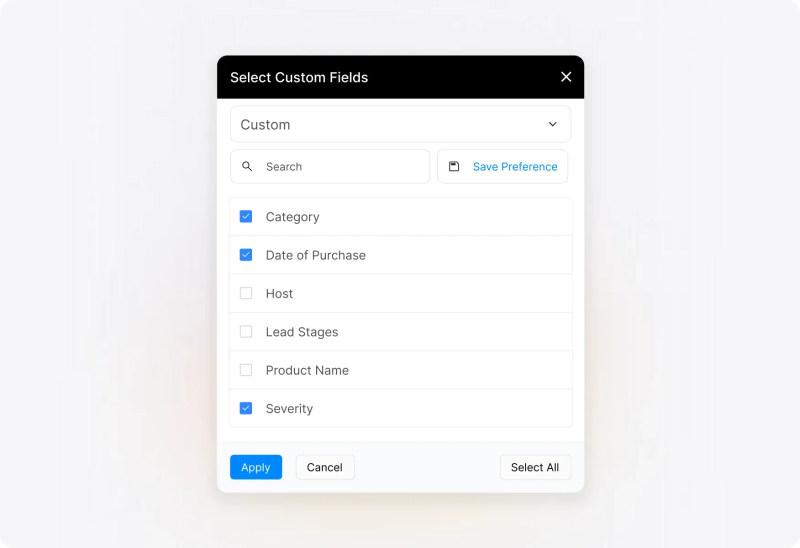
Keep the customer’s account, attachments, and earlier replies together. Use custom fields to record information such as the affected product, complaint type, or order reference your team needs to investigate.
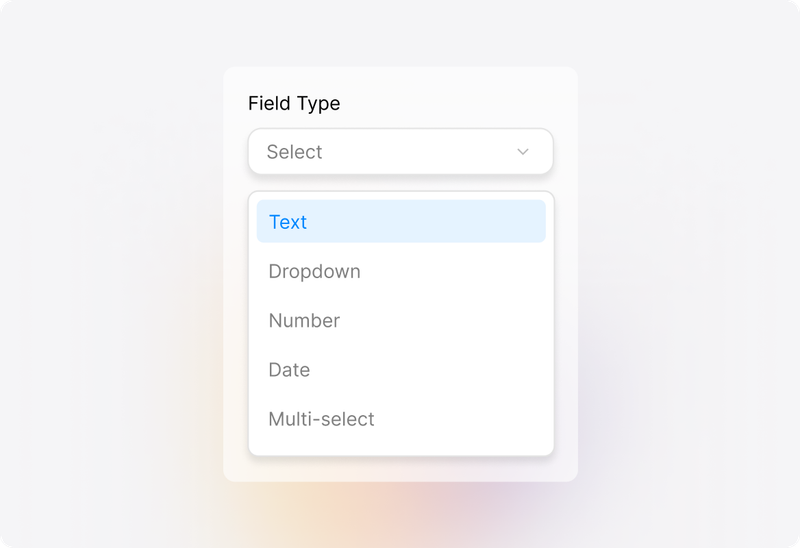
Assign an owner and set the complaint’s priority and status. Organize complaints into relevant categories so the people handling them can find their work and see what needs attention.
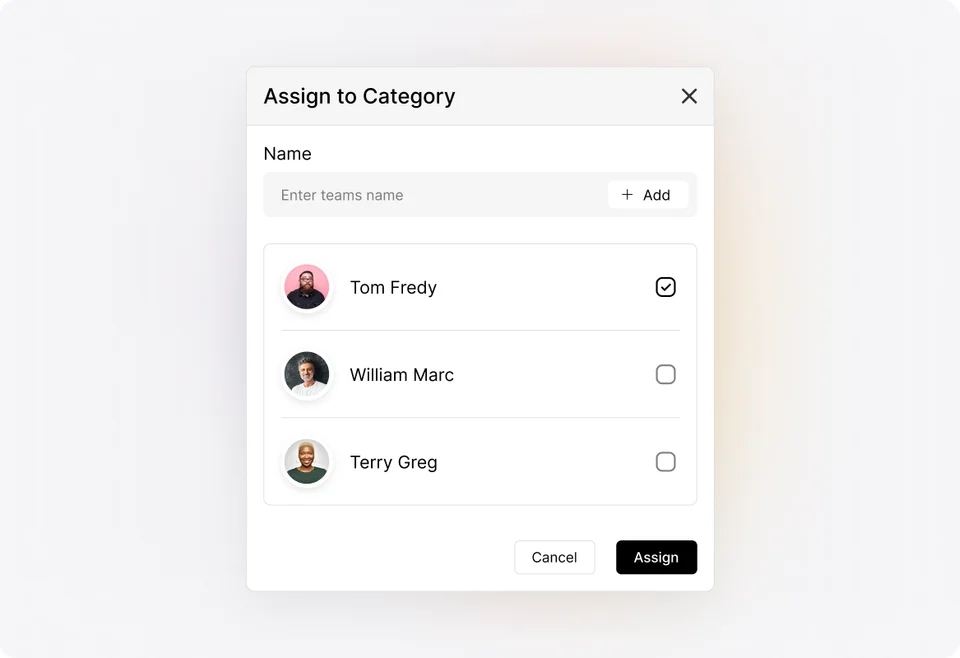
Assess
Read what the customer has reported and check the information already available. Classify the complaint and assess its urgency using your team’s criteria. Capture missing details before deciding who needs to investigate.
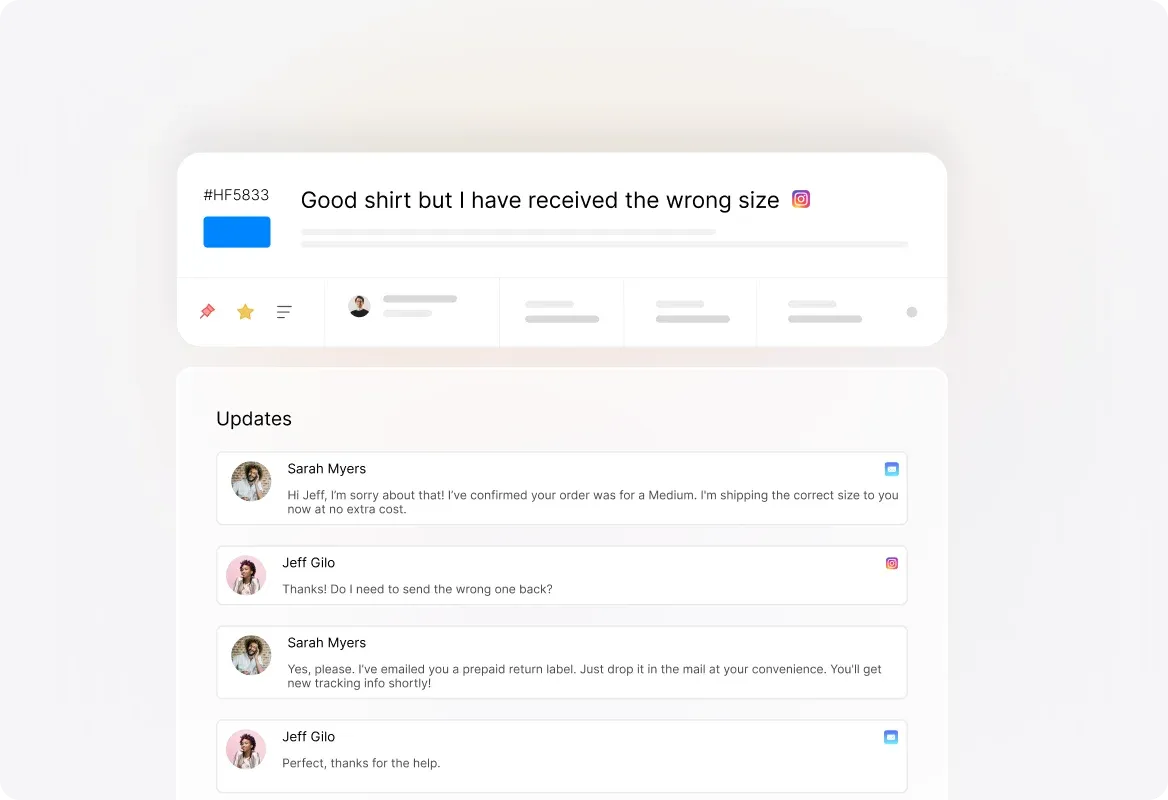
Investigate
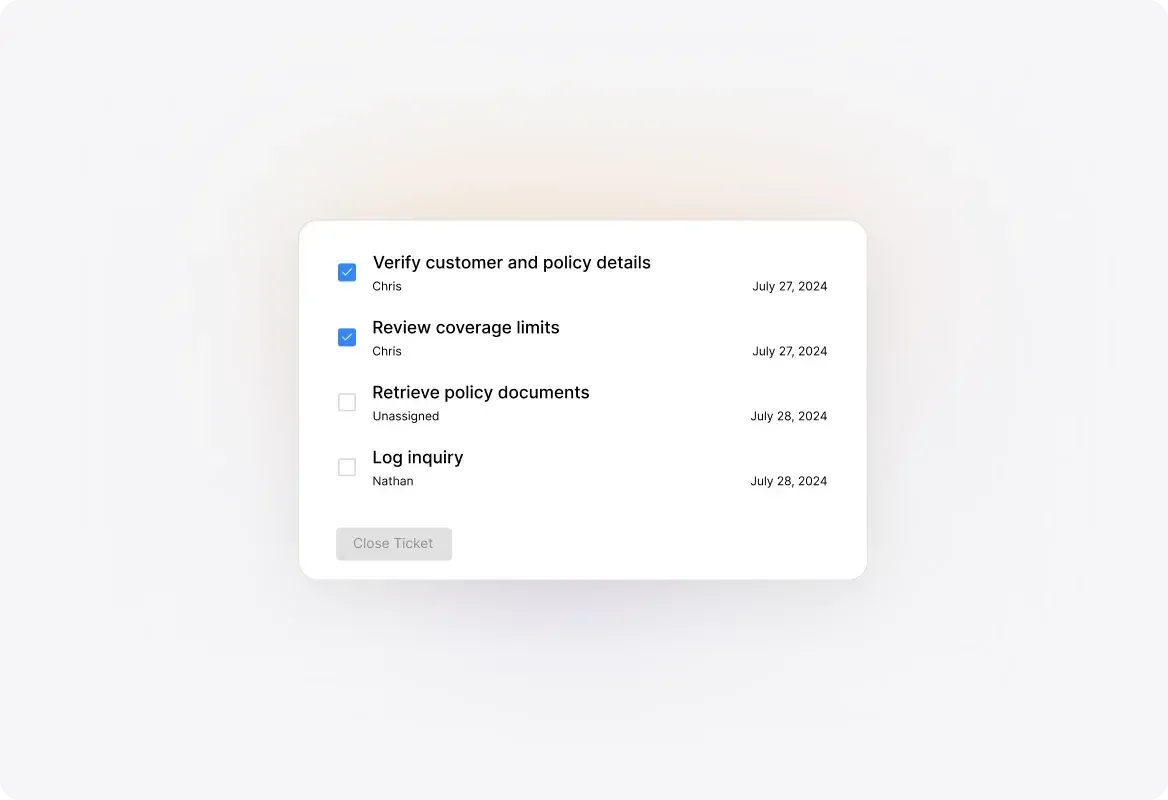
Use private notes to record the investigation and coordinate with colleagues. Assign tasks when the complaint needs several contributions, such as checking a delivery, reviewing an account, or confirming a product issue.
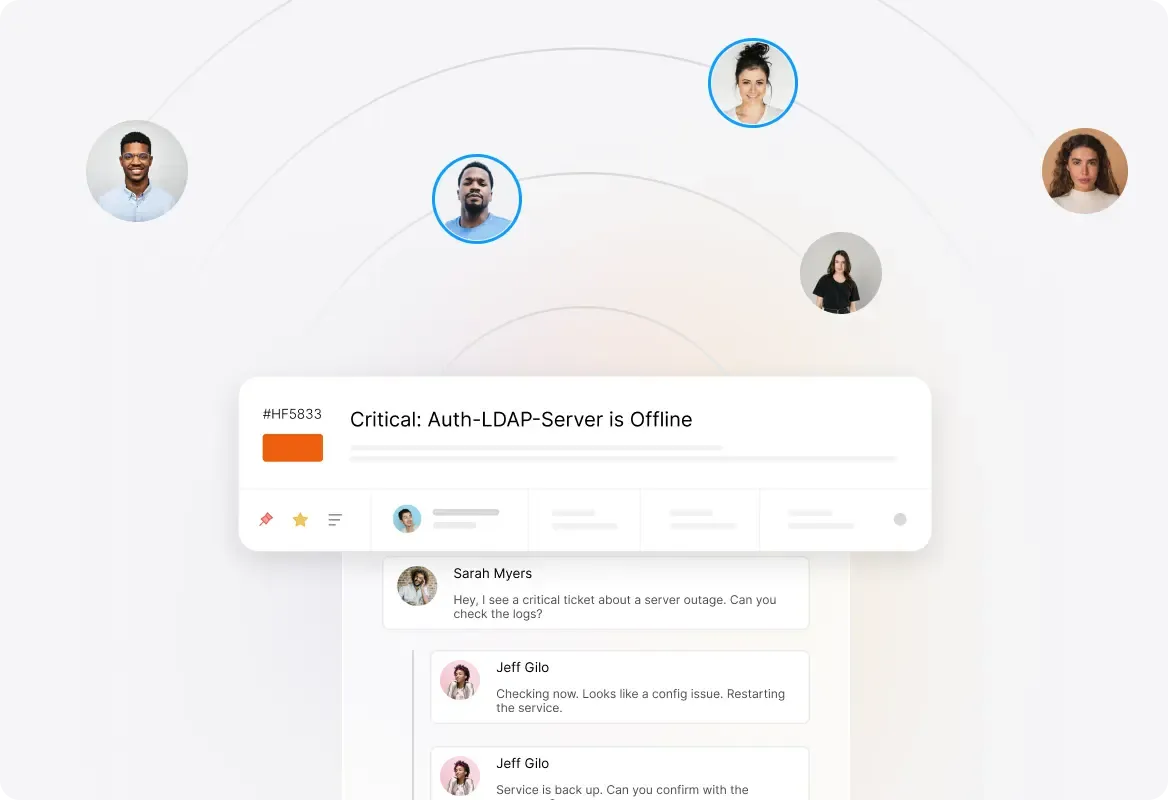
Update
Reply from the ticket with the findings available and the next action your team is taking. Keep customer-facing updates distinct from private discussion, with a shared record of what has been communicated.
Resolve
Explain the resolution to the customer and document the action taken. Complete the required work and update the ticket’s status. Leave enough context for another agent to understand how the complaint was handled.
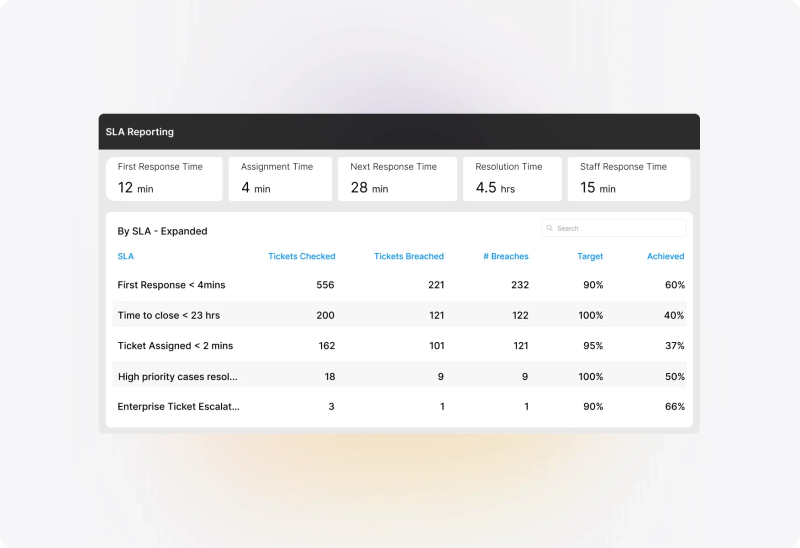
Configure SLA targets and work schedules around the response and resolution commitments you provide. Apply relevant conditions so different complaint categories can receive different treatment.
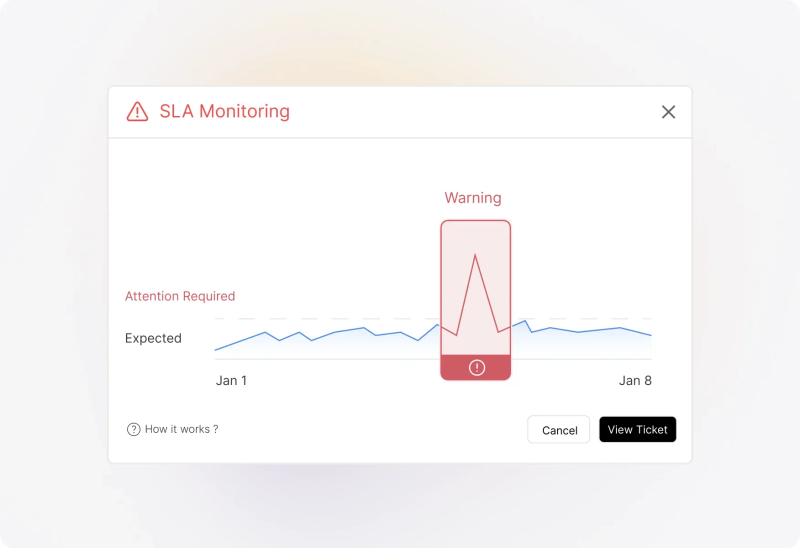
Use SLA indicators and available notifications to identify complaints that need attention. Configure the alerts and escalation actions your plan supports, with clear responsibility for responding to them.
Use Smart Rules for configured ticket updates, routing, and notifications when conditions are met. Keep routine coordination consistent while agents assess the complaint and decide how to address it.
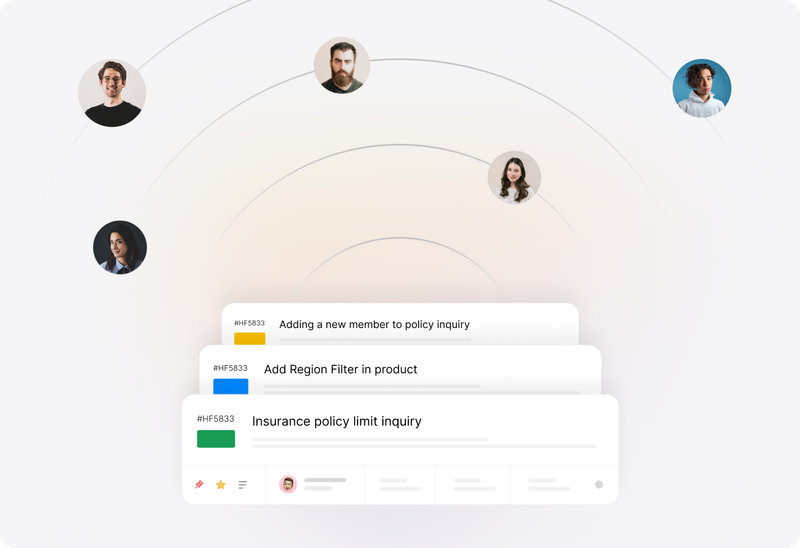


“Without the smart rules, my job would have been a lot more difficult.”
Discuss findings and proposed actions through private notes. Keep the internal investigation available to the team without including it in the customer-facing response.
Assign tasks for contributions from other people. Keep an overall ticket owner responsible for coordinating the complaint and communicating progress.
Combine eligible tickets when they represent the same complaint. Review the records first so useful information and distinct customer needs are not overlooked.
Link connected tickets while retaining their individual owners and resolutions. Several customers reporting the same problem may still require separate communication and follow-up.
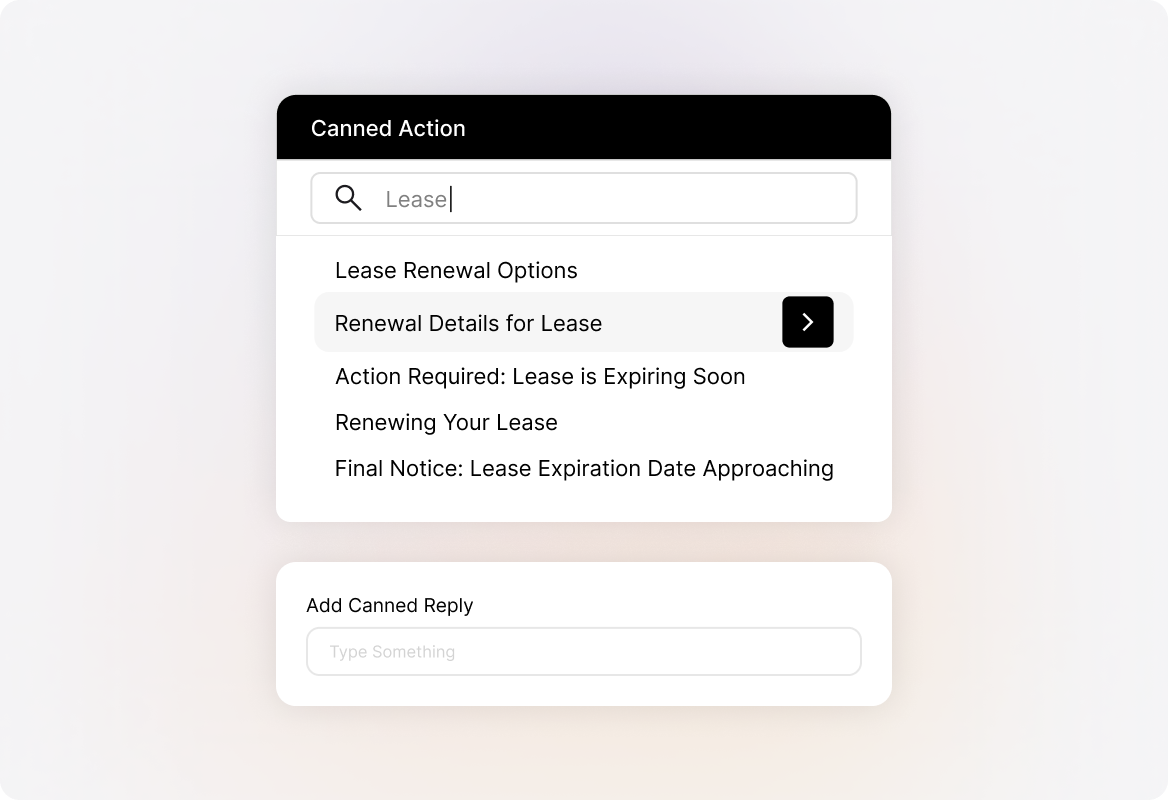
Use maintained knowledge articles and Canned Actions for familiar procedures and responses. Adapt the explanation to the complaint instead of treating a prepared answer as the finished reply.
Configure roles, category access, and permissions around the people involved. Review who needs to see complaint information and which actions they should be able to perform.
Use consistent categories and custom fields to describe complaint types, products, or locations. Useful reporting starts with information the team records consistently.
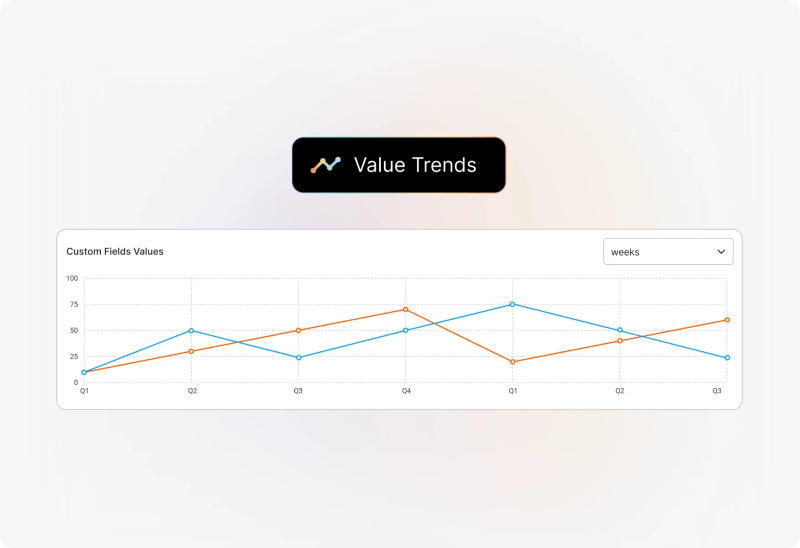
Use custom-field reports to review the distribution of recorded values and how they change over time. Identify areas worth investigating, then consult the underlying complaints to understand what happened.
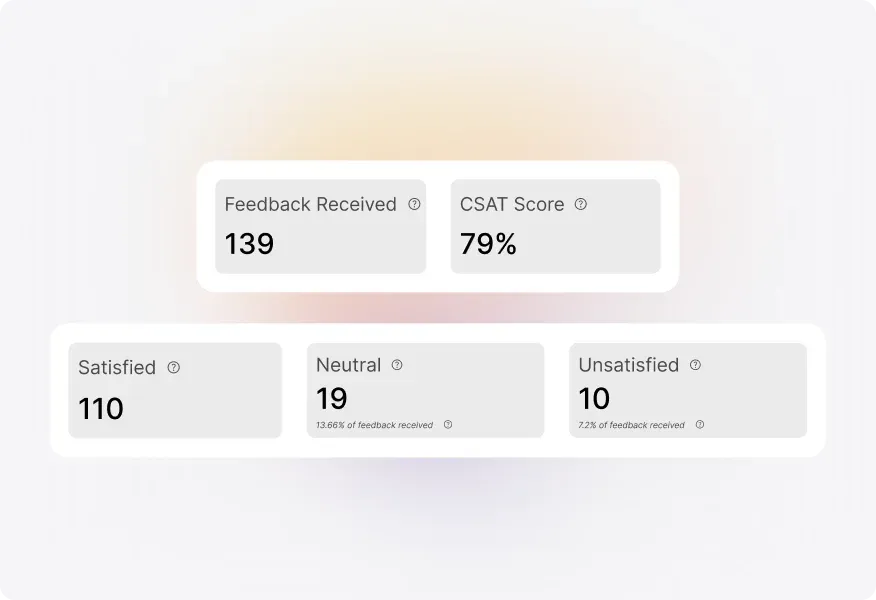
Collect satisfaction feedback through configured surveys. Read comments alongside ratings and complaint records to identify examples that deserve follow-up or a closer process review.
Customer complaint management software helps a team capture complaints, assign responsibility, investigate issues, communicate with customers, and record outcomes. HappyFox Help Desk provides ticketing, collaboration, automation, and reporting that can be configured around this process.
A complaint often involves dissatisfaction with something that has already happened. Alongside answering the question, the team may need to investigate the experience, coordinate corrective action, explain the outcome, and review whether similar complaints are recurring.
Yes. Connect the support mailbox so incoming messages create tickets in HappyFox. Customers can continue corresponding by email while the team manages ownership, internal discussion, and progress in the help desk.
Complaint identification depends on your intake design and configuration. Use dedicated forms, categories, fields, and applicable rules to organize incoming work. Do not assume every dissatisfied message will be correctly recognized or prioritized without review.
Yes. Configure SLA conditions and work schedules around the service you provide. Review the available objectives, notifications, and escalation actions against your plan and intended process.
Use ticket assignment, private notes, and tasks to coordinate contributions. Keep a clear owner for the overall complaint while other people investigate or complete their part. Access depends on the permissions configured for those participants.
Keep separate tickets when customers need individual communication or outcomes, and relate the records where appropriate. Merge eligible duplicates only when they represent the same complaint and combining them preserves the necessary context.
A ticket can organize the complaint, investigation, and communication. Executing a refund or another remedy in a business system depends on the integration, workflow, permissions, and approval process configured for that action.
Reports help you examine recorded complaint categories, field values, and service performance. Your team still needs to investigate the underlying records and validate the cause. A pattern in the data is a starting point for that investigation.
This page describes Help Desk ticketing configured for complaint handling. If you require specific retention controls, immutable records, prescribed reporting, or formal approval procedures, evaluate those requirements individually against the product and configuration.
Bring a typical complaint, one that requires another team, and an example of a recurring issue. Review intake, assignment, investigation, customer updates, escalation, resolution records, and reporting against those examples.