IT Teams
managing enterprise Apple deployments
 Help Desk
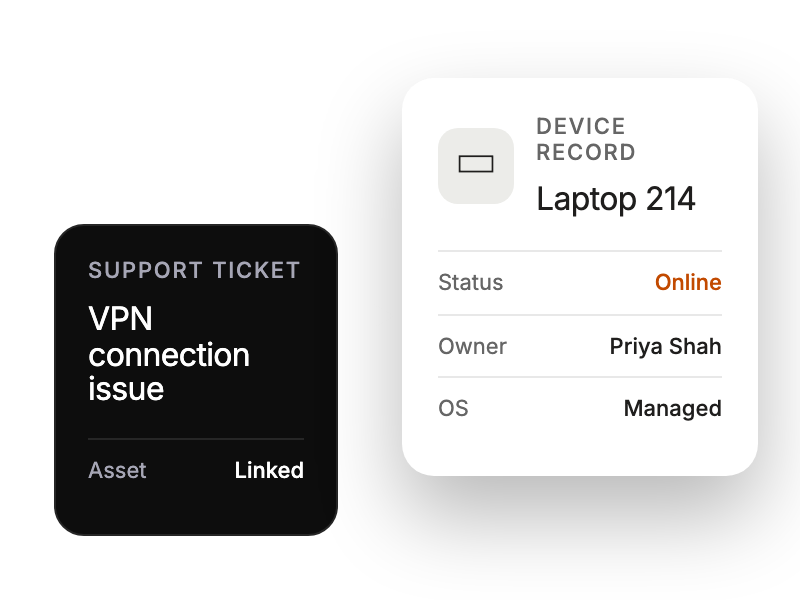
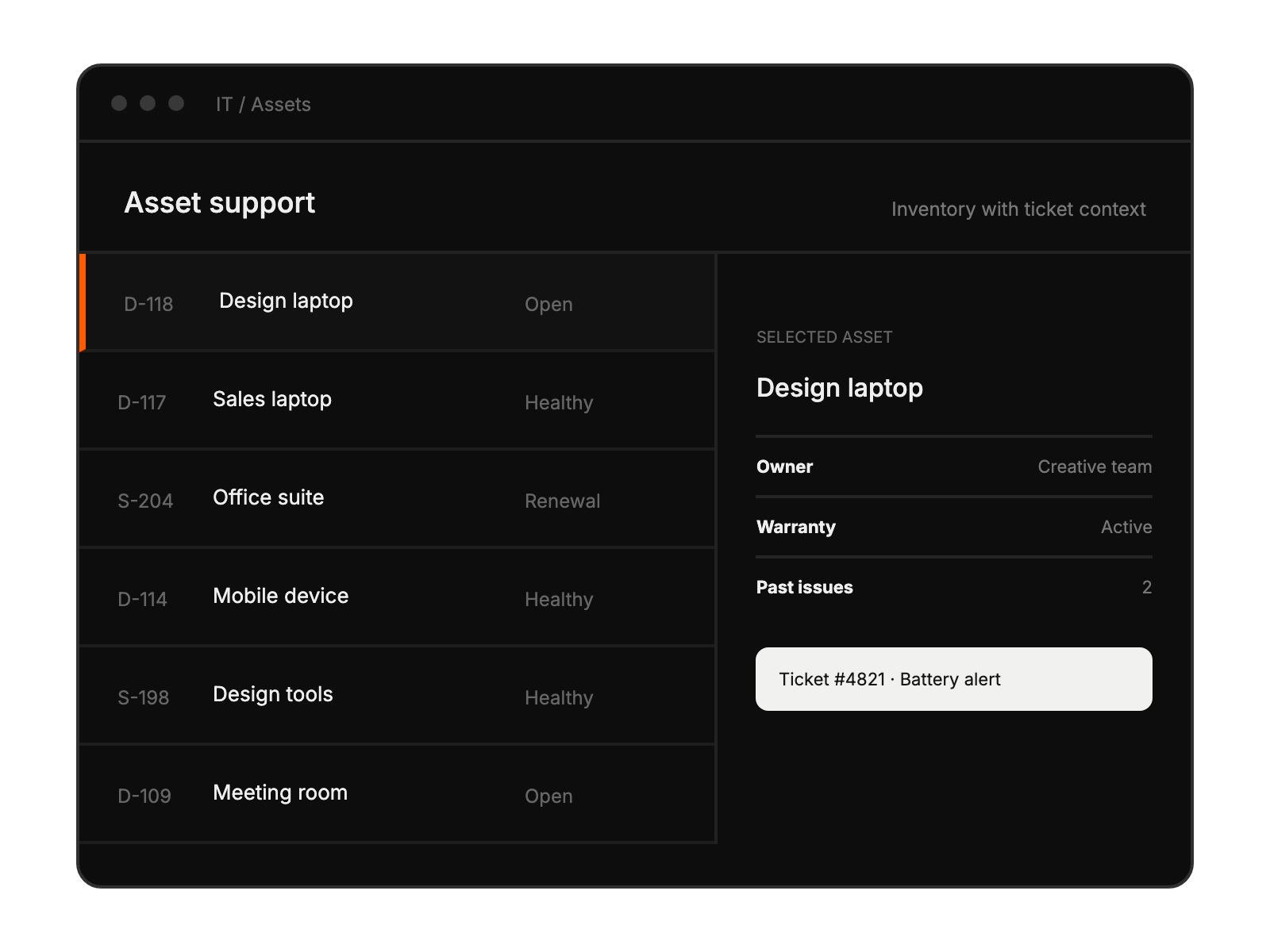
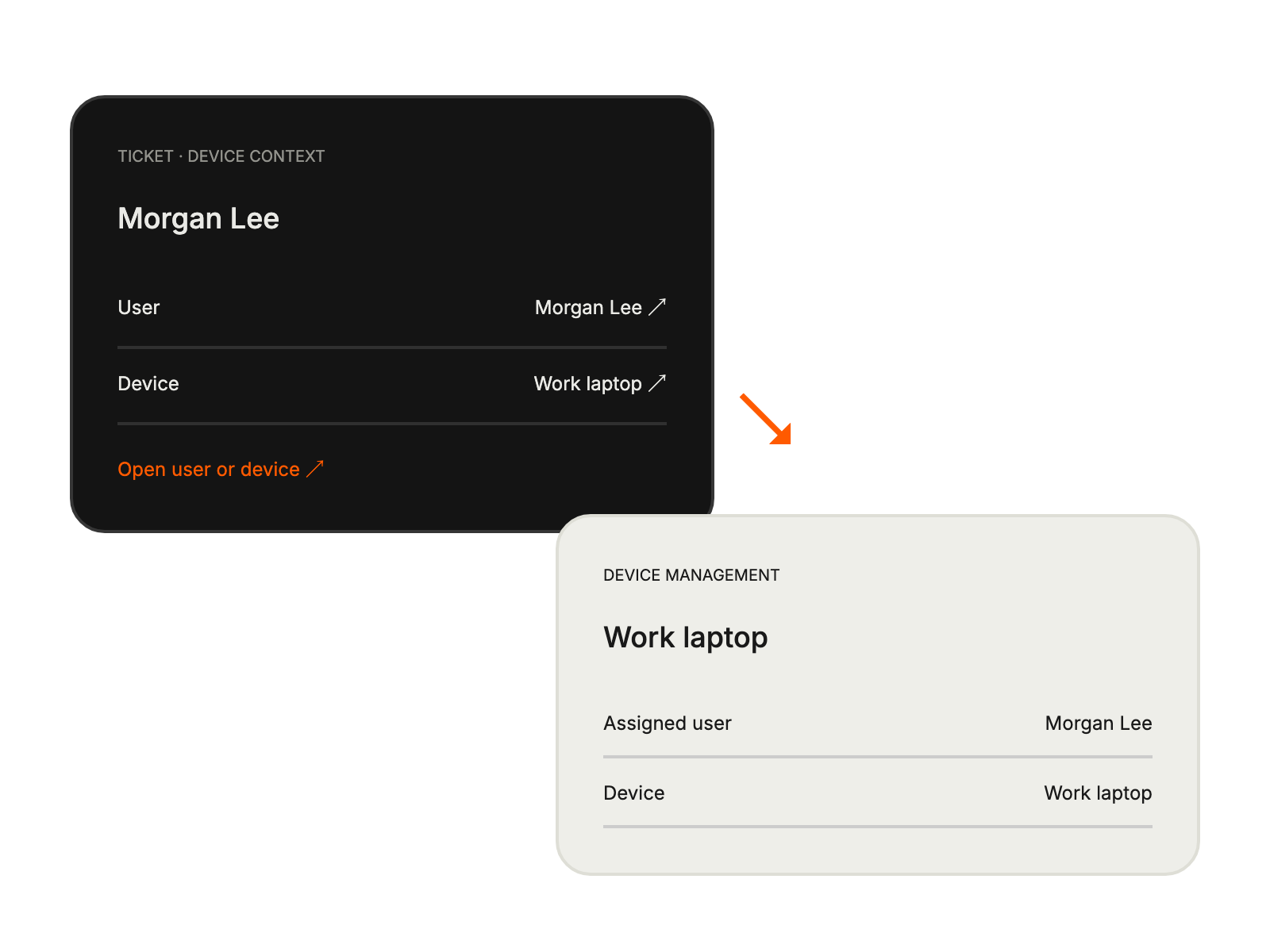
HappyFox Help Desk integration
Track your device management requests within HappyFox

Use credentials with the permissions required to view device information.
Open Apps, choose Mobile Device Management, and select Jamf Pro.
Enter the Jamf server URL, username, and password to enable the connection.
managing enterprise Apple deployments
handling macOS and iOS tickets
needing unified Apple device management
requiring Apple device context