Support Managers
monitoring campaign-related customer inquiries in one place
 Help Desk
HappyFox Help Desk integration
Manage Mailchimp email marketing from HappyFox.

Use an account with the required permissions to copy or create an API key.
Open Apps, choose Email Marketing, and select the app.
Enter the API key and save to enable list and campaign information.
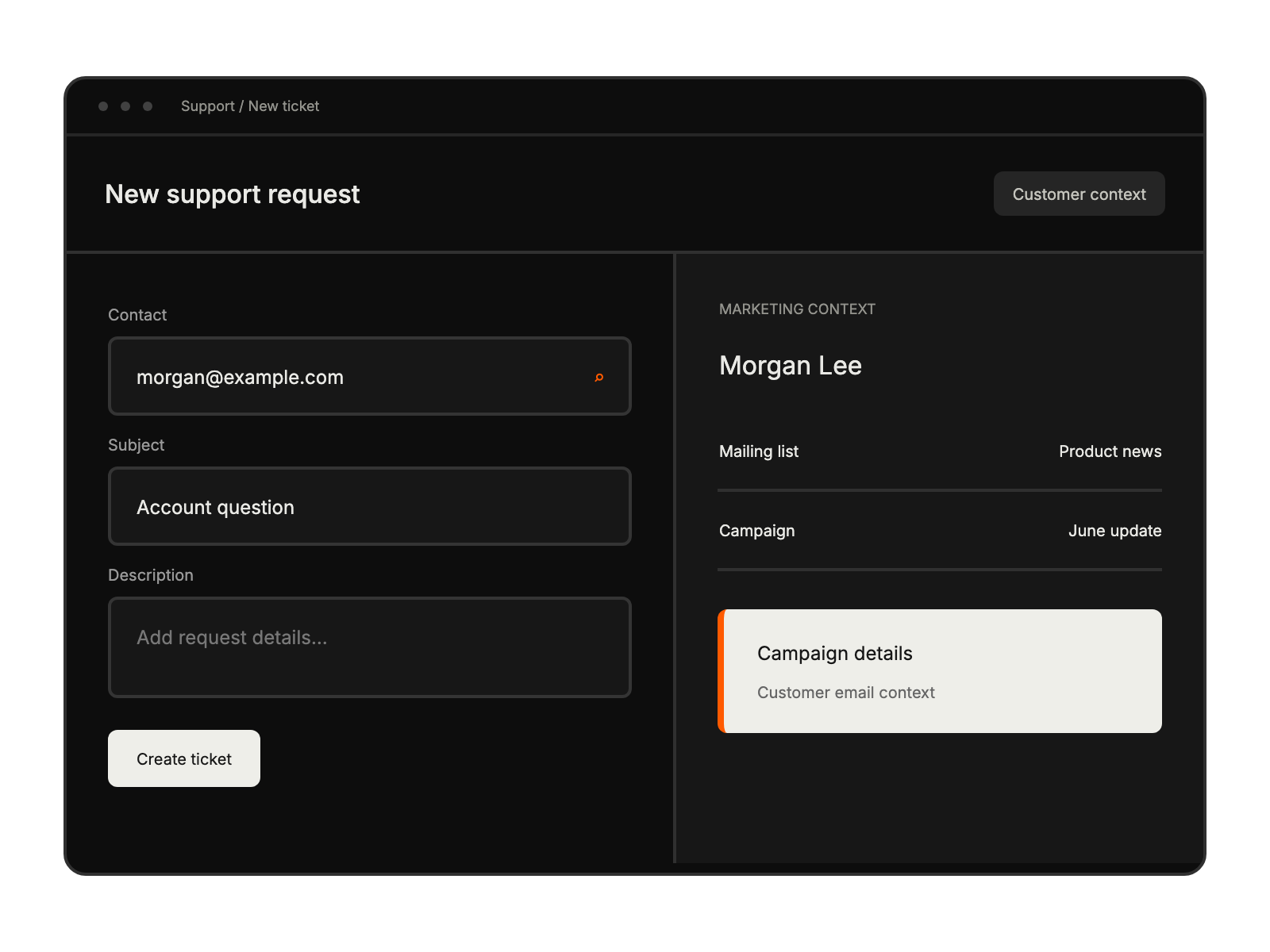
monitoring campaign-related customer inquiries in one place
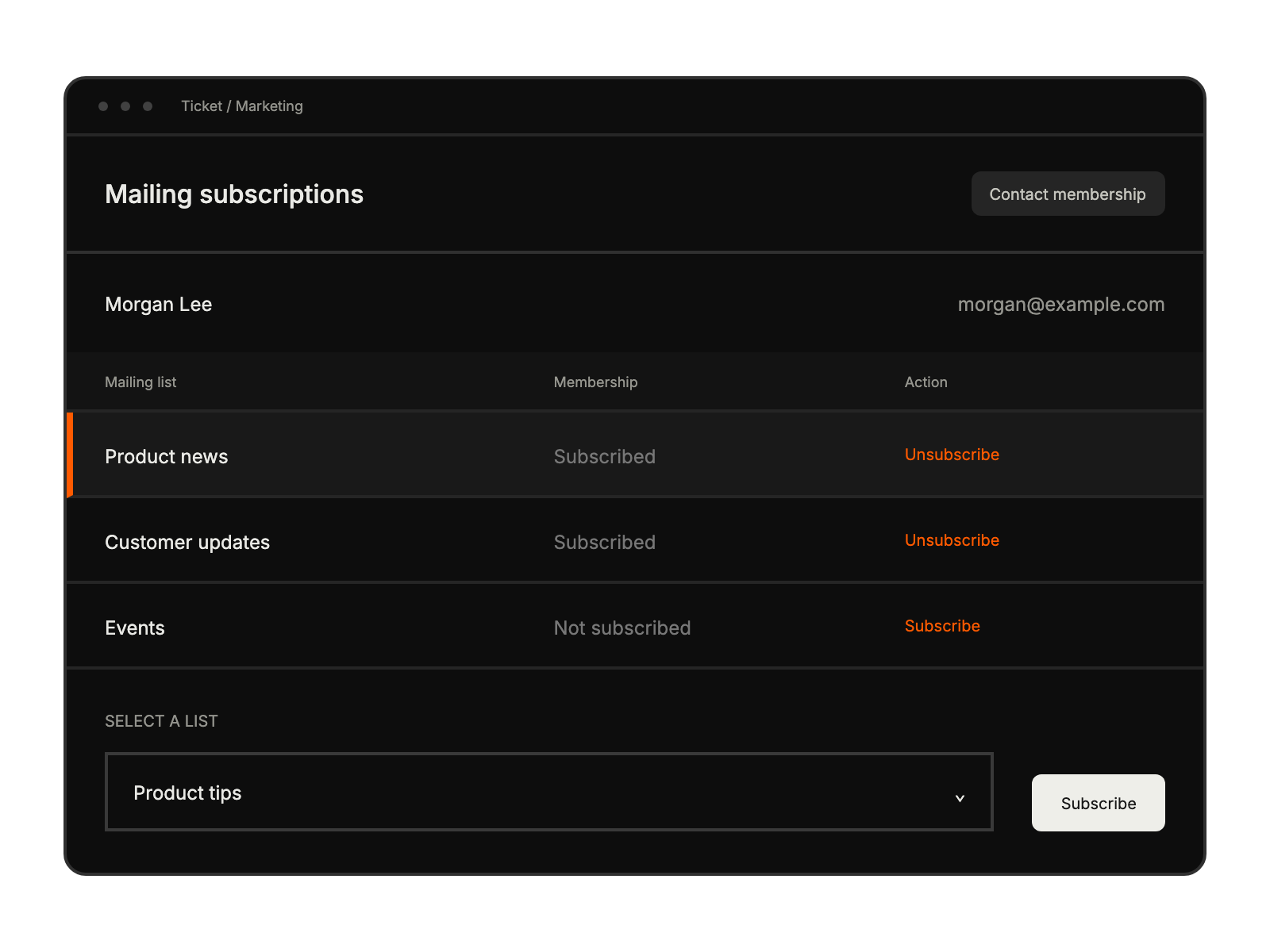
accessing subscriber data from the help desk
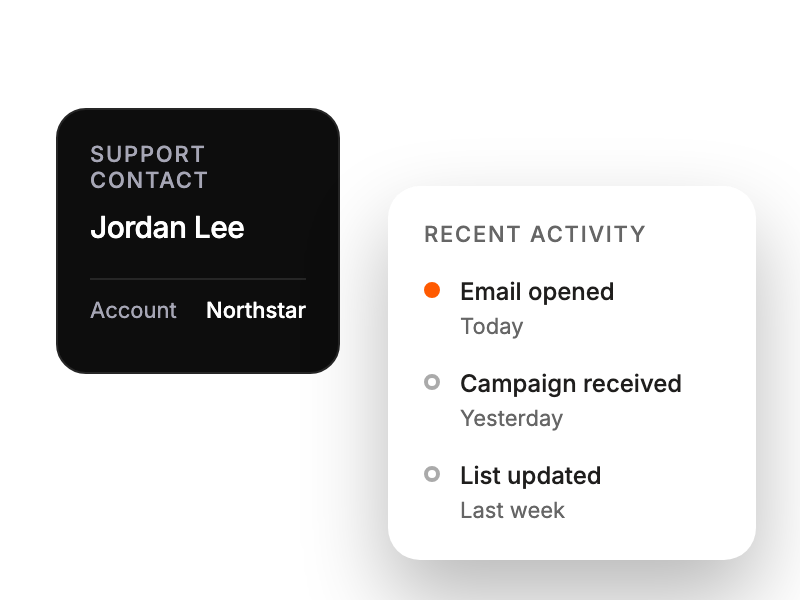
viewing client campaign interaction history


