IT Administrators
Managing enterprise identity systems.
 Help Desk
HappyFox Help Desk integration
Log in to HappyFox portals using Azure credentials.

Use an Entra administrator account to set up the HappyFox application.
Complete the SSO configuration using the provider details documented in the guide.
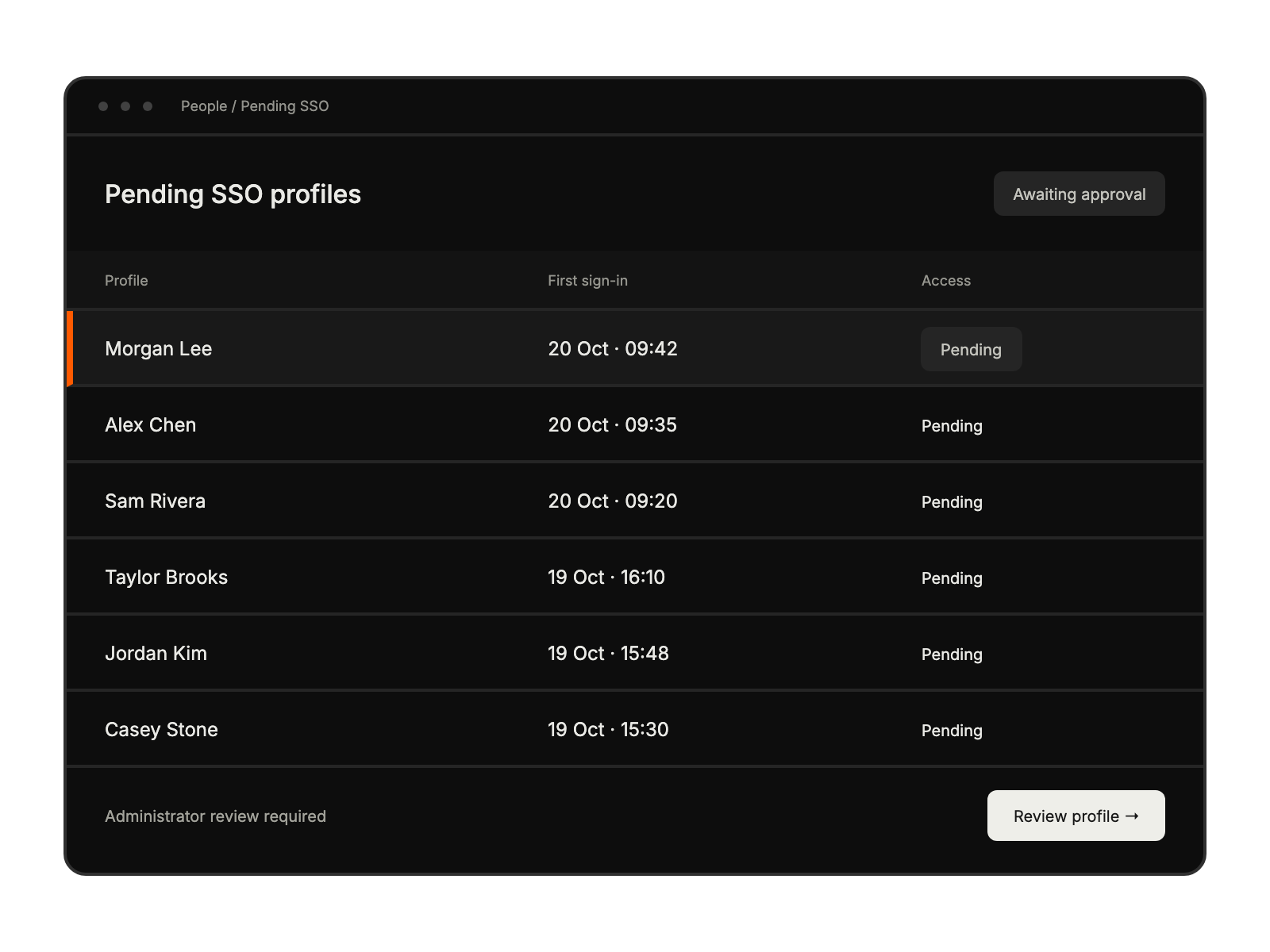
Share the appropriate portal URLs and review first-time agent approvals.
Managing enterprise identity systems.
Enforcing secure authentication protocols.
Streamlining team access.
Reducing agent login issues.
An Entra ID administrator with access to Active Directory and application settings must configure it.
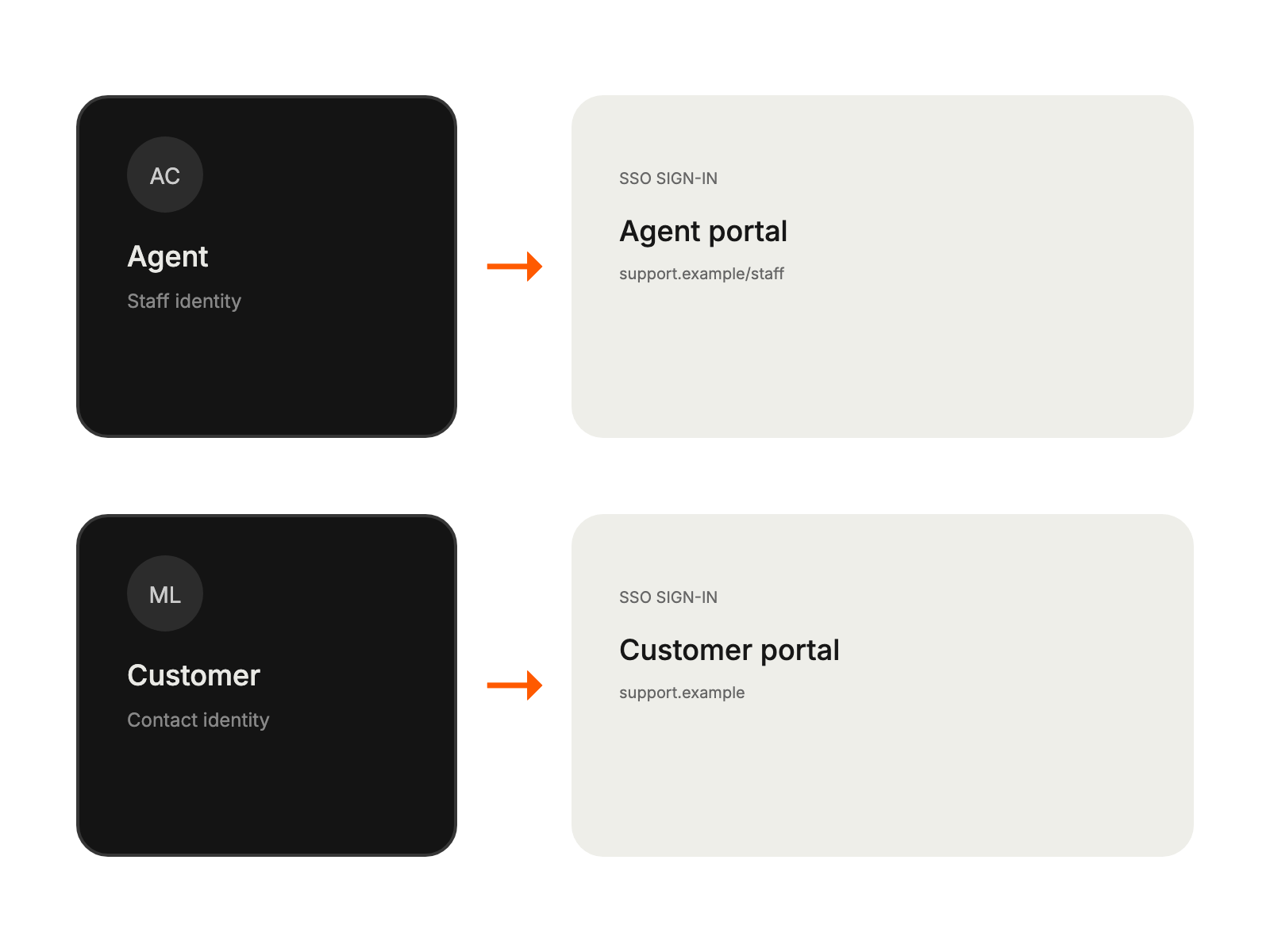
Customers use the contact portal, while agents use the agent portal. Share the appropriate URL with each group.
An administrator must approve first-time agents from the Manage Pending SSO Agents tab.
Yes. A HappyFox custom domain must have SSL enabled for the Microsoft Entra integration.


