Support Agents
Accessing complete customer relationship context during support interactions.
 Help Desk
HappyFox Help Desk integration
View SugarCRM customer details inside HappyFox tickets.

Find the app under CRM in HappyFox Apps.
Enter the account URL, username, and password, then save.
Enable Push Ticket Information to CRM if ticket information should appear as cases.
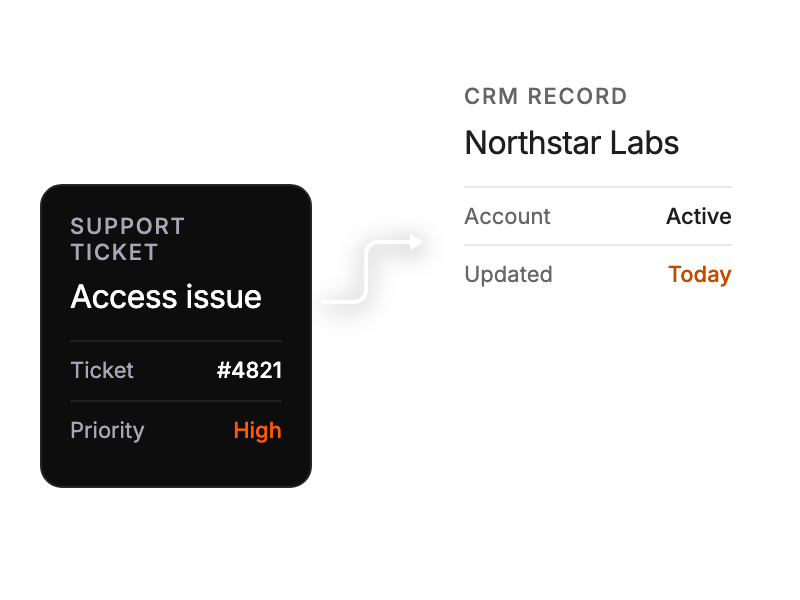
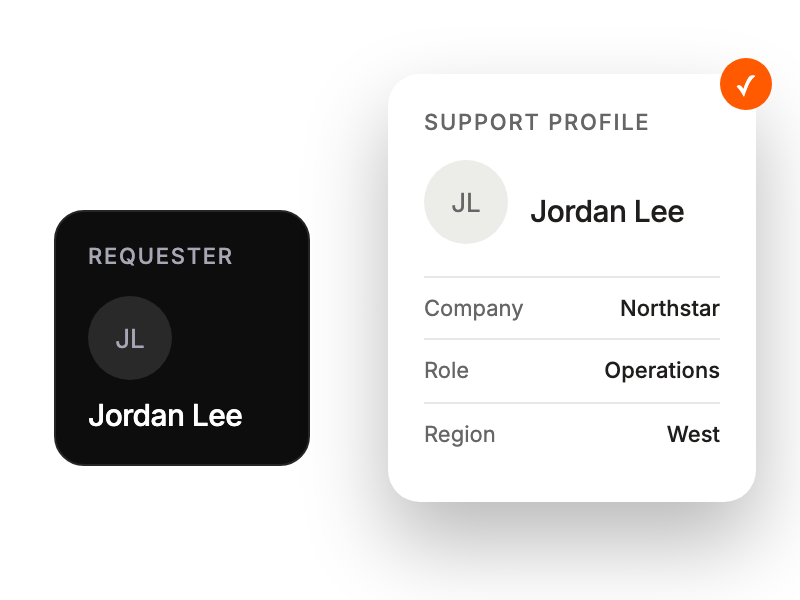
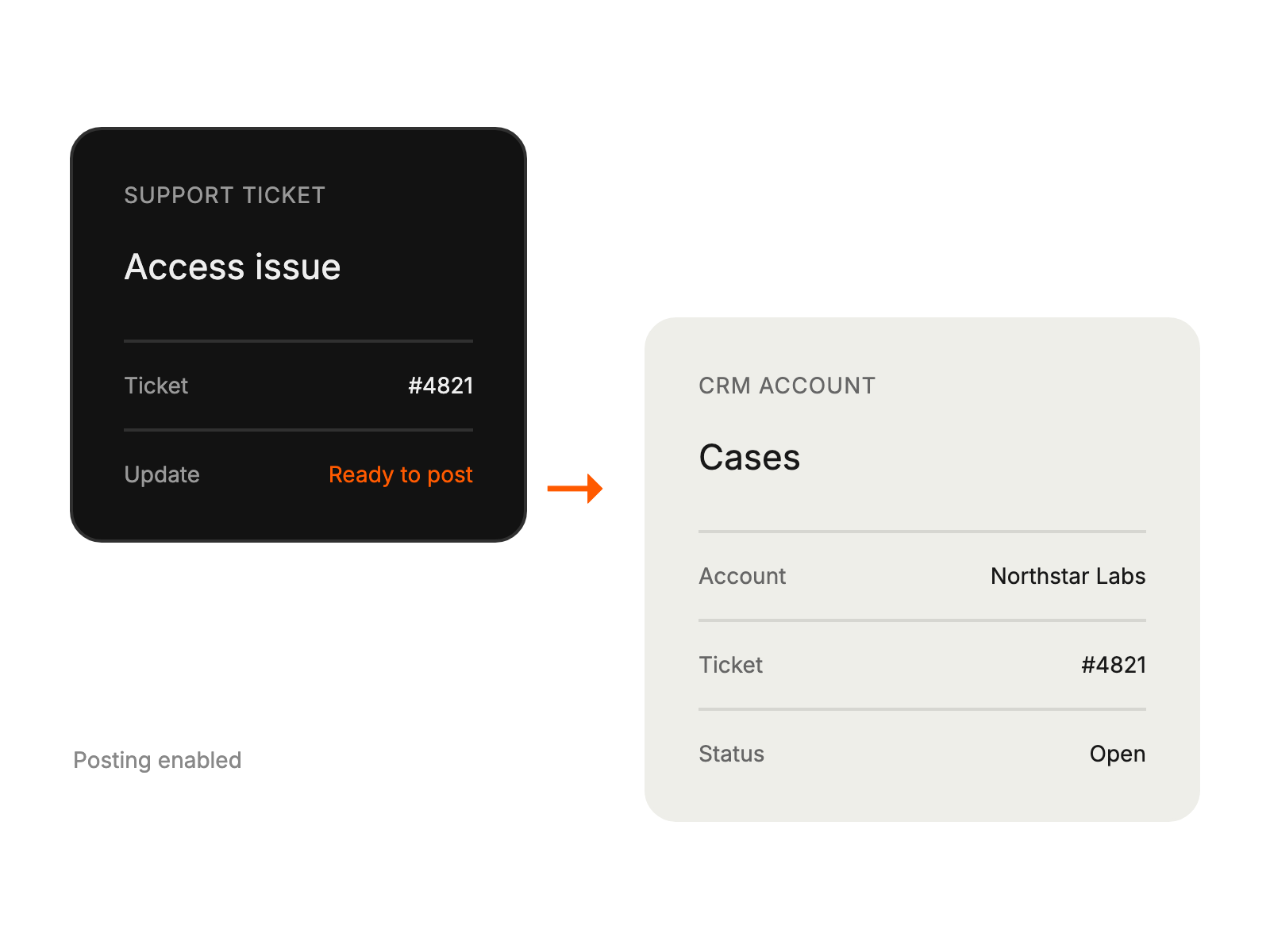
Accessing complete customer relationship context during support interactions.
Monitoring support history and customer issues alongside sales activities.
Maintaining synchronized customer data across sales platforms.
Tracking support requests within broader relationship management workflows