E-commerce Support Teams
managing online store customer inquiries
 Help Desk
HappyFox Help Desk integration
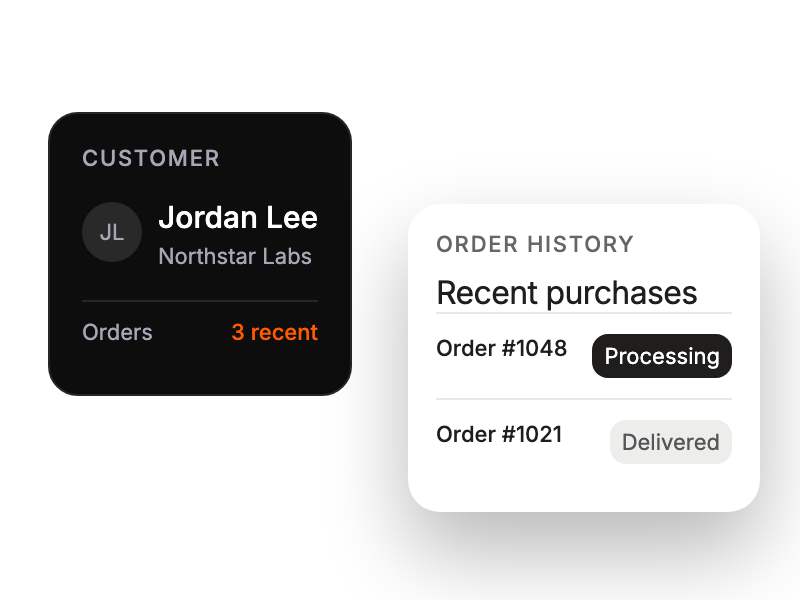
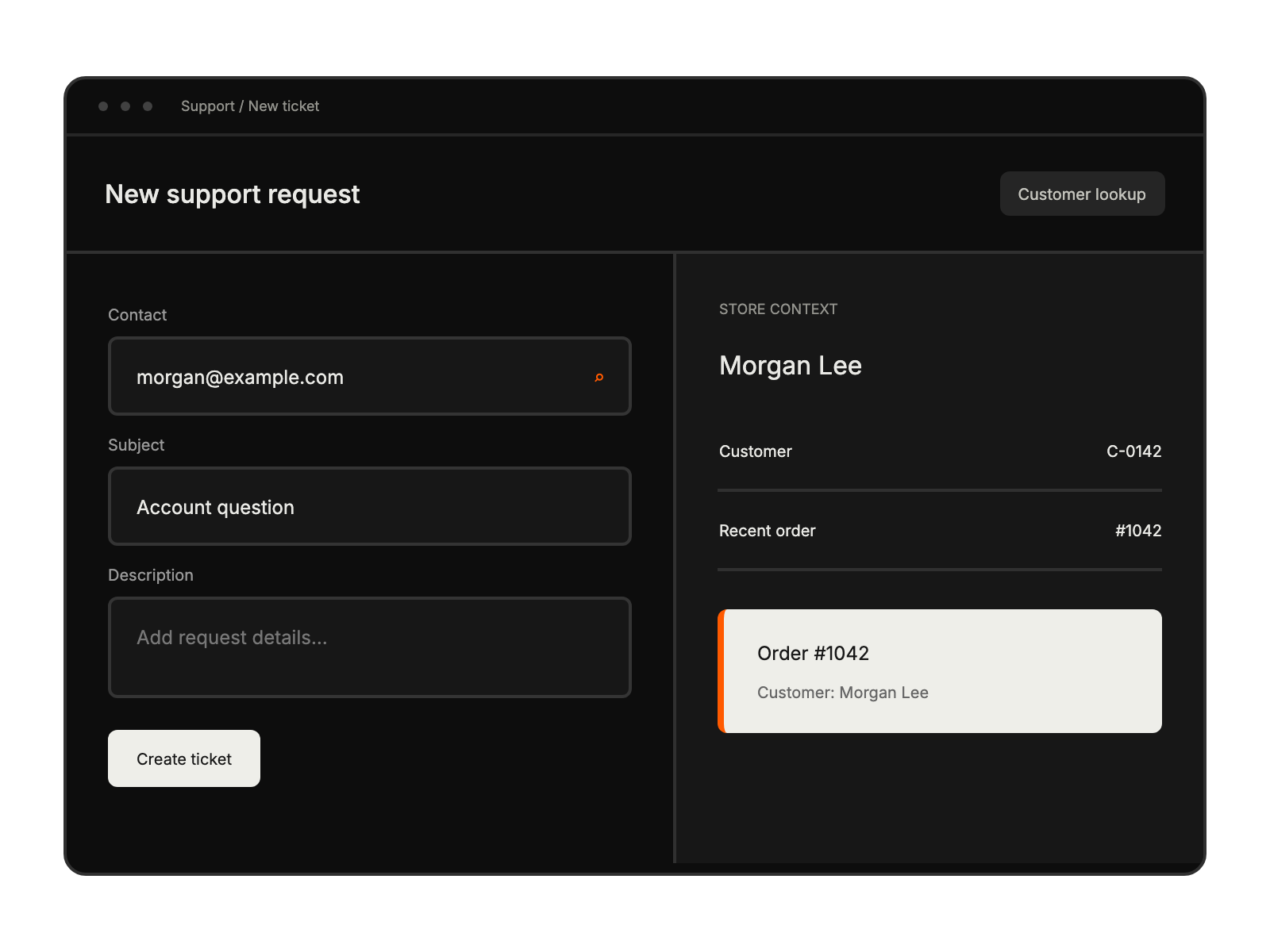
See WooCommerce customers and orders inside HappyFox tickets.

Open WooCommerce REST API settings and copy the consumer key and secret.
Select the app under E-Commerce using an agent with Manage Apps Settings permission.
Enter the site URL, consumer key, and consumer secret, then save.
managing online store customer inquiries
resolving shipping and product issues
overseeing e-commerce support operations
handling customer inquiries while selling


