















Canned Actions: One-Click Replies for Smarter Support
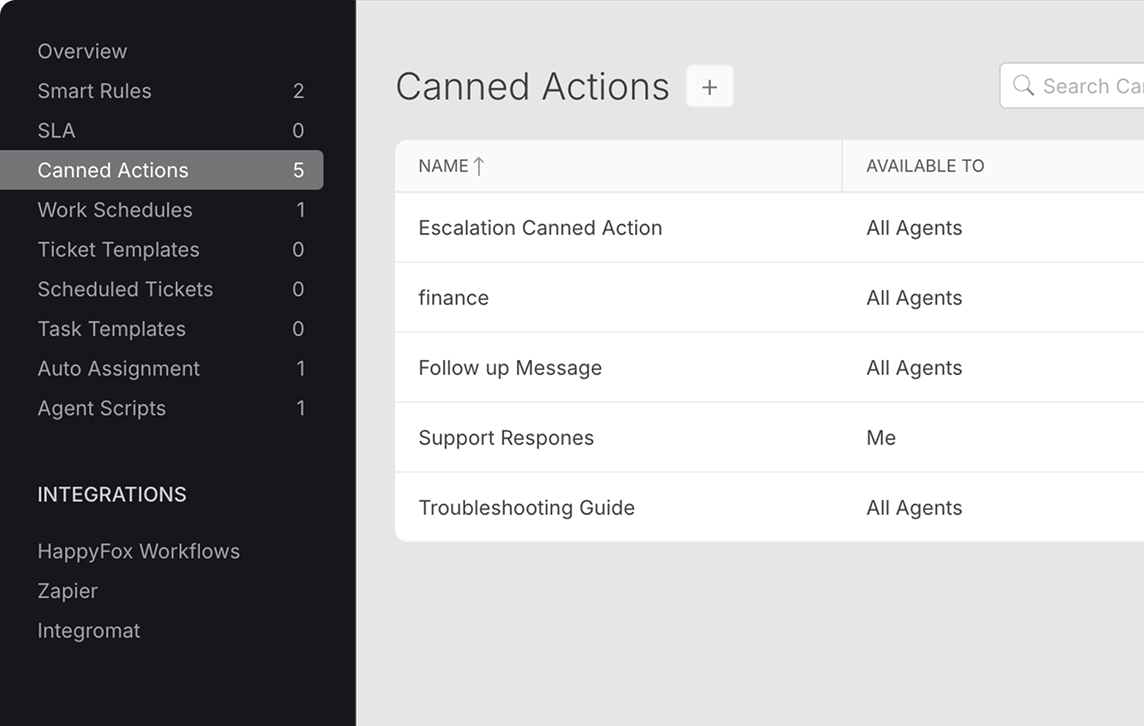












Is Repetitive Work Stealing Your Team's Time and Joy?
We get it. Manually typing the same answers, day in and day out, isn't just inefficient; it's draining. It leads to delayed responses, inconsistent support quality, and burnout. Your agents are stuck in a loop of repetitive tasks, while complex, high-value issues wait.
Canned Actions: Less Time Typing. More Time Helping.
With HappyFox Canned Actions, agents can insert a pre-written reply and apply related ticket updates (like changing status or priority) in just one click. Your customers get consistent answers faster, and your support team gains back hours of productivity.
70%
Faster Response Times
Answer repetitive queries instantly with one-click replies using templated responses.
45%
Time saved per ticket
Automate responses and ticket updates, like changing status, priority and deadline, in one click
34%
Improved Agent Productivity
Empower agents to handle more tickets by spending less time on repetitive queries.
Canned Actions for Faster and Consistent Support Experiences
Instant Replies
Quickly insert pre-written responses into tickets, eliminating manual typing and reducing response times.
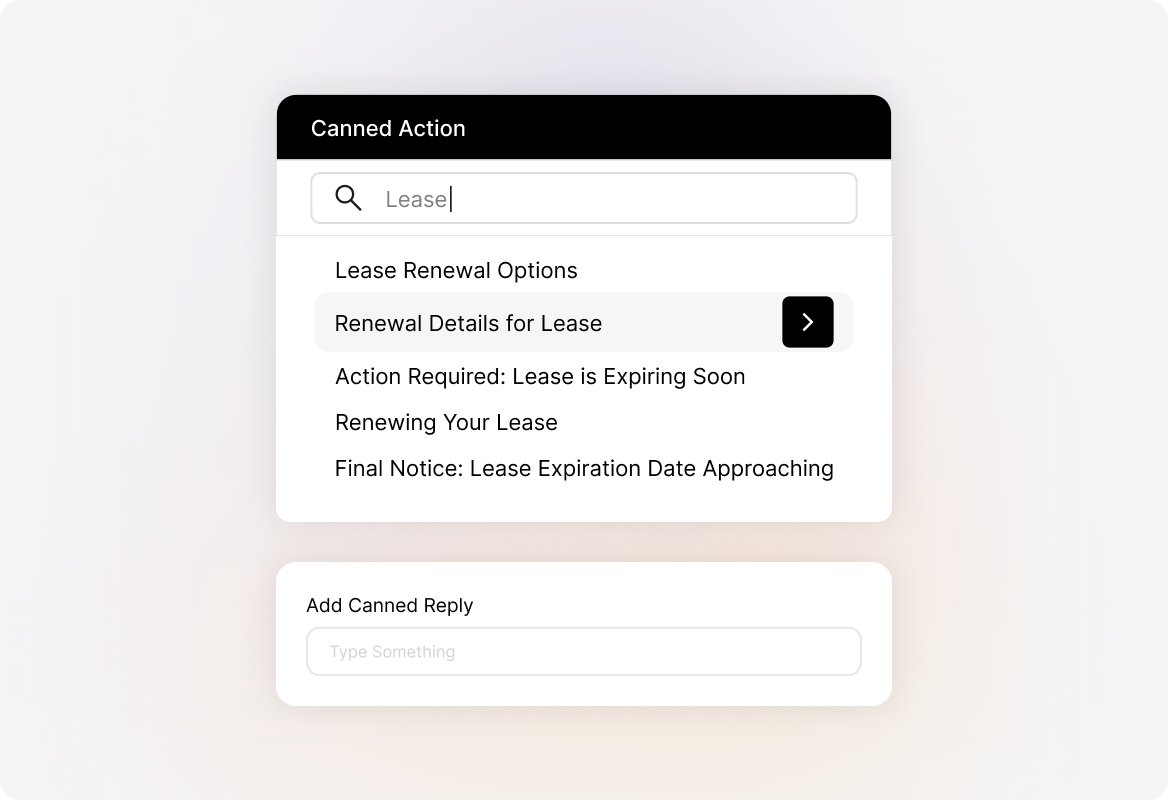
Consistent Messaging
Ensure all agents deliver standardized, accurate information, improving support quality and customer experience.
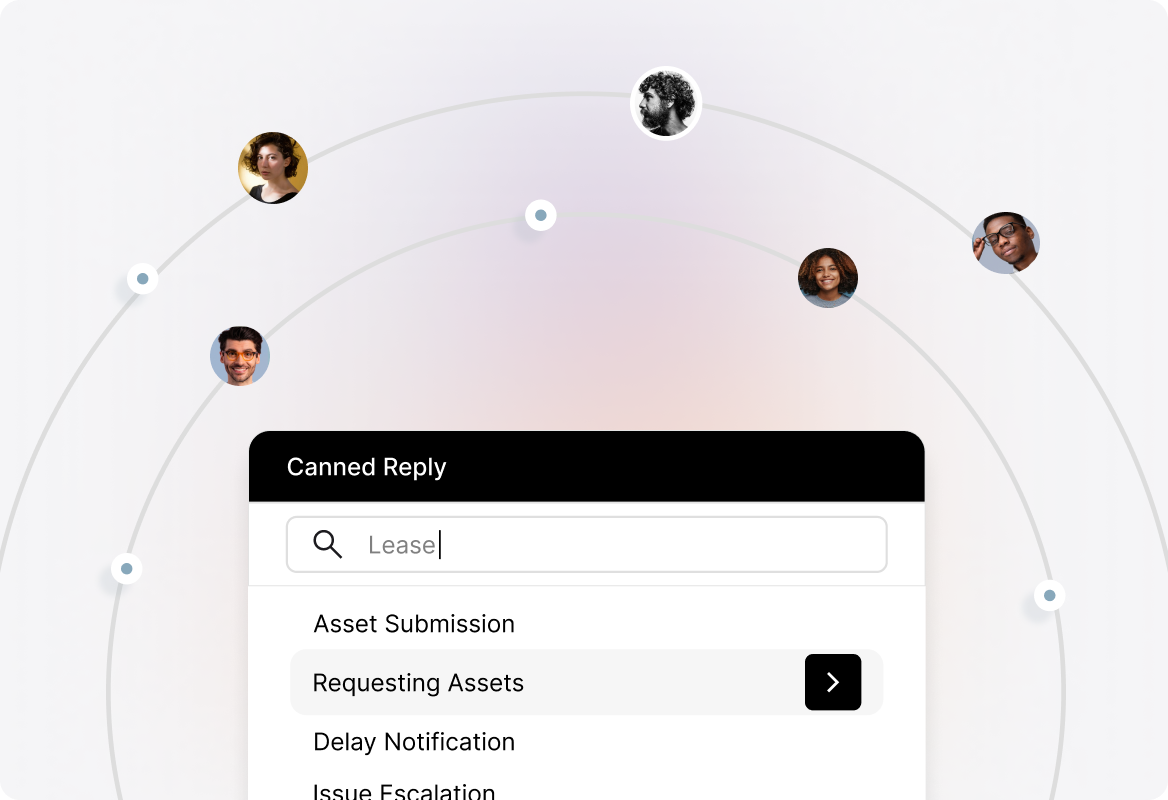
Reduced Agent Fatigue
Minimize repetitive typing, allowing agents to focus on complex issues and reducing burnout.
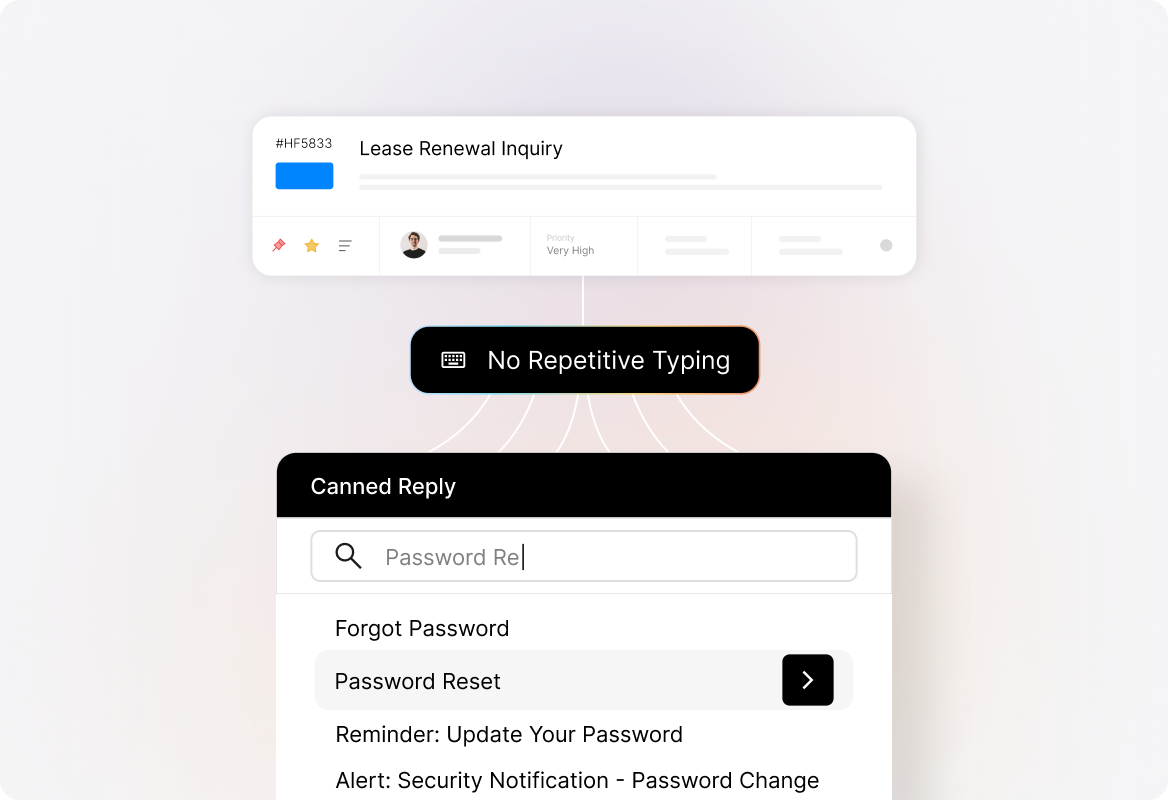
Unified Actions & Responses
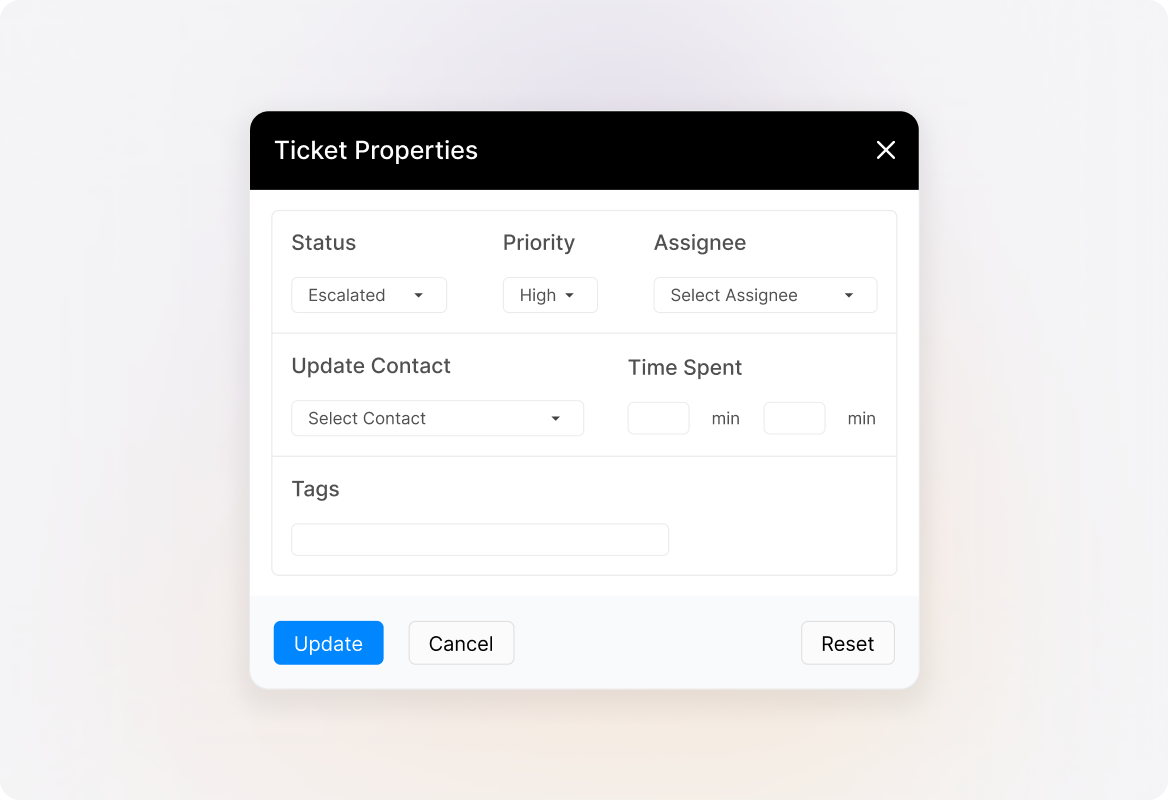
Combine templated responses with automated actions like changing ticket status, priority, and tags, simplifying ticket management.
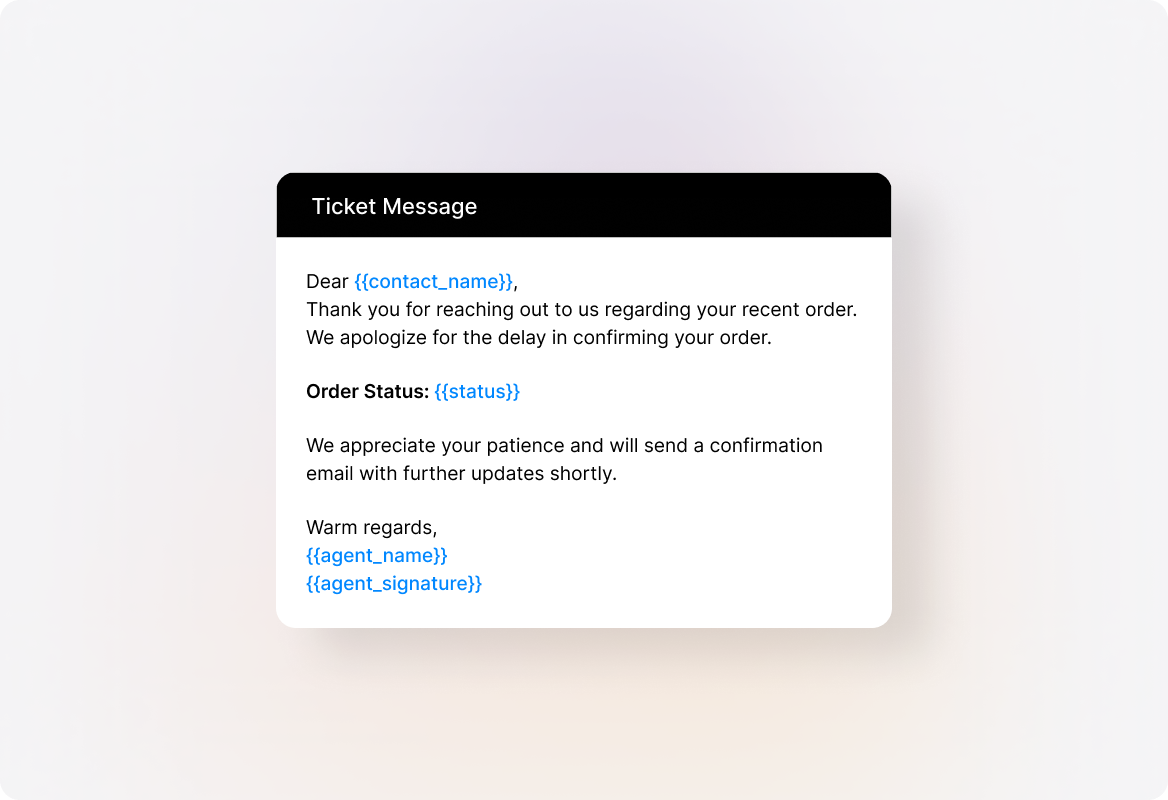
Context-Aware Responses
Use placeholders to personalize replies with customer-specific details, adding a personal touch to standardized responses.
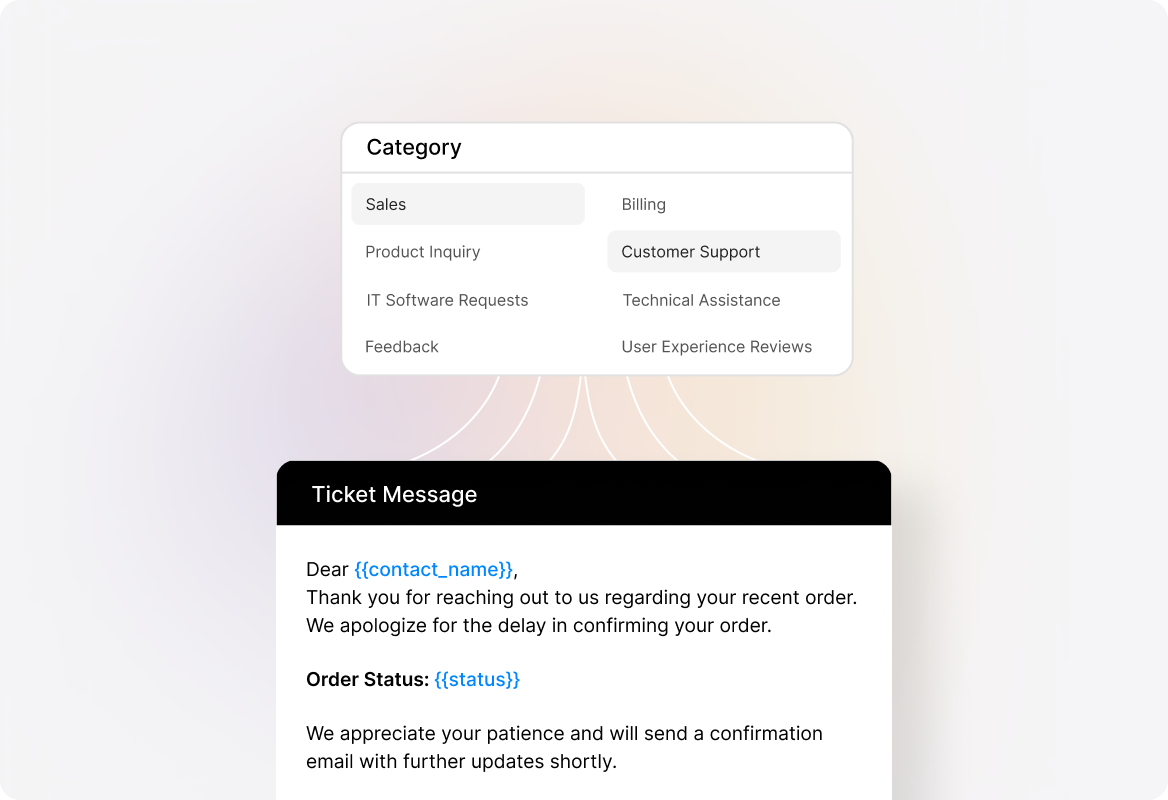
Categorized Templates
Organize canned actions by team or category, making it easy for agents to find the right response quickly.
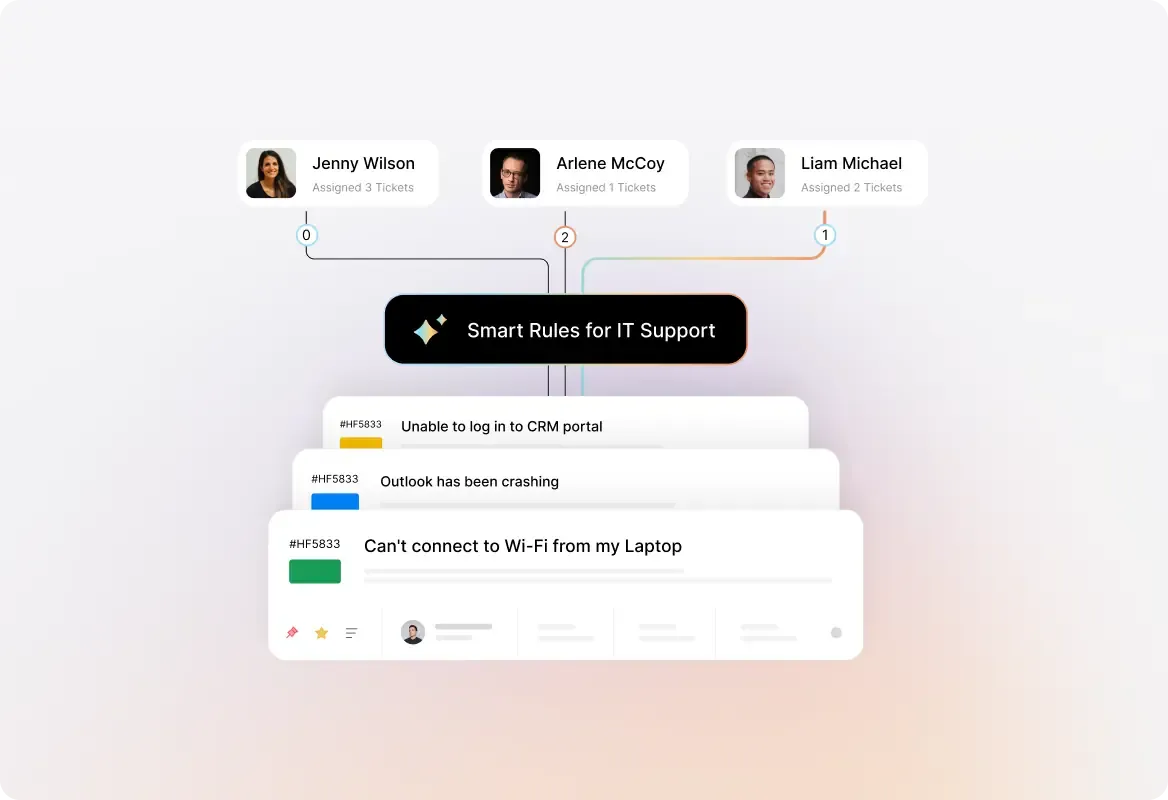
Explore Other Features of HappyFox Help Desk

FAQs
Ready to Improve Your Response Times?
Stop wasting time on repetitive typing. Empower your agents to deliver faster, more consistent support.

Use Cases
For Business Type
For Industries


Copyright ©2026 HappyFox Inc. All rights reserved.