















Manage Tickets Visually with Kanban Boards
Transform your ticket queue into an intuitive, drag-and-drop board organized by status, priority, assignee, or due date.
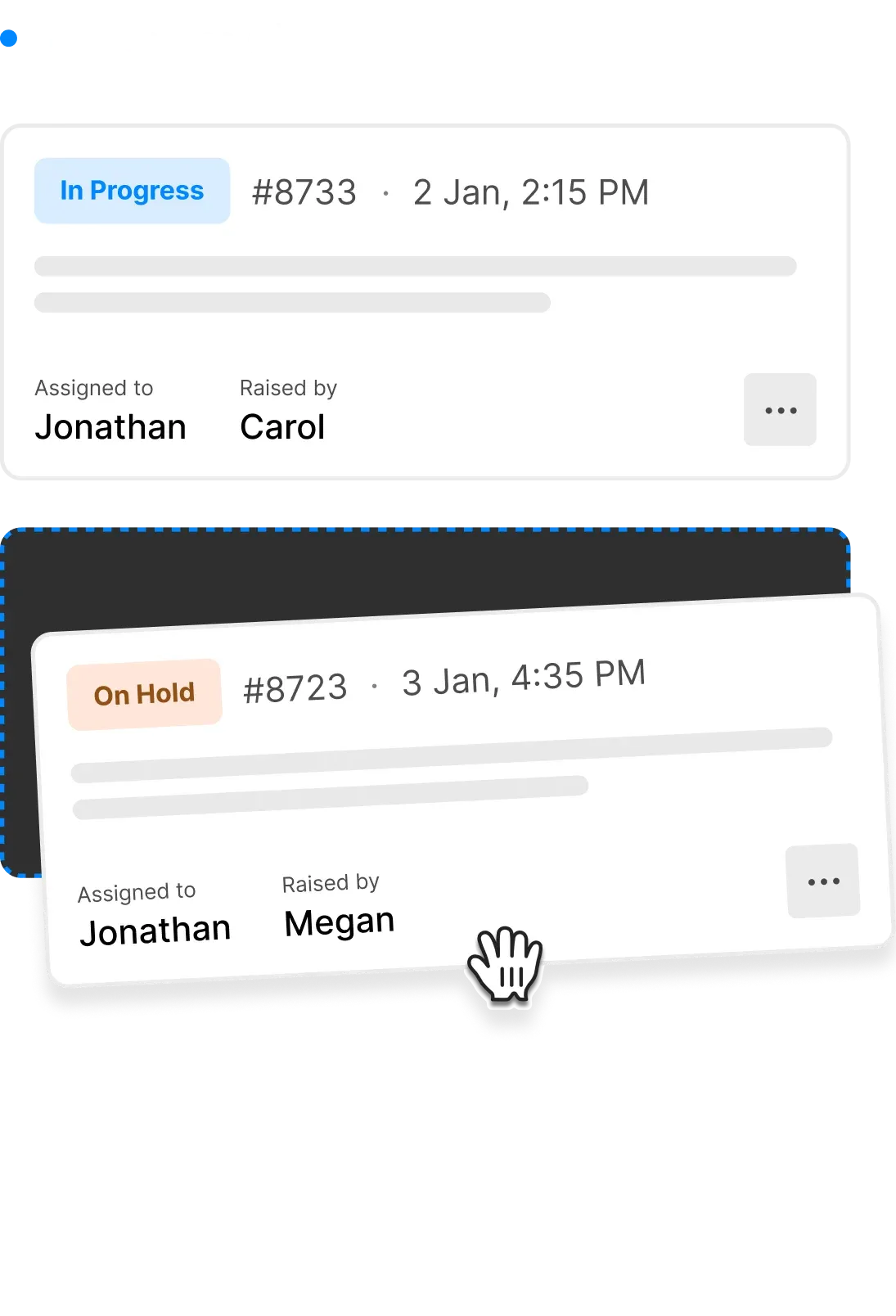












Is Your Ticket List Overwhelming Your Team?
Traditional ticket lists make it hard to see the big picture. Support managers struggle to track ticket progress, identify bottlenecks, and balance workloads when everything looks like an endless spreadsheet. HappyFox Kanban View transforms your ticket queue into a visual board, giving your team instant clarity on what needs attention and where every ticket stands.
Kanban View: Your Tickets at a Glance
Kanban View provides a column-based layout for tickets, allowing segmentation based on Status, Priority, Assignee, or Due Date. Move tickets between columns with simple drag-and-drop, and watch your workflow come to life.
4
Segmentation Options
Organize by Status, Priority, Assignee, or Due Date
100%
Visual Clarity
See your entire queue at a glance
1-Click
Ticket Updates
Drag and drop to instantly update ticket properties
Organize Your Support Queue Your Way
Track Ticket Progress Instantly
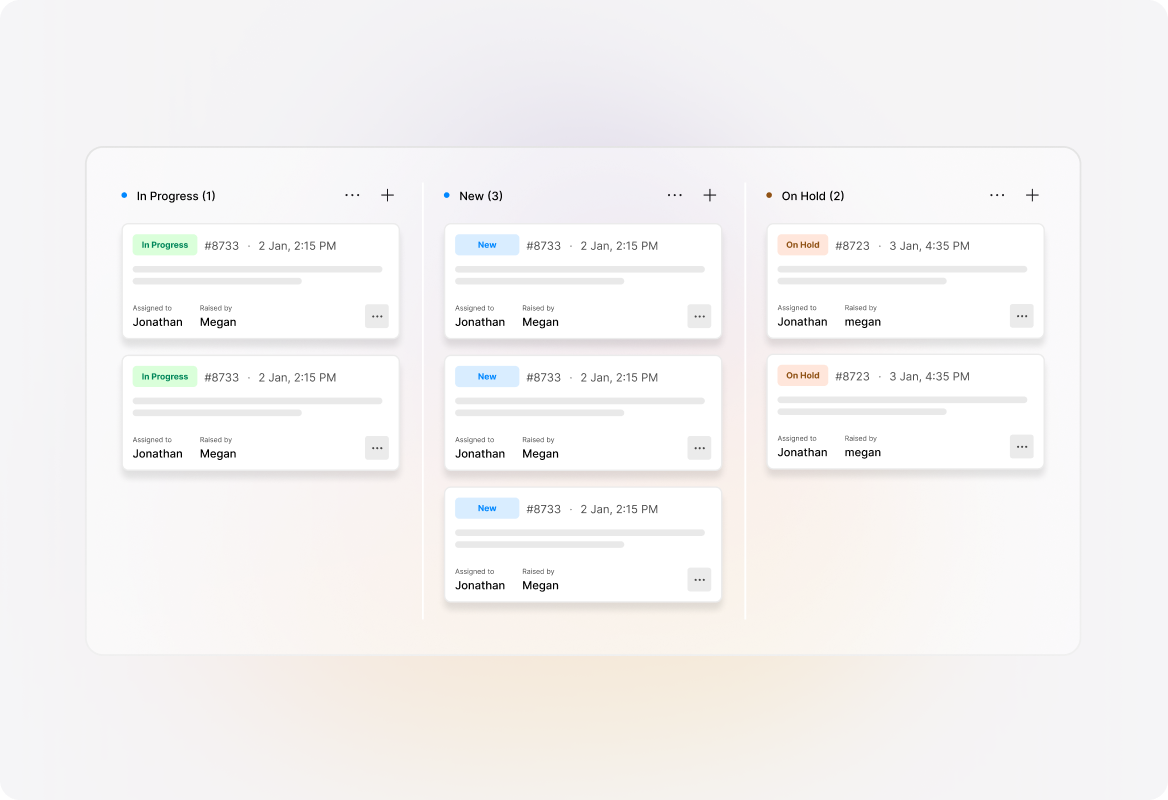
Segment by Status
See exactly where every ticket stands in your workflow. Columns represent statuses in order, so you can instantly identify which tickets are new, in progress, or waiting for customer response. Drag tickets between columns to update their status automatically.
Focus on What Matters Most
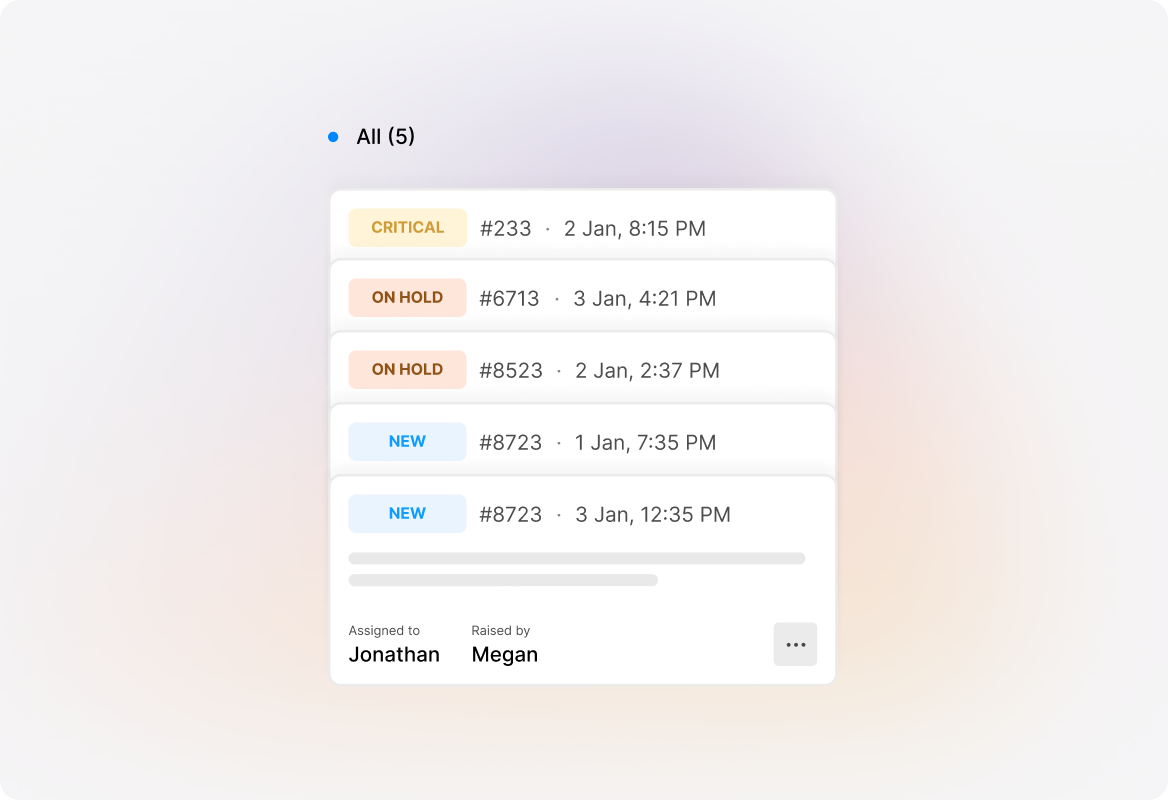
Segment by Priority
Columns represent ticket priorities in descending order—highest priority first. Quickly spot urgent issues that need immediate attention and ensure critical tickets never get buried in the queue.
Balance Workloads Across Your Team
Segment by Assignee
Each column represents an agent (listed alphabetically) with an additional column for unassigned tickets. See at a glance who's overloaded and who has capacity, then drag tickets to reassign them instantly—if you have the "Assign Tickets" permission.

Never Miss a Deadline
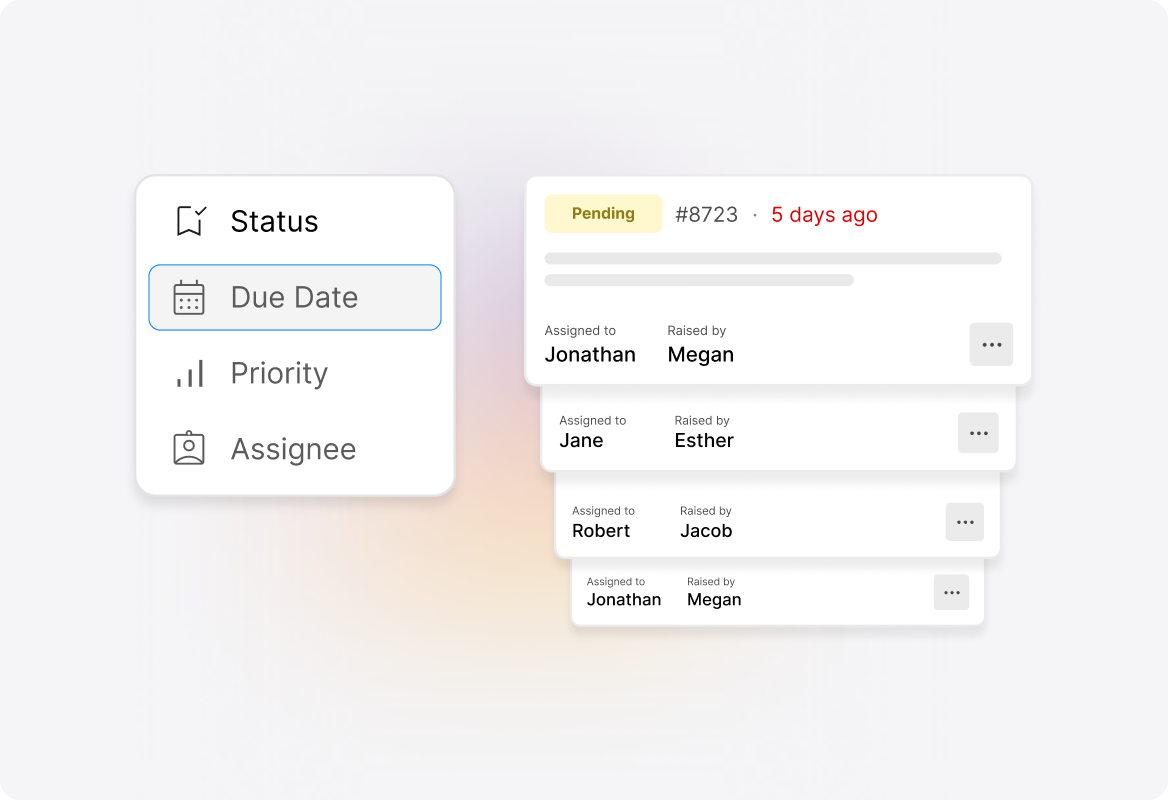
Segment by Due Date
Columns represent due dates in chronological order, making it easy to spot tickets approaching their SLA deadlines. Keep your team focused on time-sensitive issues and protect your service level commitments.
Update Tickets Without Opening Them
Drag-and-Drop Simplicity
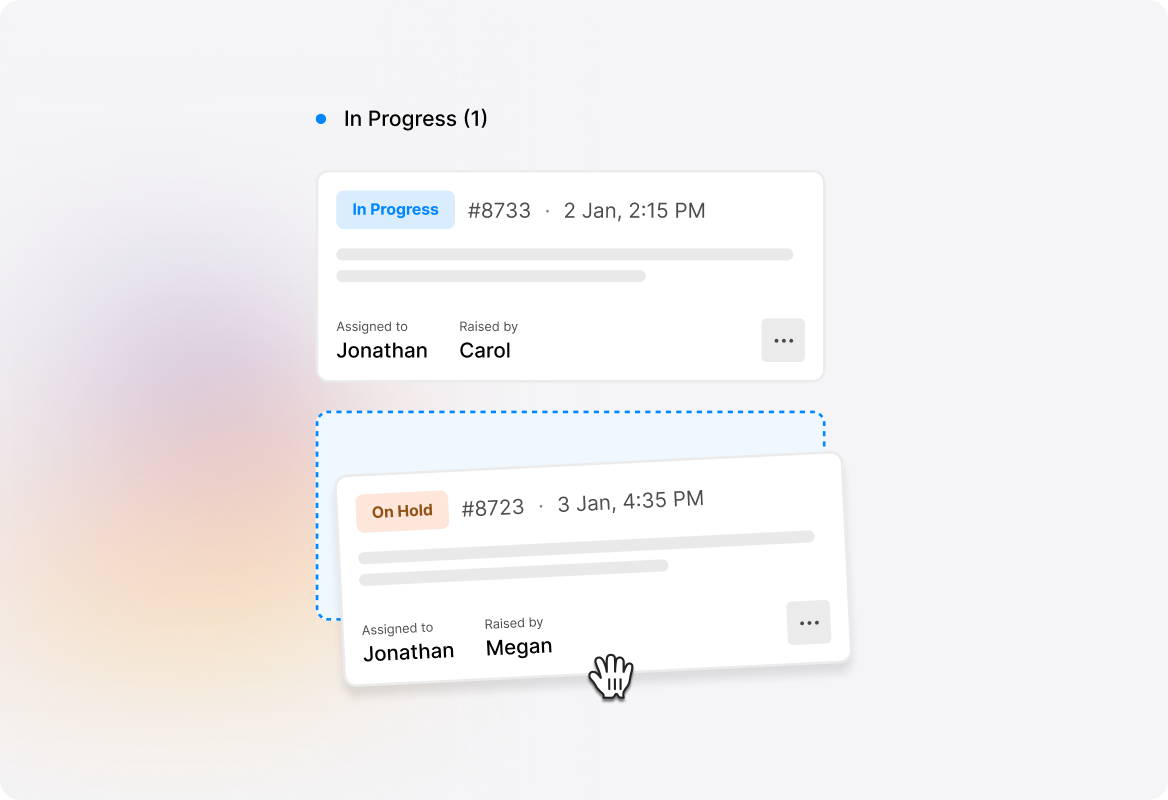
Move tickets between columns with a simple drag-and-drop action. The ticket's corresponding property updates automatically—no need to open each ticket individually. If an error occurs, the ticket reverts to its original position, so you never lose track.
Set It and Forget It
Make Kanban Your Default View
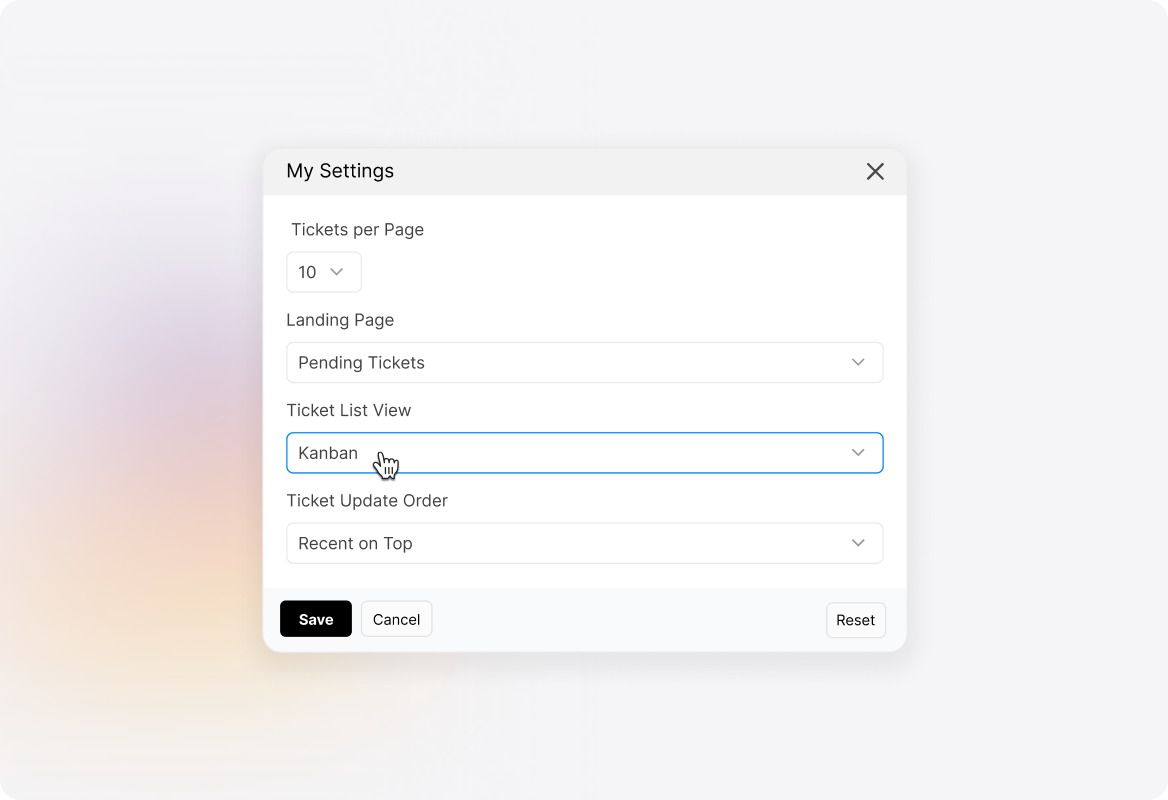
Love the Kanban view? Make it your default. Go to Profile → My Settings → Ticket Preferences and choose Kanban from the ticket list view dropdown. Every time you open your ticket list, you'll see your visual board ready to go.
Explore Other Features of HappyFox


FAQs
Ready to Visualize Your Support Queue?
Let us show you how Kanban View can transform the way your team manages tickets.

Use Cases
For Business Type
For Industries


Copyright ©2026 HappyFox Inc. All rights reserved.