















Write engaging, structured articles with images, tables, media embeds, and advanced formatting options for maximum readability.


Empower Self-Service and Deflect Tickets with the HappyFox Knowledge Base
Help customers find instant answers with an intuitive, searchable knowledge base that scales along with your business.












Struggling to Keep Up With Growing Support Demands?
Your team's expertise is locked away in emails and ticket responses, while customers wait for answers they could find themselves. HappyFox Knowledge Base turns your support team's know-how into a powerful self-service resource that works 24/7.
What is HappyFox Knowledge Base?
A comprehensive knowledge management system that helps you create, organize and share both internal and external knowledge bases. Build a searchable help center with rich articles, intelligent suggestions, and powerful customization options.
50%
Fewer Basic Tickets
Let customers find answers instantly while your team focuses on complex issues.
40%
Increased Self-Service
Empower your customers to solve common issues on their own.
24/7
Customer Support
Give customers the answers they need, any time, on any device.
Maximize Ticket Deflection and Agent Efficiency
Access Anywhere, Anytime
Responsive design ensures your knowledge base works perfectly on any device, giving customers instant help wherever they are.
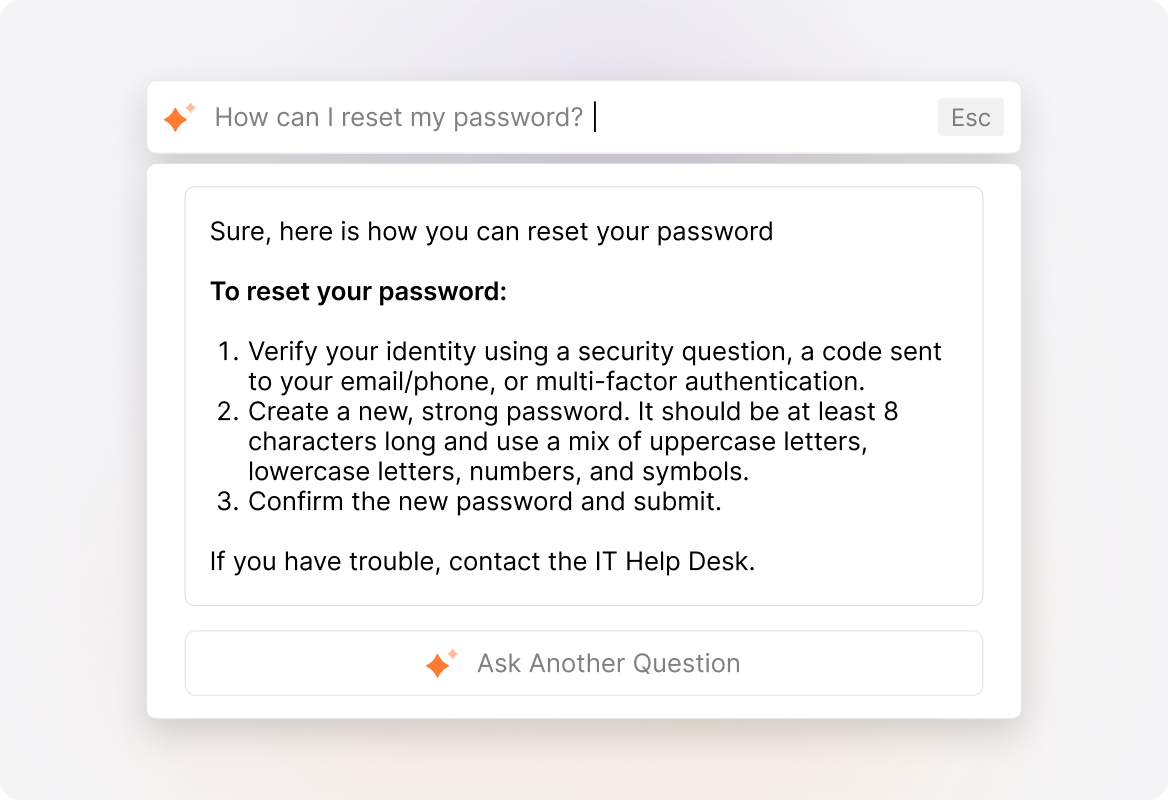
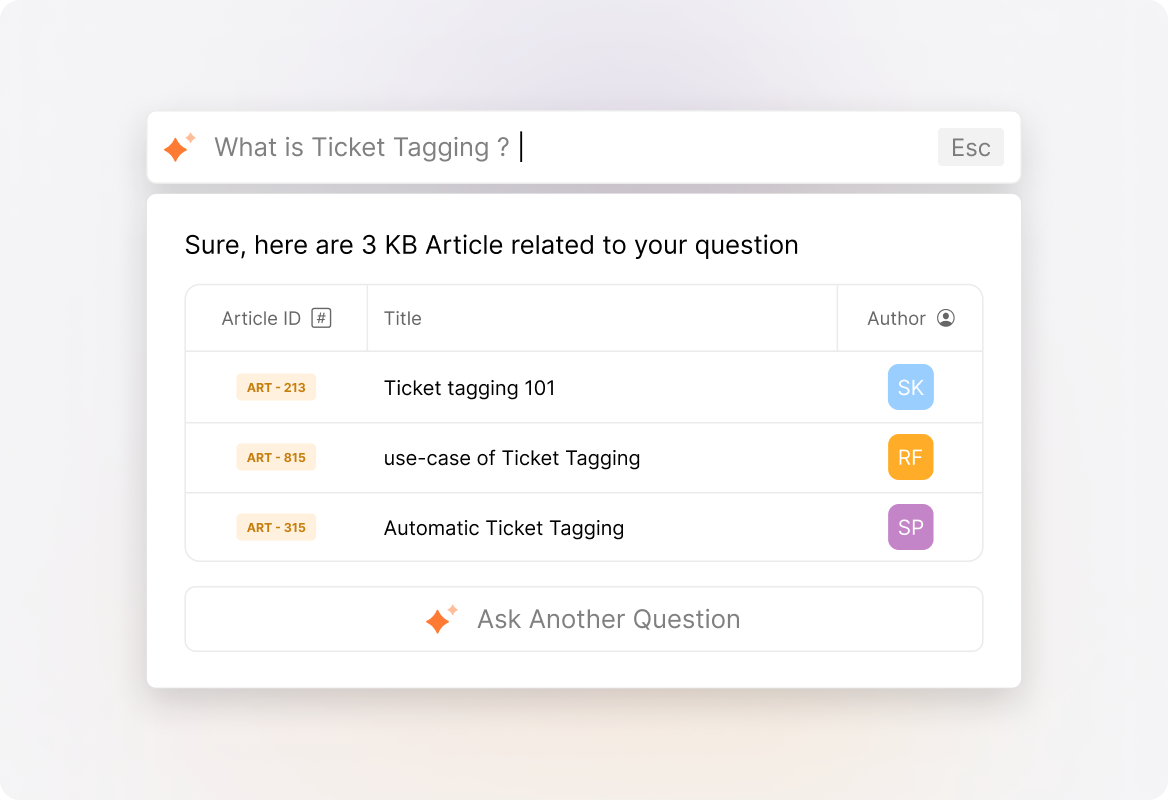
AI-Powered Answers
With Happyfox AI, deliver instant, AI-generated responses powered by your knowledge base, ensuring customers get accurate, context-aware solutions without browsing through knowledge articles.
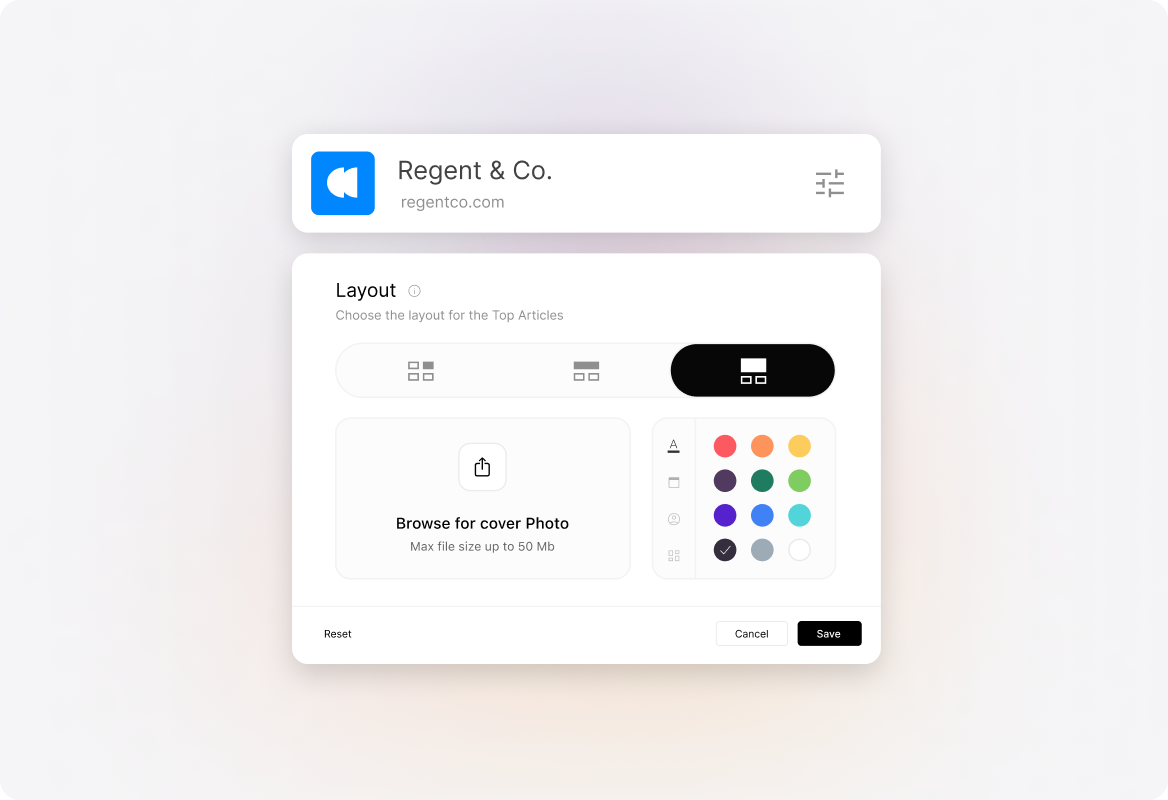
Brand-Perfect Design
Customize each knowledge base's look and feel to match your brand with custom colors, logos, and layouts - no coding needed.
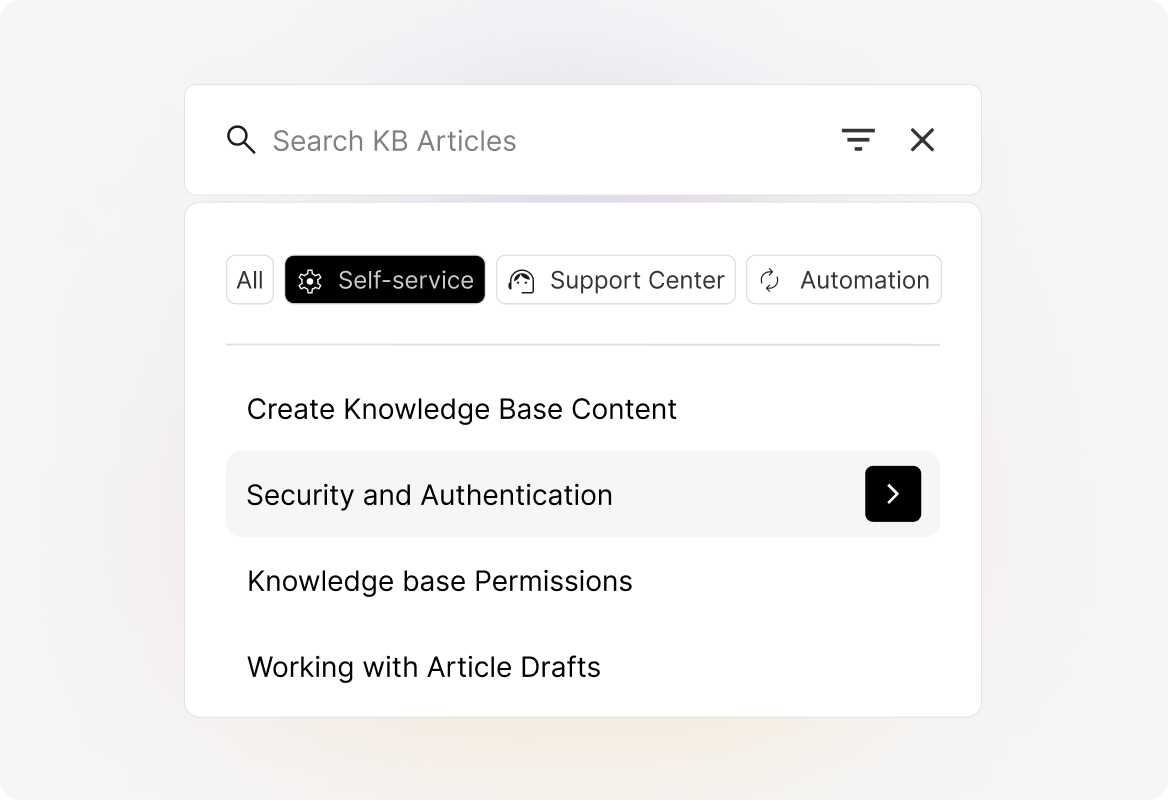
Intelligent Search and Auto-Suggest
Auto-suggest relevant articles as customers type their questions, helping them find answers before they even finish asking.
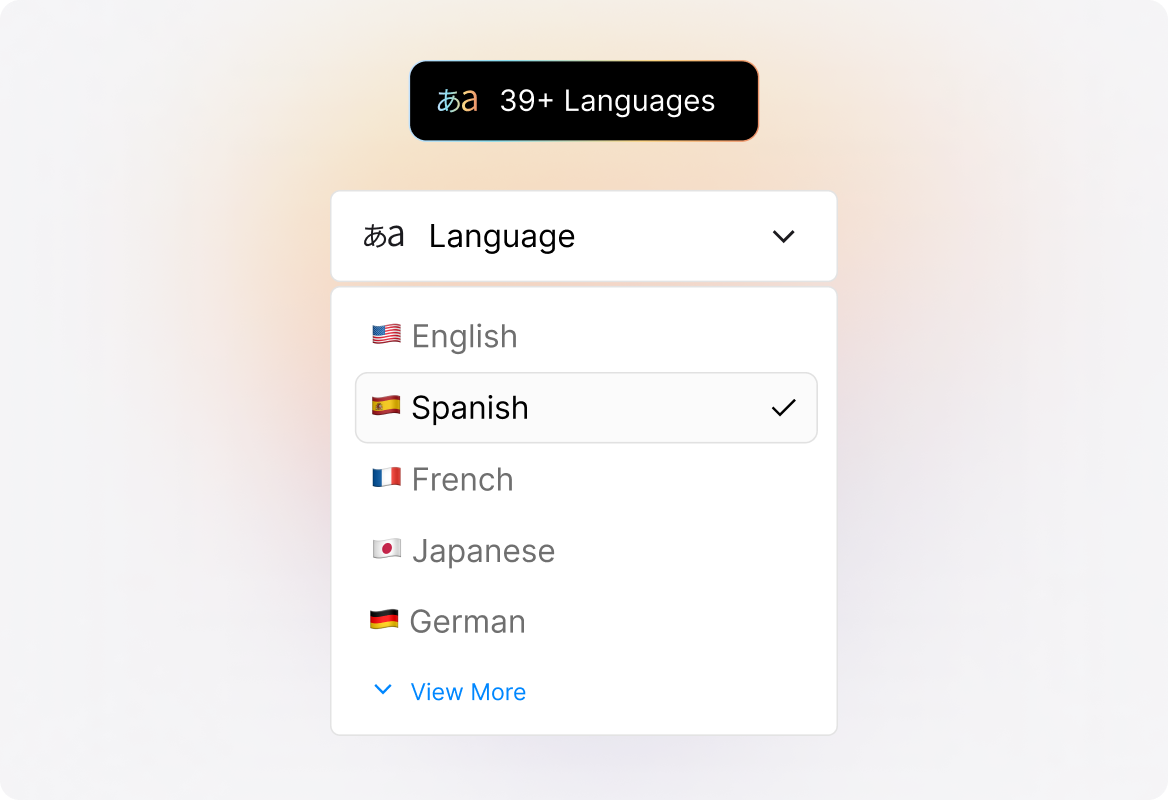
Multilingual Knowledge Base
Support customers in 39+ languages with our multilingual knowledge base, letting them toggle between languages instantly.
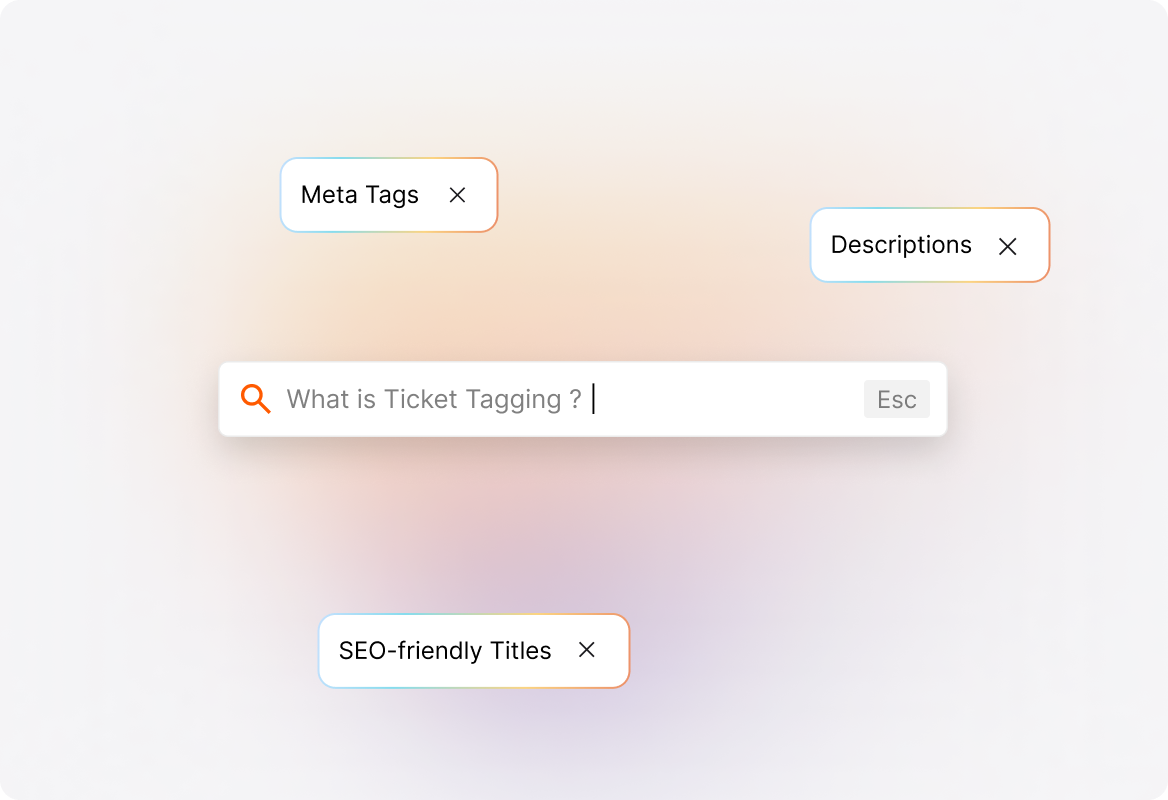
Improved Search Visibility
Optimize your knowledge base for search engines with meta tags, descriptions, and SEO-friendly urls and titles, making it easier for customers to find answers online.
Enhance Knowledge Management & Control
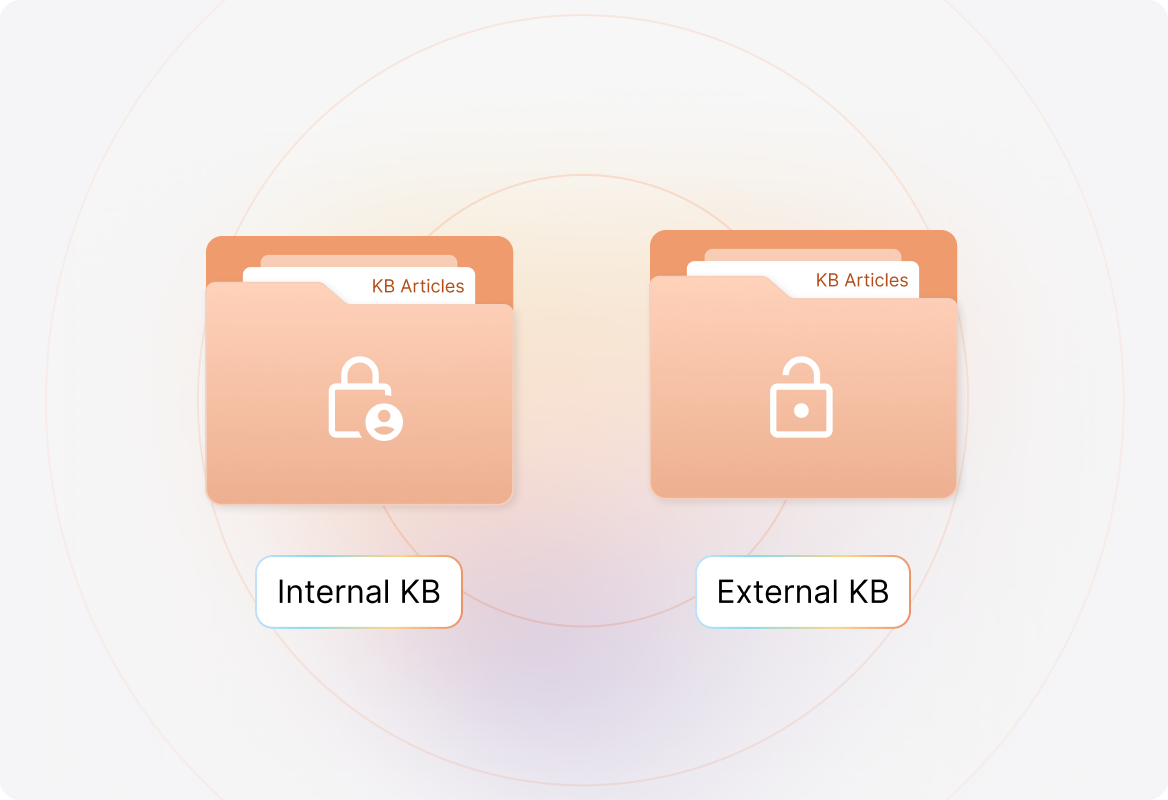
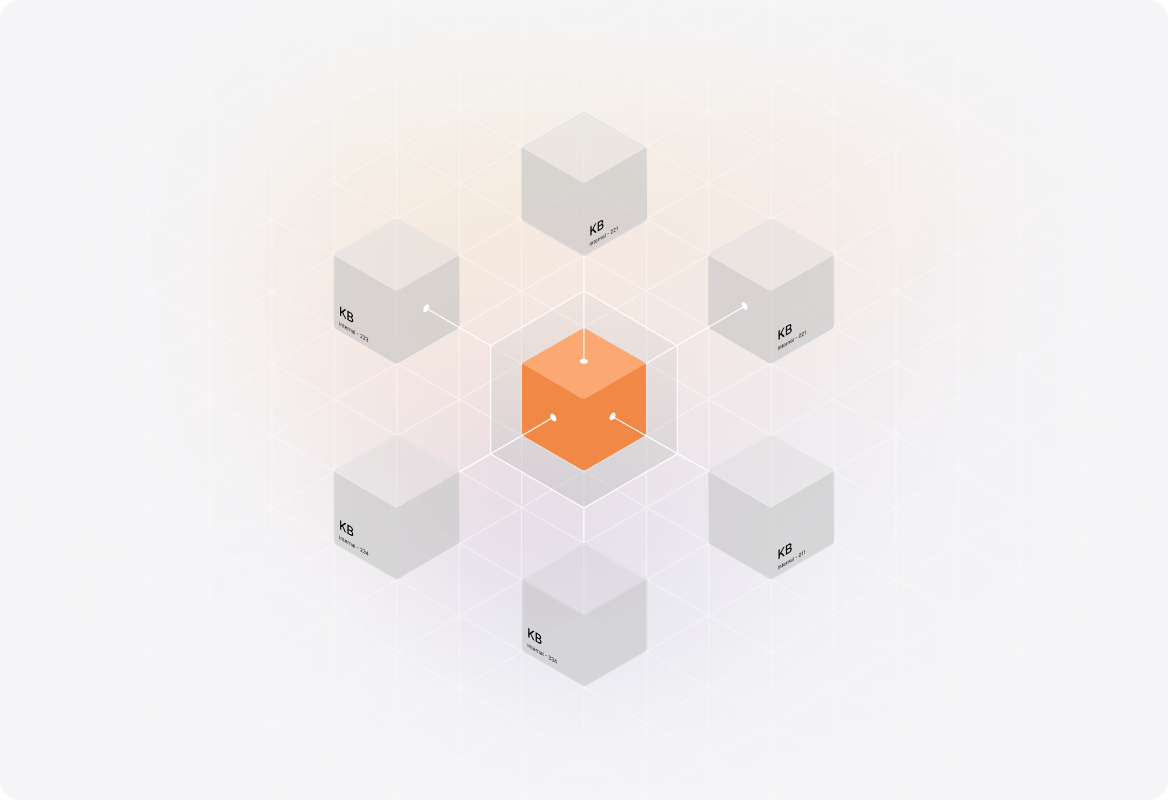
Internal and External Knowledge Bases
Maintain separate internal and external knowledge bases, giving agents secure access to internal documentation while providing customers with a dedicated self-service hub.
Multi-Brand Knowledge Management
Create and manage separate knowledge bases for different products, brands, or divisions. Each KB maintains its own branding and content structure, ensuring customers only see information relevant to their product.
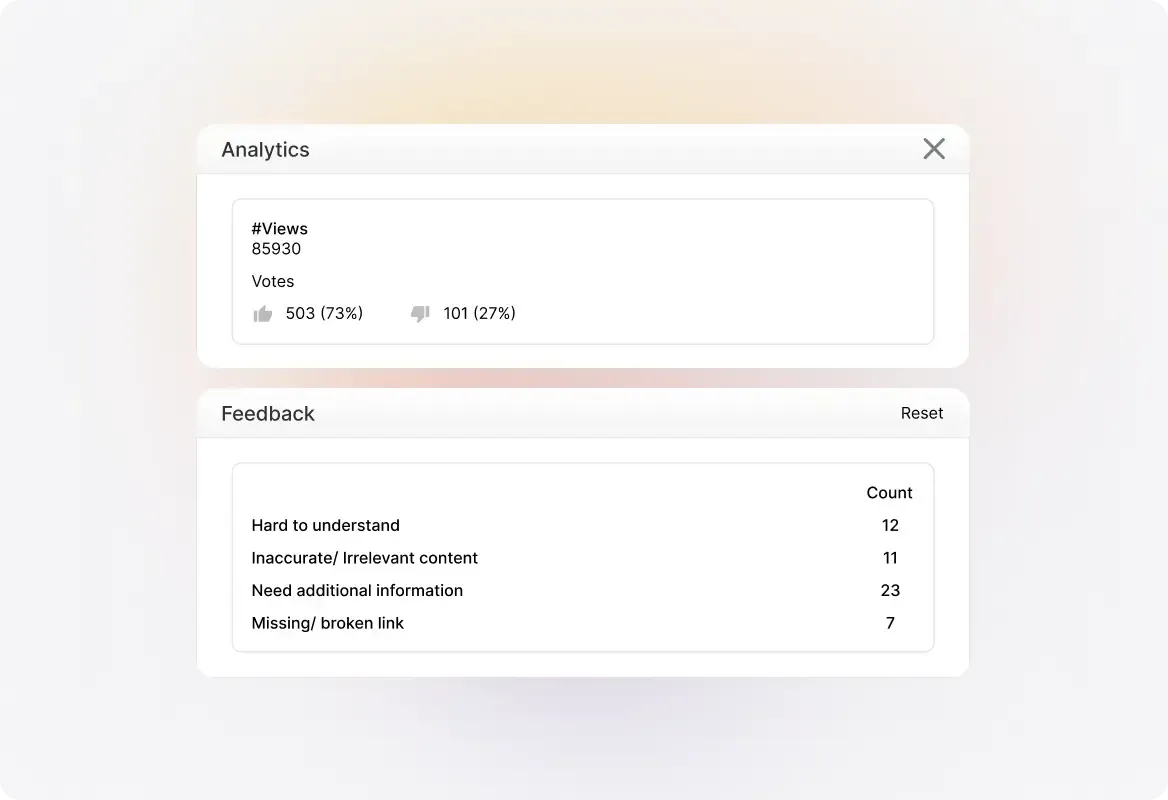
Knowledge Base Analytics
Track which articles are most useful and identify knowledge gaps through analytics and customer feedback. By spotting what's missing, you ensure your KB is always evolving.
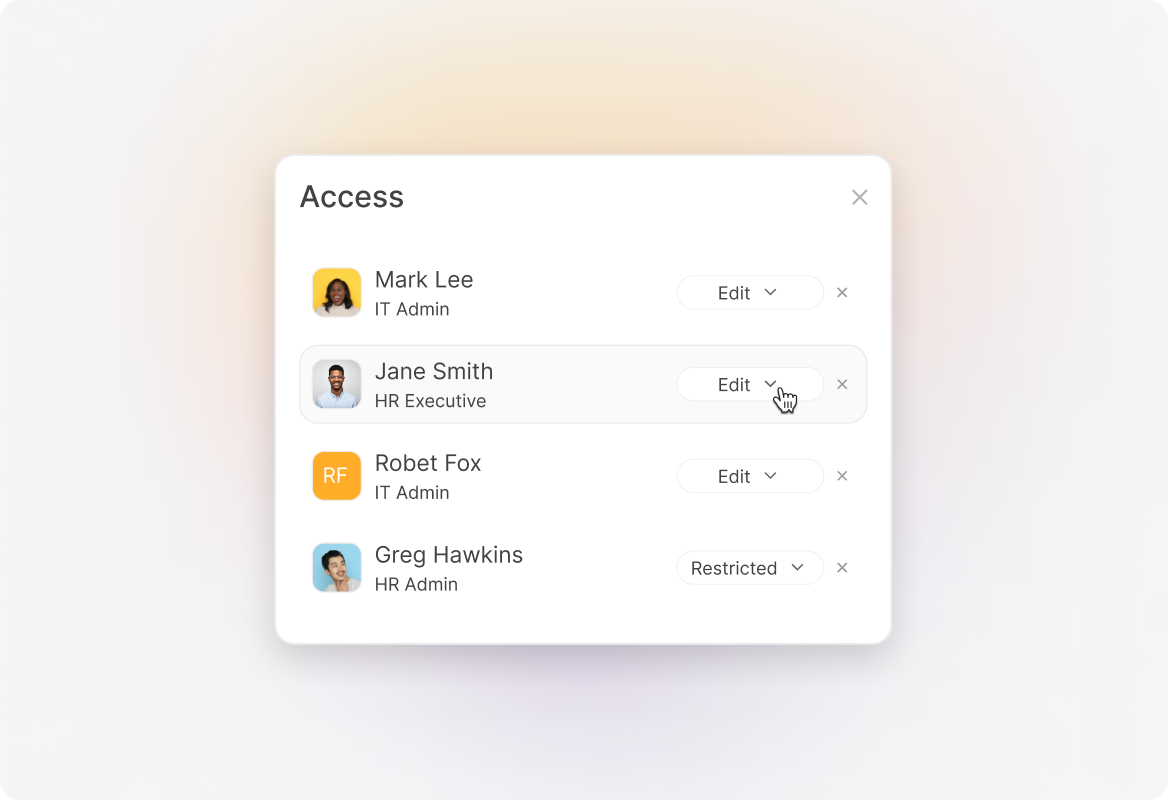
Granular Access Control
Define who can create, edit, and manage your knowledge base with role-based access control, ensuring the right team members have the right permissions.
Build & Optimize Your KB with Powerful Tools

Powerful Rich Text Editor

File Attachments in Articles
Enhance your articles with downloadable files, presentations, or case studies by dragging and dropping attachments directly into your content.

Article Tags for Better Organization
Tag and categorize content for quicker discovery, easy indexing, and better searchability across large knowledge bases.

Article Drafts and Collaboration
Save work-in-progress articles as drafts, collaborate with teammates, and publish only when your content is ready.

Announcement Banner
Highlight crucial updates with a customizable announcement banner at the top of your knowledge base pages.

Google Analytics Integration
Integrate with Google Analytics for deeper insights into article performance, search queries, and user behavior.
HappyFox Knowledge Base Helps Thousands of Companies Reduce Ticket Volume



FAQs
How quickly can we set up our knowledge base?

Most teams can launch a fully functional knowledge base in just a few hours. You can import existing articles, use templates, and customize the design without needing IT resources. Setup is simple, and your knowledge base can scale as your content grows.
Can we have different knowledge bases for different products?
Yes. HappyFox Knowledge Base supports multi-brand knowledge management, allowing you to set up unique knowledge bases for different products, business units, or customer segments. Each knowledge base can have its own branding, structure, and access settings.
Is the knowledge base SEO-friendly?
Absolutely. HappyFox Knowledge Base is built with SEO best practices, including customizable meta tags, descriptions, and search-friendly article URLs. This helps your contact center content rank higher in search engines, driving more traffic and deflecting tickets even before customers land on your website.
Does HappyFox Knowledge Base support internal use cases?
Yes. You can maintain internal knowledge bases for your employees, IT team, or HR processes, alongside external ones for customers. Access can be restricted with role-based permissions to ensure only the right teams view internal content.
Is the knowledge base mobile-friendly?
Yes. The HappyFox Knowledge Base has a fully responsive design, ensuring a seamless experience across desktop, tablet, and mobile. Customers can find answers anytime, on any device.
Boost Self-Service. Reduce Ticket Volume with HappyFox
Give your customers the power to find answers instantly while freeing your support team to focus on what matters most.

Use Cases
For Business Type
For Industries


Copyright ©2026 HappyFox Inc. All rights reserved.