















Control Access. Empower Your Team. Secure Your Help Desk.
Define exactly what each team member can see and do—create custom roles with granular permissions that keep your support operations secure and efficient.
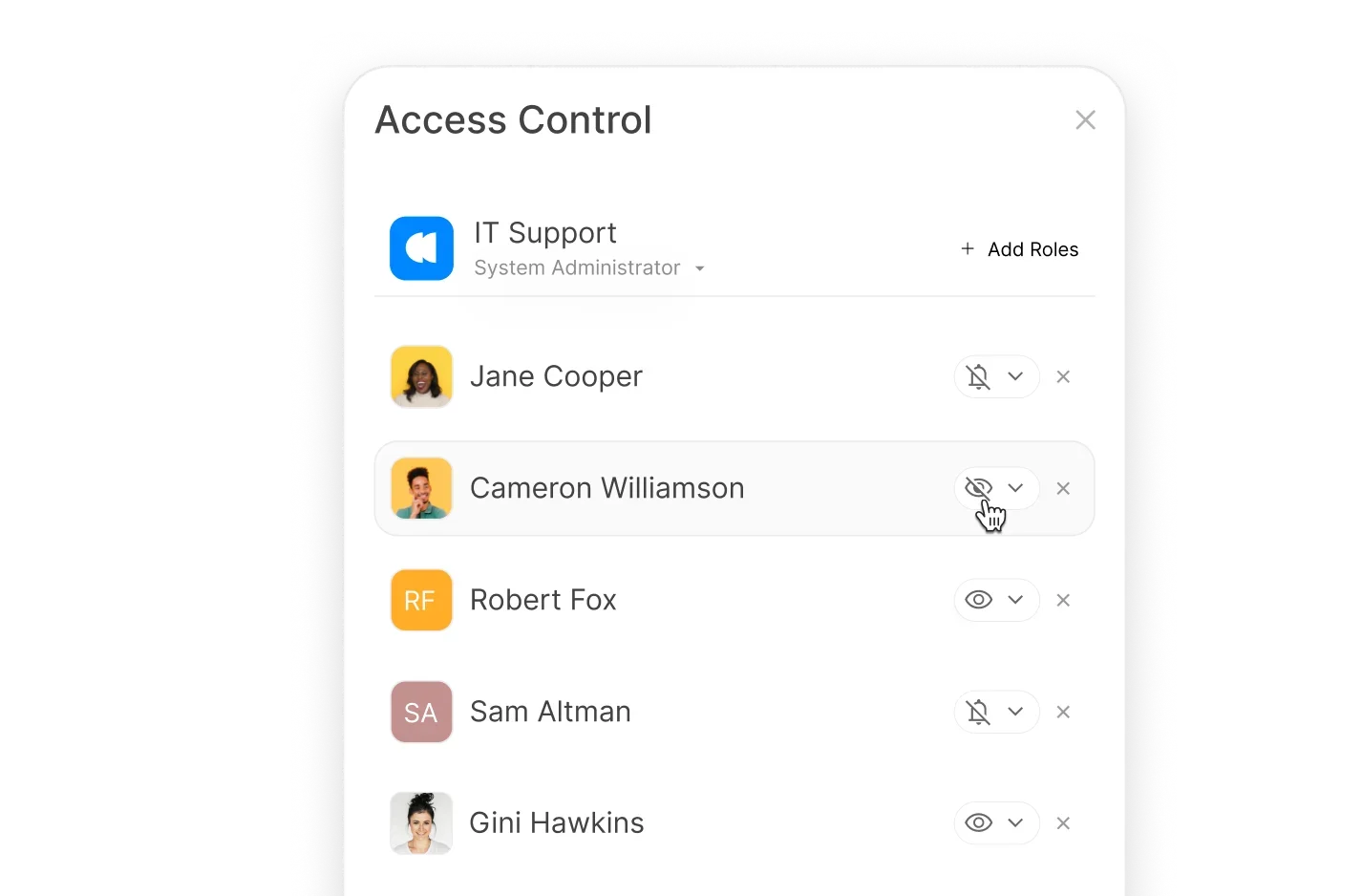












Without Clear Access Controls, Your Help Desk Becomes a Security Risk
When every agent has the same level of access, sensitive data is exposed, critical settings can be accidentally changed, and accountability becomes impossible. You need a way to give each team member exactly the right permissions - no more, no less.
What are Roles and Permissions in HappyFox?
2
Default Roles Included
HappyFox ships with Admin (full access) and Agent (restricted access) roles ready to use.
100%
Access Control
Every agent is associated with a role—ensuring consistent, secure access across your team.
2
Permission Types
Managerial permissions for app-level functions, plus ticket-level permissions for ticket actions.
Granular Permissions That Give You Complete Control
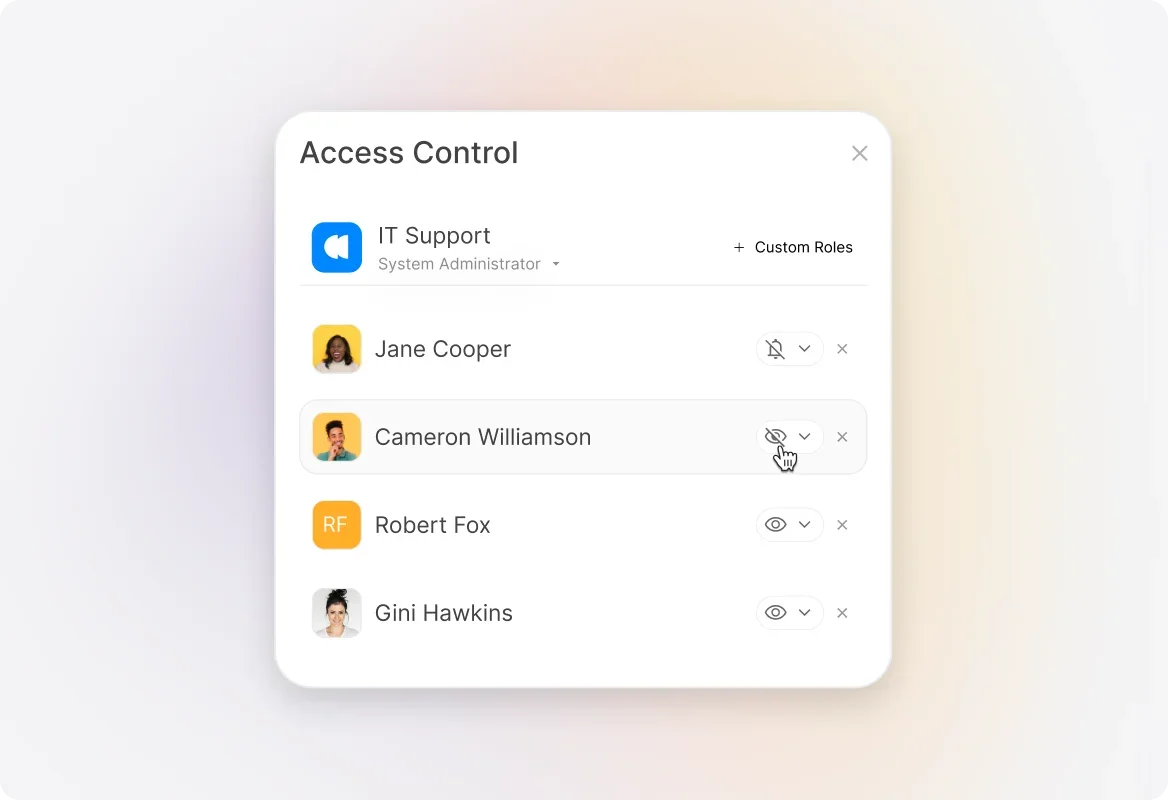
Create Custom Roles Tailored to Your Team
Build roles that match your team structure. Define exactly which features and actions each role can access—from viewing reports to managing agents.
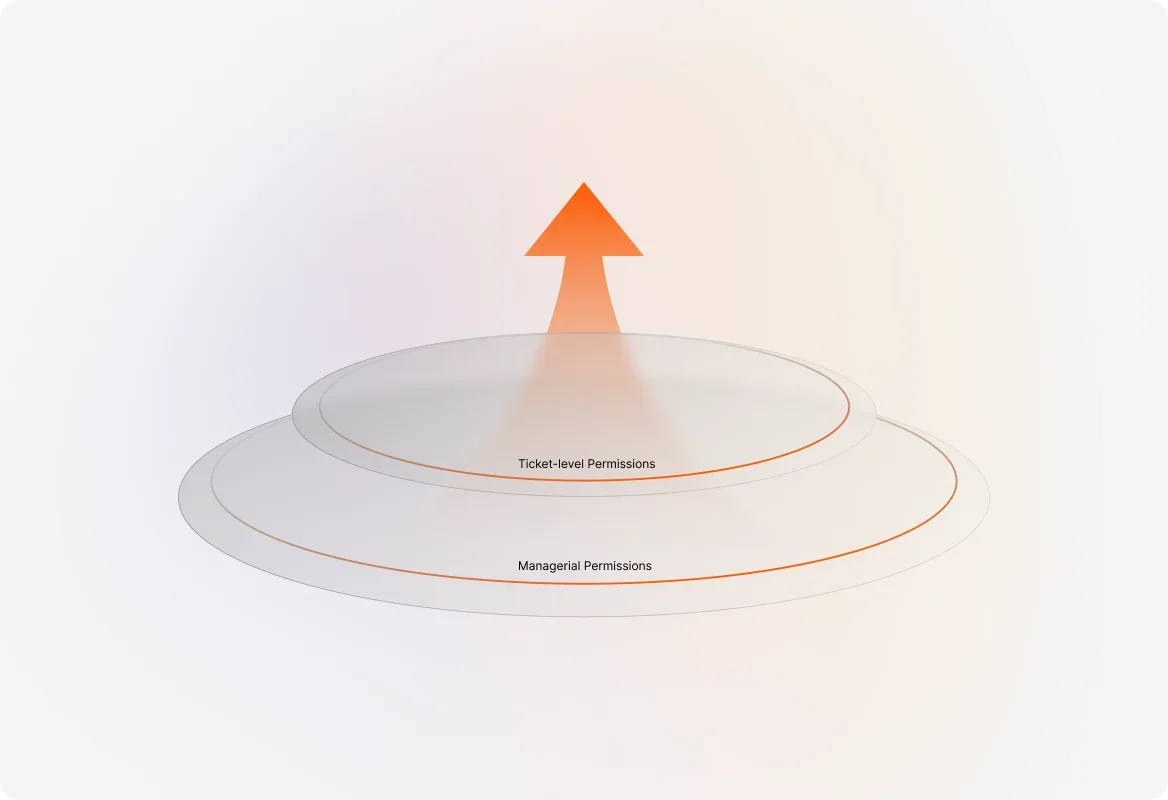
Two Levels of Permissions for Maximum Flexibility
Configure managerial permissions for application-level functions (like managing agents and settings) and ticket-level permissions for day-to-day ticket actions.
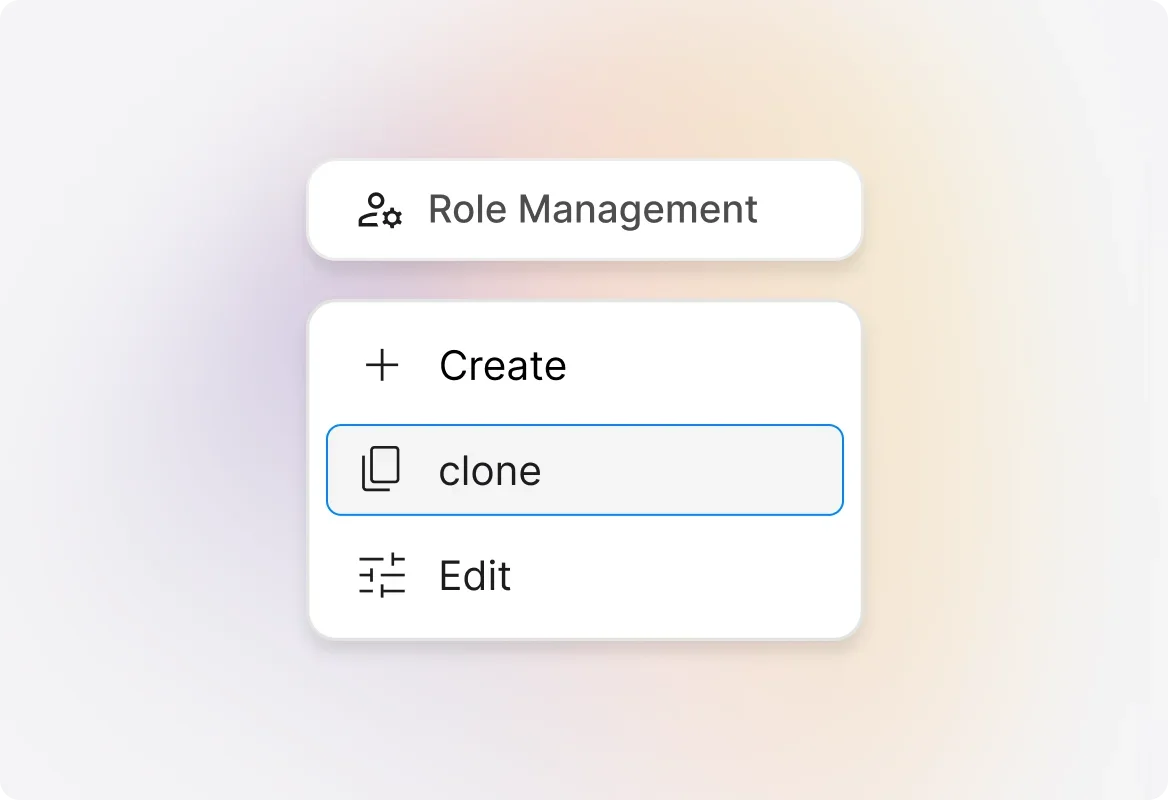
Clone Existing Roles to Save Time
Need a role similar to an existing one? Clone it with pre-selected permissions and make quick adjustments—no need to start from scratch.
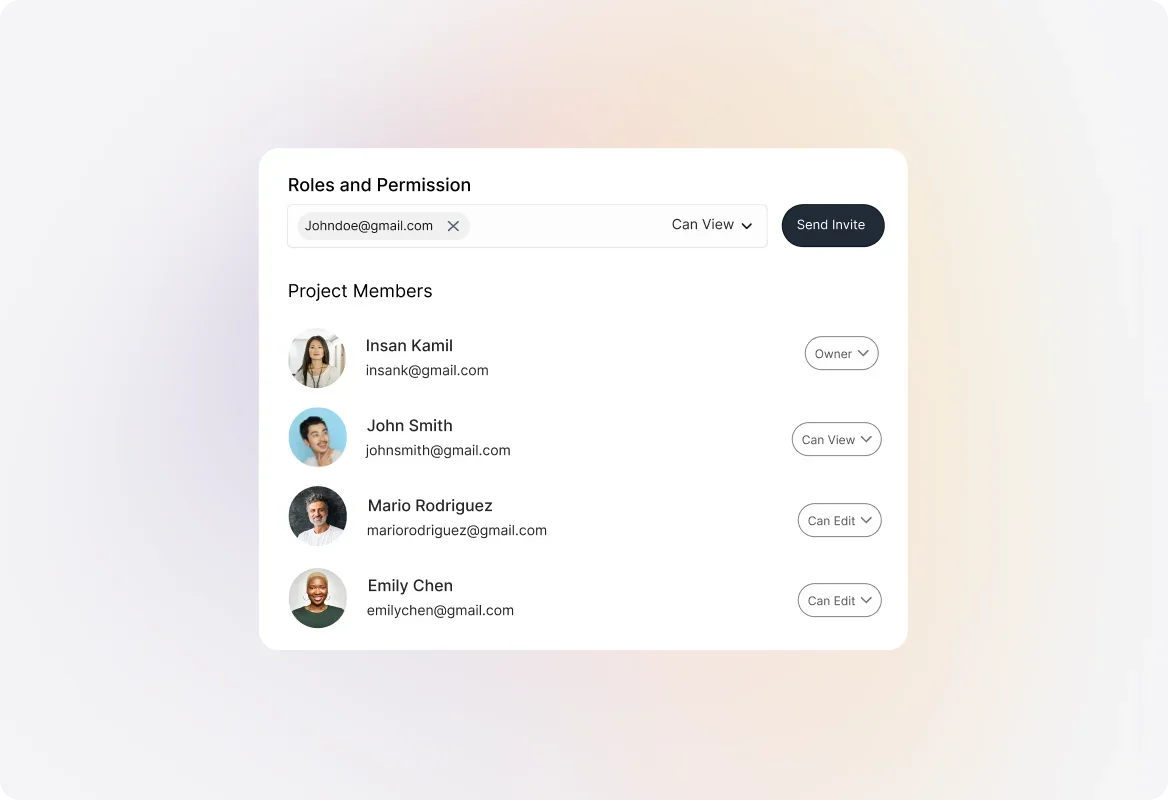
Assign Roles to New and Existing Agents
Easily assign roles when adding new agents or update roles for existing team members. Changes take effect immediately.
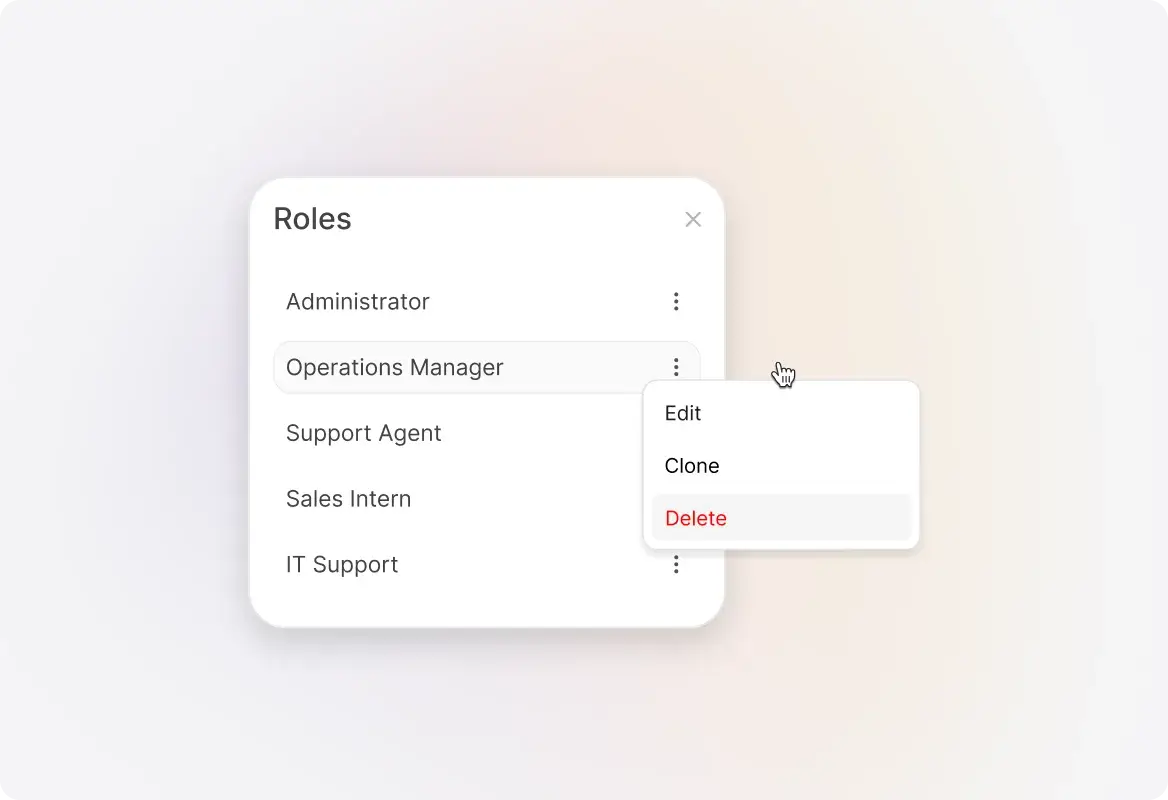
Edit or Delete Roles as Your Team Evolves
Update role permissions anytime as your needs change. When deleting a role, simply reassign affected agents to a new role.
Explore Other HappyFox Features

FAQ's
Define Access. Protect Data. Empower Your Team.
Take control of your help desk with custom roles and granular permissions—give every agent exactly the access they need.

Use Cases
For Business Type
For Industries


Copyright ©2026 HappyFox Inc. All rights reserved.