















Turn Every Customer Call Into a Ticket. No Conversation Goes Unheard.


Missed Calls. Lost Opportunities. Disconnected Conversations.
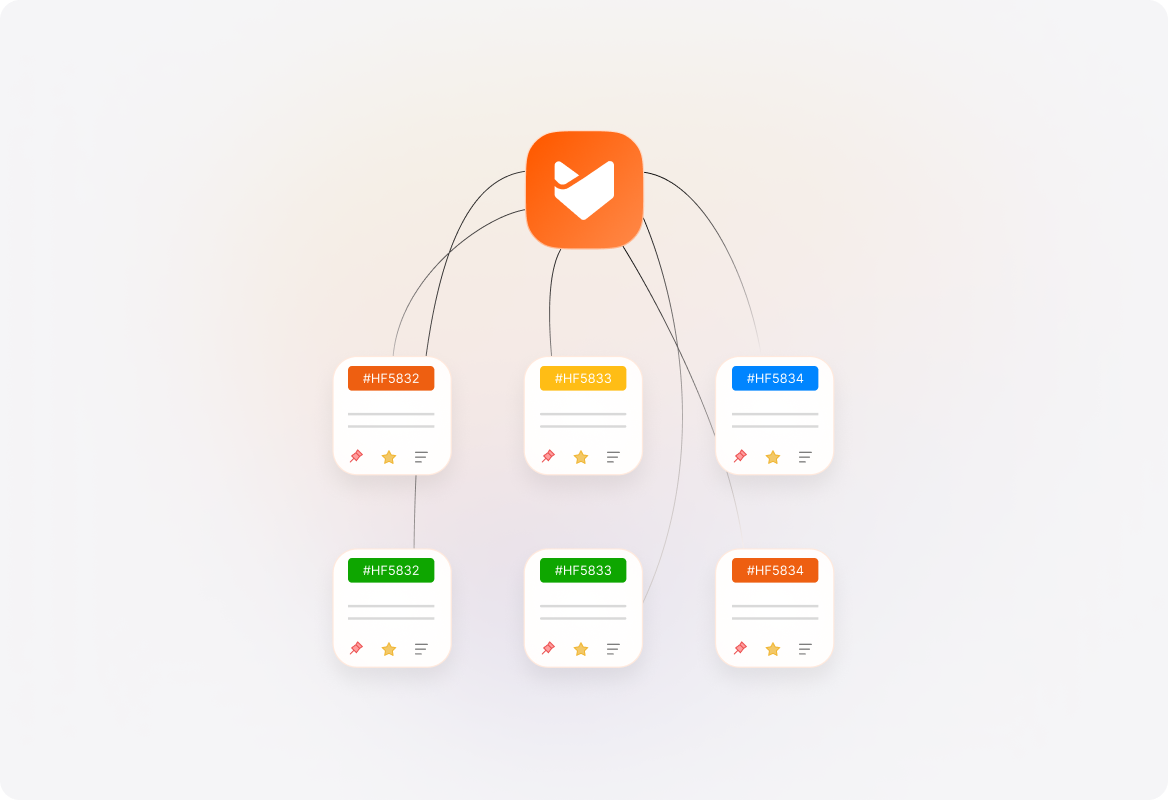
Customers often prefer voice support for complex issues, but without an integrated system, calls get missed, follow-ups fall through, and agents lack context. Switching between platforms wastes time, and manual call logging creates confusion. HappyFox Voice Support solves these challenges by converting every call into an actionable ticket.
What is HappyFox Voice Support?
HappyFox Voice Support integrates leading call center platforms - Dialpad, Aircall, and RingCentral directly into your ticketing system. This allows agents to manage voice conversations like any other ticket - track, record, and resolve calls without leaving HappyFox.
100%
Call-to-Ticket Conversion
Every inbound, outbound, and missed call becomes a ticket for seamless tracking and follow-up.
30%
Faster Call Resolutions
Agents have instant access to customer history, ensuring faster, more informed conversations.
Zero
Missed Follow-Ups
Missed calls and voicemails automatically become tickets, ensuring every inquiry gets addressed.
Connect. Track. Resolve. All From One Dashboard.
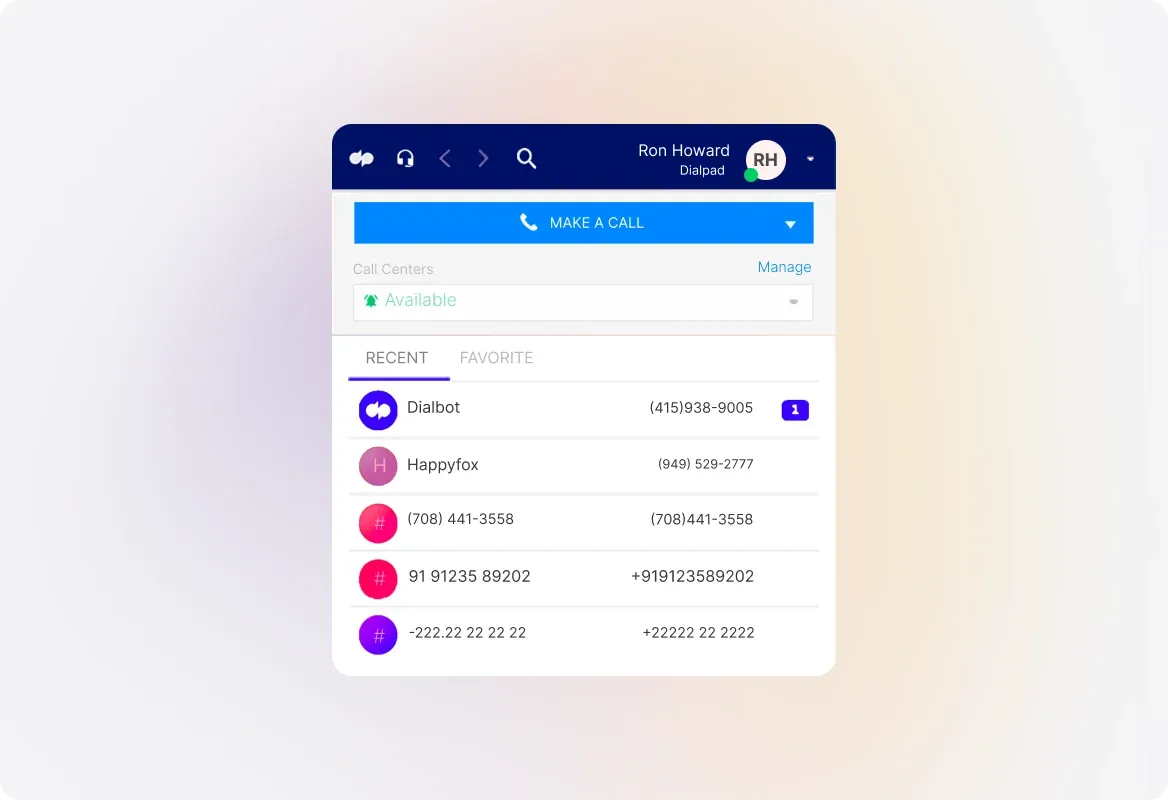
Dialpad Integration: Smarter Conversations, Every Time
Make and receive calls within HappyFox using the Dialpad dialer.Convert every call into a ticket with caller details, summaries, and recordings.Associate Dialpad numbers with HappyFox categories to route calls based on issue type or team.
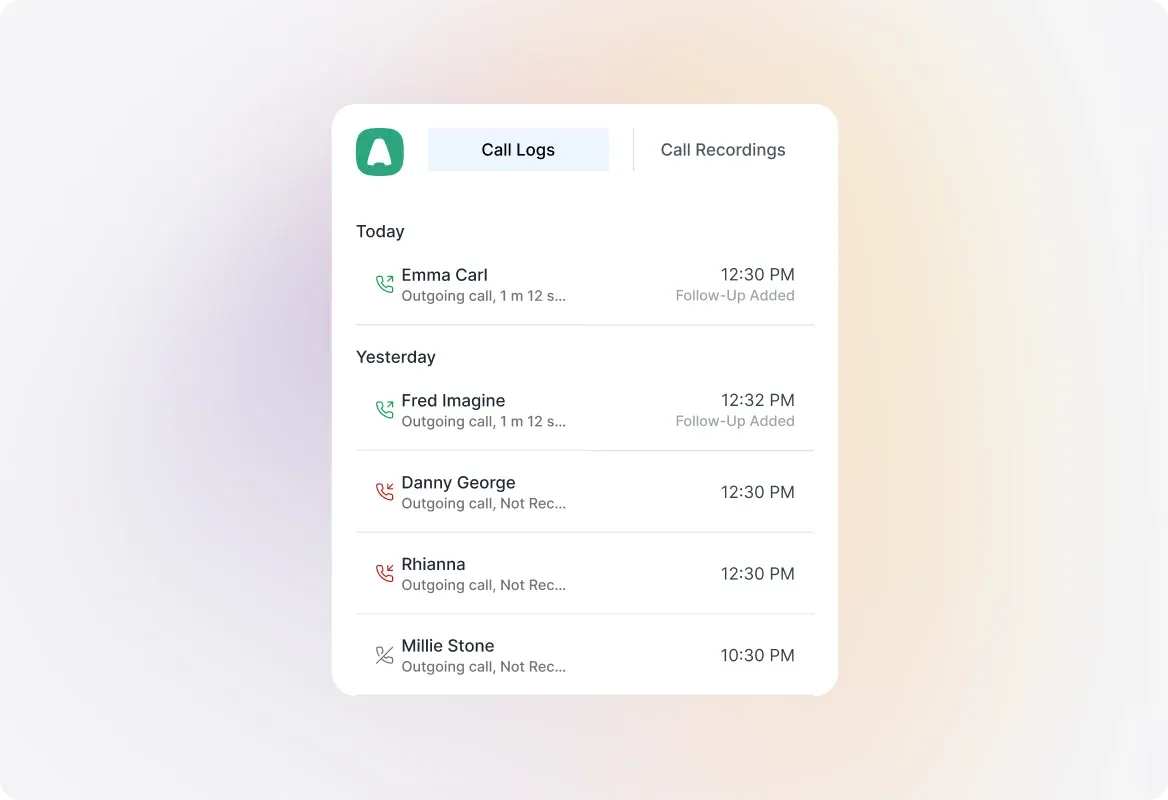
Aircall Integration: Unified Help Desk & Call Center
Use the Aircall dialer within HappyFox for seamless voice interactions.Automatically log inbound, outbound, and missed calls as tickets.Associate an Aircall number with a HappyFox category to track an issue with the correct team.
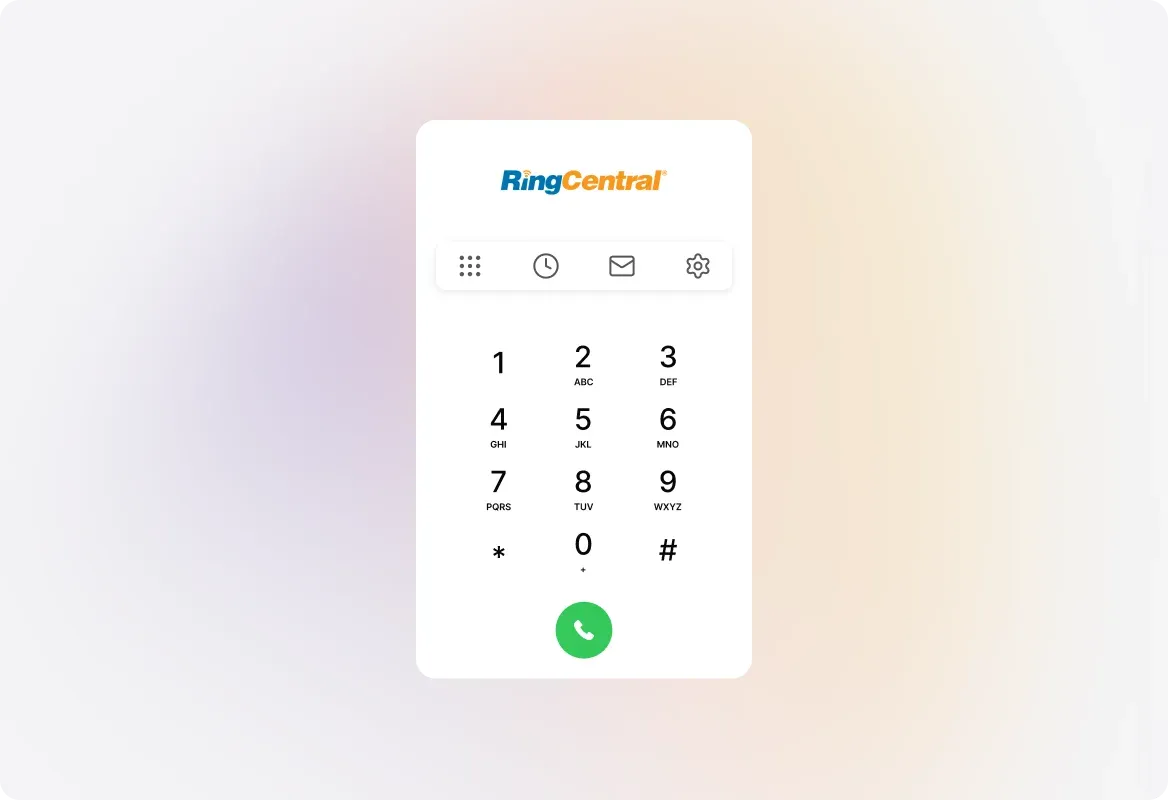
RingCentral Integration: Complete Call Management
Handle customer calls directly within HappyFox, without switching platforms.Automatically pull up caller history and past tickets for contextual support.Log missed calls and voicemails as tickets for timely follow-up.
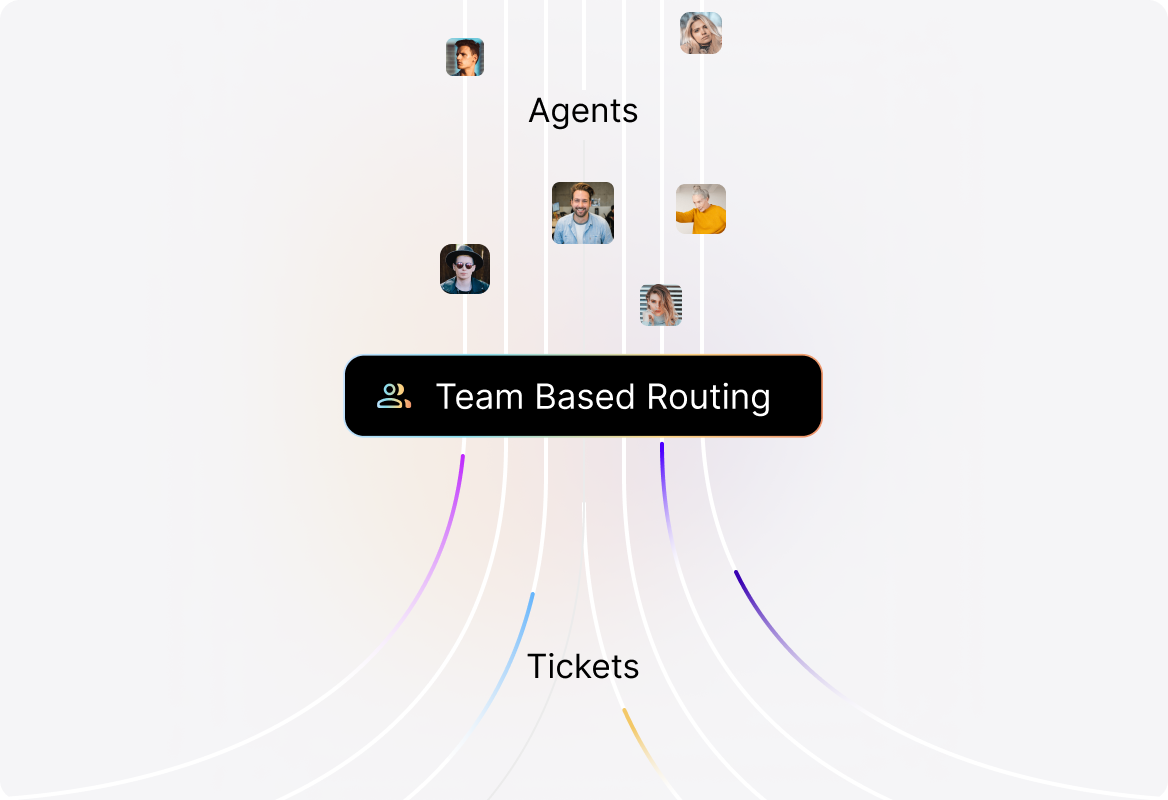
Team-Based Call Categorization for Better Routing
Associate Dialpad, Aircall, and RingCentral numbers with specific categories.Sales, billing, or support? Ensure calls always reach the right team.
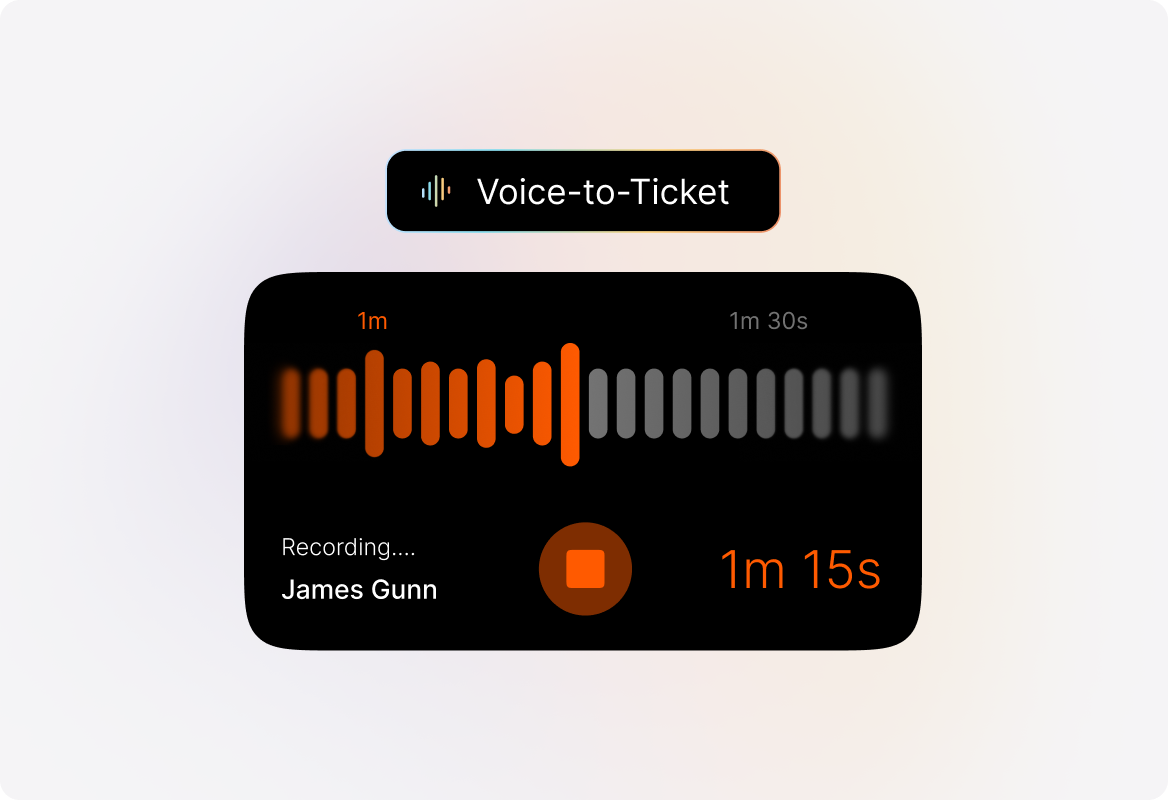
Automatic Call Recording for Accuracy & Training
Record all conversations and attach them to tickets for future reference.Improve quality assurance and enhance agent training with real examples.
Explore Other Features of HappyFox

FAQ's
Never Miss a Customer Call Again.
Turn voice conversations into actionable tickets. Track, record, and resolve calls without leaving HappyFox.

Use Cases
For Business Type
For Industries


Copyright ©2026 HappyFox Inc. All rights reserved.