Support Team Leaders
tracking all conversation recordings
 Help Desk
HappyFox Help Desk integration
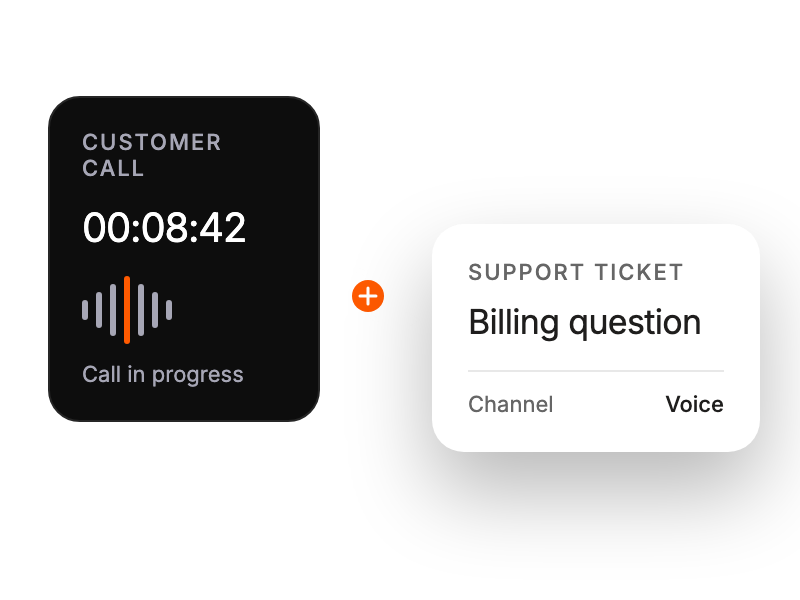
Make and receive calls directly from HappyFox

Select the app in HappyFox and allow access to account data and messages.
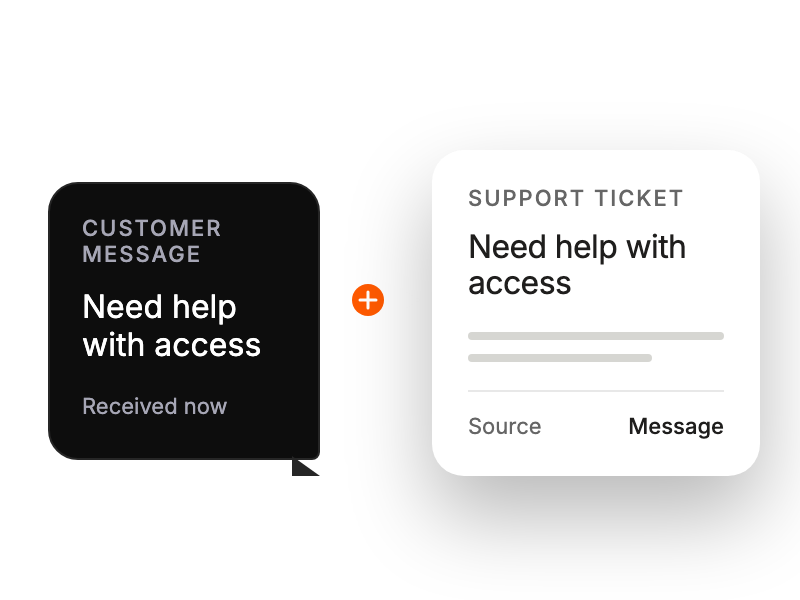
Choose the Dialpad office, map eligible numbers to ticket categories, and enable voice or SMS.
Open the phone control in HappyFox and authenticate your Dialpad account.
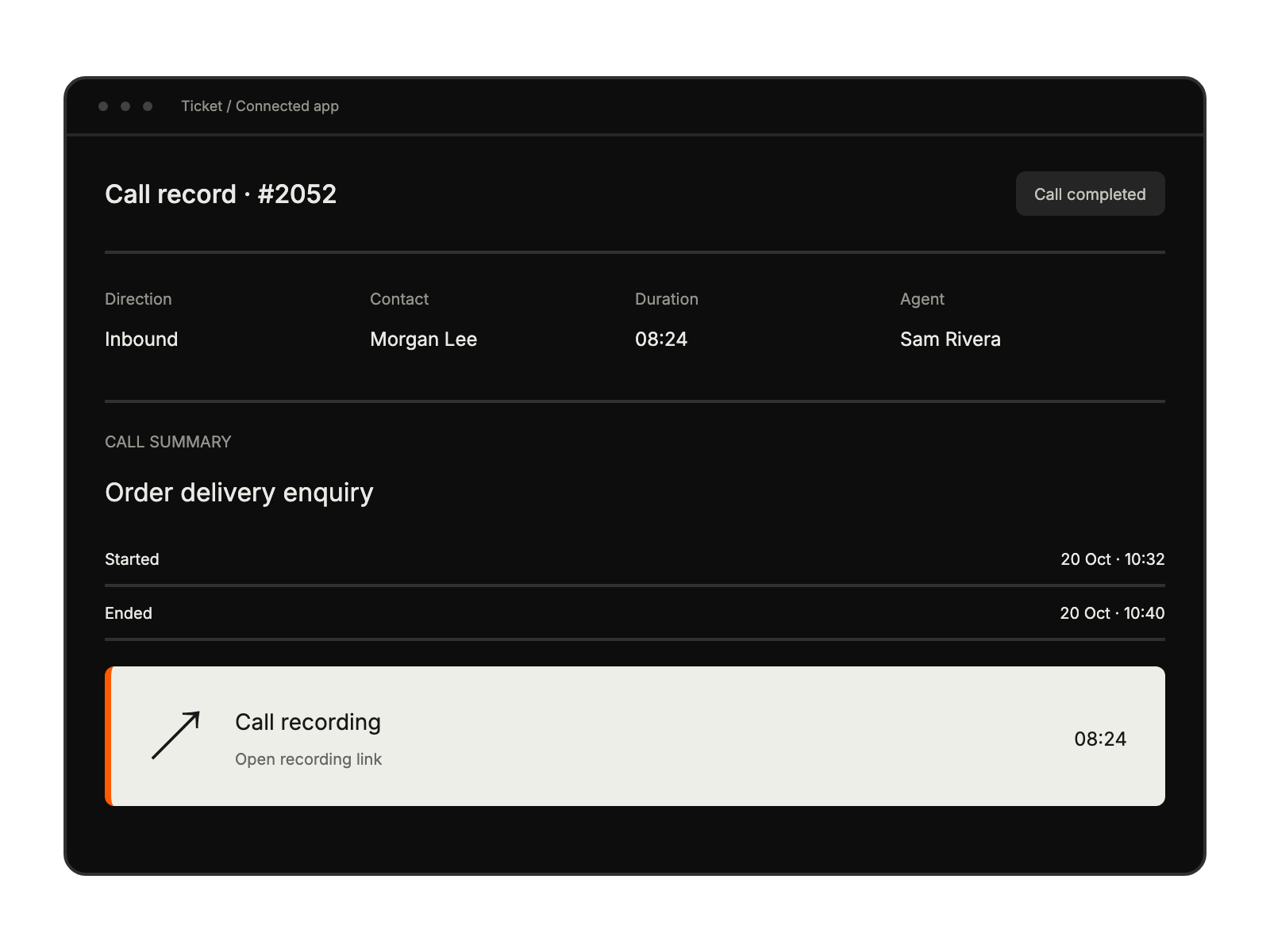
tracking all conversation recordings
categorizing calls efficiently
streamlining caller information access