Support Teams
Using Microsoft Teams as primary workspace.
 Help Desk
HappyFox Help Desk integration
Manage HappyFox tickets directly within Microsoft Teams.

Install Microsoft Teams from HappyFox Apps and add the app to the required team.
Use the welcome message to enter your subdomain and authenticate with agent credentials.
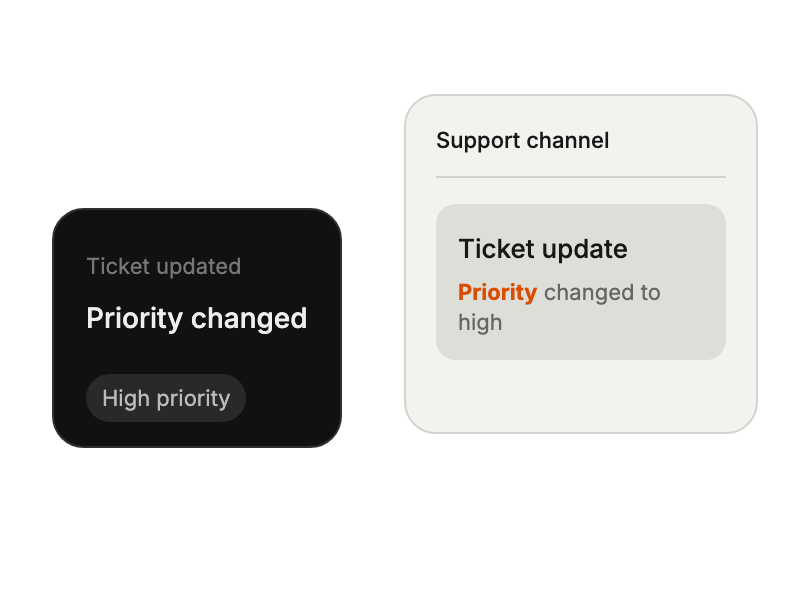
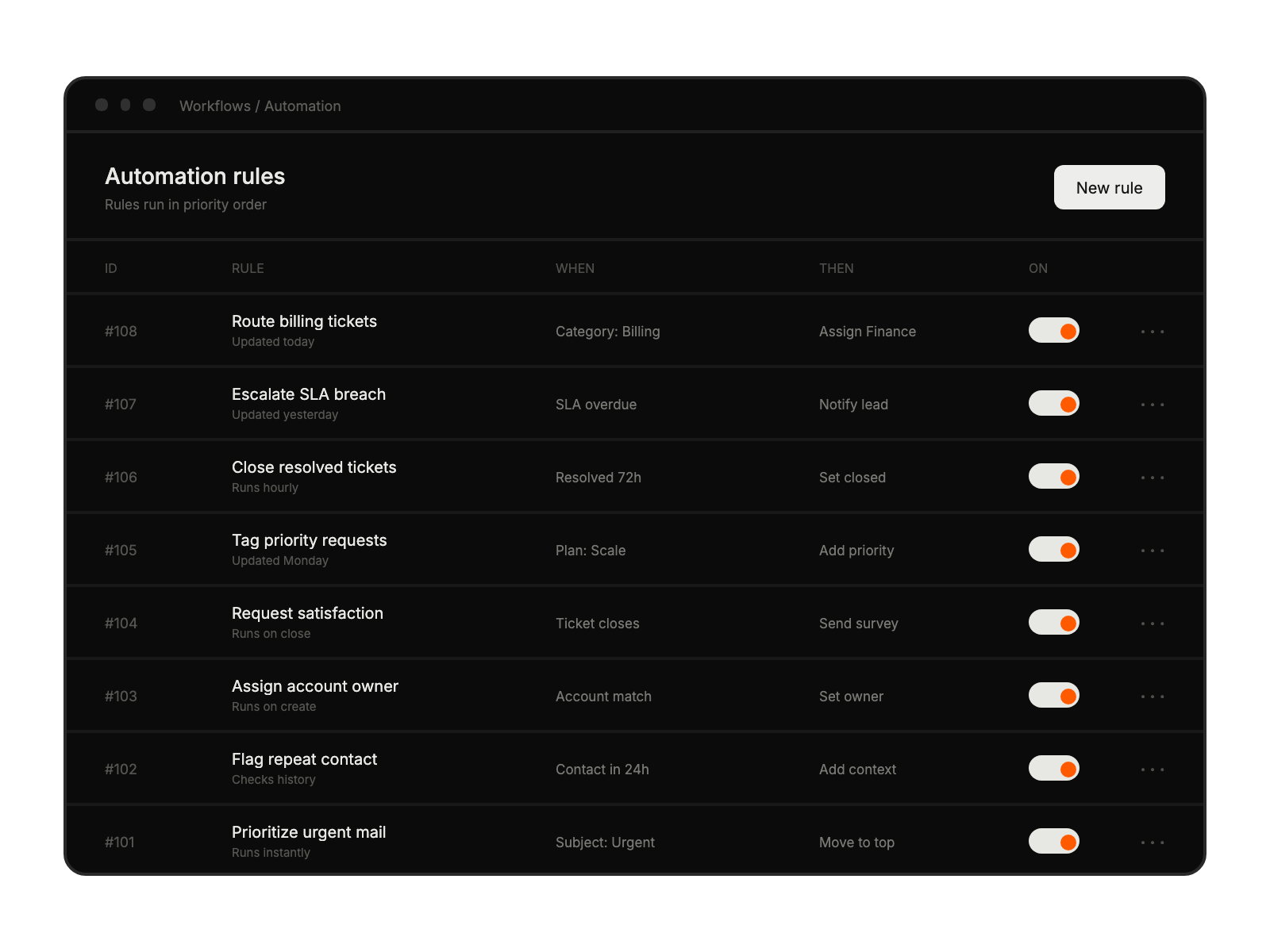
Configure which ticket events and Smart Rule conditions should post to Teams.
Using Microsoft Teams as primary workspace.
Standardizing on Microsoft ecosystem.
Requiring instant support collaboration
Coordinating distributed teams.