Support Managers
streamlining ticket-to-task workflows
 Help Desk
HappyFox Help Desk integration
Create or link Monday.com items from HappyFox tickets.

Select the app under Project Management in HappyFox.
Retrieve the key from Monday.com administration and enter it in the integration.
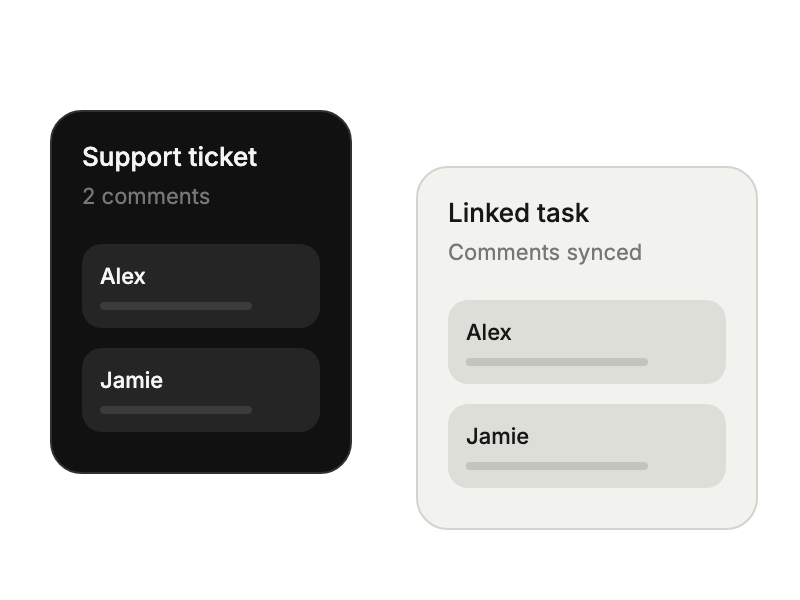
Set sync directions and add the HappyFox webhook to the new-update automation in Monday.com.
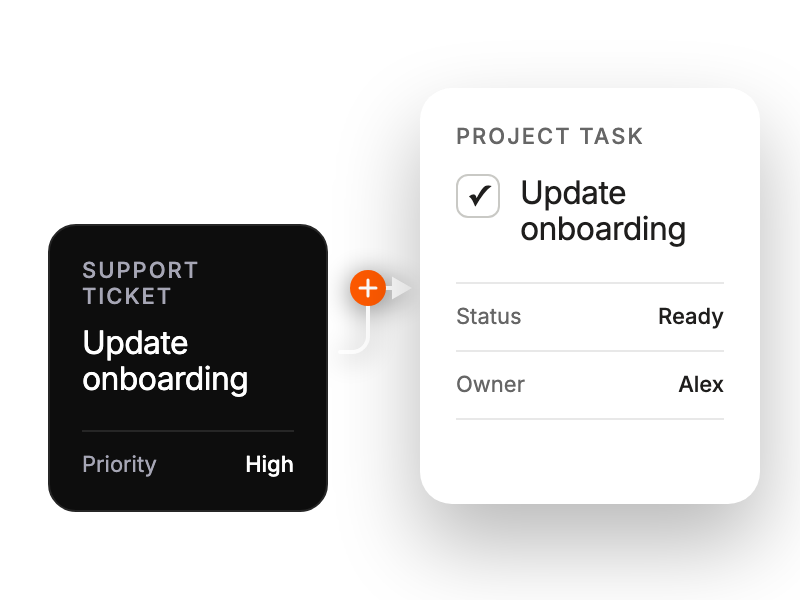
streamlining ticket-to-task workflows
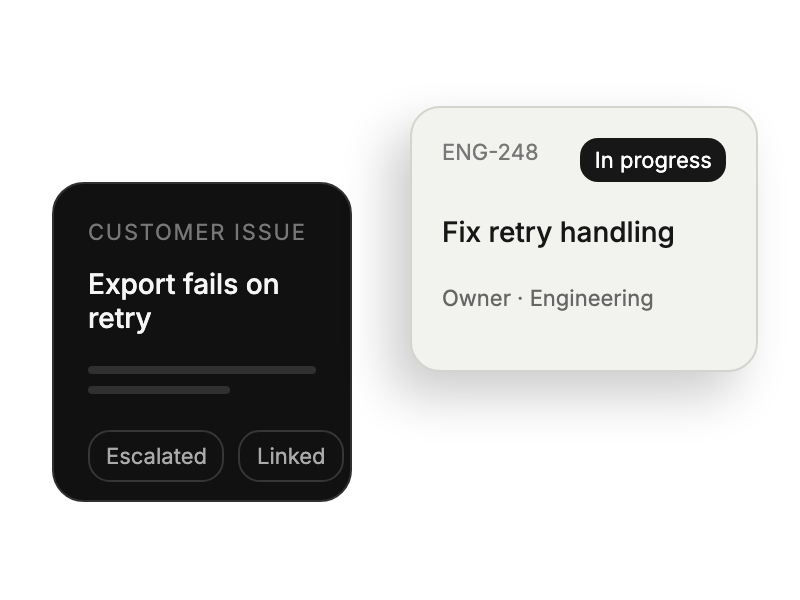
track support-originated tasks effectively
managing technical requests seamlessly
linking accounts to project items


