
Trusted by Industry-Leading Companies




The problem
“Generic contact forms lead to incomplete tickets, frustrated customers, and agents scrambling for context. Without customization, you're stuck with one-size-fits-none forms that slow down resolution times and hurt your brand experience.”
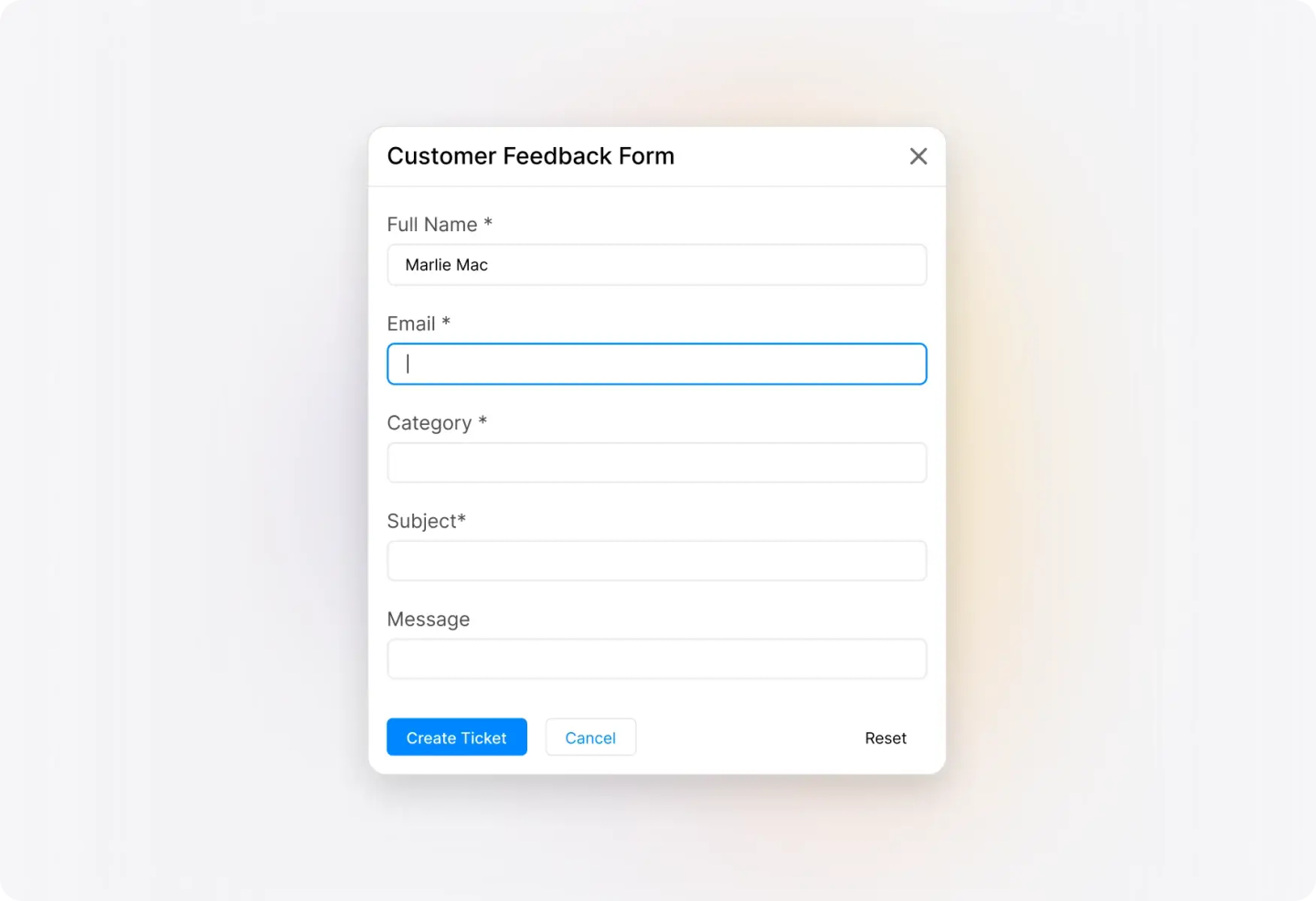
Pre-configured fields guide customers to provide complete info upfront
What custom contact form makes possible.
- Spam
- Zero
- Brand consistency
- 100%
- Faster submission
- 5X
reCAPTCHA protection blocks bots and spam submissions
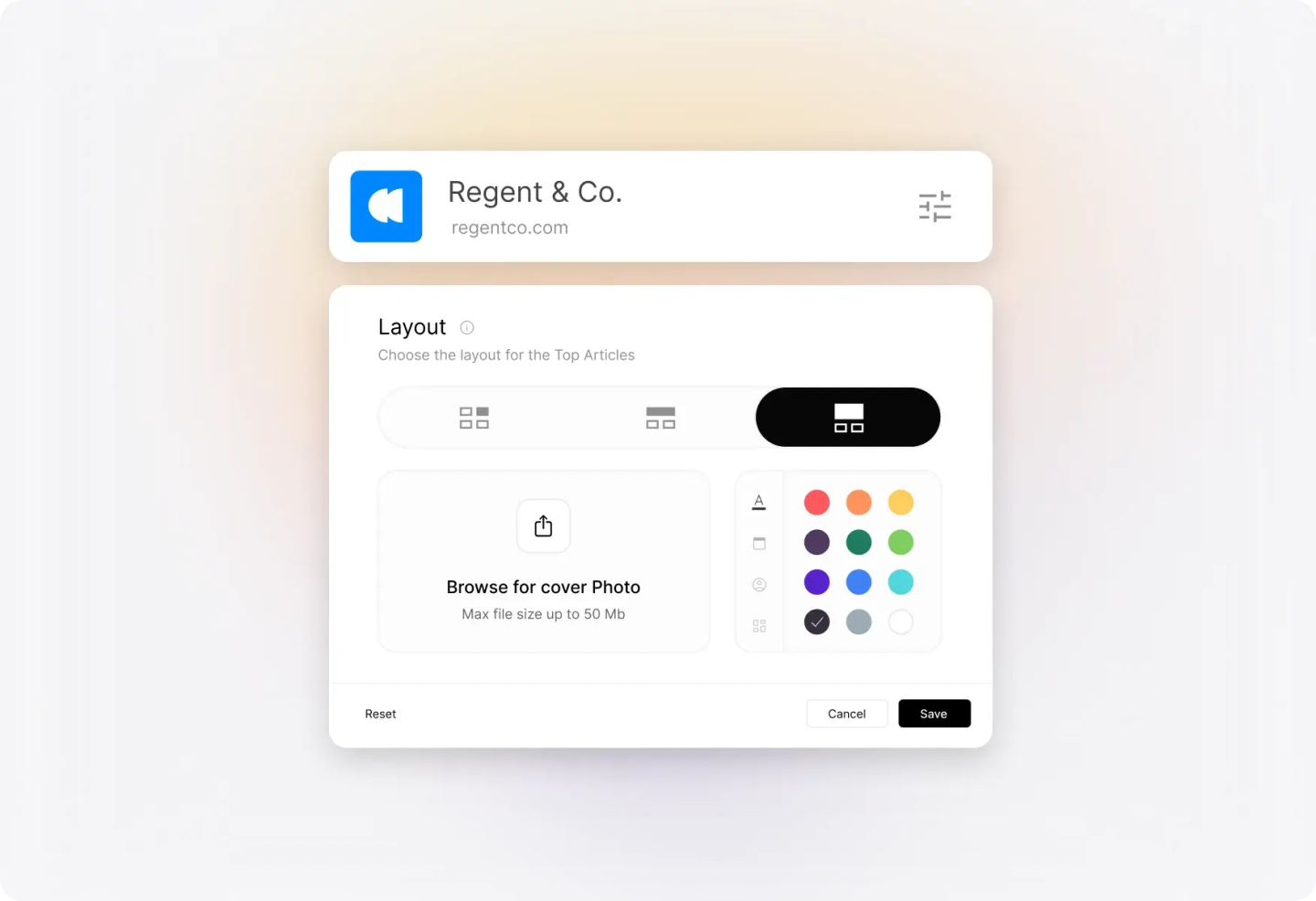
Match your form's look and feel to your company identity
Pre-configured fields guide customers to provide complete info upfront
Make Support Easier to Access for Your Customers
Embed contact forms anywhere—your website, help center, or customer portal. Customers can submit tickets without leaving the page they're on.
Give It the Look and Feel You Need
Customize colors, banners, and branding to match your company's identity. Your support form becomes a seamless extension of your website.
Knowledge Base on Your Widget
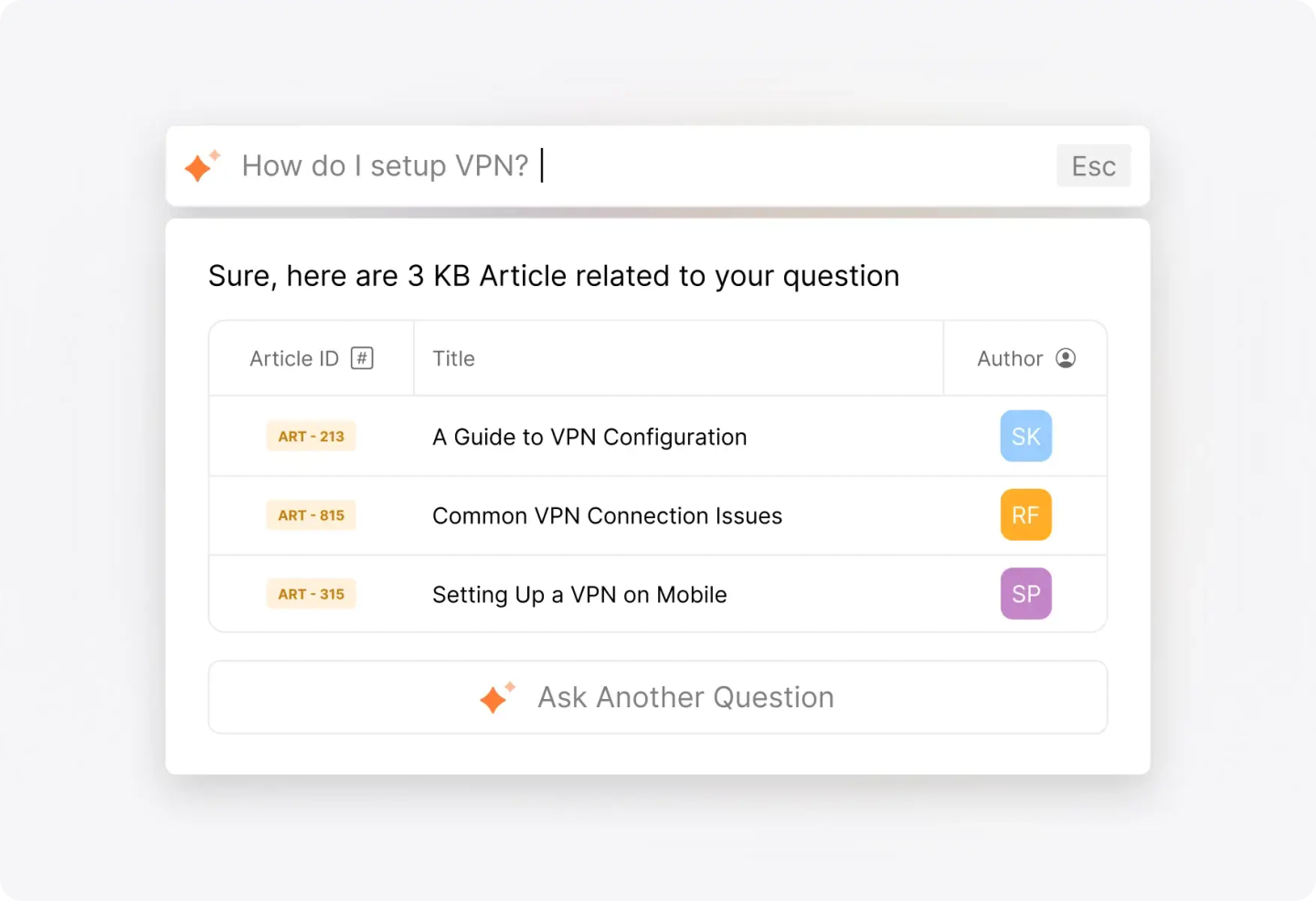
Surface relevant help articles as customers type their questions. Deflect tickets by helping customers find answers before they submit.
Custom Fields & Field Customization
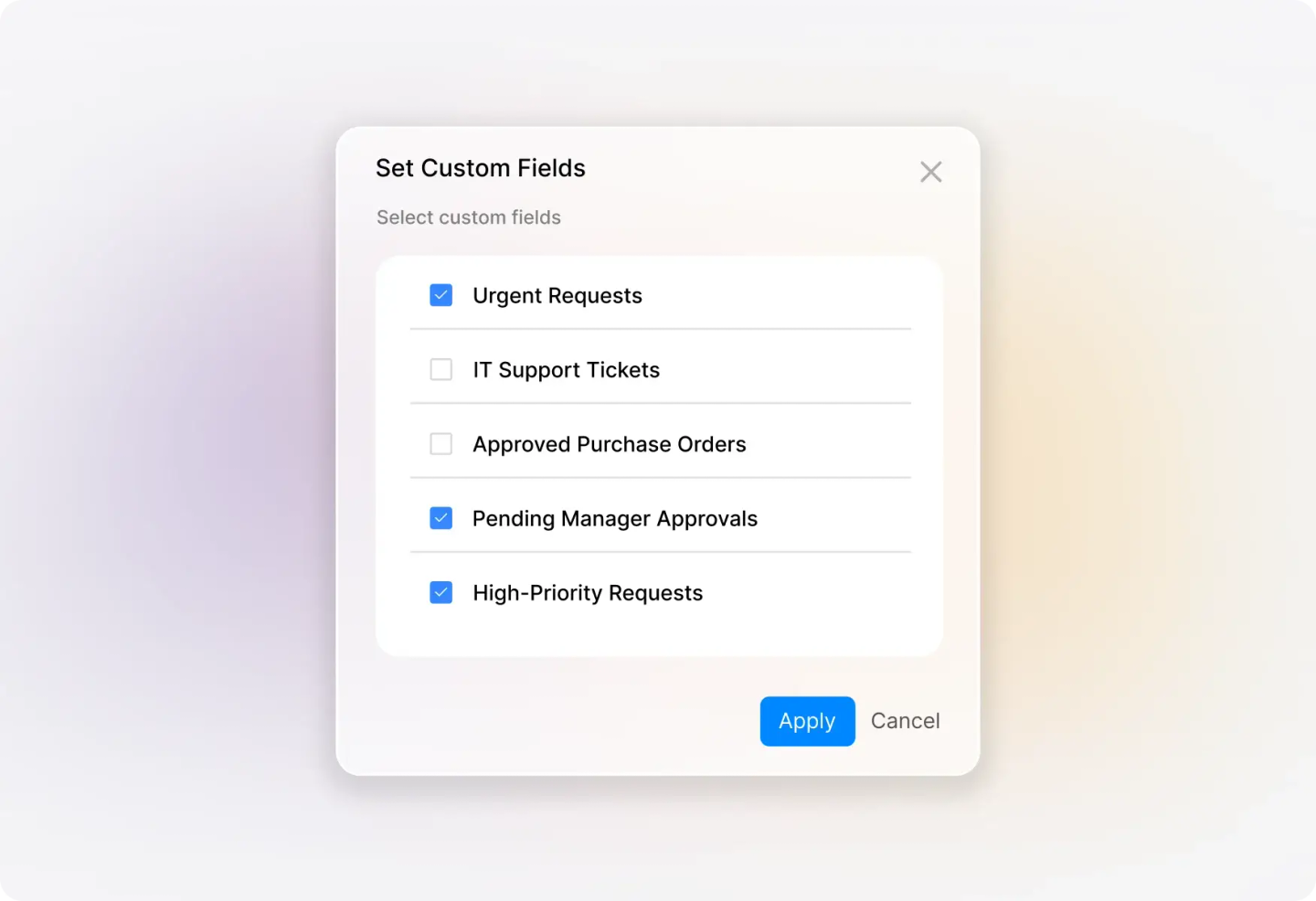
Add custom fields to collect exactly the information your team needs. Show or hide fields based on your workflow requirements.
Frequently asked questions.
How do I show or hide fields in my new ticket creation form?
You have full control over which fields appear on your contact form. Easily toggle visibility for standard and custom fields to create a streamlined experience that captures exactly what your team needs.
Can I customize the look of my support form to match my brand?
Absolutely! You can customize banner images, colors, and add custom text areas to ensure your support form reflects your brand identity and provides a consistent customer experience.
How does the Knowledge Base integration help reduce tickets?
When customers start typing their question, relevant KB articles automatically appear as suggestions. This empowers customers to find answers instantly, deflecting common inquiries before they become tickets.
Can I add custom fields to collect specific information?
Yes! Create custom fields to capture any information your team needs—from product versions to order numbers. You control which fields are required and which are optional.