Powerful Rich Text Editor
Write engaging, structured articles with images, tables, media embeds, and advanced formatting options for maximum readability.
 Help Desk
Trusted by Industry-Leading Companies




“Your team's expertise is locked away in emails and ticket responses, while customers wait for answers they could find themselves.”
HappyFox Knowledge Base turns your support team's know-how into a powerful self-service resource that works 24/7.
Let customers find answers instantly while your team focuses on complex issues.
Empower your customers to solve common issues on their own.
Give customers the answers they need, any time, on any device.
Responsive design ensures your knowledge base works perfectly on any device, giving customers instant help wherever they are.
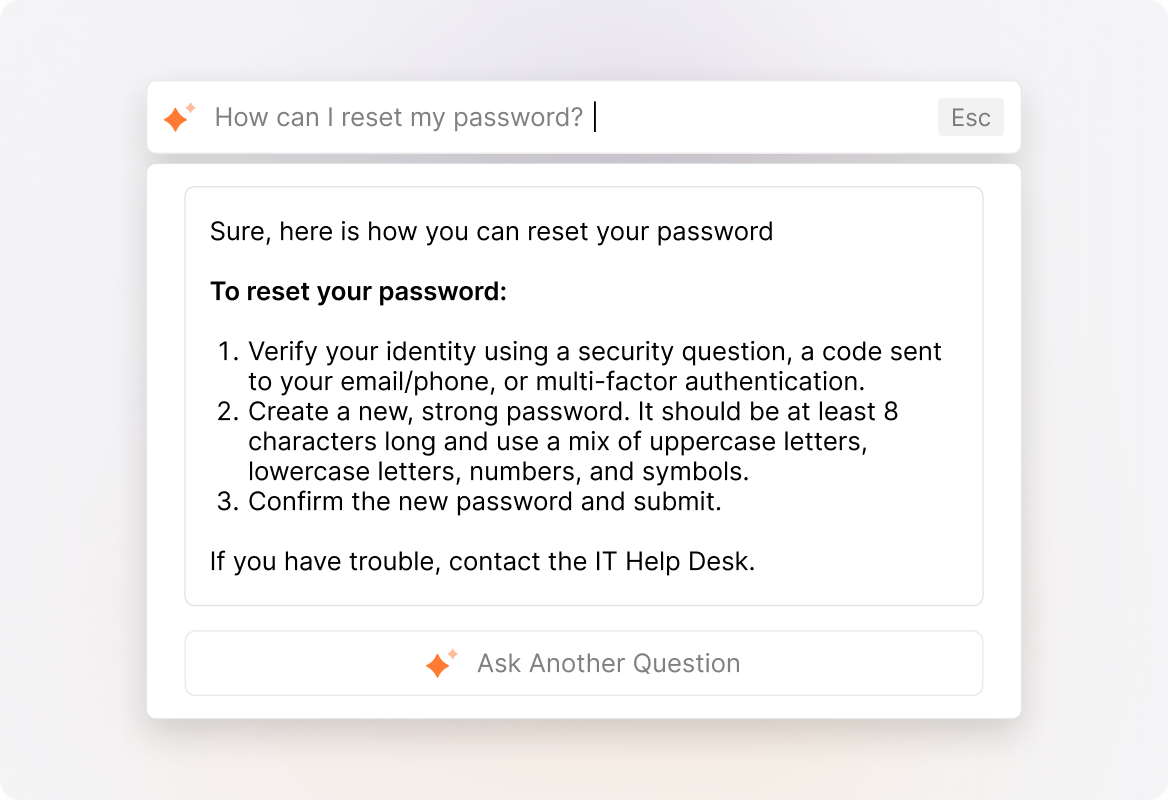
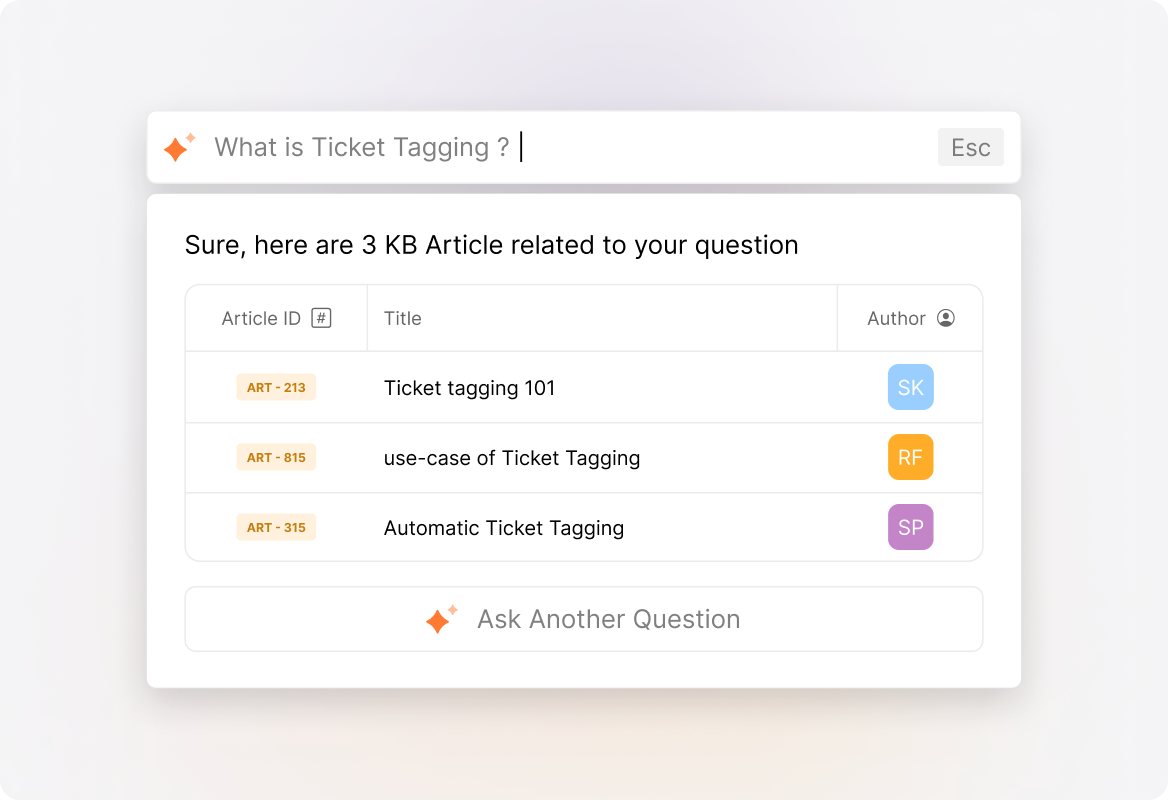
With HappyFox AI, deliver instant, AI-generated responses powered by your knowledge base, ensuring customers get accurate, context-aware solutions without browsing through knowledge articles.
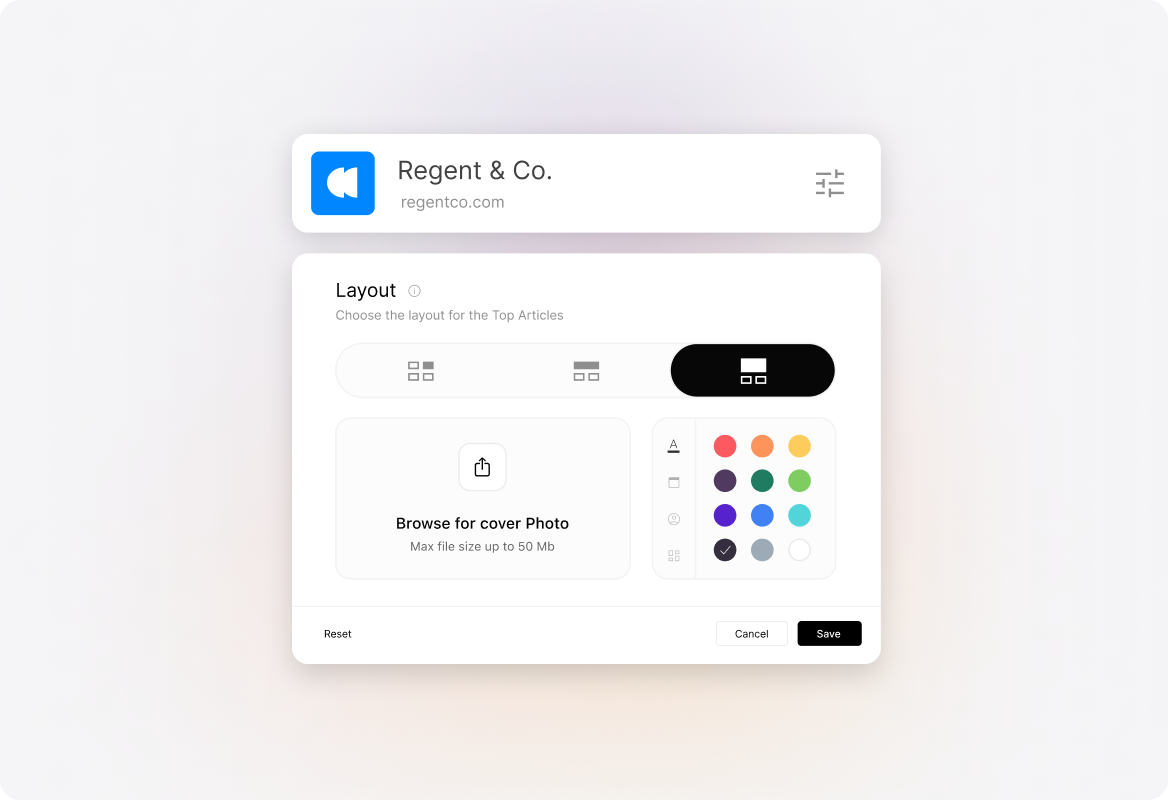
Customize each knowledge base's look and feel to match your brand with custom colors, logos, and layouts - no coding needed.
Write engaging, structured articles with images, tables, media embeds, and advanced formatting options for maximum readability.
Enhance your articles with downloadable files, presentations, or case studies by dragging and dropping attachments directly into your content.
Tag and categorize content for quicker discovery, easy indexing, and better searchability across large knowledge bases.
Save work-in-progress articles as drafts, collaborate with teammates, and publish only when your content is ready.
Highlight crucial updates with a customizable announcement banner at the top of your knowledge base pages.
Integrate with Google Analytics for deeper insights into article performance, search queries, and user behavior.
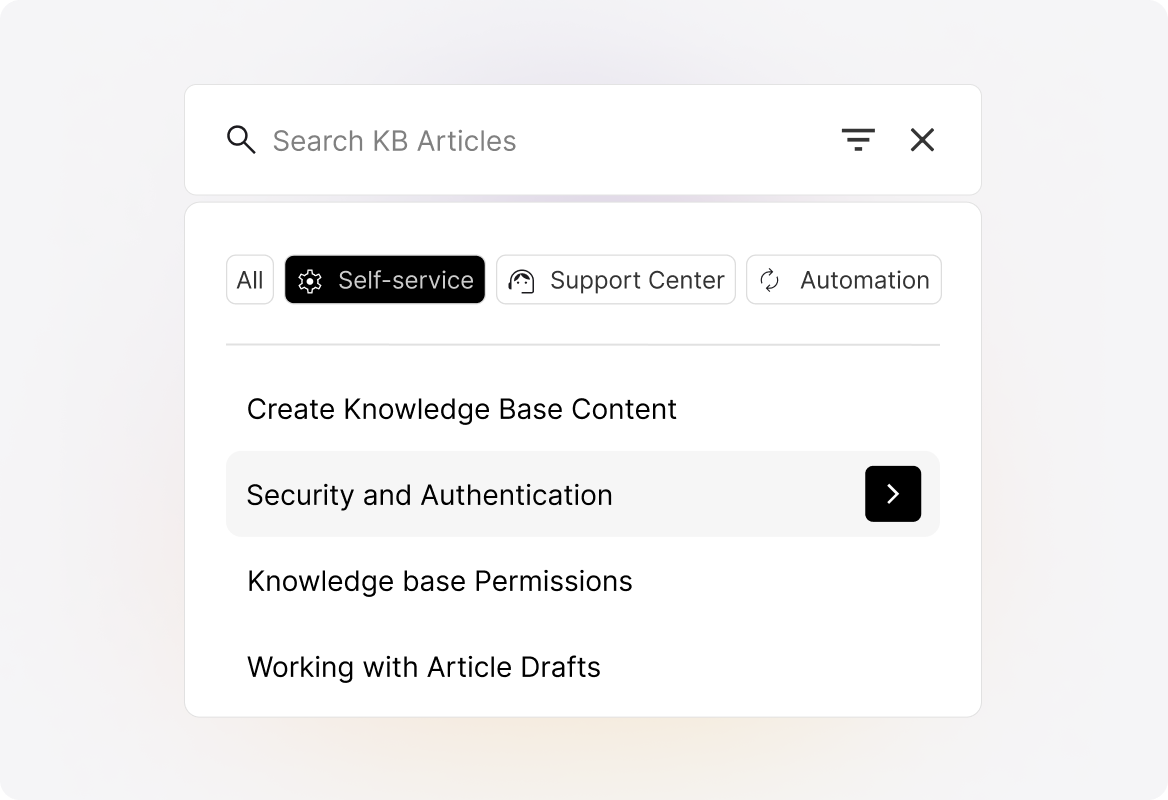
Auto-suggest relevant articles as customers type their questions, helping them find answers before they even finish asking.
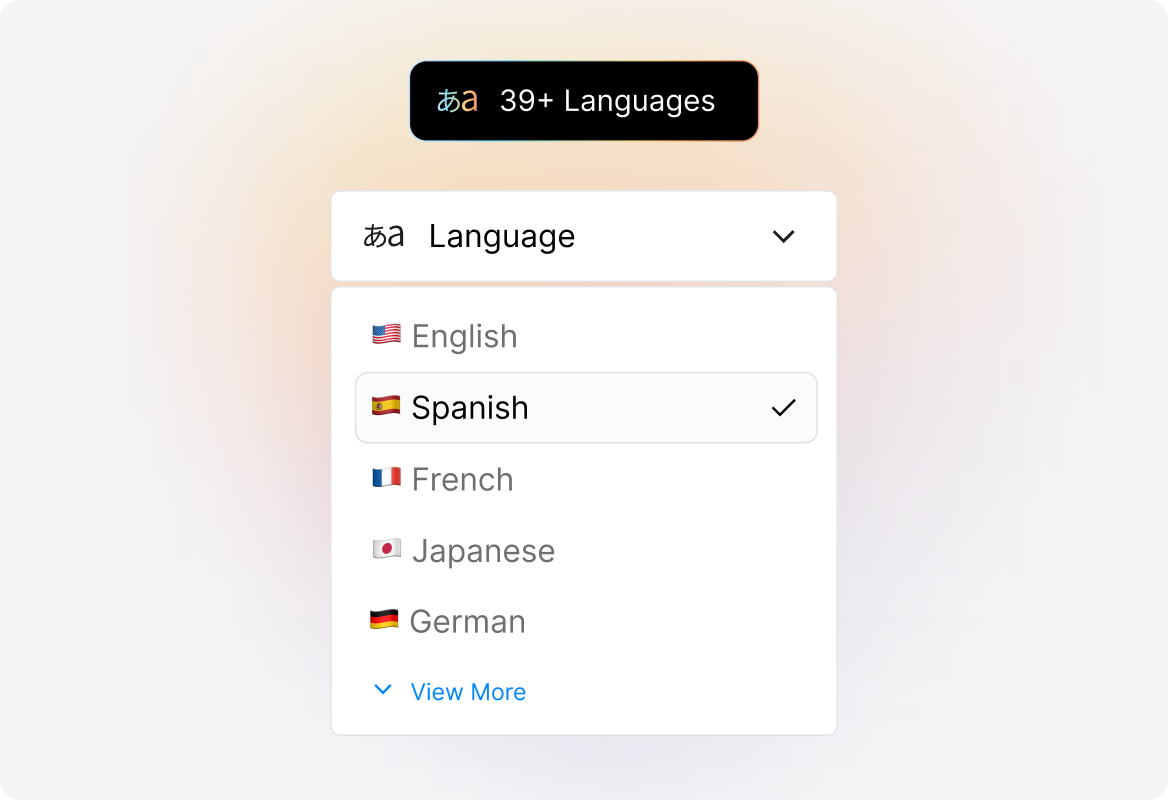
Support customers in 39+ languages with our multilingual knowledge base, letting them toggle between languages instantly.


“Knowledge Base is what persuaded us to purchase HappyFox. We liked the clean interface and features, and the branding.”
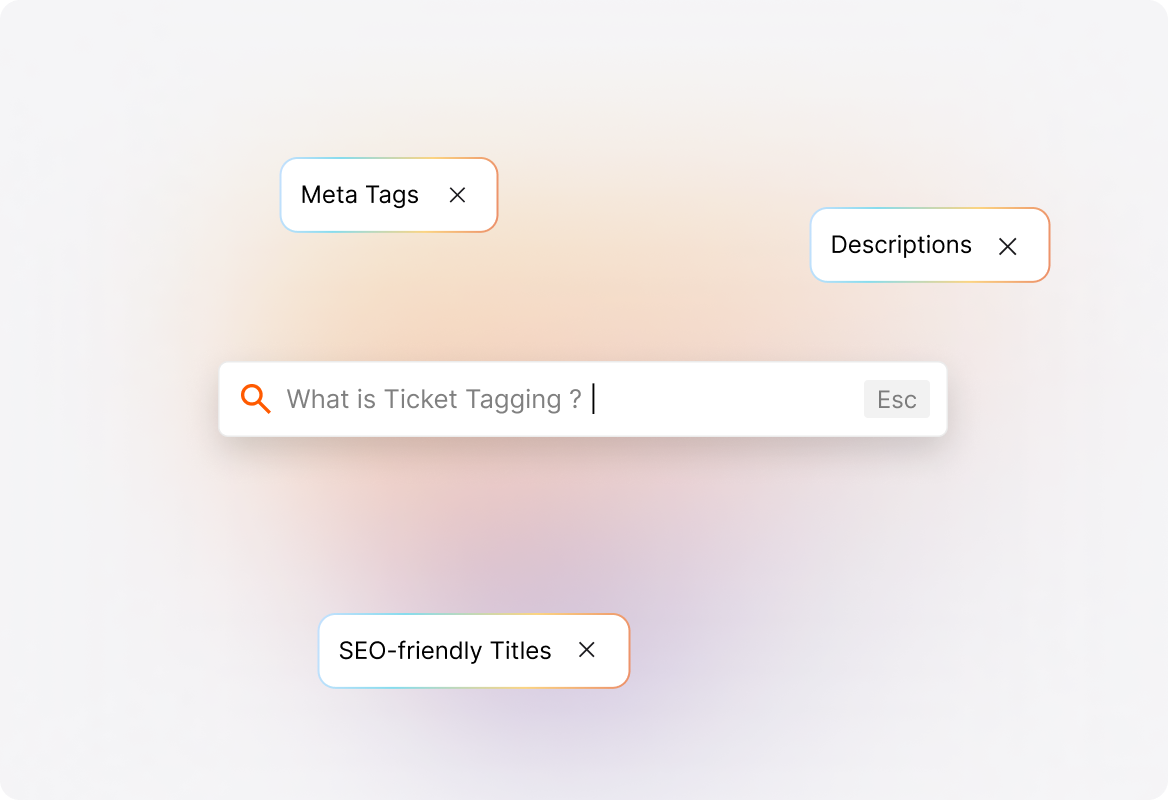
Optimize your knowledge base for search engines with meta tags, descriptions, and SEO-friendly urls and titles, making it easier for customers to find answers online.
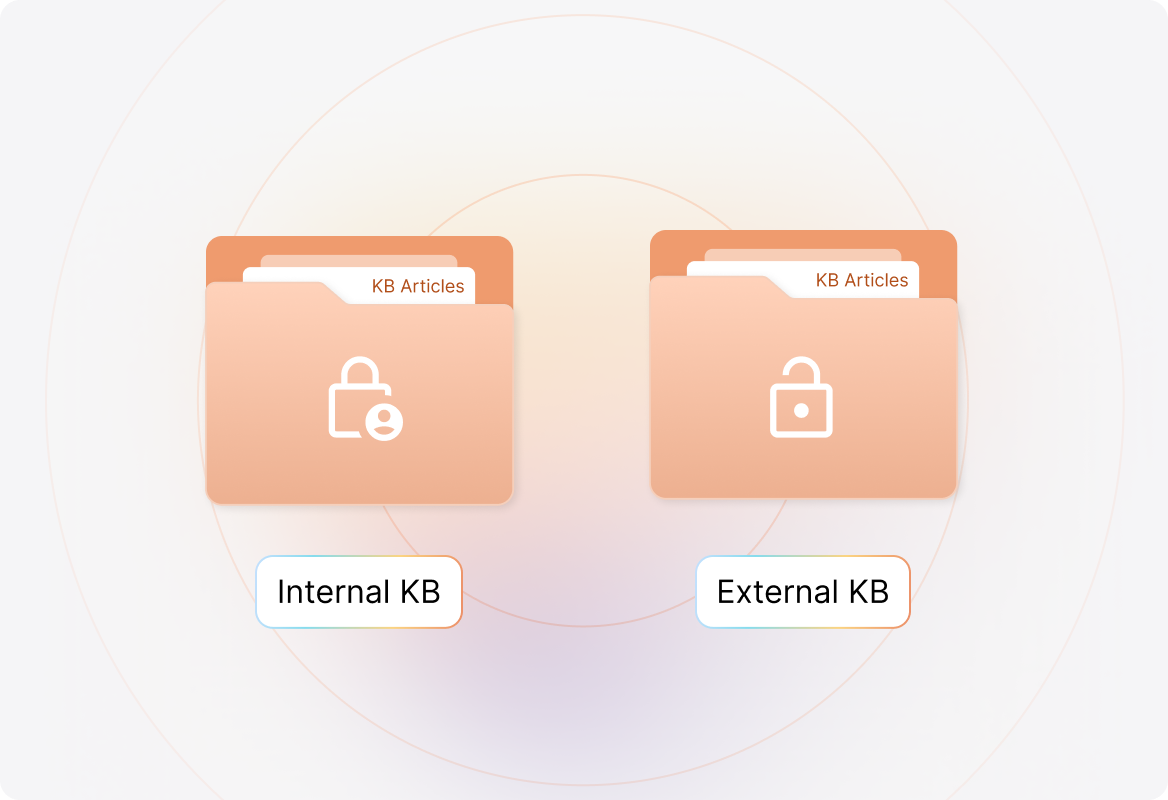
Maintain separate internal and external knowledge bases, giving agents secure access to internal documentation while providing customers with a dedicated self-service hub.
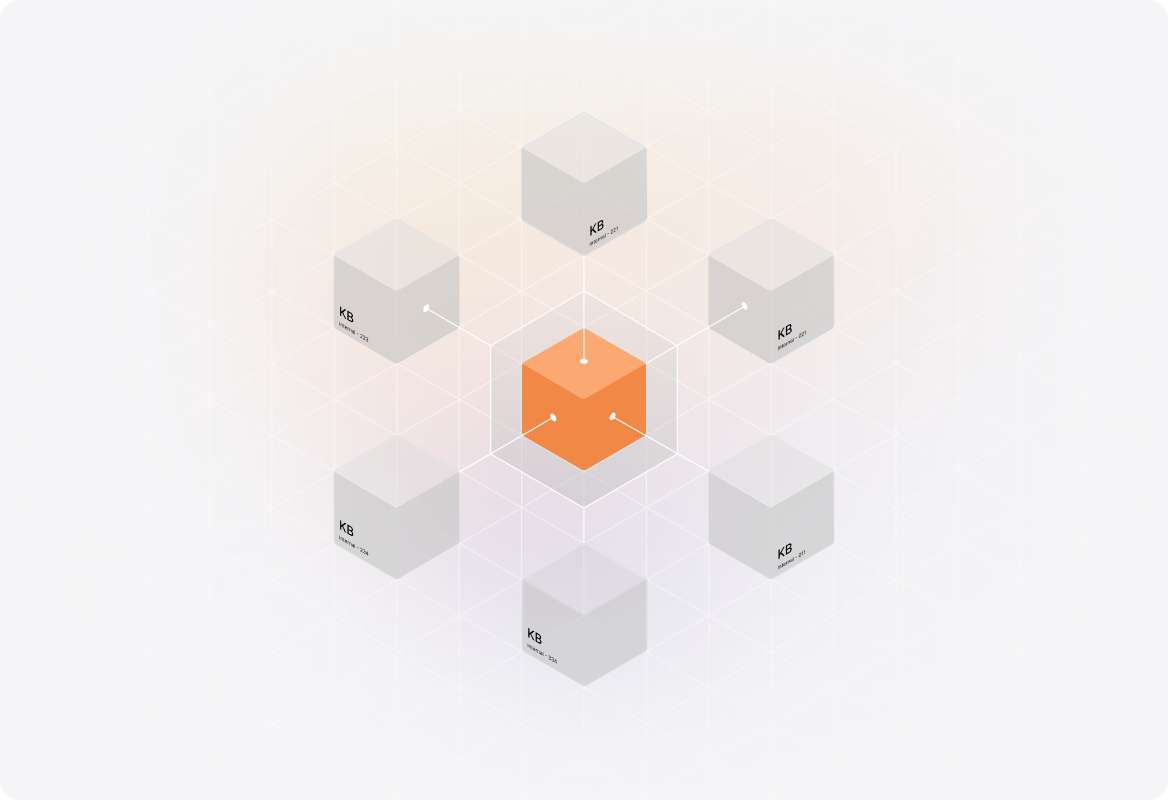
Create and manage separate knowledge bases for different products, brands, or divisions. Each KB maintains its own branding and content structure, ensuring customers only see information relevant to their product.
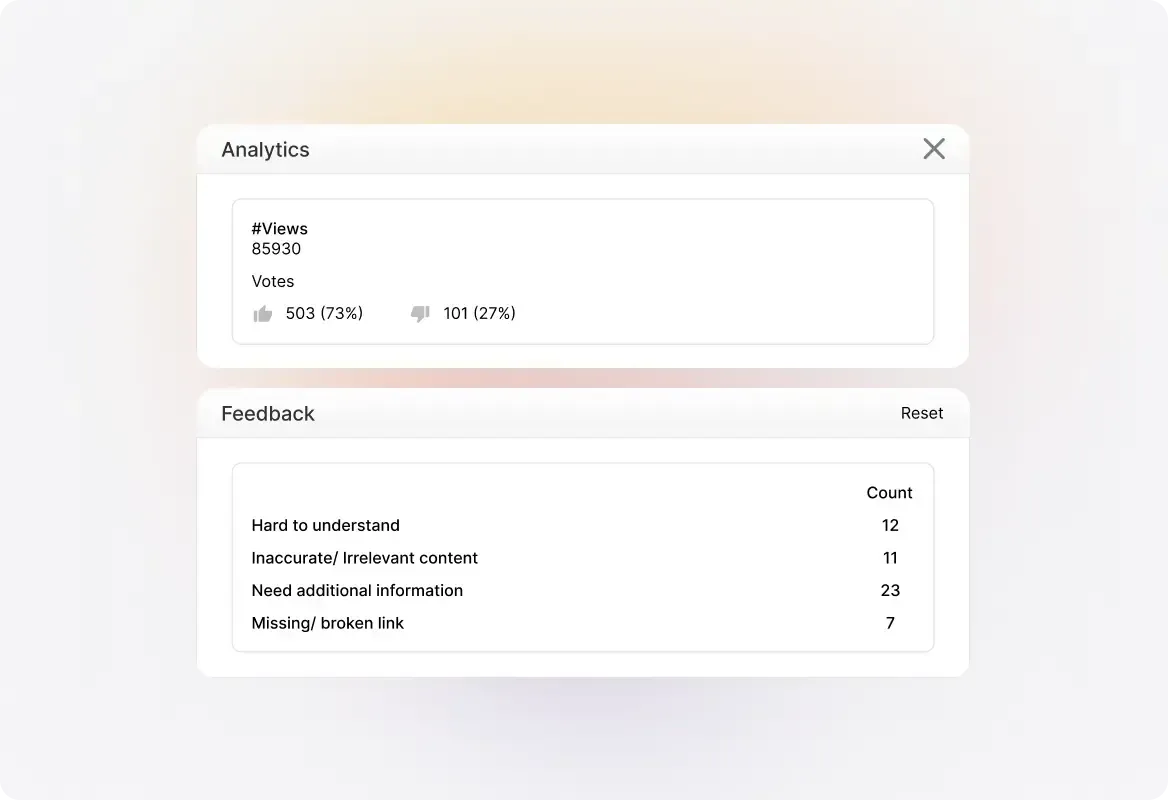
Track which articles are most useful and identify knowledge gaps through analytics and customer feedback. By spotting what's missing, you ensure your KB is always evolving.
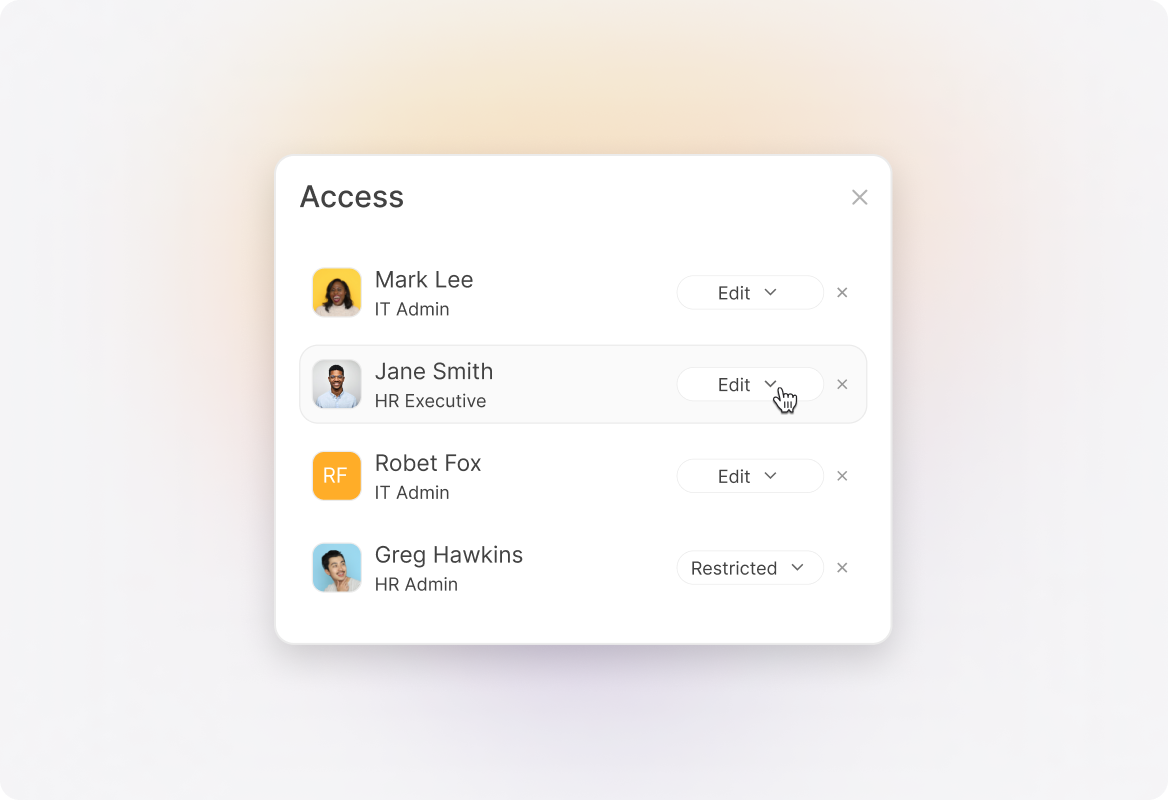
Define who can create, edit, and manage your knowledge base with role-based access control, ensuring the right team members have the right permissions.
Most teams can launch a fully functional knowledge base in just a few hours. You can import existing articles, use templates, and customize the design without needing IT resources. Setup is simple, and your knowledge base can scale as your content grows.
Yes. HappyFox Knowledge Base supports multi-brand knowledge management, allowing you to set up unique knowledge bases for different products, business units, or customer segments. Each knowledge base can have its own branding, structure, and access settings.
Absolutely. HappyFox Knowledge Base is built with SEO best practices, including customizable meta tags, descriptions, and search-friendly article URLs. This helps your contact center content rank higher in search engines, driving more traffic and deflecting tickets even before customers land on your website.
Yes. You can maintain internal knowledge bases for your employees, IT team, or HR processes, alongside external ones for customers. Access can be restricted with role-based permissions to ensure only the right teams view internal content.
Yes. The HappyFox Knowledge Base has a fully responsive design, ensuring a seamless experience across desktop, tablet, and mobile. Customers can find answers anytime, on any device.