
Trusted by Industry-Leading Companies




The problem
“Without visibility into when and where tickets are coming from, support managers struggle to allocate resources effectively. Peak hours catch teams off guard, certain channels get overwhelmed, and staffing decisions become guesswork.”
HappyFox Inflows Report gives you complete visibility into ticket creation patterns by channel, category, and time period. Spot trends, identify your busiest and calmest periods, and make data-driven decisions to optimize your support operations.
What inflow report makes possible.
- Tickets Created
- Total
- Average Tickets/Day
- Daily
- Weekday vs Weekend Patterns
- Compare
See the complete count of tickets created across all channels and categories for any time period.
Track your average daily ticket volume across all days of the week.
Compare average tickets on weekdays (Mon-Fri) versus weekends (Sat-Sun) to optimize staffing.
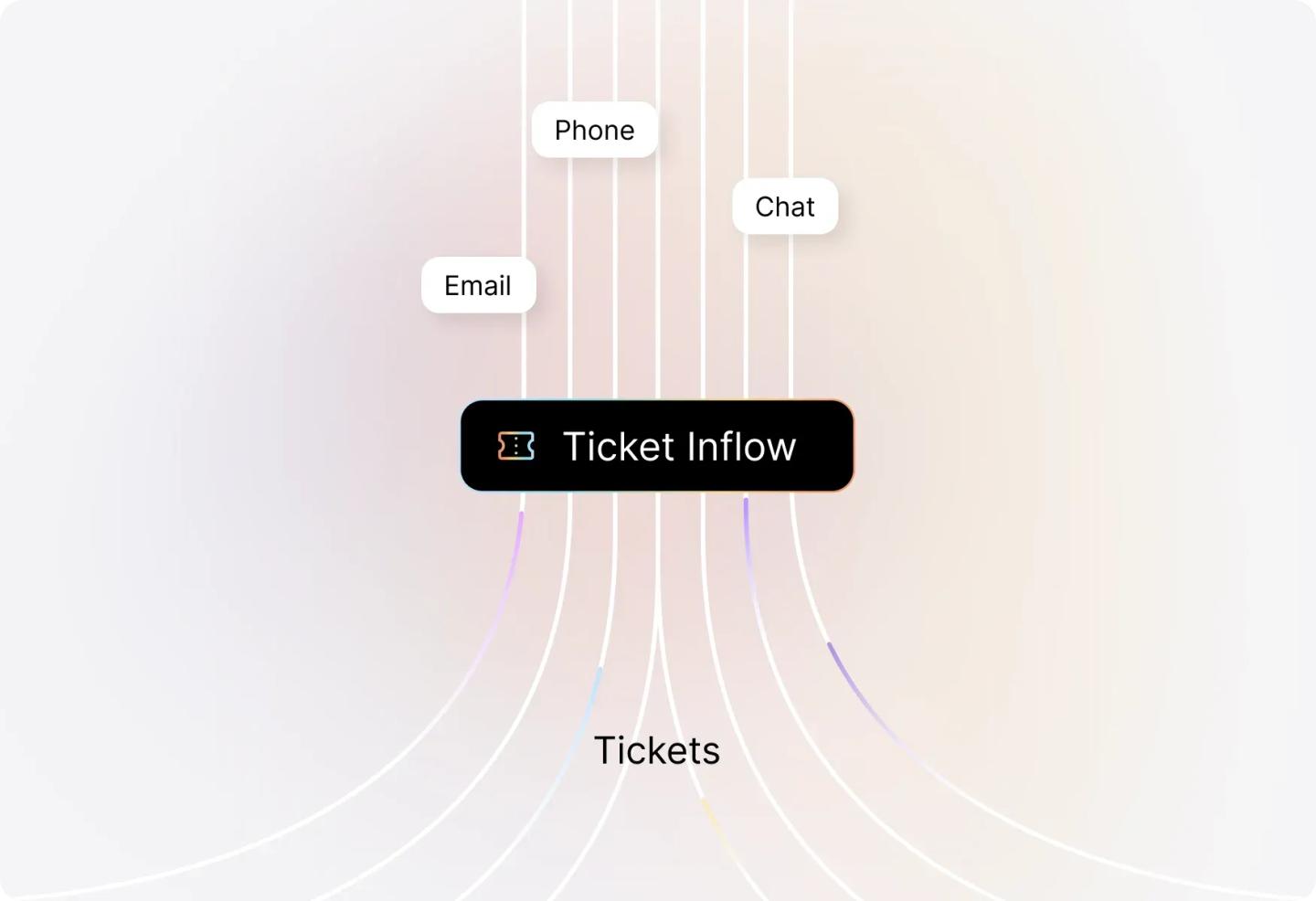
See Which Channels Drive the Most Tickets
Visualize ticket creation across all your support channels—email, chat, phone, web portal, and more. Identify which channels need more attention and allocate resources accordingly.
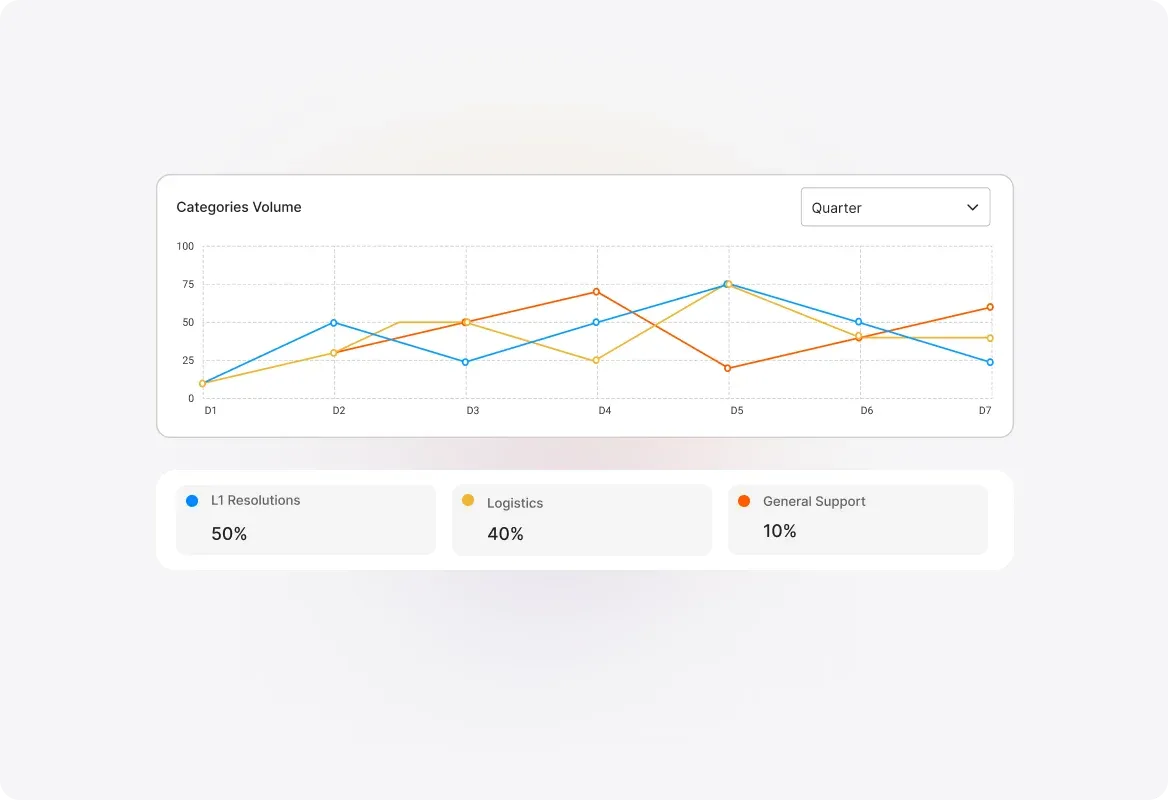
Identify Your Highest-Volume Categories
Understand which ticket categories receive the most requests and which get the least. Spot trends in issue types and proactively address recurring problems before they escalate.
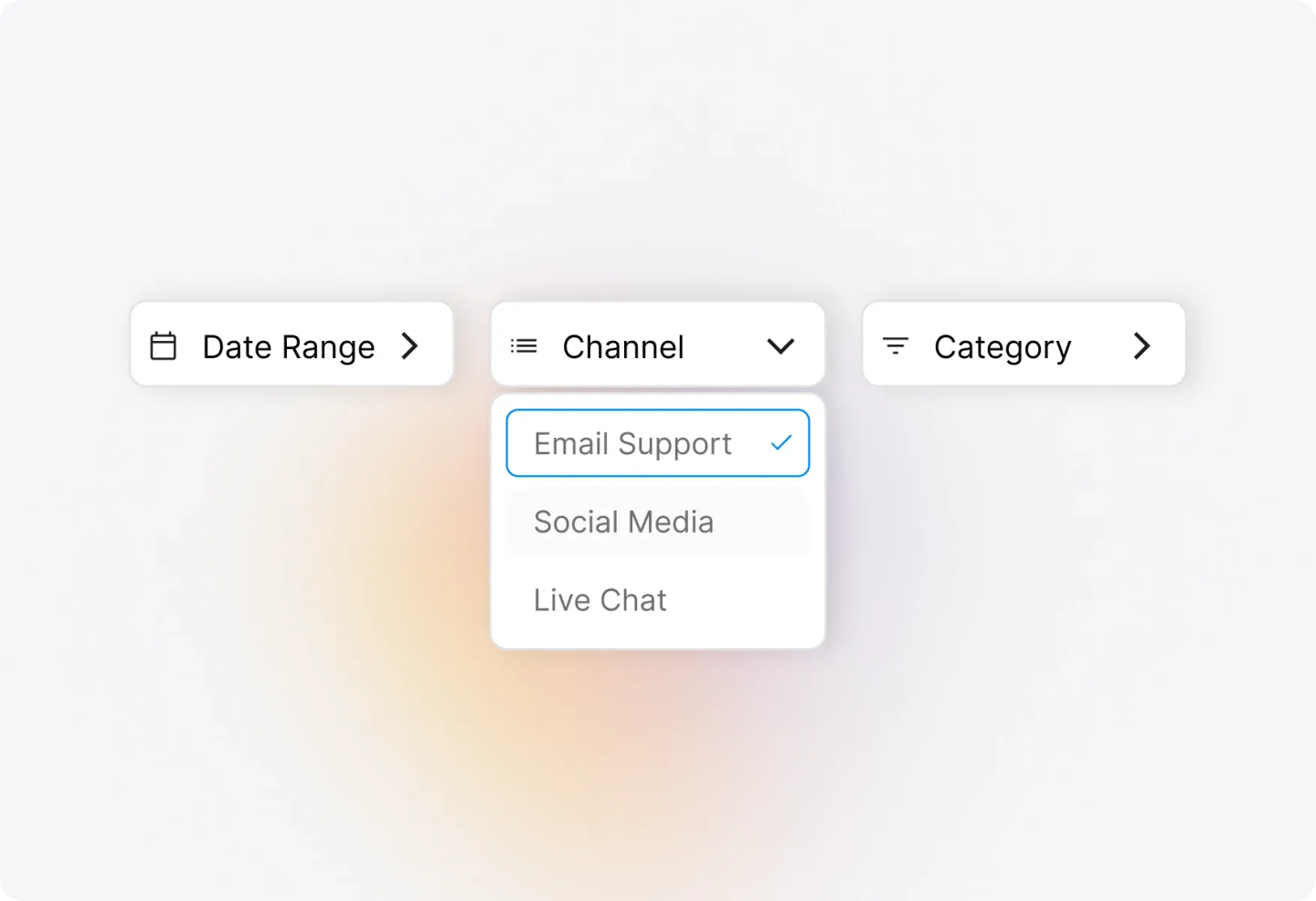
Drill Down into Channel-Category Combinations
Get granular insights by seeing how tickets are distributed across categories and their respective channels. Understand exactly where your tickets are coming from and why.
Spot Trends by Hour, Day, Month, or Quarter
Analyze ticket inflow patterns over time with flexible visualizations. Choose from Timeline Tables, Heatmaps, or Line Graphs to quickly identify your most active and inactive periods—channel-wise and category-wise.
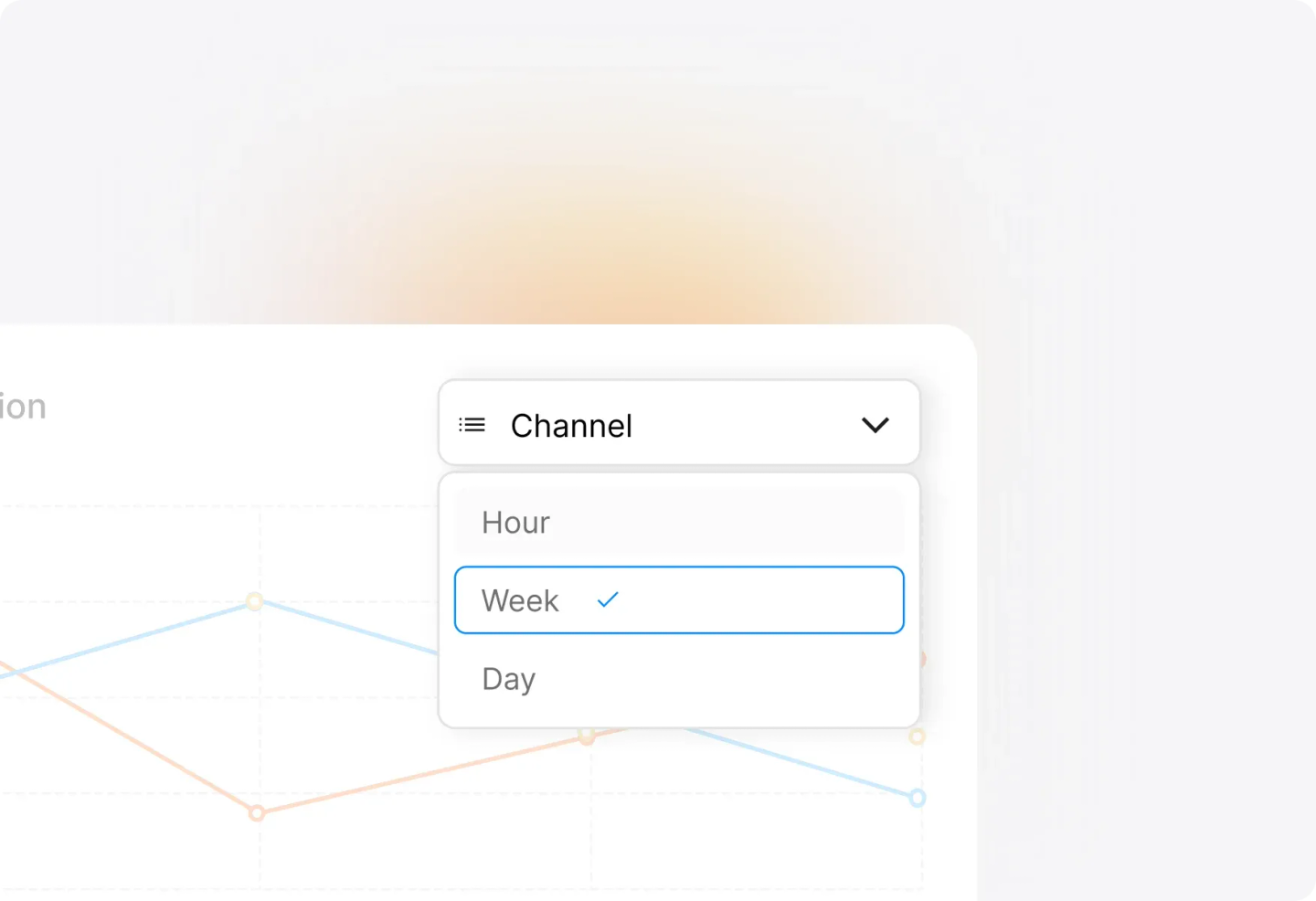
Refine Your View by Any Time Period
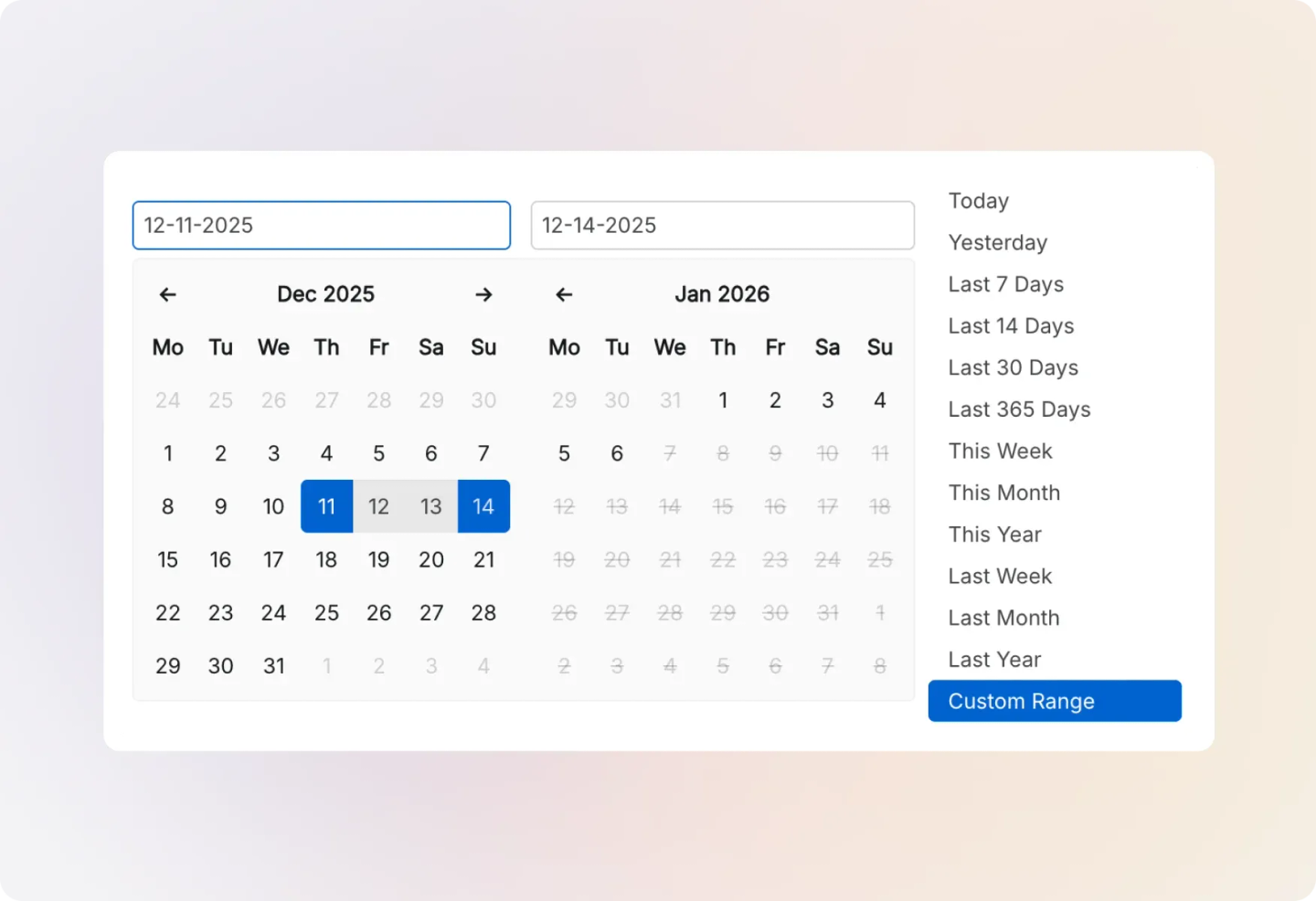
Filter and visualize inflow data by hour, day, month, quarter, or year. Understand seasonal patterns, plan for peak periods, and ensure you're never understaffed when it matters most.
Frequently asked questions.
What does the Inflows Report show me?
The Inflows Report shows how tickets are created in your help desk, breaking down ticket creation by category and channel. You can monitor ticket counts for any selectable time period and observe trends to understand your busiest and calmest periods.
Can I filter the report by specific categories?
Yes! The report includes only active categories and allows you to filter by specific categories. All statistics are subject to the time-frame and categories you select in the filter.
What visualization options are available for time-based analysis?
You can view inflow across time in three visualization formats: Timeline Table, Heatmap, and Line Graph. Each helps you quickly comprehend the most active or inactive time periods for ticket creation.
How granular can I get with time-based analysis?
You can refine your visualization by hour, day, month, quarter, or year—giving you flexibility to spot both short-term spikes and long-term seasonal trends.
Does the report show weekday vs weekend patterns?
Yes! The summary pane displays average tickets per weekday (Mon-Fri) and average tickets per weekend (Sat-Sun) separately, helping you understand traffic patterns and plan staffing accordingly.