Eliminate Lost Requests
Capture every customer email from all inboxes in a single dashboard with full visibility and tracking.
 Help Desk
Trusted by Industry-Leading Companies




“When customer emails are spread across multiple inboxes, support teams struggle to track ownership, prioritize requests, and respond on time. Messages get missed, replies are duplicated, and managers lack visibility into inbox-level performance. Managing support over email becomes inefficient, reactive, and hard to scale.”
Multiple Mailbox Management connects all your support email addresses to HappyFox while preserving each address's unique identity. Your team works in one system while customers continue interacting with their familiar email addresses.
Capture every customer email from all inboxes in a single dashboard with full visibility and tracking.
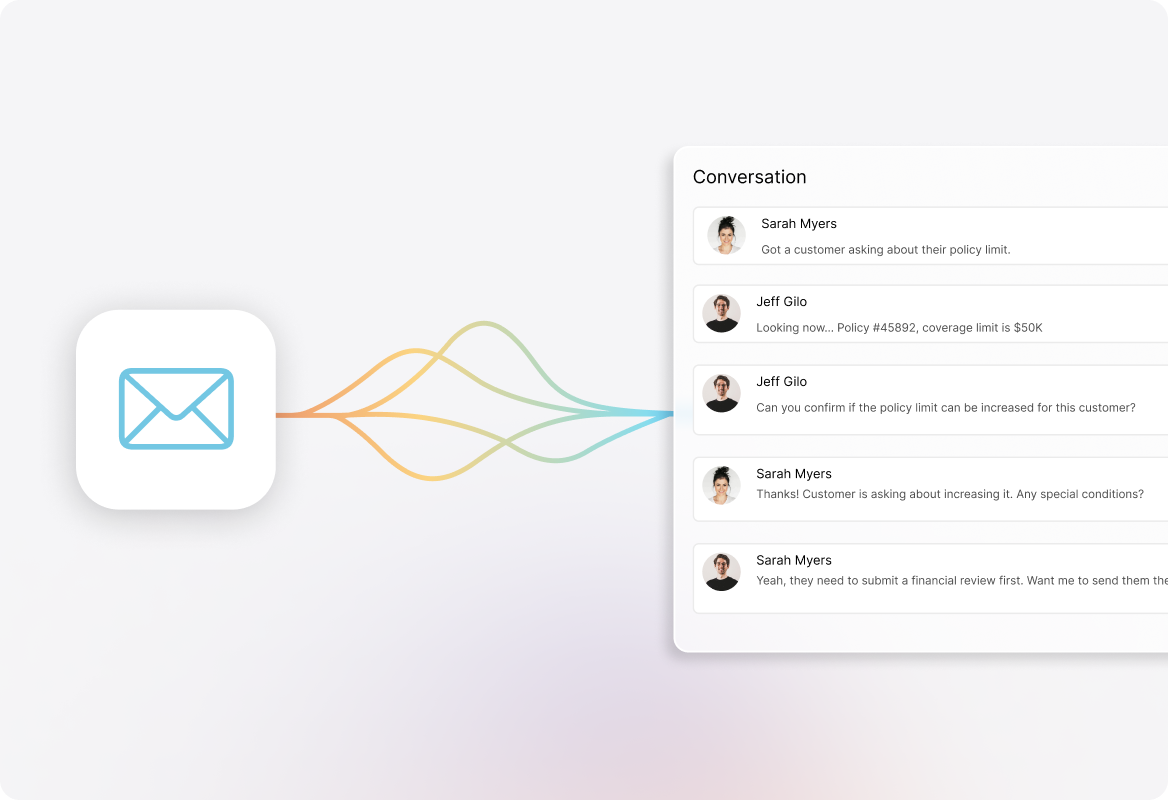
End time-wasting account switching and enable instant collaboration between departments.
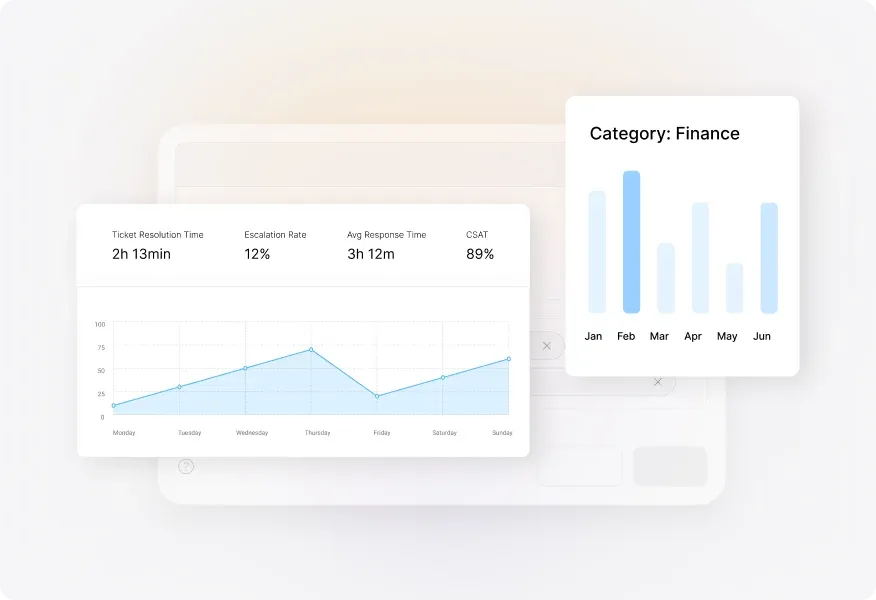
Generate custom reports for each mailbox to identify trends and optimize resource allocation.
Connect support, sales, billing, and department-specific mailboxes to instantly direct messages to the right teams based on which inbox received them.

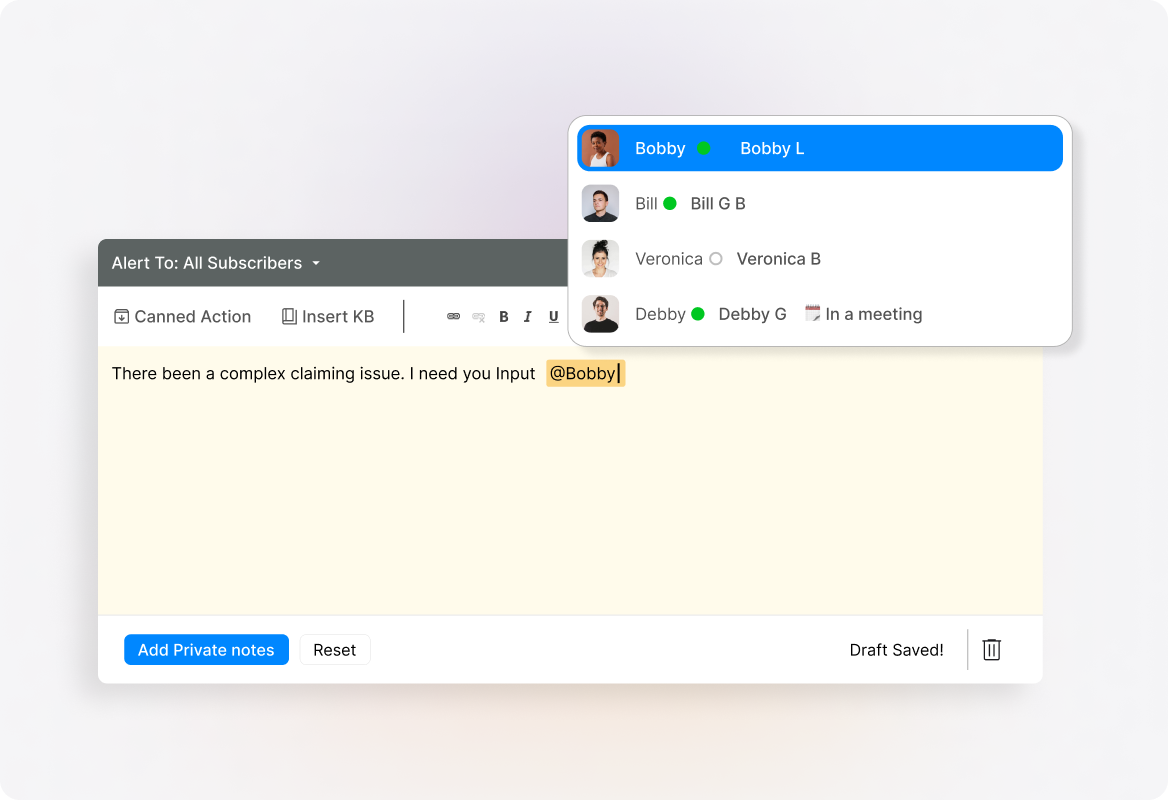
Use internal private notes and @mentions to work together inside tickets without cluttering customer threads or CC'ing colleagues.
Send replies from the exact email address customers originally contacted, creating seamless conversation continuity with no confusion.
Create custom reports for each mailbox to measure volume, response times, and resolution rates—identifying which channels need additional resources.
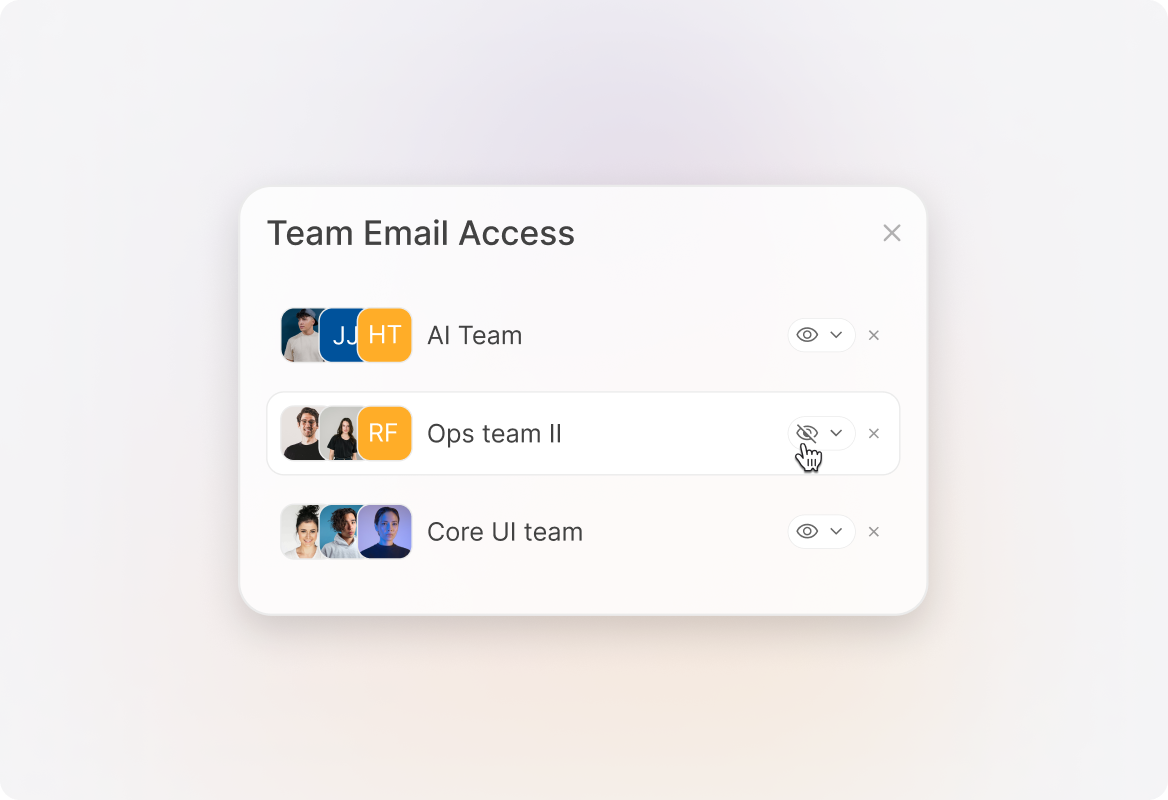
Control exactly which team members can view and respond to specific mailboxes while maintaining a single platform for your entire organization.
Pinpoint which email channels generate the most tickets or longest resolution times to optimize your support strategy and resource allocation.
You can connect unlimited email addresses, with no additional per-mailbox fees.
HappyFox automatically creates tickets and routes them to the appropriate teams based on which mailbox received the email, while maintaining the original email identity.
Teams use built-in private notes and @mentions to collaborate within tickets, eliminating the need to forward emails between departments.
Yes. HappyFox allows you to create custom reports for each mailbox, giving you detailed insights into performance metrics across all your email channels.