Reach Customers Instantly
Deliver real-time updates to customers the moment ticket status is modified.
 Help Desk
Trusted by Industry-Leading Companies




“Support teams often struggle to reach customers quickly when urgent responses are needed, leading to delayed resolutions and frustrated customers. Phone calls are time-consuming, and emails often go unread for hours.”
HappyFox SMS notifications ensure your messages get through immediately, with the majority of texts read within minutes.
Deliver real-time updates to customers the moment ticket status is modified.
Keep all SMS notifications synchronized with their respective tickets for complete context.
Automatically trigger SMS alerts for key ticket events, reducing manual effort.
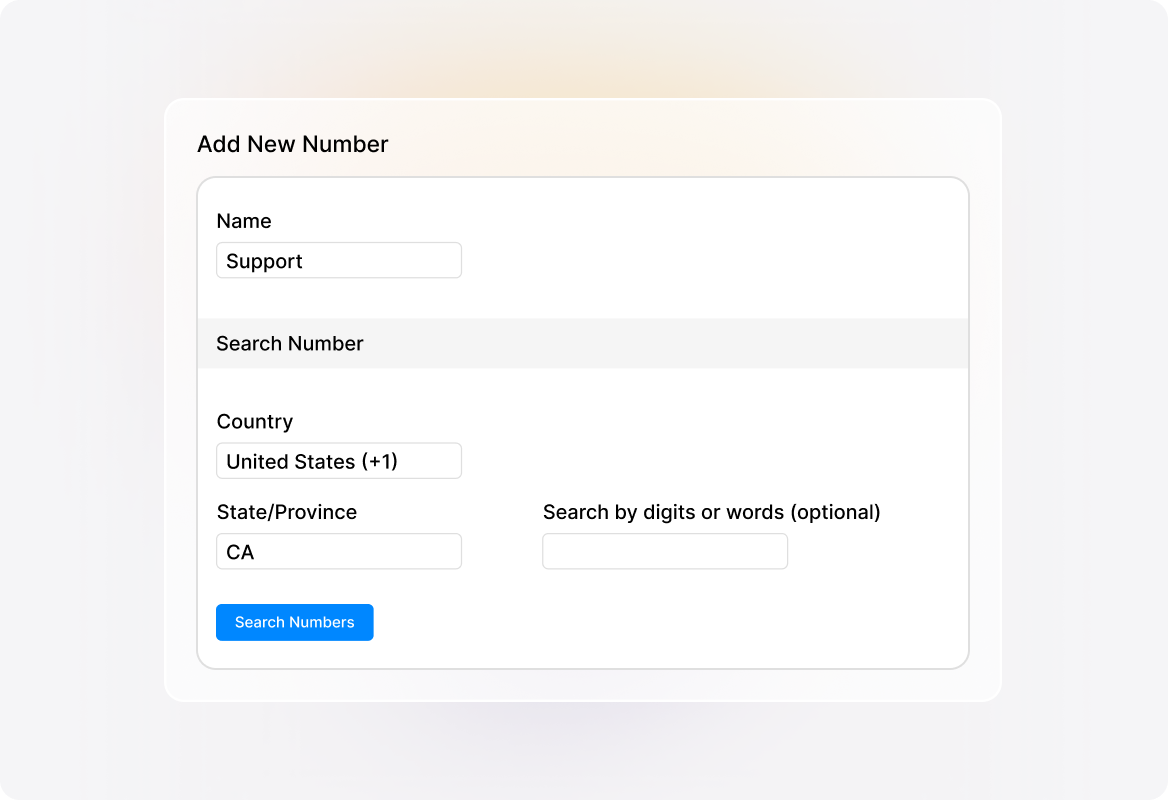
Get a brand new number based on your Country, Region and Number preferences, with just a few clicks.
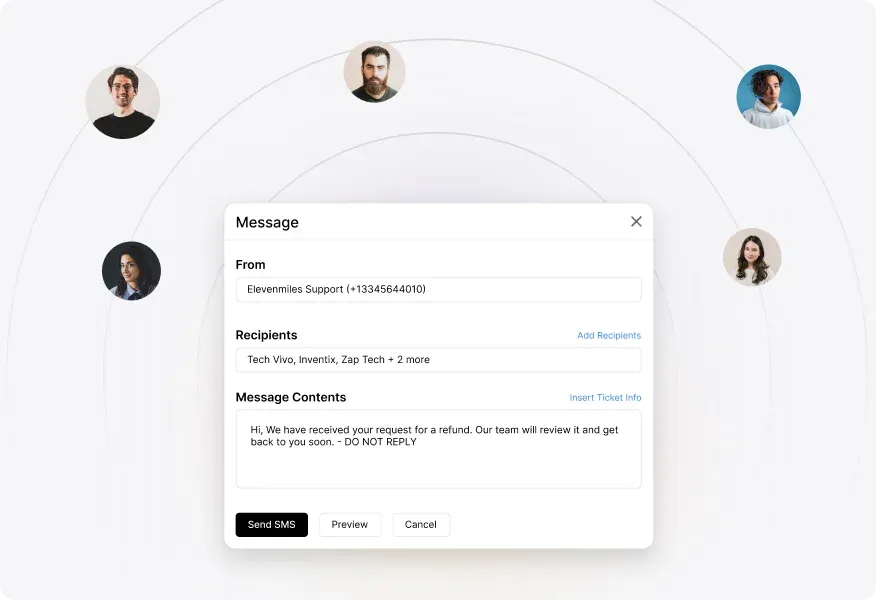
Send individual or bulk SMS updates, using dynamic fields for personalization. Preview messages before sending to ensure accuracy.
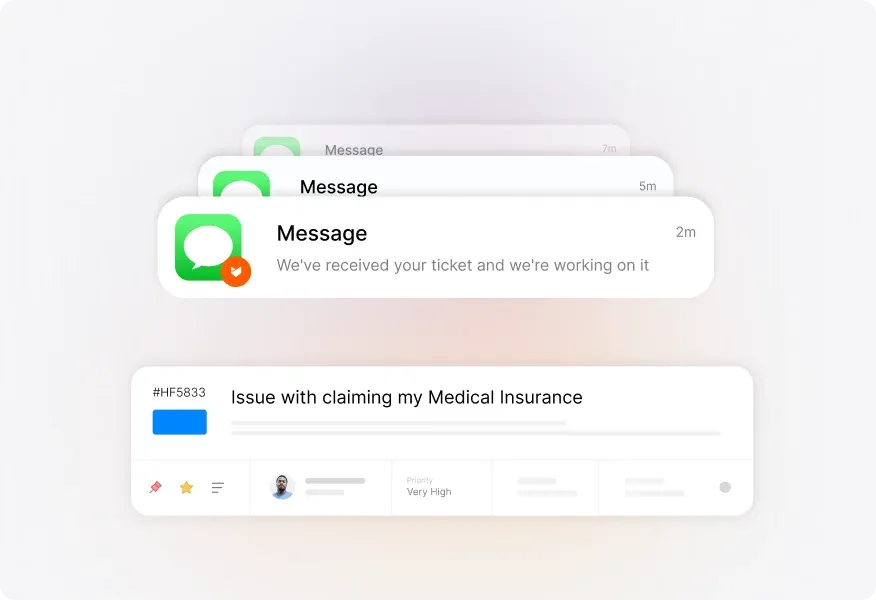
All SMS notifications are logged within the ticket, maintaining a complete history of customer communication in one place.
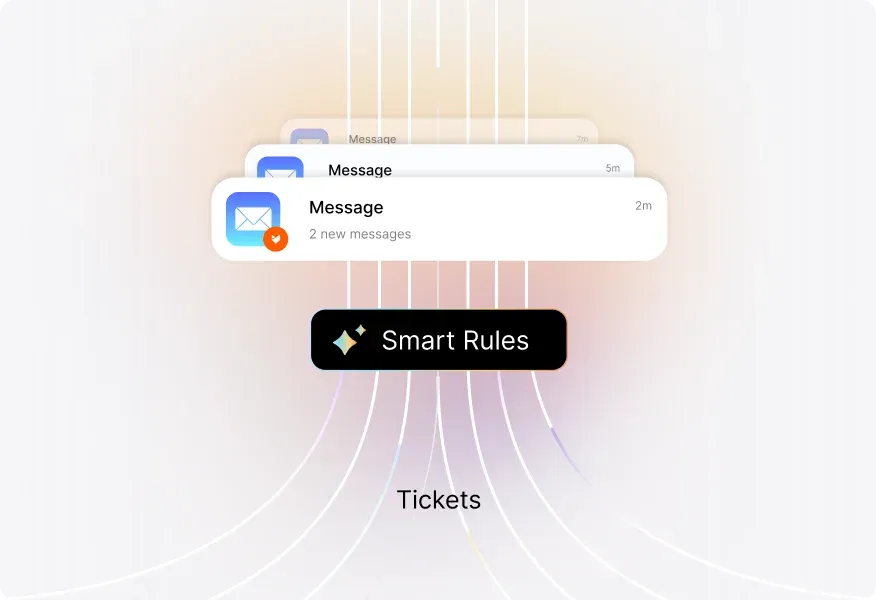
Use Smart Rules to automatically send SMS to customers when predefined conditions are met.
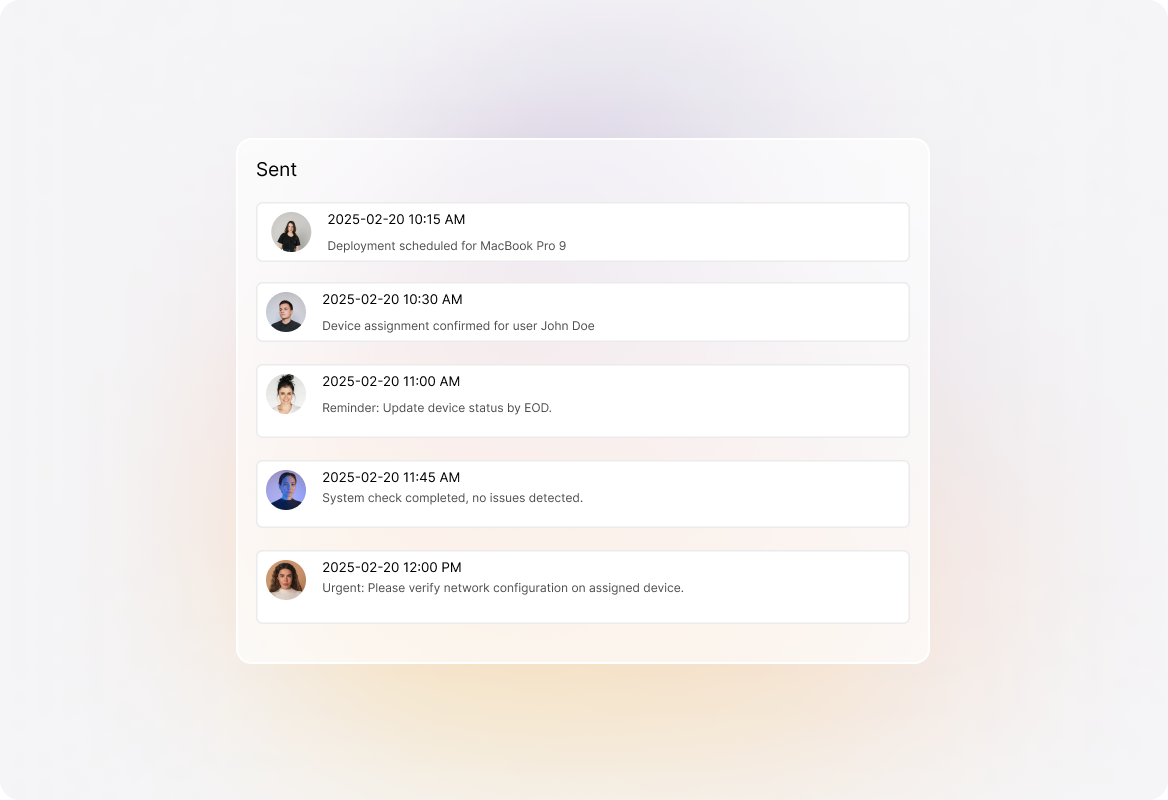
View logs of all sent messages, including timestamps and status updates, ensuring complete visibility into past communications.
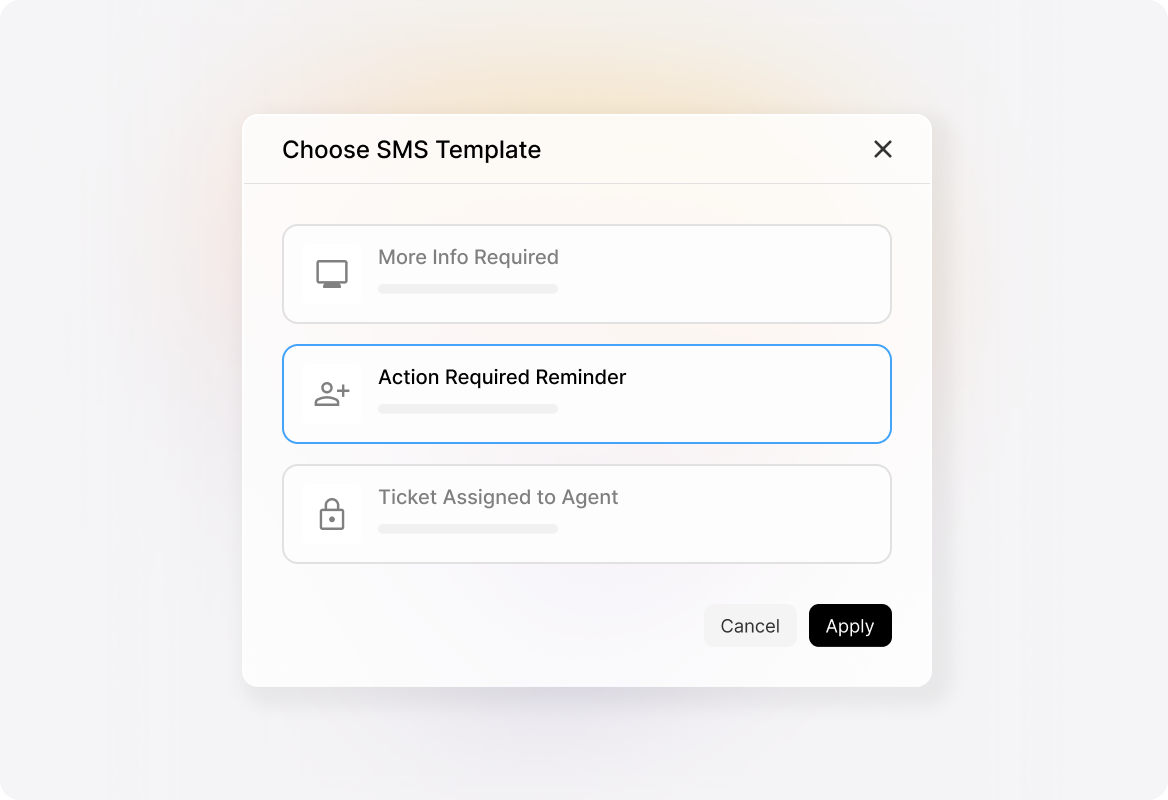
Create templates for common scenarios to keep team communication uniform, and use dynamic fields to personalize messages automatically.
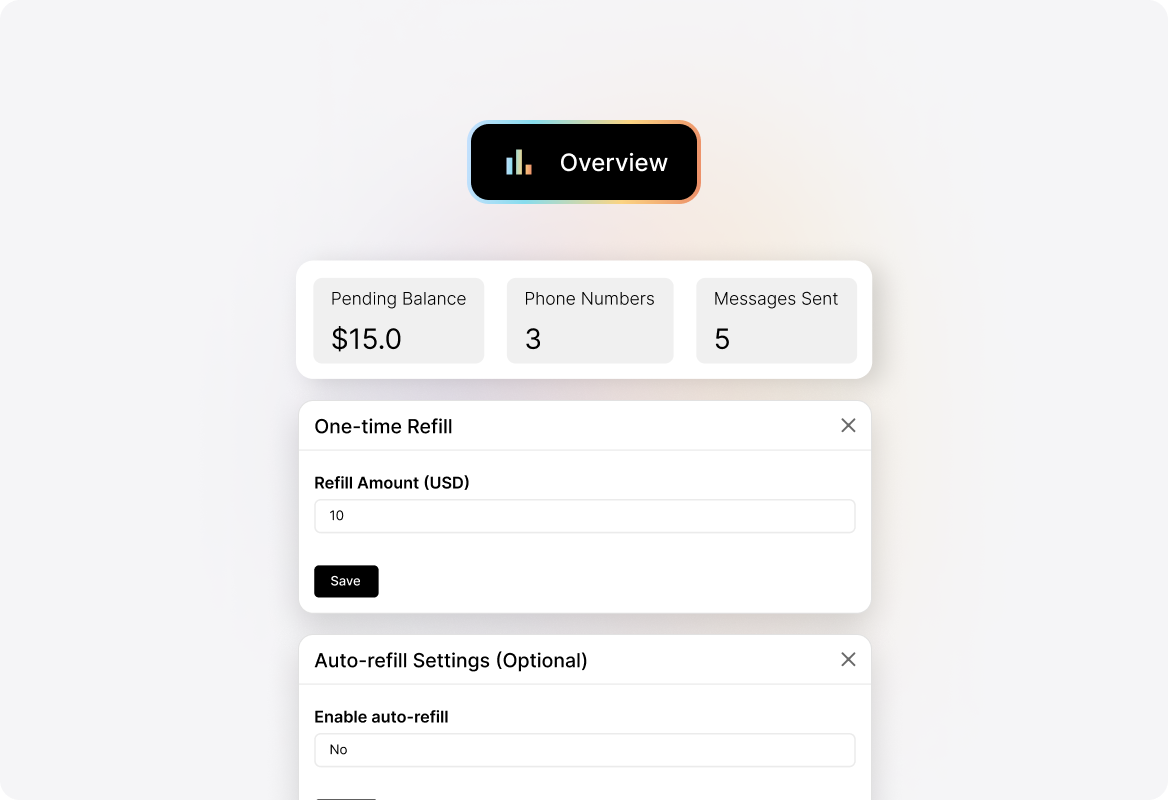
Set up auto-refill to maintain uninterrupted service, ensuring your team can continue sending SMS without disruptions.
Getting started is simple. Just register a phone number in your preferred country, set up SMS templates, and link them to your help desk tickets. You can send messages manually or automate them using Smart Rules
Yes! HappyFox lets you automate SMS alerts based on ticket activities. Set triggers with Smart Rules, and your messages will go out automatically without manual effort.
Absolutely. HappyFox supports bulk SMS notifications, letting you send personalized updates to many customers at once while maintaining ticket history for each recipient.
Yes. Use dynamic fields in your templates to automatically include customer names, ticket details, and other relevant information in every message.